
Week 2
Continuing with the further development of the site you started last week, you will fully create the site this week.
Step 1.
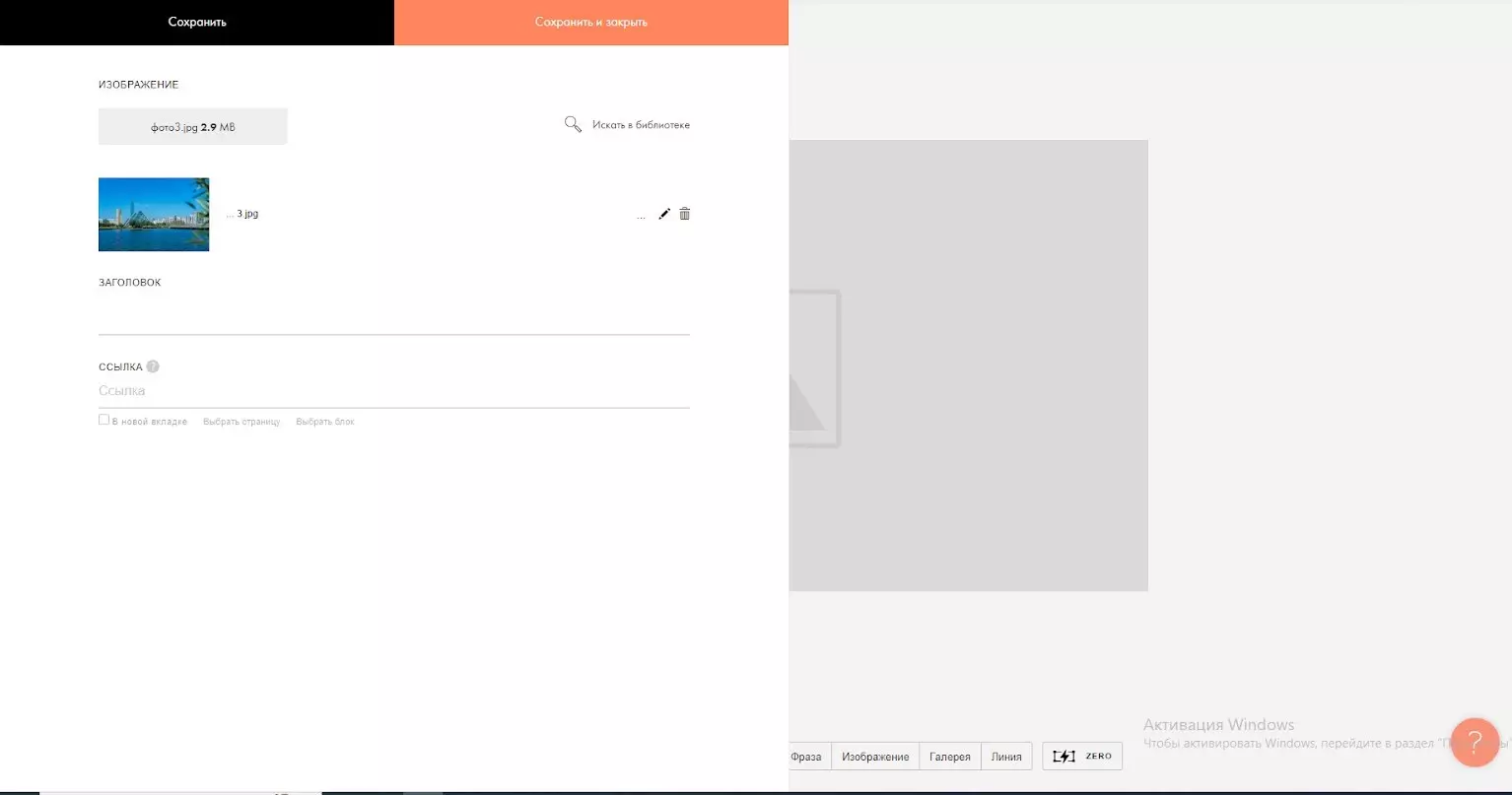
Draw the fifth page. To add this page, you add a new page by clicking the “Add” button. After clicking the “Add” button, go to “image” and select “IM01”.
Click the “Content” button and upload the new image” photo3″ yourself into the content. And save by clicking on the “Save and close” button. Don’t forget to save each information, image after you have entered it.
Step 2.
Enter the text on the next sixth page. To create a page, press “Add”, select “Text Box” and select “TX01”. Enter and save the text below by entering the “Content” section.
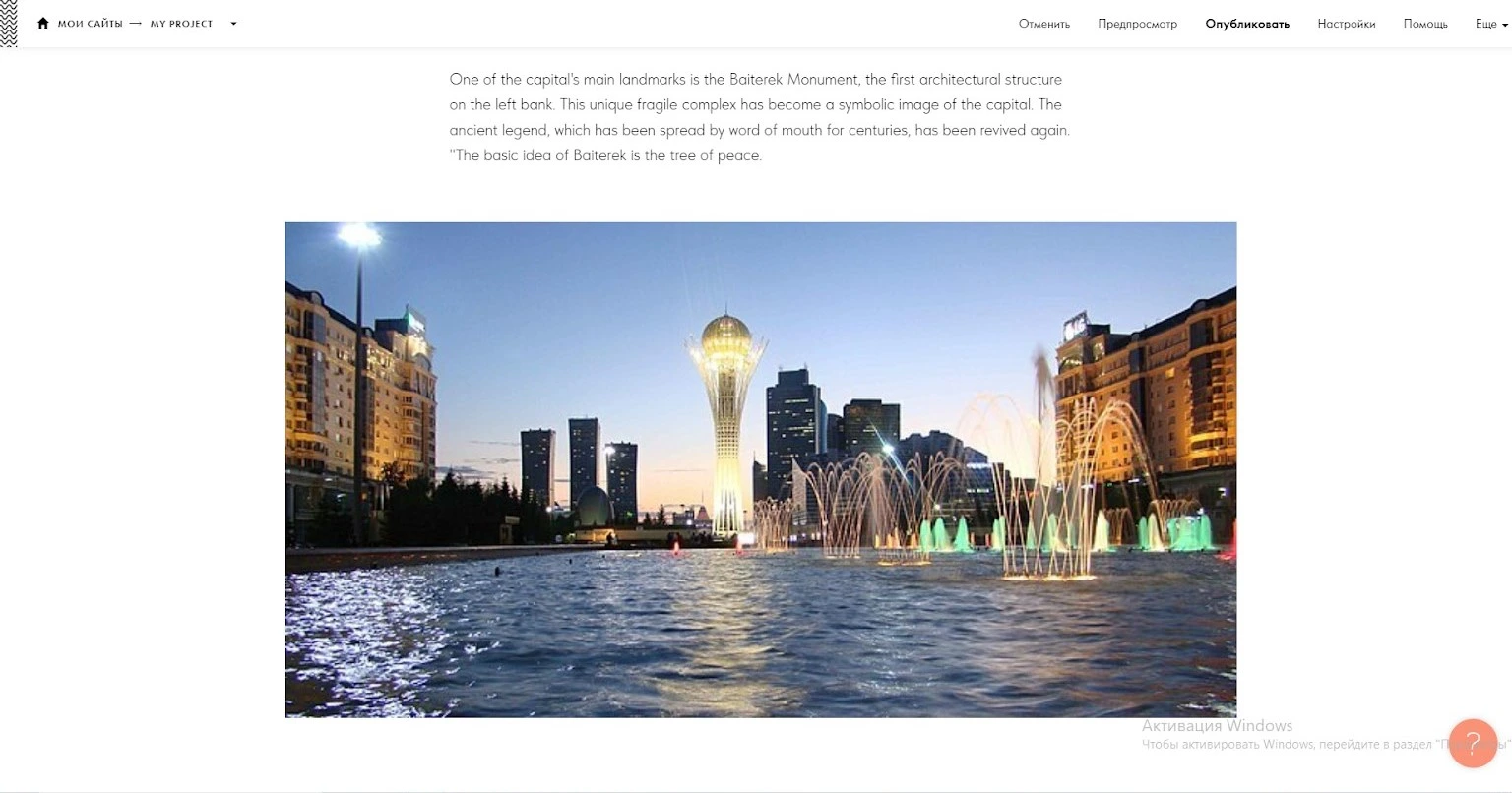
Text: “One of the capital’s main landmarks is the Baiterek Monument, the first architectural structure on the left bank. This unique fragile complex has become a symbolic image of the capital. The ancient legend, which has been spread by word of mouth for centuries, has been revived again. “The basic idea of Baiterek is the tree of peace.”
Step 3.
Enter “photo4” on the next page. To do this, first create the page on which you are inserting the image as “IM01”. Then go to the “Content” section of the page and upload the new image to the site. “Click the Save” button and the new image will be uploaded to the website.
Step 4.
The eighth page will contain information about the Expo 2017 in Astana. To do this, add a new page in “TX01” format and enter the text below in the “Content” section.
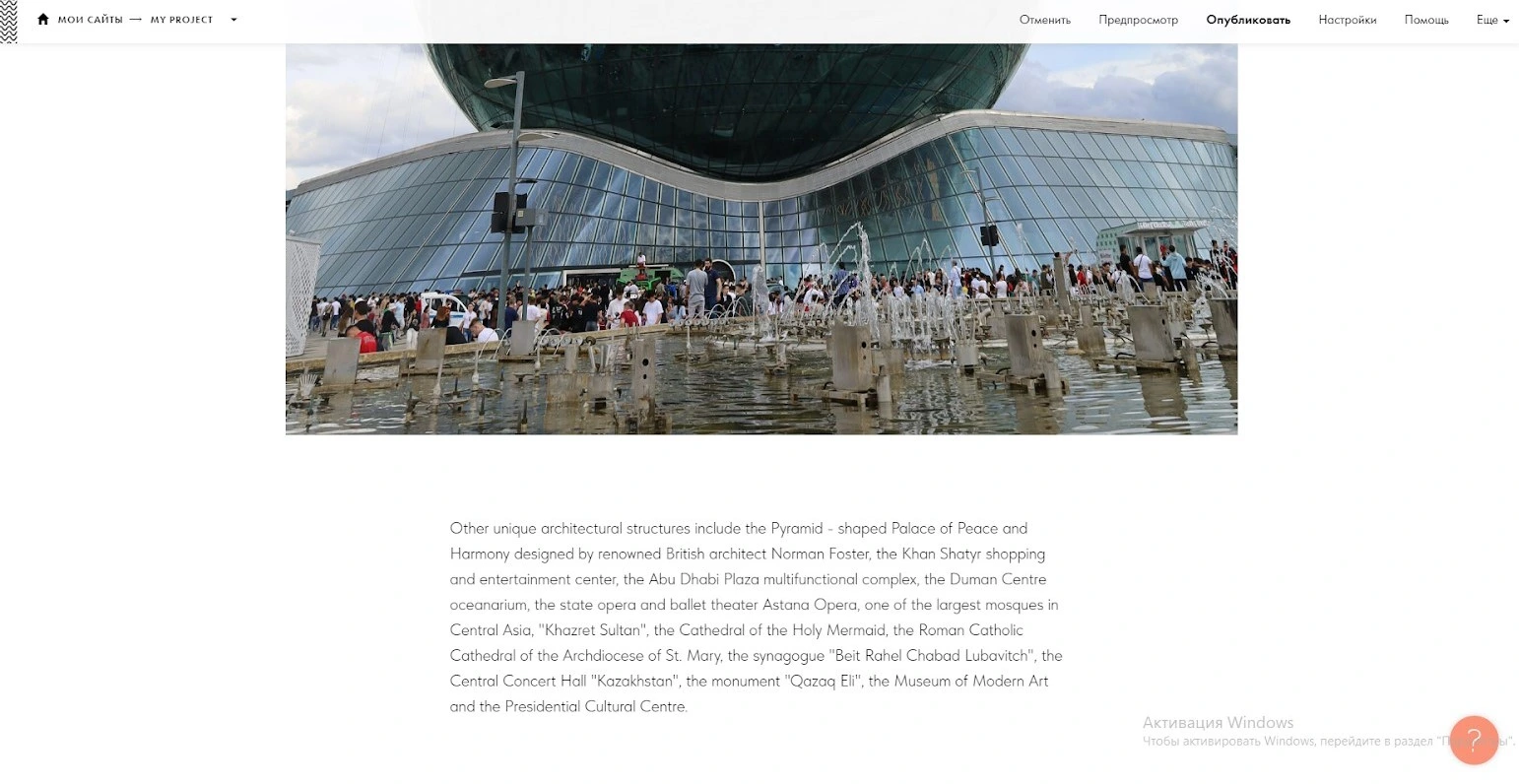
Text: “In 2017, the international exhibition EXPO-2017 was held in the capital, and an exhibition complex, Expo City, was built on the left bank of the Yesil River. The centerpiece of the exhibition complex, which has become the architectural symbol of Expo 2017, is called Nur Alem. The giant spherical building is the largest sphere in the world. Its diameter is 80 meters, and its height is 100 meters.”
Step 5.
Create a ninth page in “IM01” format and upload “photo5” to the “Content” section.
Step 6.
Create a page in “TX01” format for the text on the tenth page. Enter the text below into this by going to “Content”.
Text: “Other unique architectural structures include the Pyramid – shaped Palace of Peace and Harmony designed by renowned British architect Norman Foster, the Khan Shatyr shopping and entertainment center, the Abu Dhabi Plaza multifunctional complex, the Duman Centre oceanarium, the state opera and ballet theater Astana Opera, one of the largest mosques in Central Asia, “Khazret Sultan”, the Cathedral of the Holy Mermaid, the Roman Catholic Cathedral of the Archdiocese of St. Mary, the synagogue “Beit Rahel Chabad Lubavitch”, the Central Concert Hall “Kazakhstan”, the monument “Qazaq Eli”, the Museum of Modern Art and the Presidential Cultural Centre. “
Step 7.
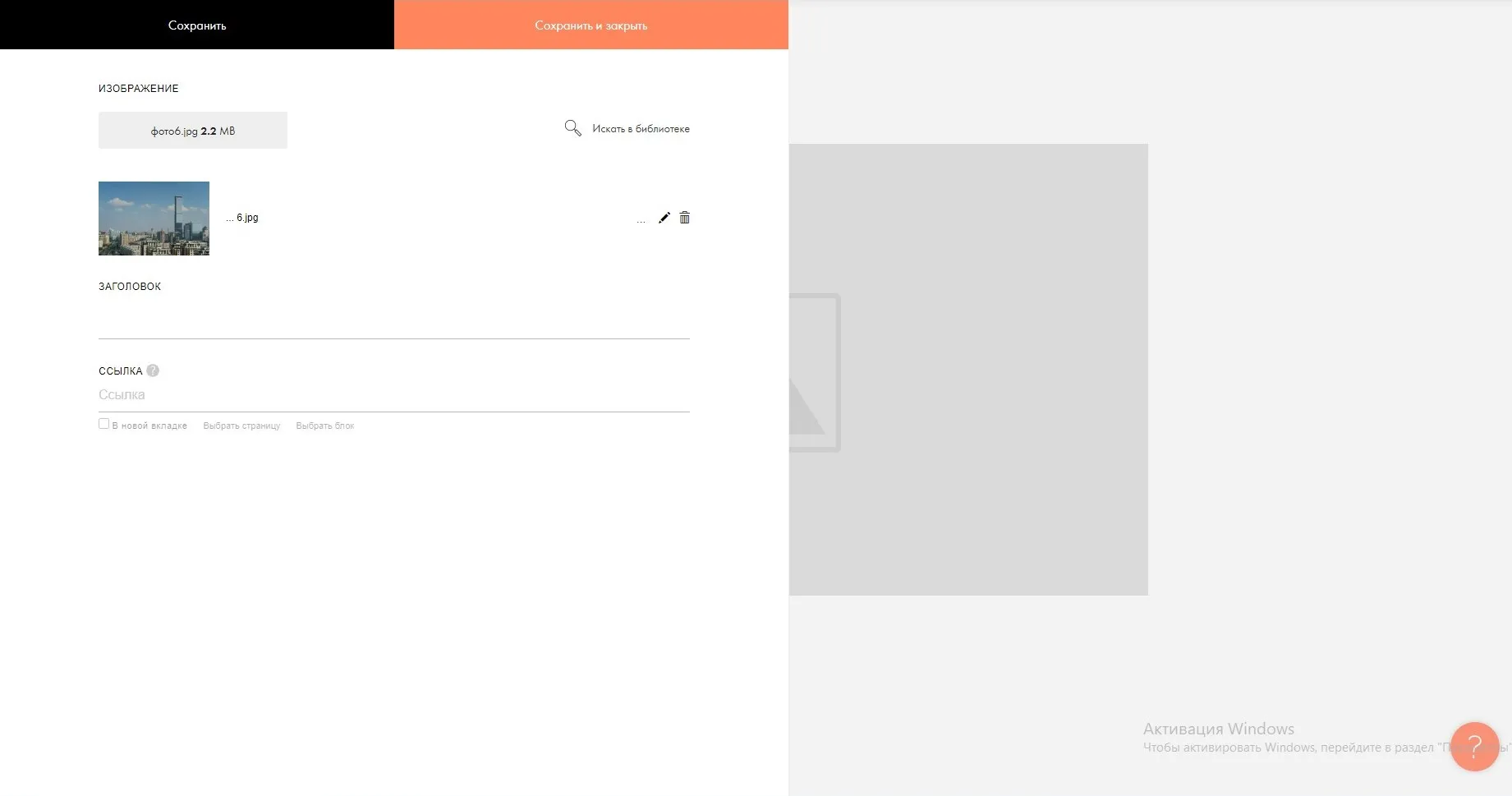
Click “Add” on the next page and select “IM01”. Go to the “Content” section of the newly added page and upload “photo6”.
Step 8.
Add another new page to write the final section. Click the “Add” button, select “Text Box” and select “TX01”.
On the added page, enter the text below by going to the “Content” section.
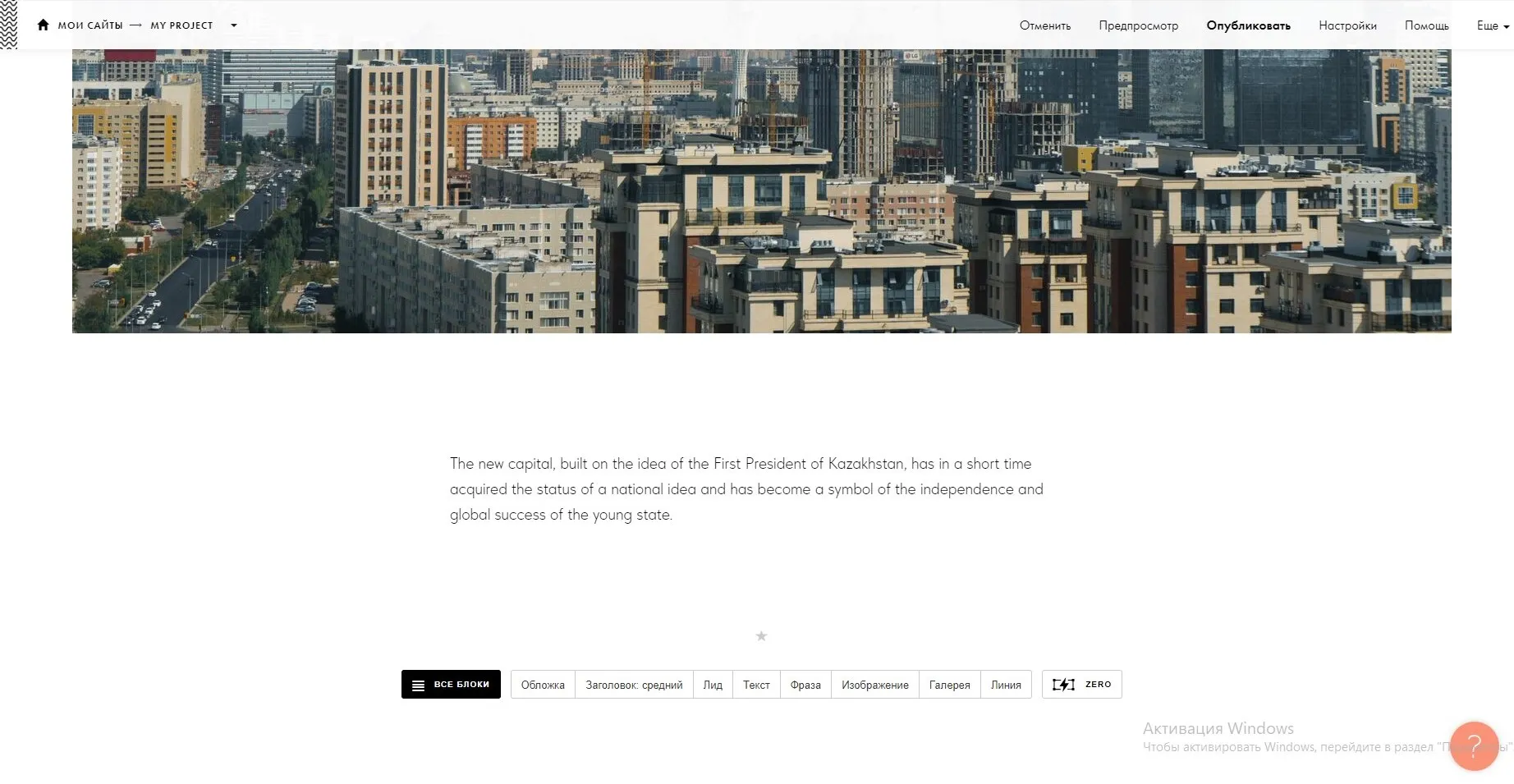
Text: “The new capital, built on the idea of the First President of Kazakhstan, has in a short time acquired the status of a national idea and has become a symbol of the independence and global success of the young state.”
With this you have created and edited the website. Next week you will further enhance the website by adding a feature for the visually impaired.