
Finding the area of a rectangle and a square
Area Model Multiplication by PhET Interactive Simulations, University of Colorado Boulder, licensed under CC-BY-4.0 (https://phet.colorado.edu)
Objective:
- To learn the formula for calculating area;
- To learn how to find the area of a rectangle and a square.
This virtual activity is designed for use in mathematics lessons on the following topics
- Grade 3. “Finding the area of a rectangle and a square”.
Theoretical part
Area is a measure of the size of a plane figure. It is measured in square units, such as square centimeters (sq cm) or square meters (sq m).
The area of a rectangle
A rectangle is a quadrilateral whose angles are all right angles (equal to 90°) and whose opposite sides are equal in pairs.
To find the area of a rectangle, multiply the length of its base (a) by its width (b).
The formula is
S = a * b
Where:
- S – area of the rectangle (in square centimeters, square meters, etc.)
- a – length of the base of the rectangle (in cm, m, etc.)
- b – width of the rectangle (in cm, m, etc.)
Example:
Find the area of a rectangle with sides 5 cm and 3 cm:
S = 5 cm * 3 cm = 15 square cm
Area of a square
A square is a rectangle with equal sides.
To find the area of a square, you need to square its side (a).
The formula is
S = a²
Where:
- S – area of the square (in square centimeters, square meters, etc.)
- a – side of the square (in cm, m, etc.)
Example:
Find the area of a square with side 4 cm:
S = 4 cm² = 16 square cm
Virtual Experiment
The “Finding the area of a rectangle and a square” simulation helps students learn how to find the area of a rectangle. They learn how to use the area model to reason about the product of two numbers, that the product/area can be divided by smaller products/areas, and that the total area is equal to the sum of the partial areas.
Course of Work:
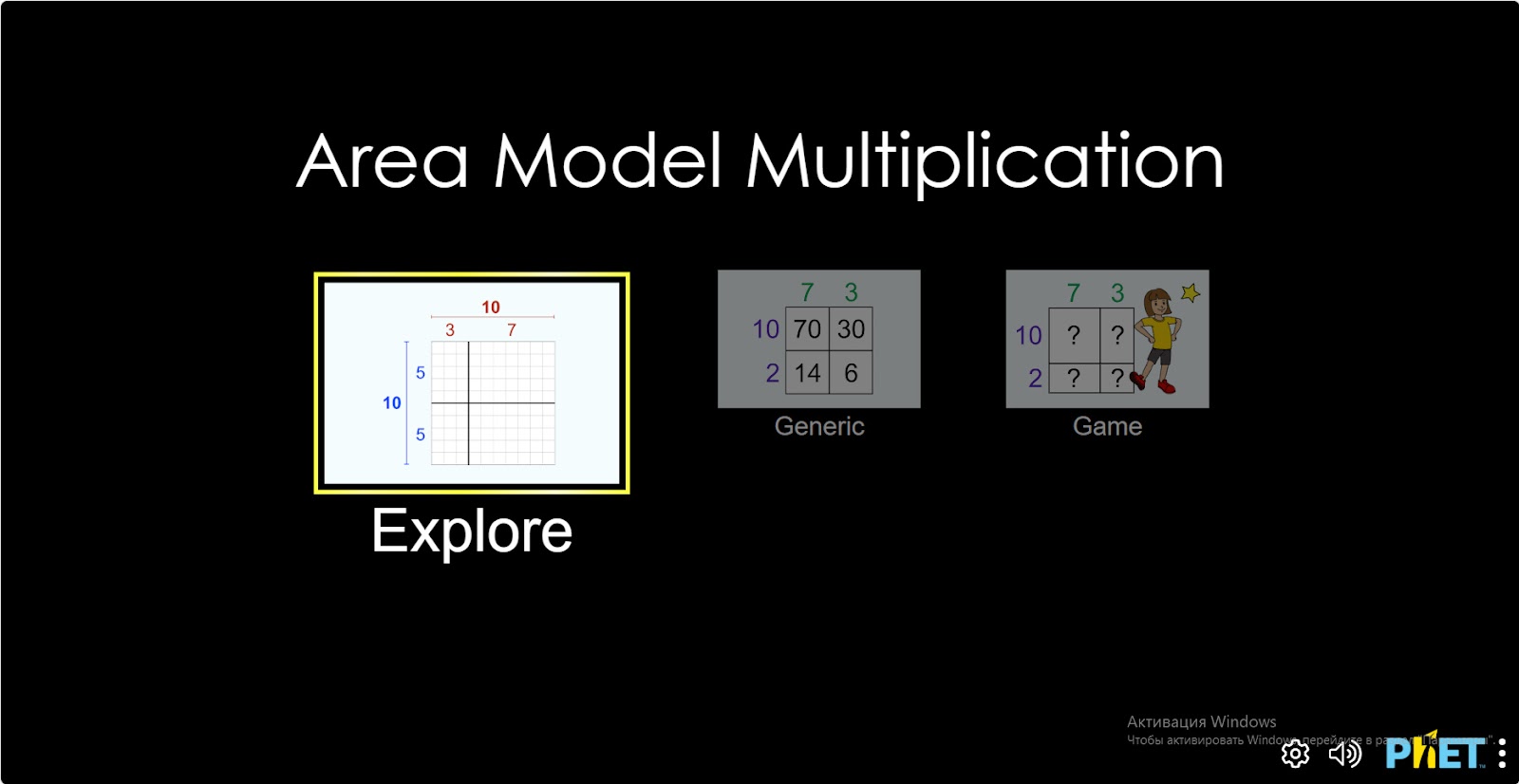
Step 1. Start the simulation: You will be presented with 3 different modes: “Explore”, “Generic” and “Game”. You will work on this experiment in the “Explore” section. Open the “Explore” section.
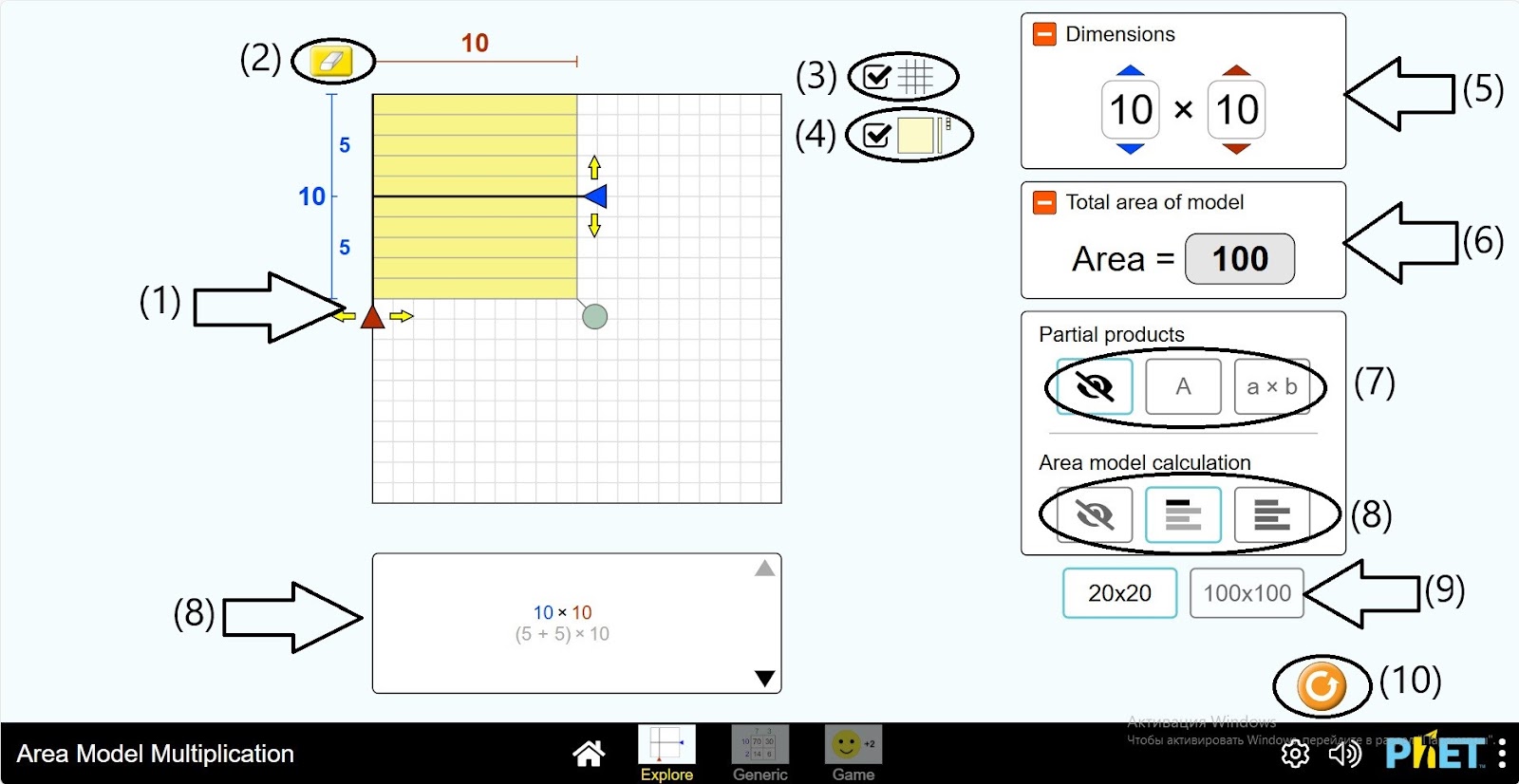
Step 2. You are given a workspace:
- A table of size 20*20 and dividing lines vertical, horizontal (1);
- Eraser (2);
- Button to hide the grid in the table (3);
- Button to color the square in the table (4);
- Multiplication and multiplication number board (5);
- Multiplication results table (6);
- Rectangle information in the table (7);
- Calculation fields and “hide” button (8);
- Table size: 20*20 и 100*100 (9);
- Reload button (10).
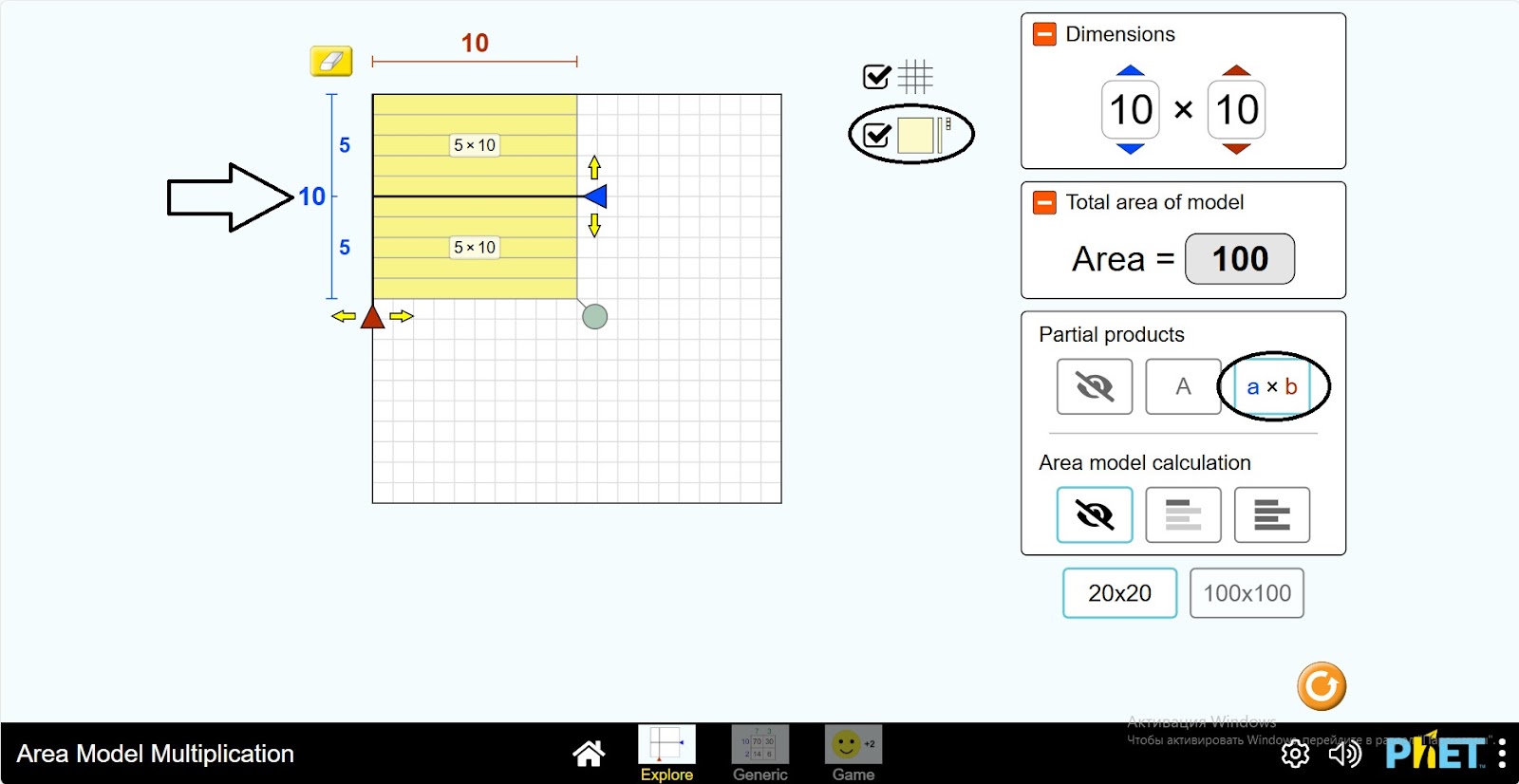
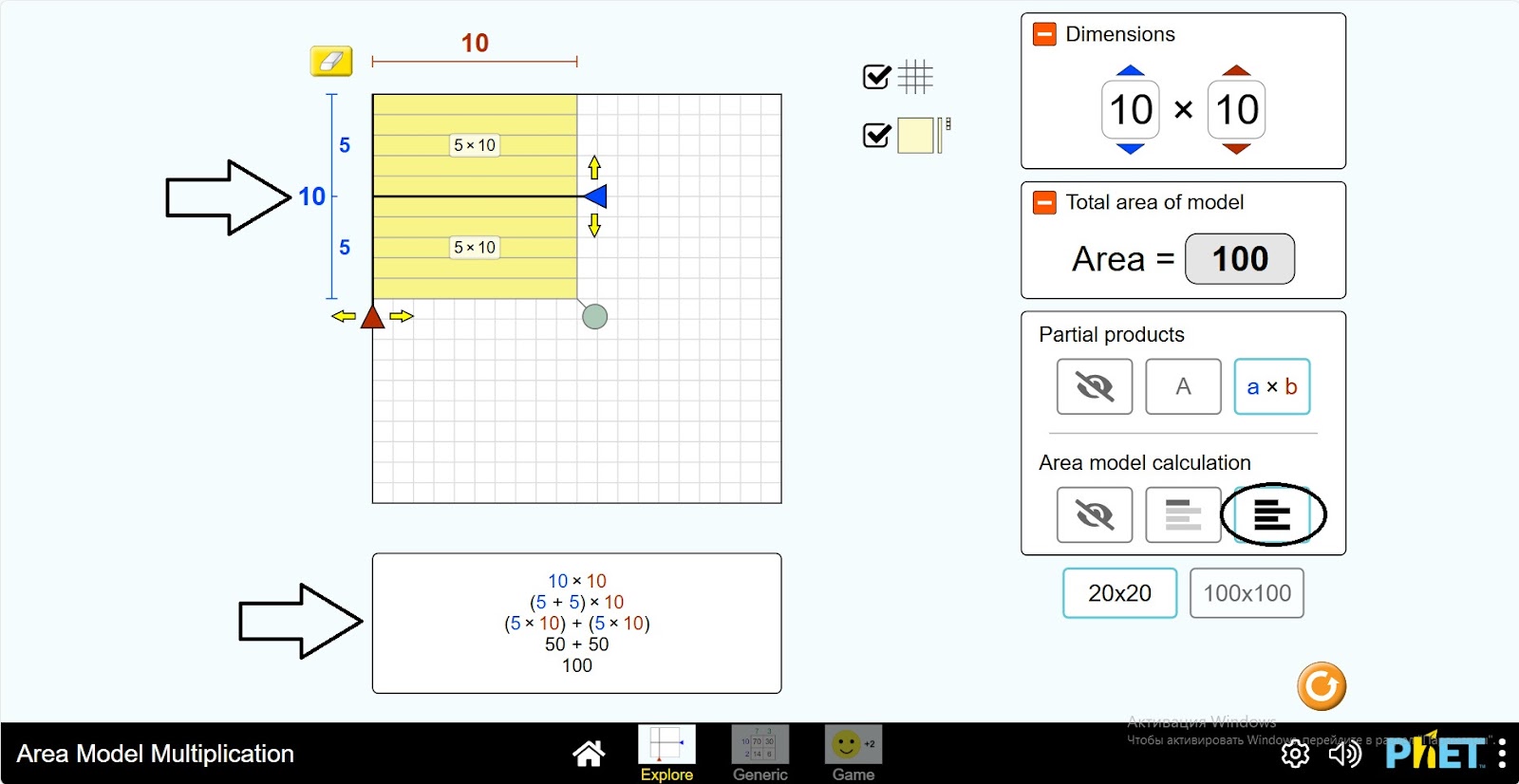
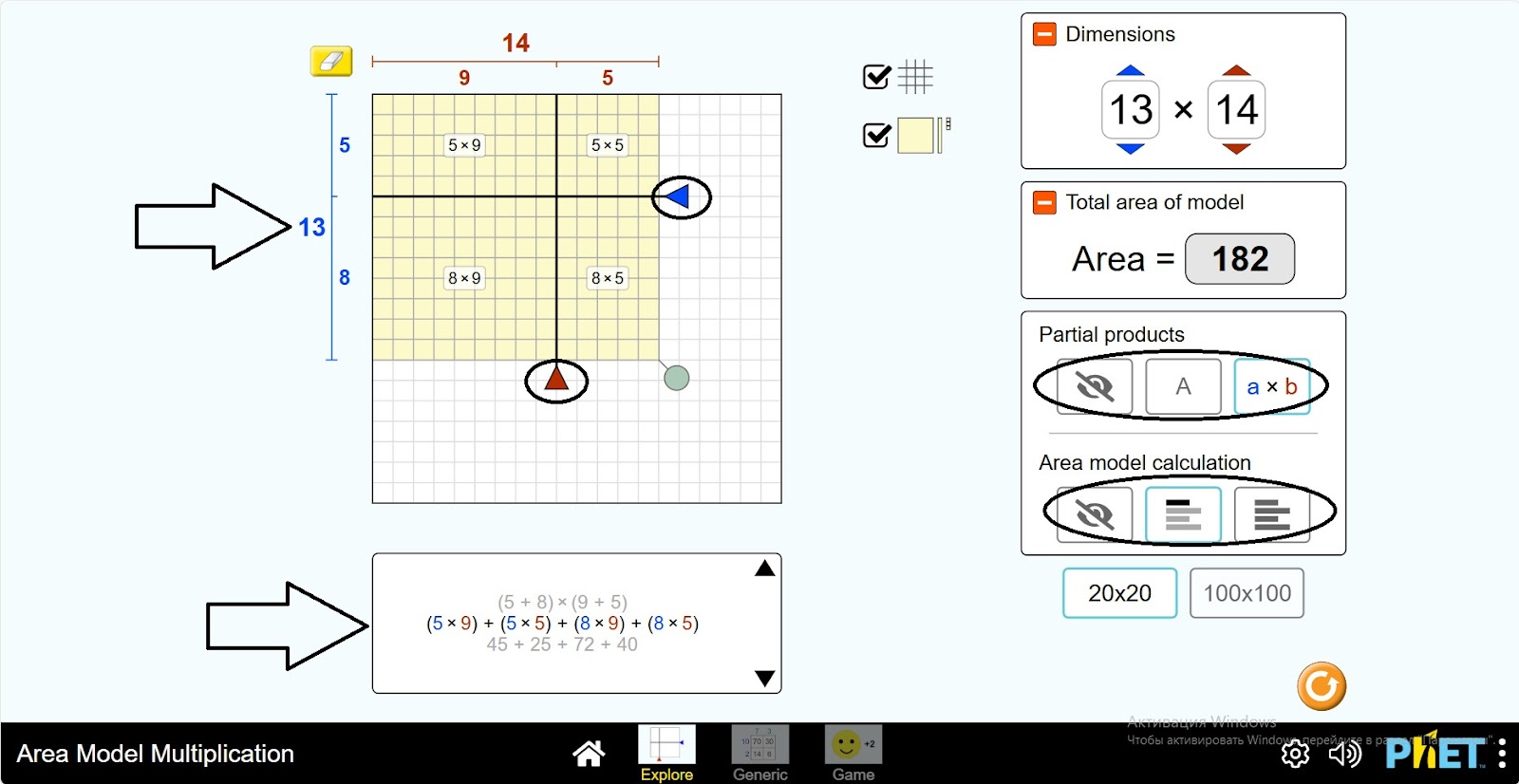
Step 3. The table displays a square of the size 10*10. Horizontally divided into sections (5;5). The Multiplier and Multiplier Numbers panels and the Multiplication Results panel show the data. Click the square coloring button. Click “a*b” from the square information in the table. The 5*10 expressions appear on the parts of the square.
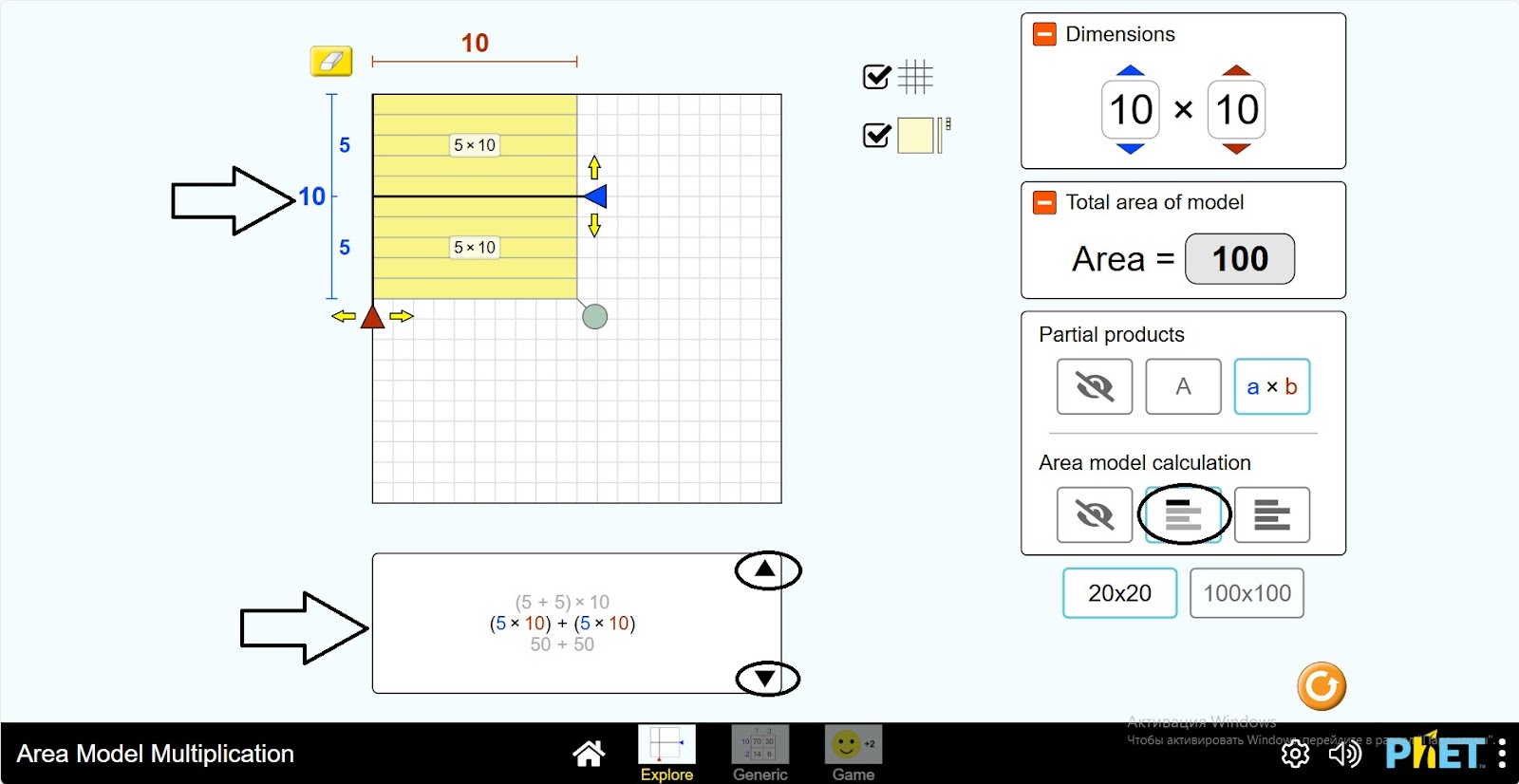
Step 4. There are 2 views of the calculation panels. These show the calculation of the area of the square. In one of them you will see the expression step by step by clicking the “Next” button, and in the other you will see the complete calculation at once.
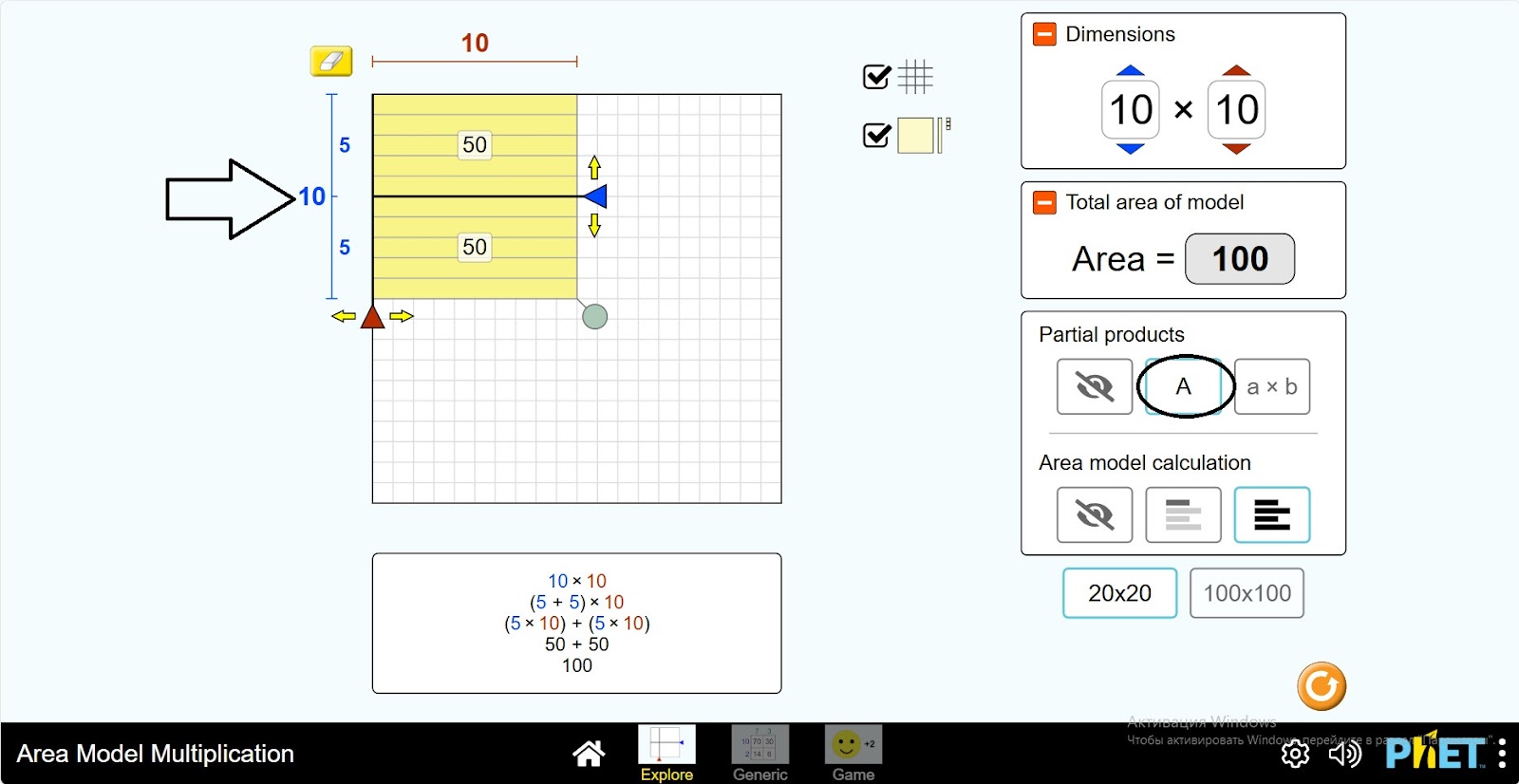
Step 5. Click on the “A” button of the rectangle information in the table. The 50 – values of the 5*10 expressions appear in the parts of the square.
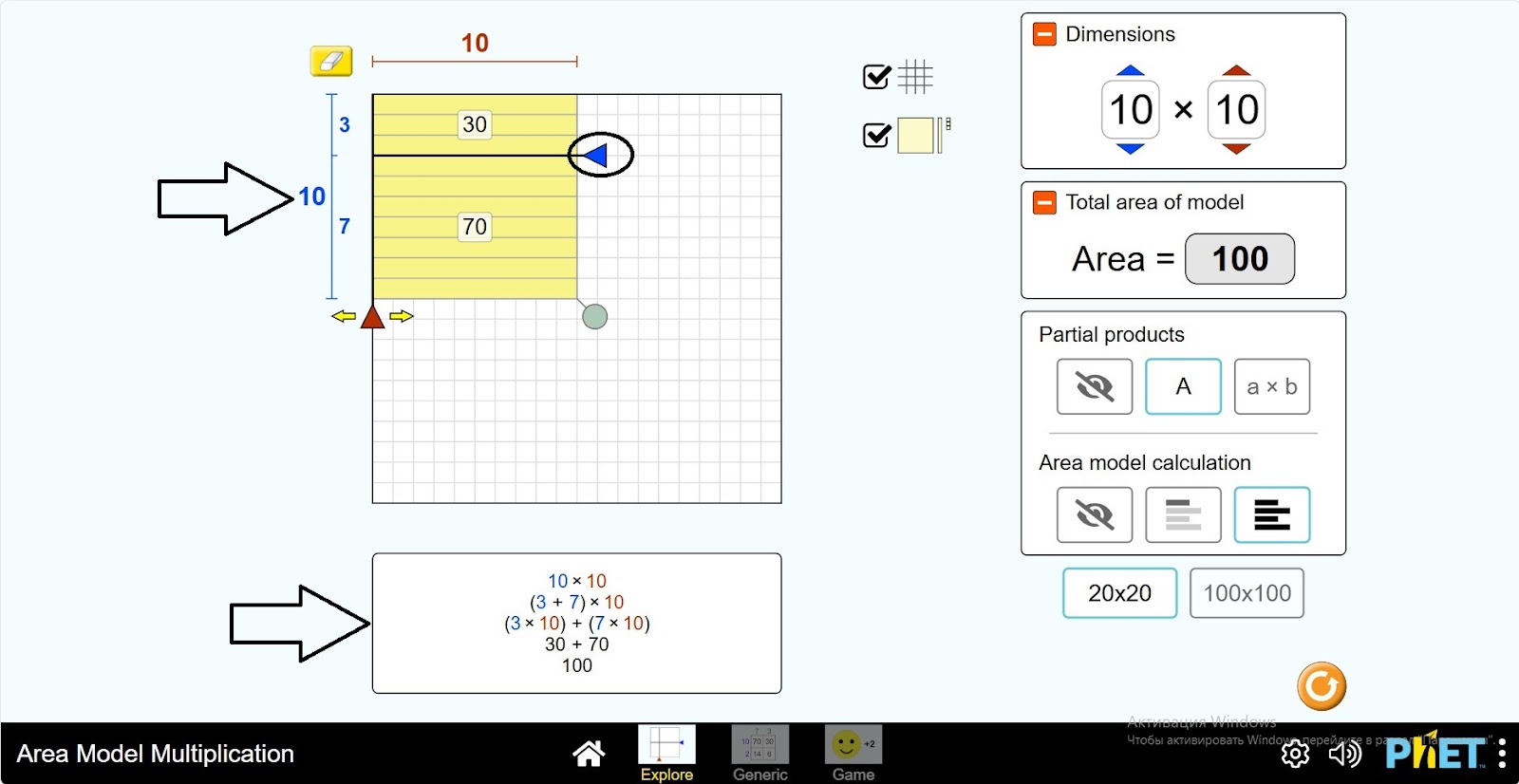
Step 6. Draw the divider you are dividing up and down the square and examine the changes in the data.
Step 7. Move the horizontal dividing line up the square so that it does not divide the square. Move the vertical dividing line to the right. Examine the data. Trace the changes as you move the divider right, left.
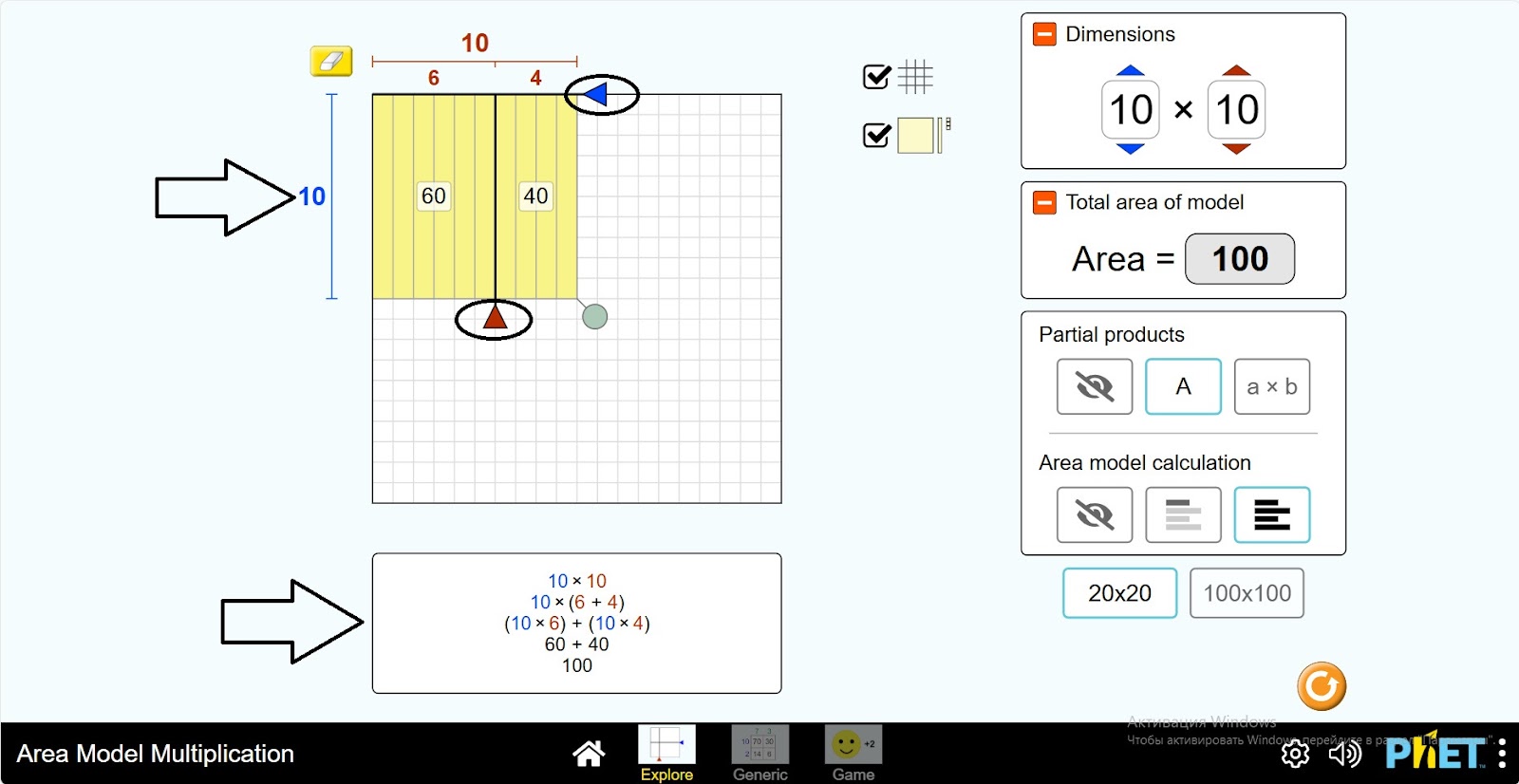
Step 8. Explore dividing the square into rectangles of different sizes by alternately moving the vertical and horizontal dividers in the square.
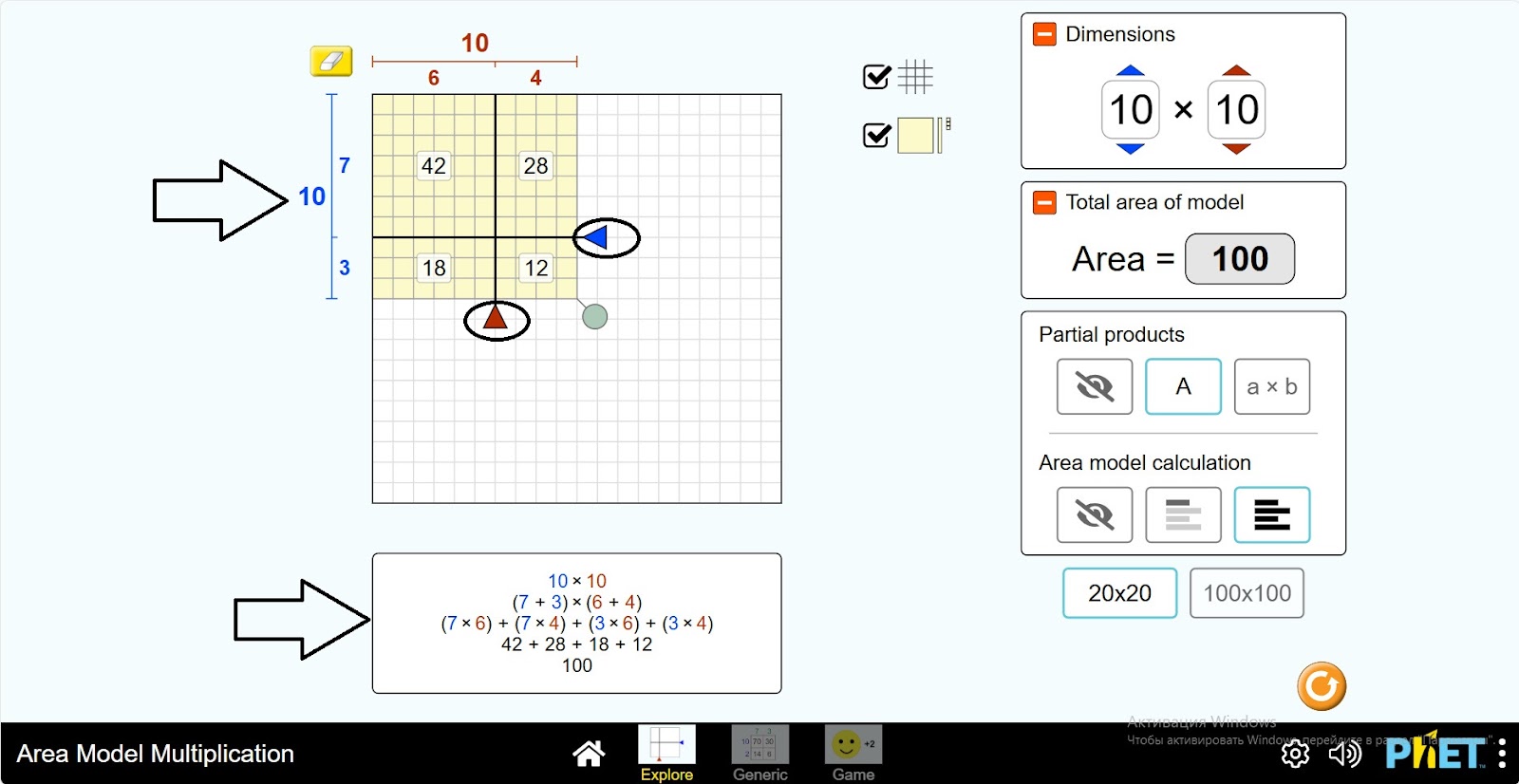
Step 9. Create a new rectangle size by clicking the green button next to the square. Examine the changes in the work area.
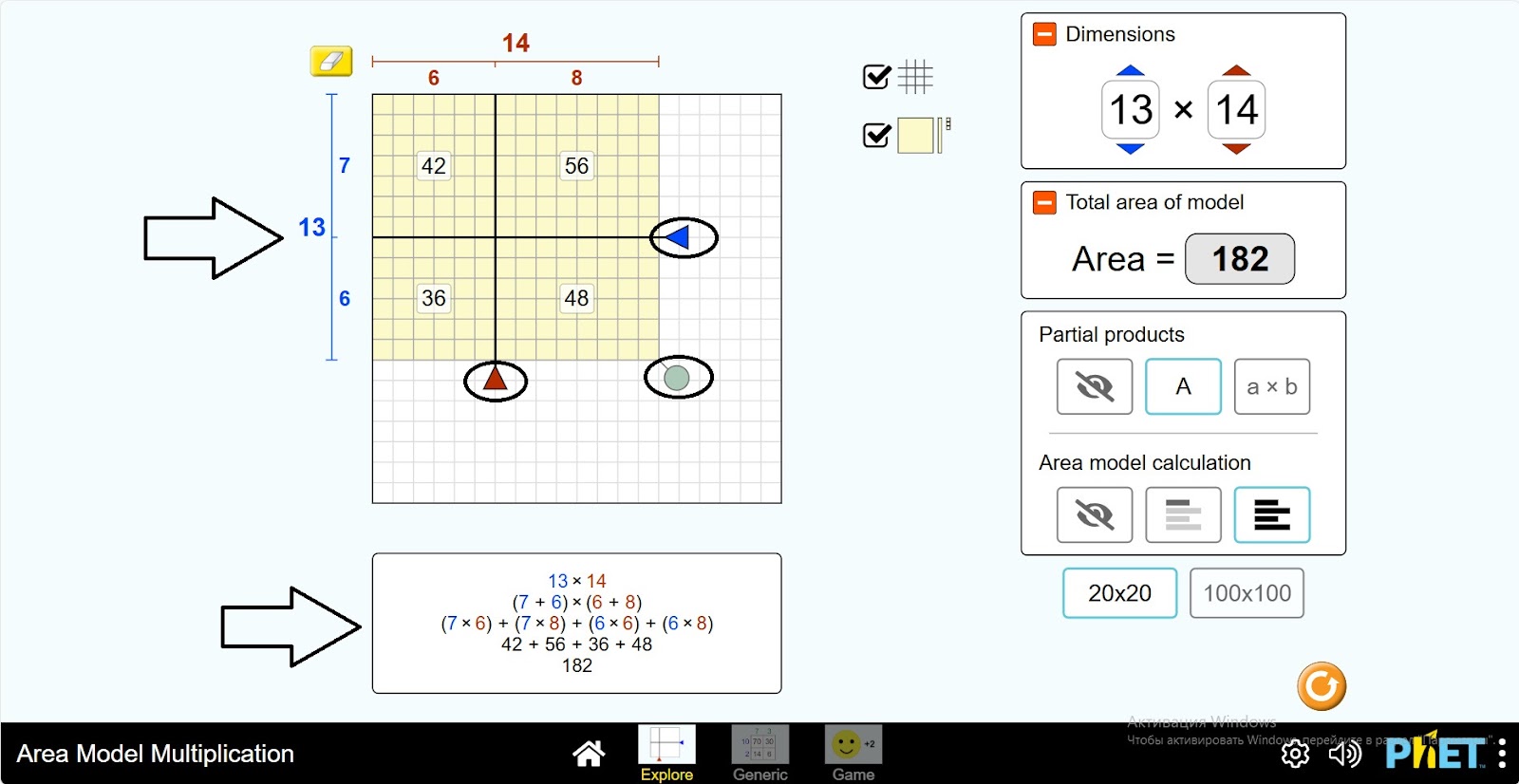
Step 10. Try to change the information about the rectangle in the grid.
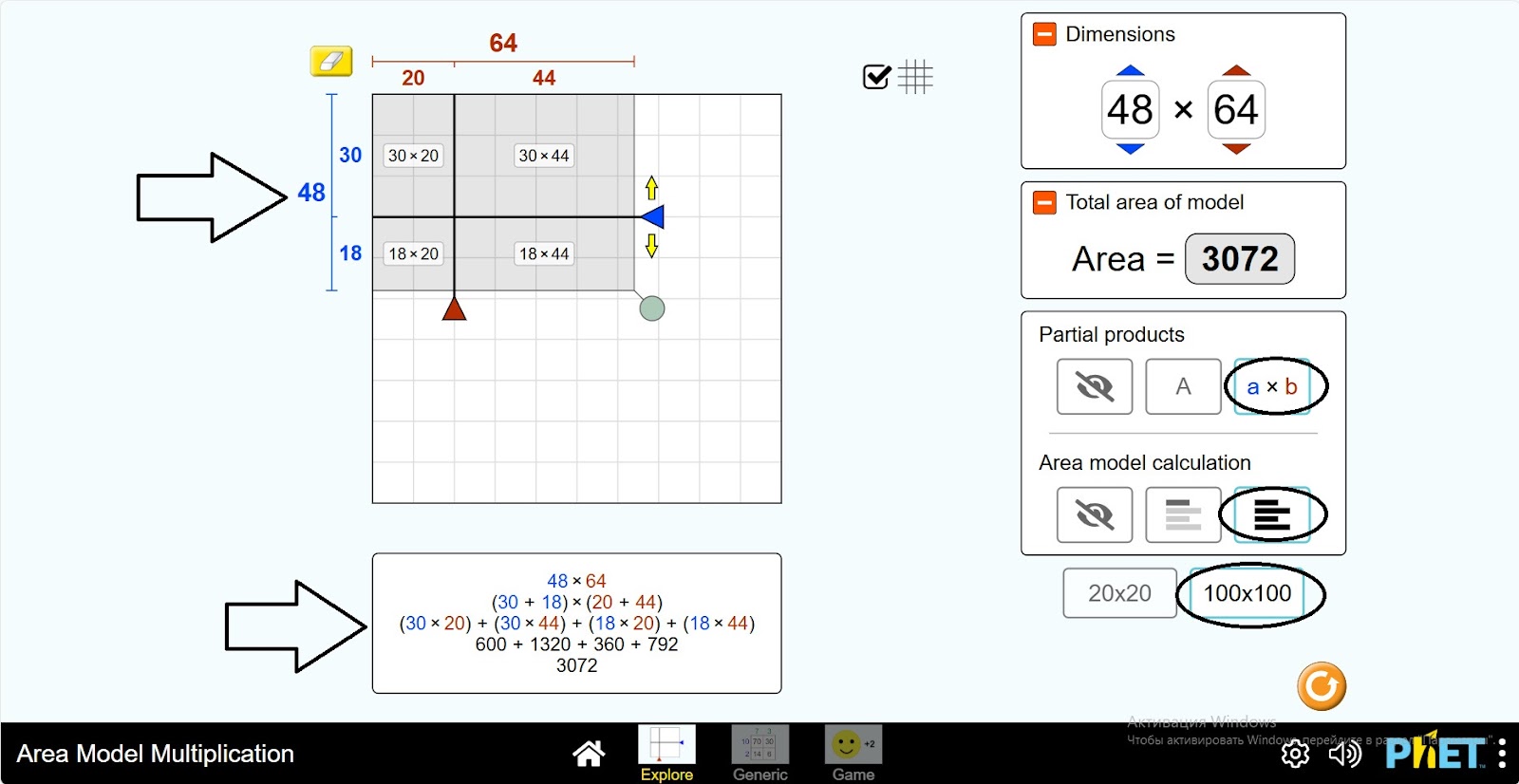
Step 11. You can change the size of the table to 100*100. Change the dimensions of the rectangle and calculate the areas.
Conclusion
In this virtual activity, students performed calculations related to area. Changing the size of the rectangle and dividing it into parts gave them a deeper understanding of the topic.