
Numbers. Counting objects
Number Play by PhET Interactive Simulations, University of Colorado Boulder, licensed under CC-BY-4.0 (https://phet.colorado.edu)
Objective:
- Read and write the numbers 0-20;
- Learning to count to 20.
This virtual activity is designed to be used in 1st grade math lessons on numbers, counting objects.
Theoretical part
What are numbers?
Numbers are special symbols that we use to indicate the number of objects. There are 10 numbers: 0, 1, 2, 3, 4, 5, 6, 7, 8, 9.
How do you learn to count?
To learn to count, you must
Memorize the names of the numbers: 0 (zero), 1 (one), 2 (two), 3 (three), 4 (four), 5 (five), 6 (six), 7 (seven), 8 (eight), 9 (nine).
Know how to show numbers with your fingers:
- 0 – make a fist with your palm.
- 1 – Stick out one index finger.
- 2 – Stick out two fingers (index and middle).
- 3 – Stick out three fingers (index, middle and ring).
- 4 – Extend four fingers (all fingers except the little finger).
- 5 – extend all five fingers.
- 6 – show five fingers of one hand and one finger of the other hand.
- 7 – show five fingers of one hand and two fingers of the other hand.
- 8 – show five fingers of one hand and three fingers of the other hand.
- 9 – show five fingers of one hand and four fingers of the other hand.
- 10 – Show five fingers from each hand.
Practice counting:
- Count objects in your environment: toys, pencils, buttons, chairs.
- Use special number cards or online games.
- Count together with friends or family.
Virtual experiment
The “Counting Objects” Simulator allows students to become familiar with and explore numbers. By displaying numbers and pictures on the screen, students can easily learn to count objects visually.
Course of work:
Part 1. Working with numbers 1-10
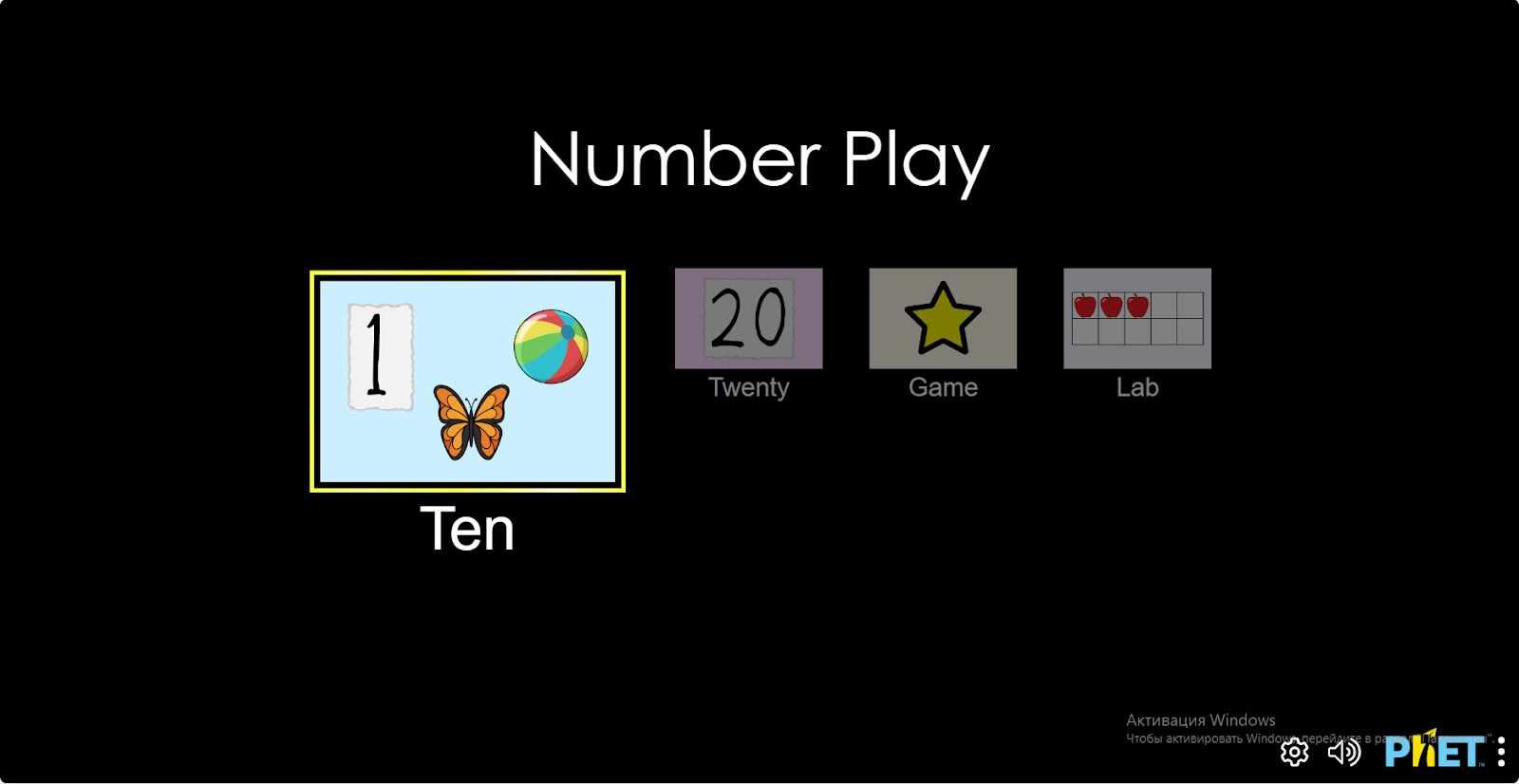
Step 1. Start the simulation: You will be presented with 4 different modes: “Ten”, “Twenty”, “Game” and “Lab”. Open the “Ten” section.
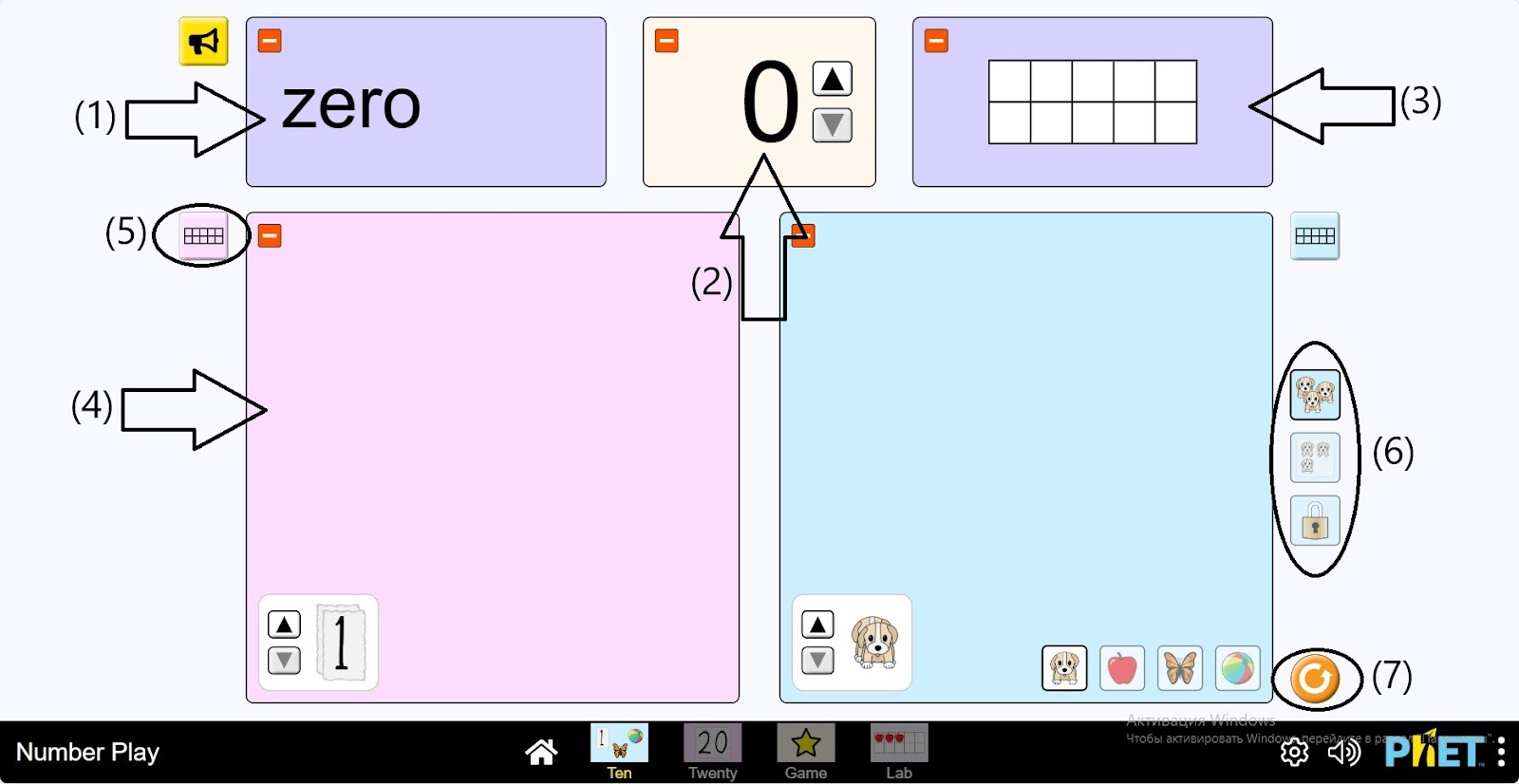
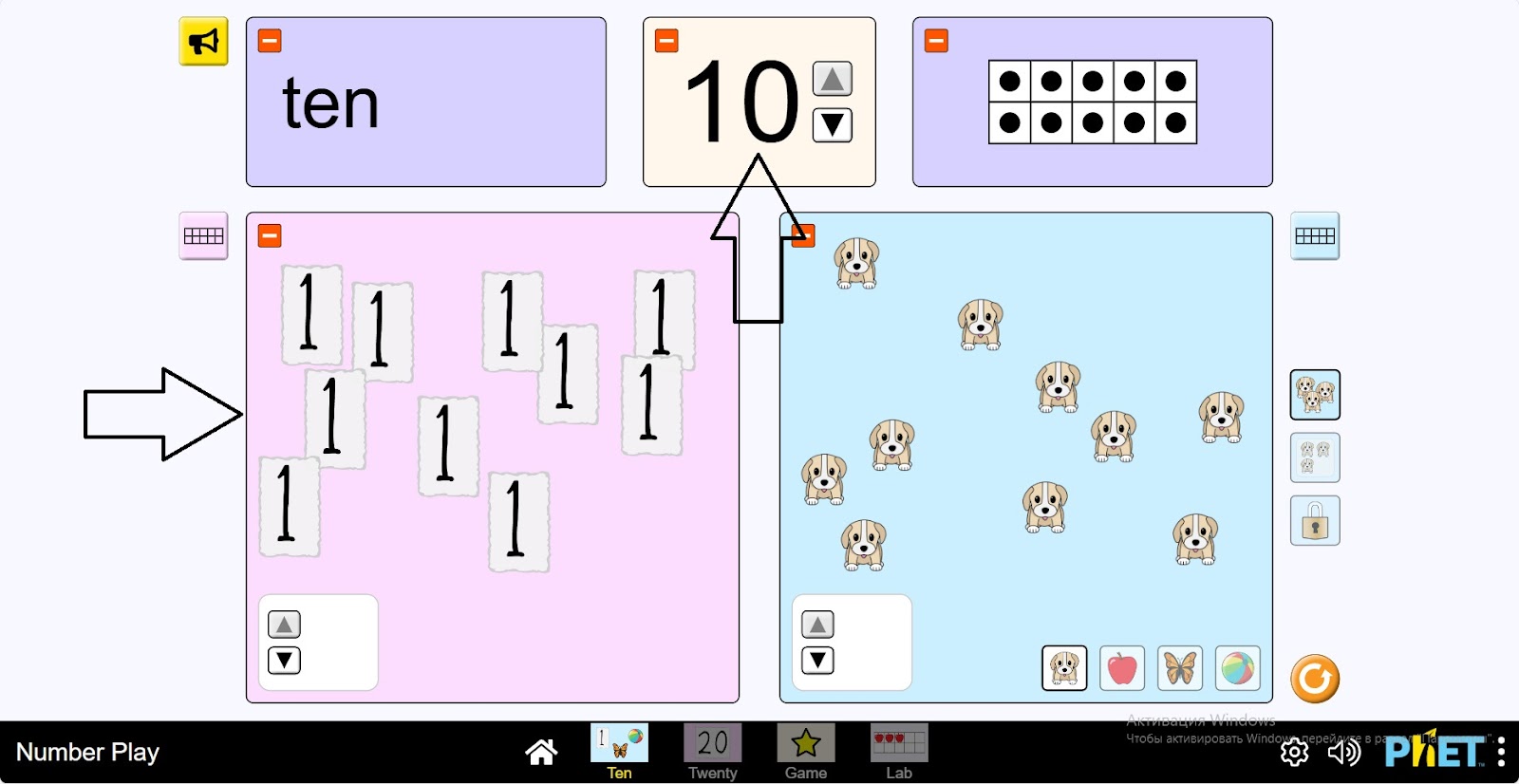
Step 2. You will see the following in the work area:
- A window with the name number (1);
- A window with a number (2);
- A table with 10 grids showing the number of objects (3);
- Two tables for placing numbers and objects, and matching objects: puppy, apple, butterfly, ball (4);
- Tables to organize the objects you have placed on the board (5);
- Objects can be seen framed or unframed (6);
- A reset button (7).
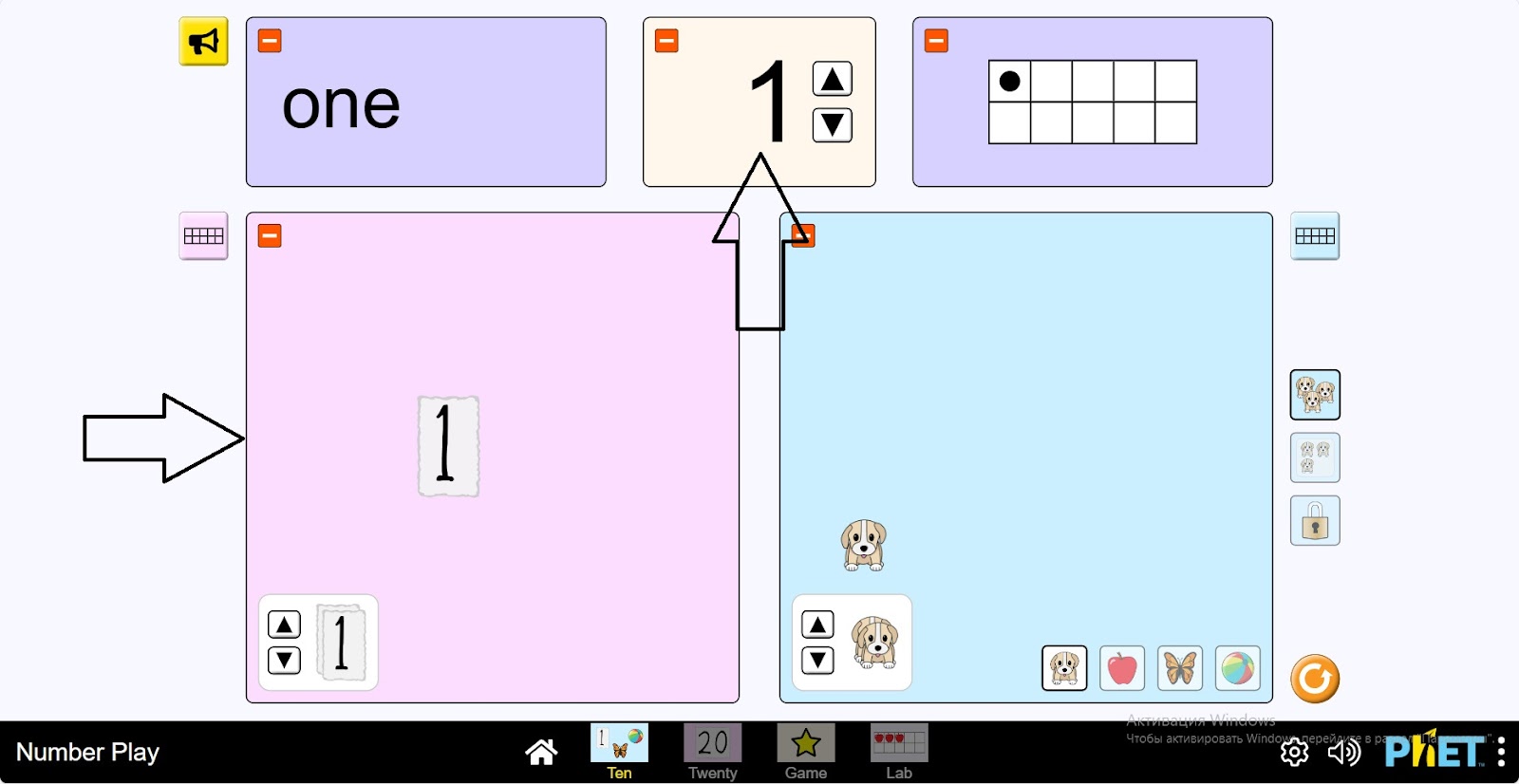
Step 3. Place the number “1” on board 1 to place the items by holding down the left side of the mouse. Automatically, 1 puppy will appear on board 2. The number “1” will appear in the number box.
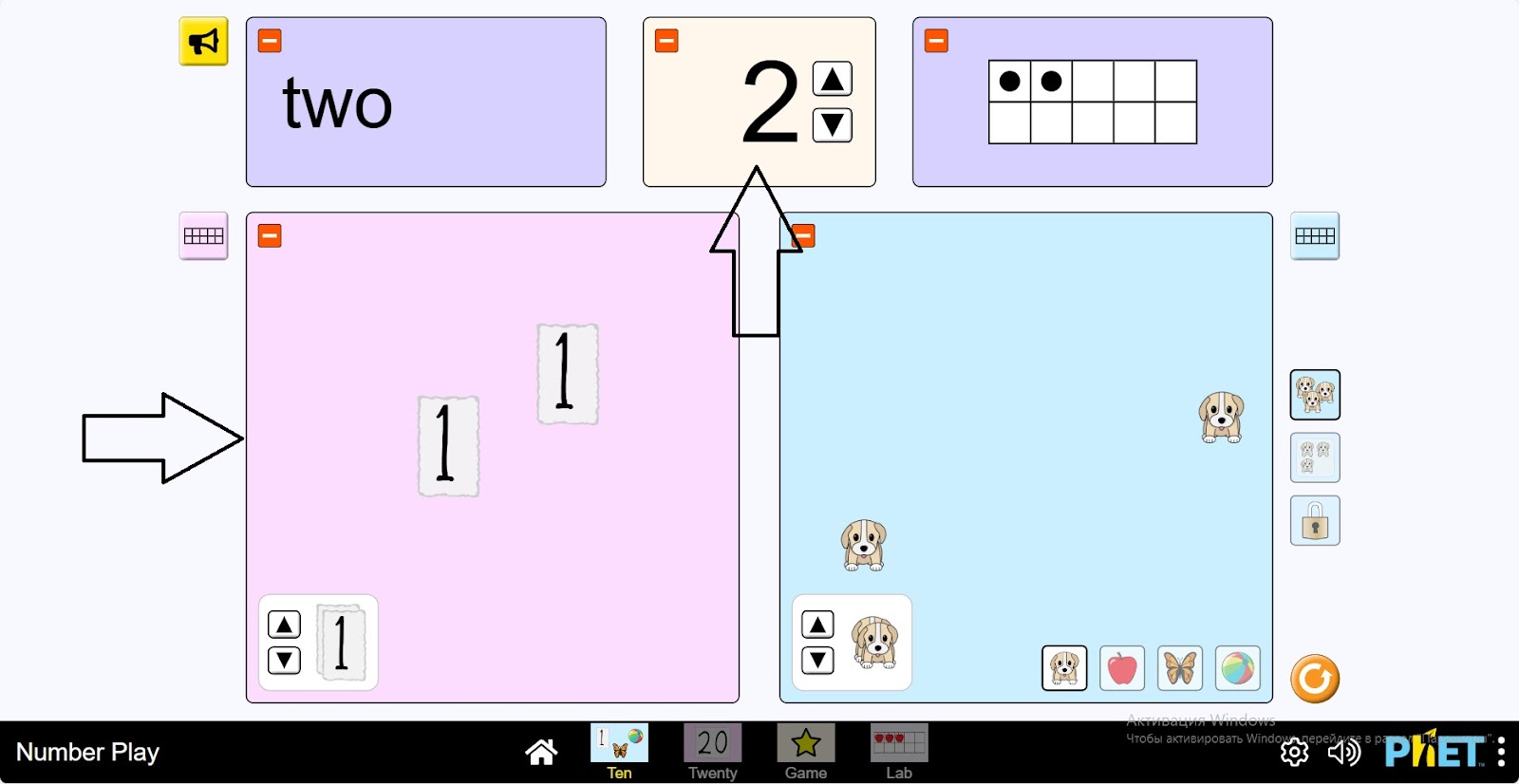
Step 4. Place another number “1” on board 1. There will be 2 puppies on the 2nd board. The number box will show “2”.
Step 5. Count the puppies in the same way, making numbers up to 10.
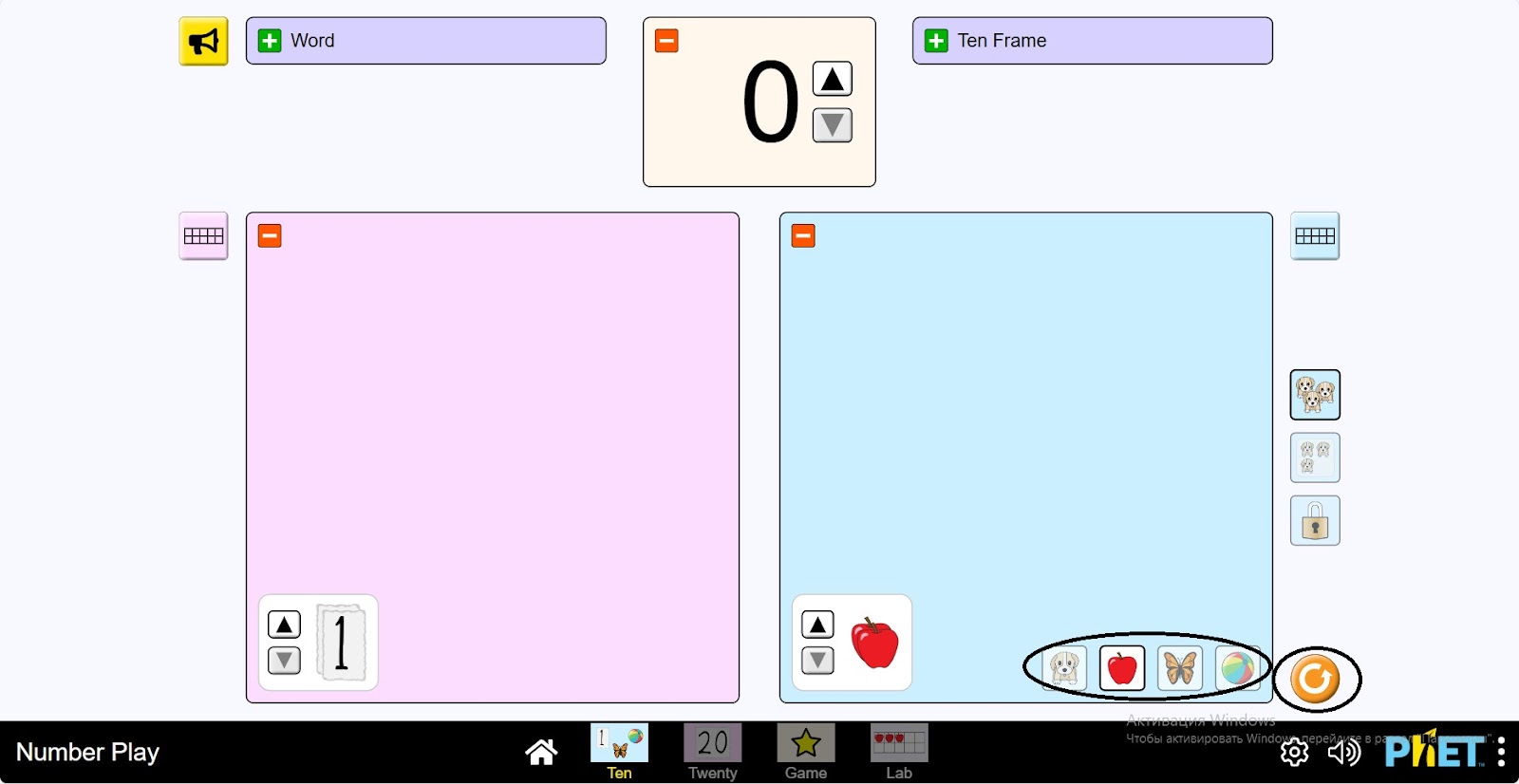
Step 6. Click the “reload” button and clear the boards. Replace the puppy with another object. For example, an apple.
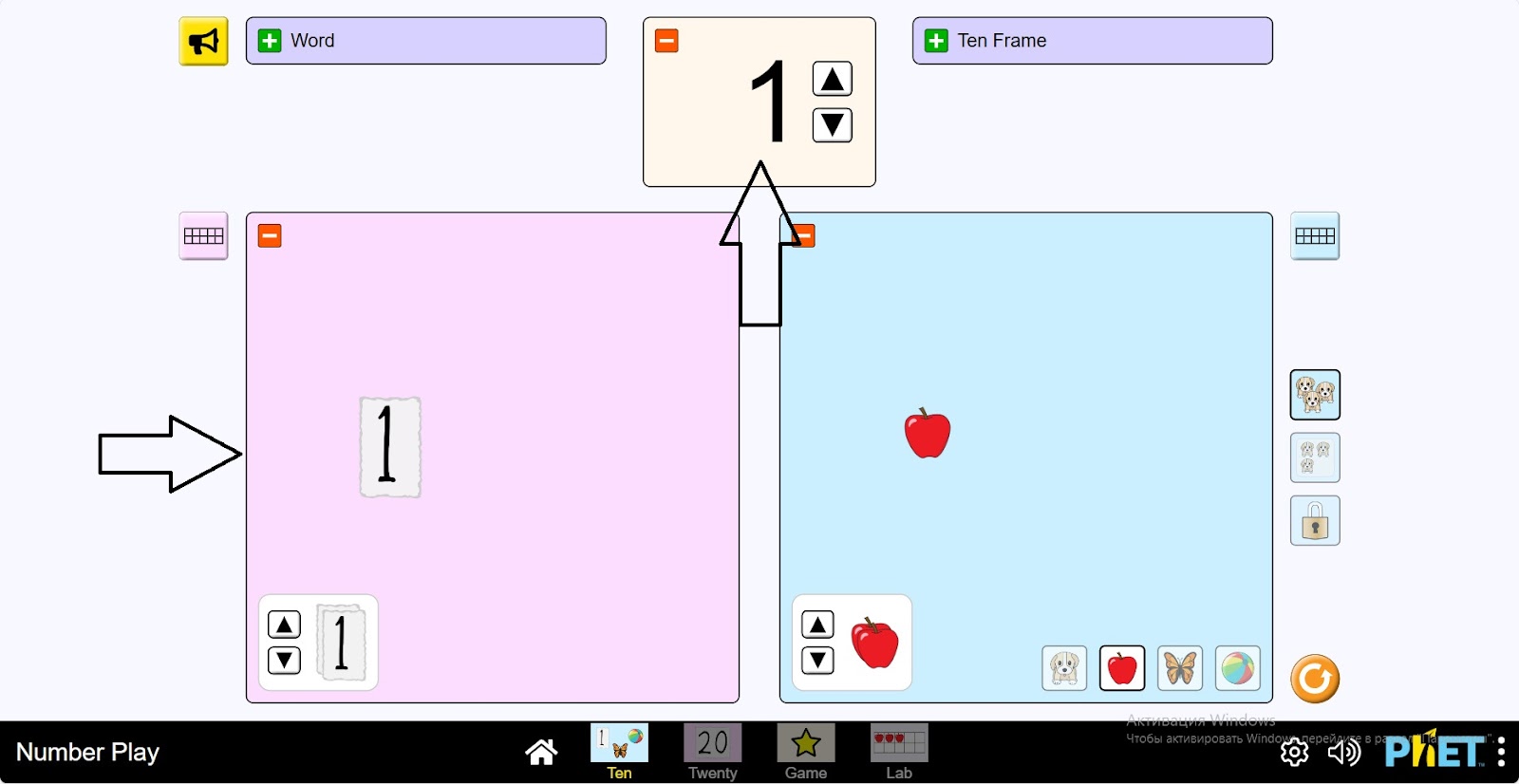
Step 7. Place the object (apple) on the 2nd board. The number 1 will automatically appear on the 1st board.
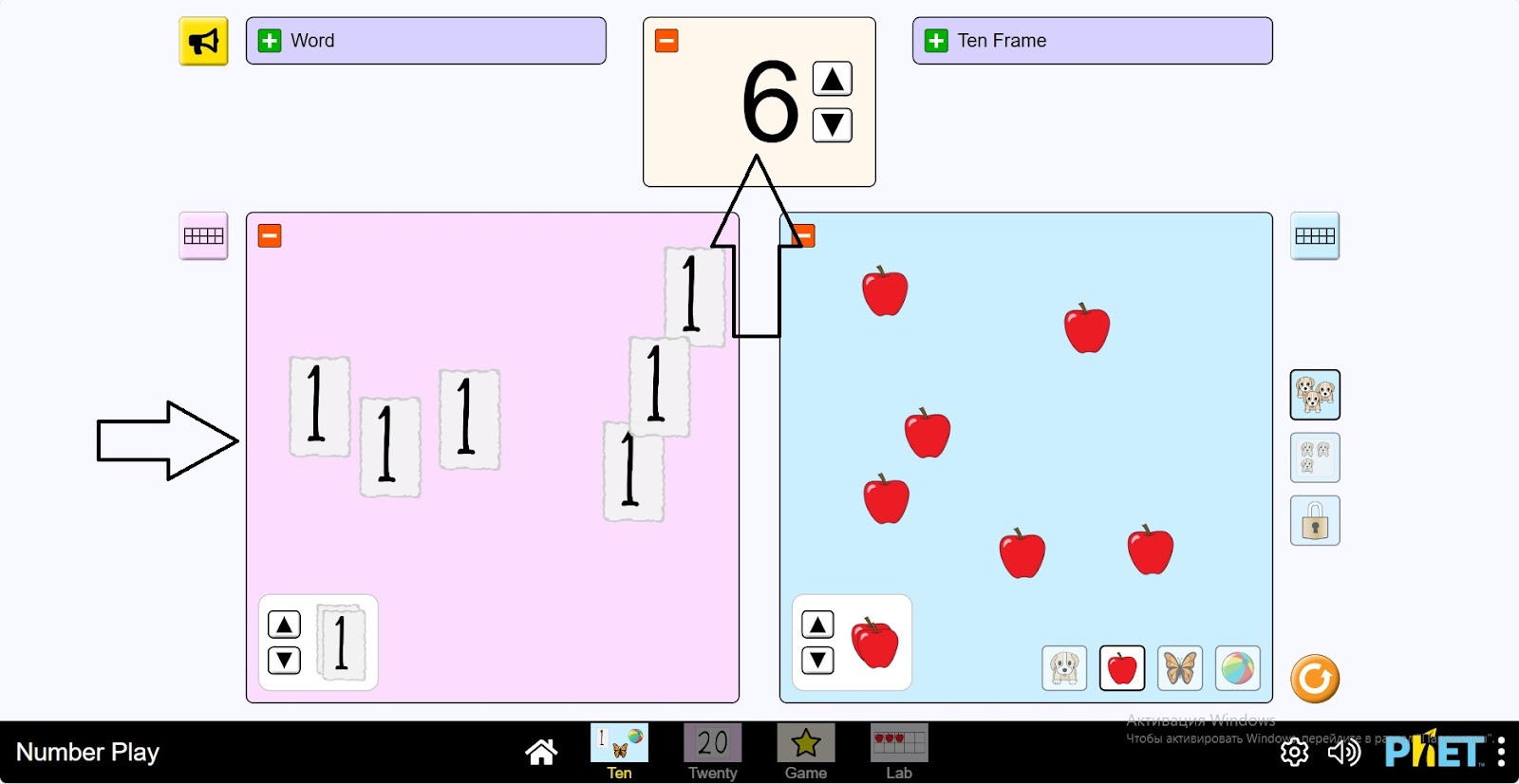
Step 8. You can draw some objects on the board and see the numbers on the 1st board. And the window will show the number of the object. Try this several times.
Part 2. Working with Numbers 1-20
Step 9. Open the Twenty Section. In this section you will also work with numbers up to 20 as in Part 1.
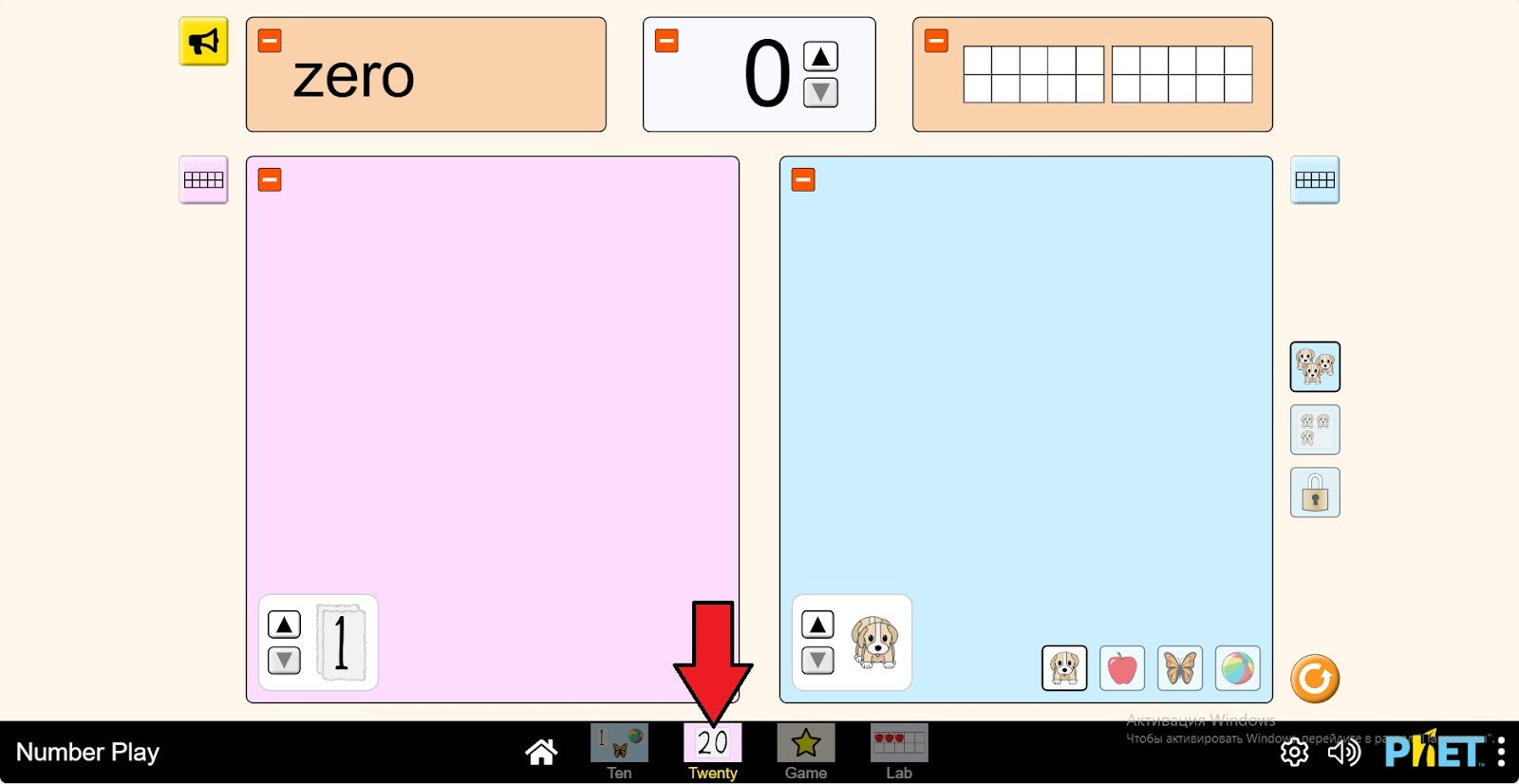
Step 10. Repeat the above steps (steps 3-8) for numbers 1-20 as you worked with numbers 1-10.
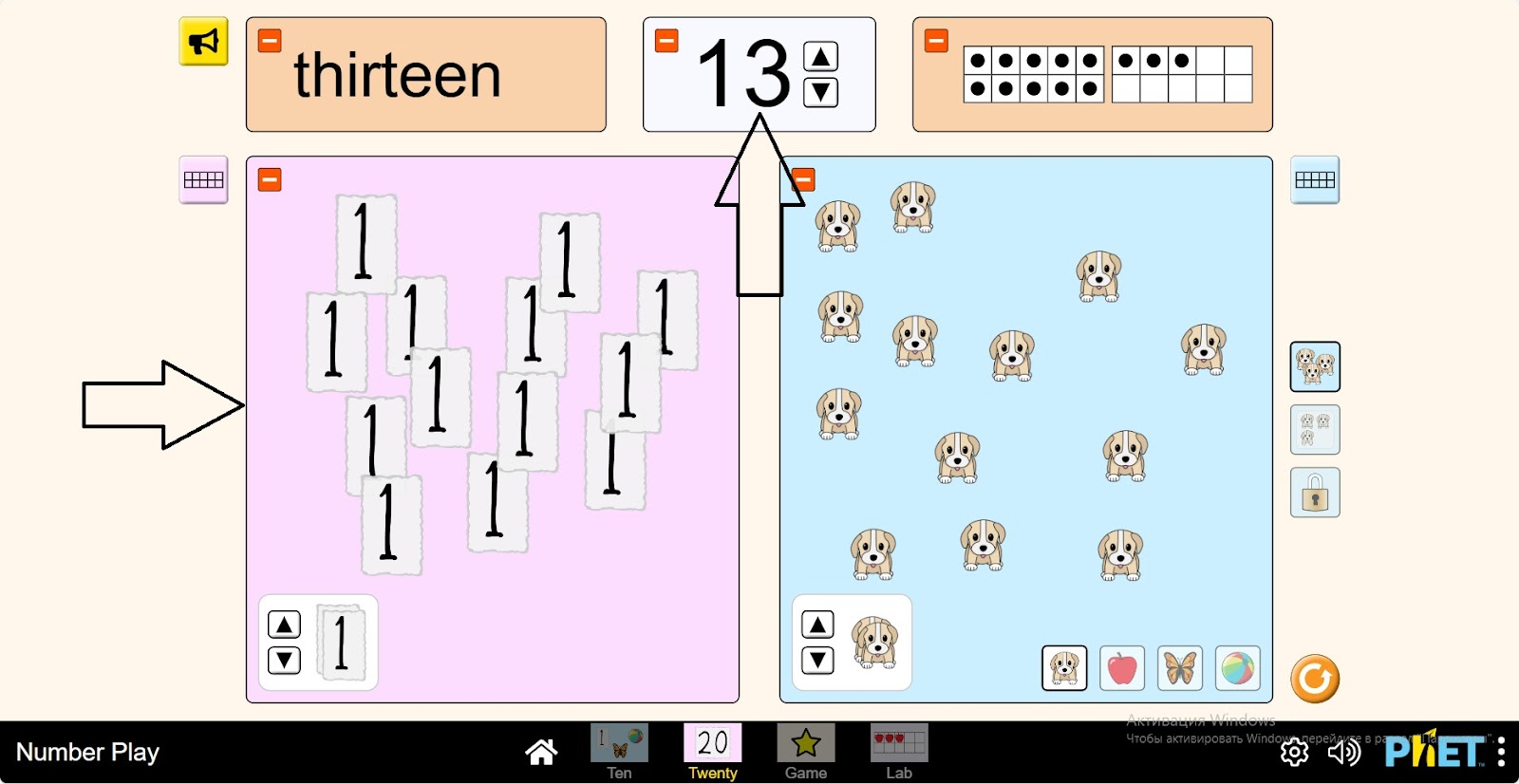
Part 3. The Game
Step 11. Open the “Game” section. You will be given 4 different levels of the game. The first level will have tasks related to numbers 1-10, the second level will have tasks related to numbers 11-20, the third level will have tasks related to numbers 1-5, and the fourth level will have tasks related to numbers 6-10.
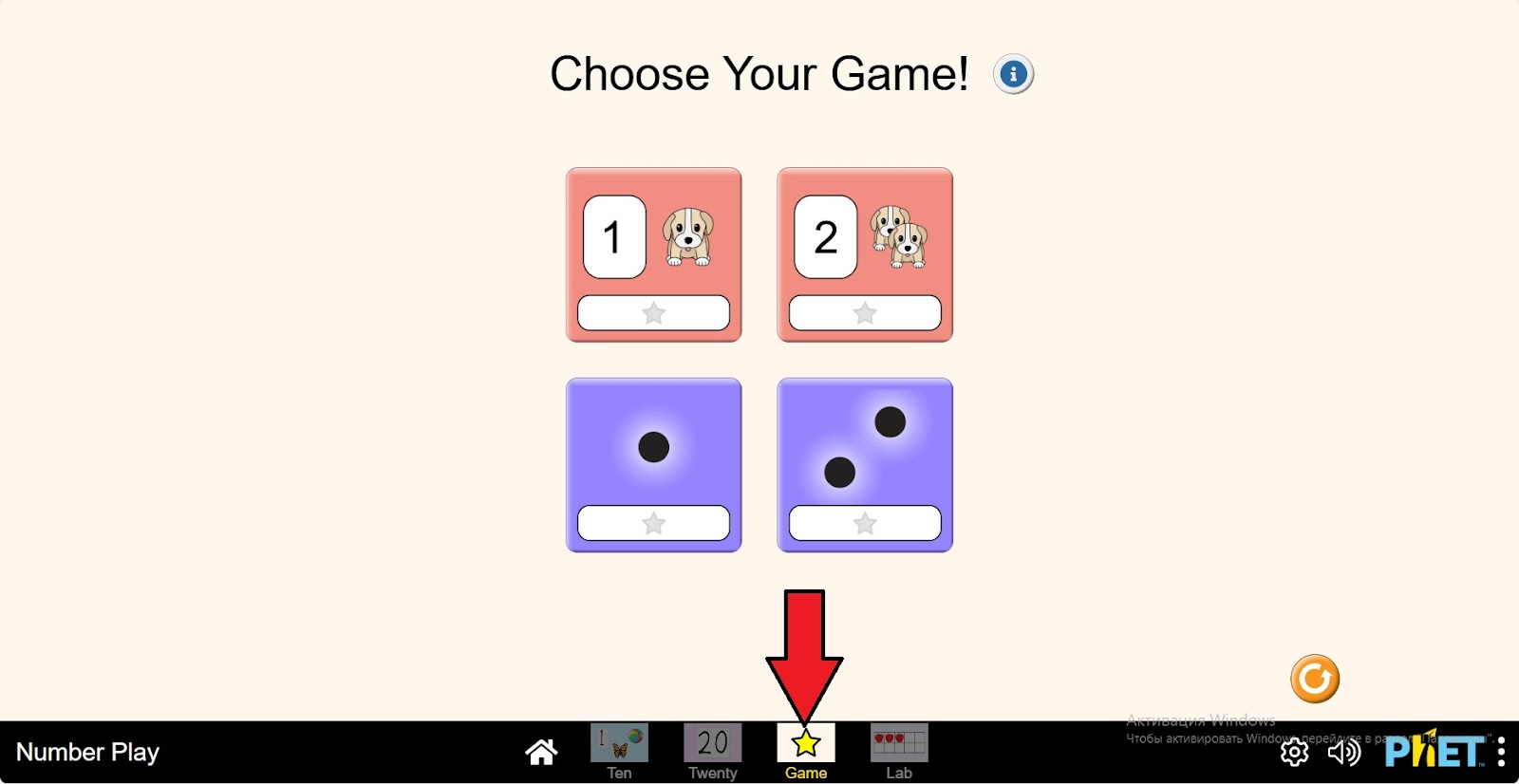
Step 12. Open the first level. Some number of substances are represented in the workspace.
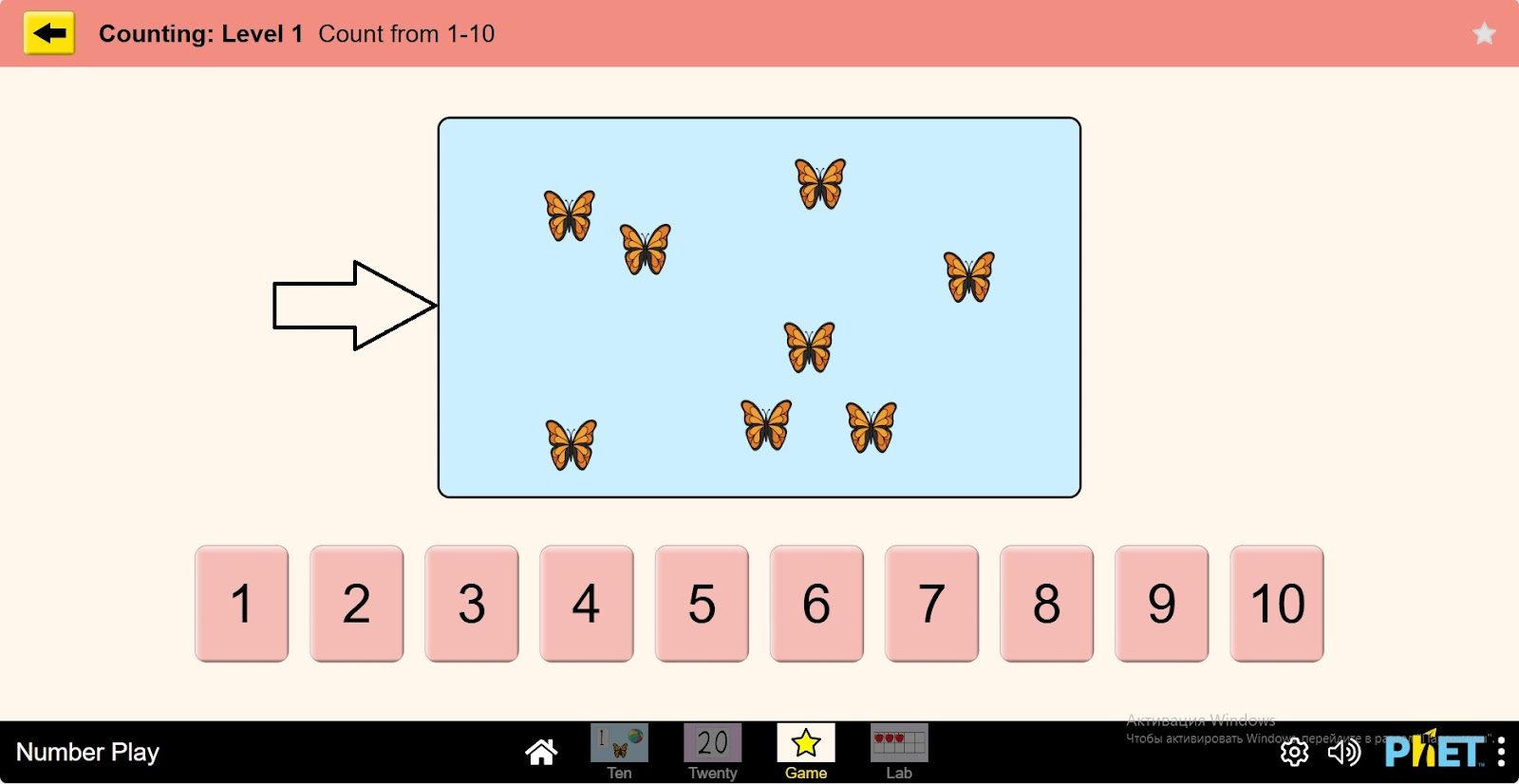
Step 13. Count these substances and mark the number corresponding to the quantity of the substance from the numbers below.
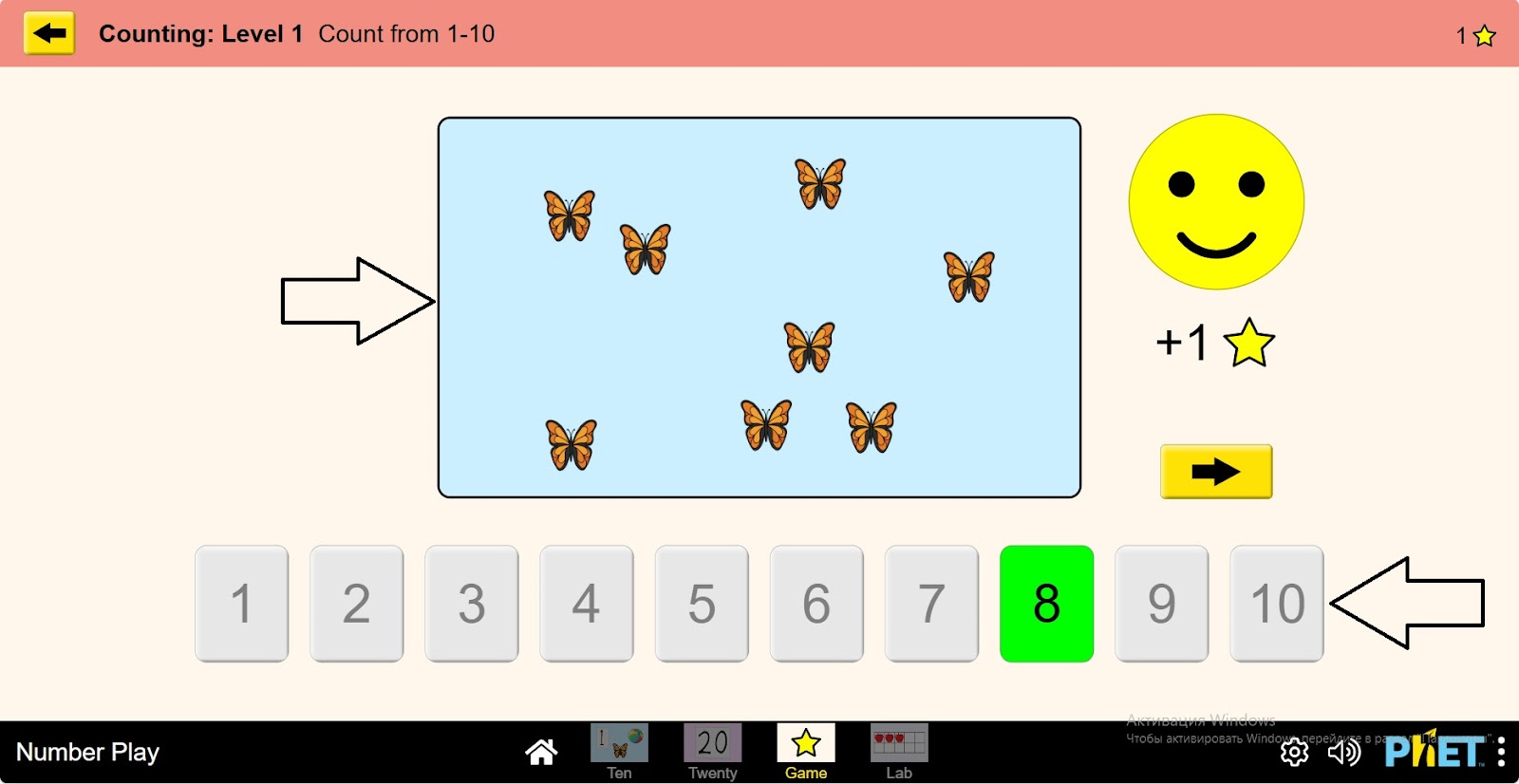
Step 14. A button will appear on the screen to go to the next task, click it and go to the next task.
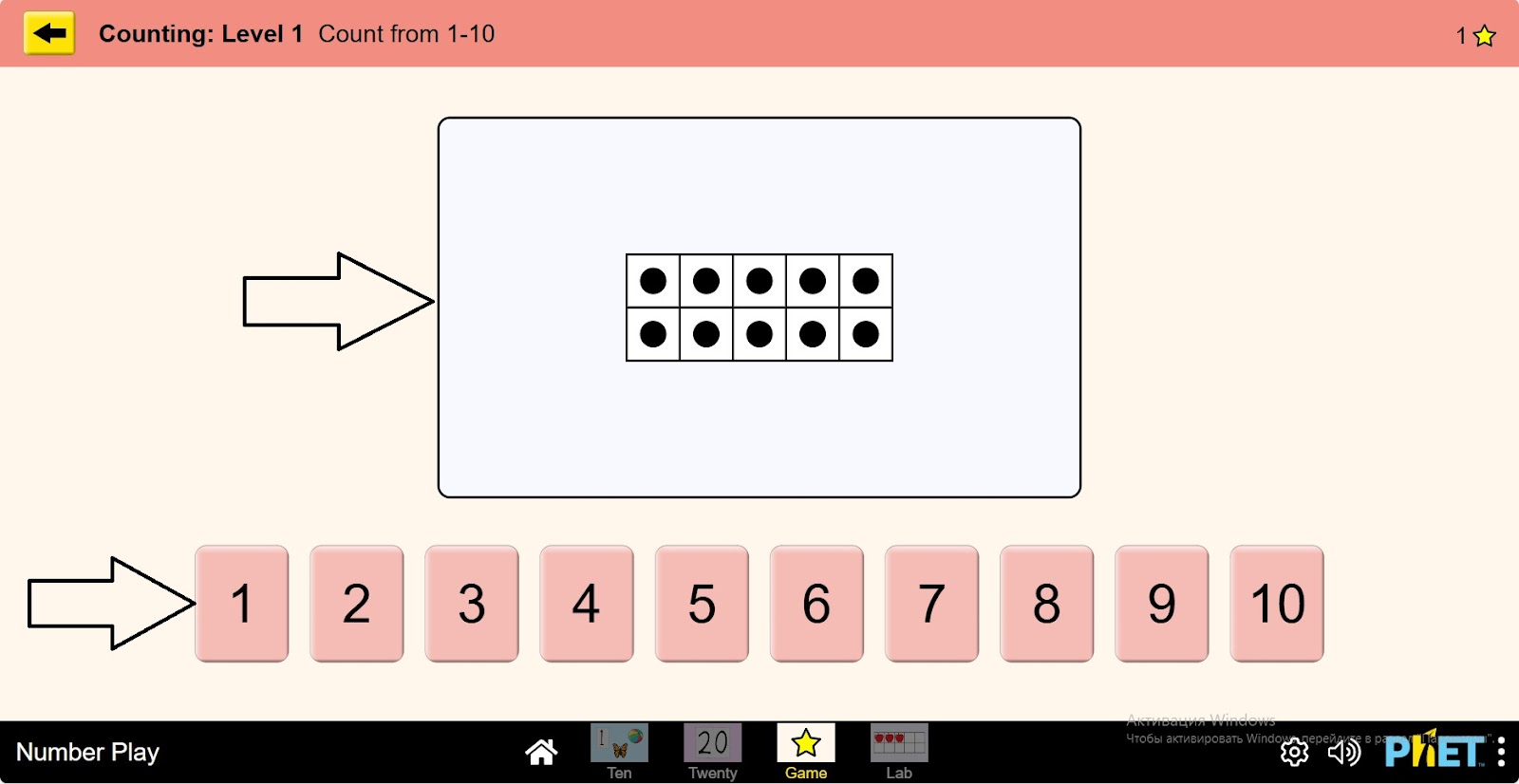
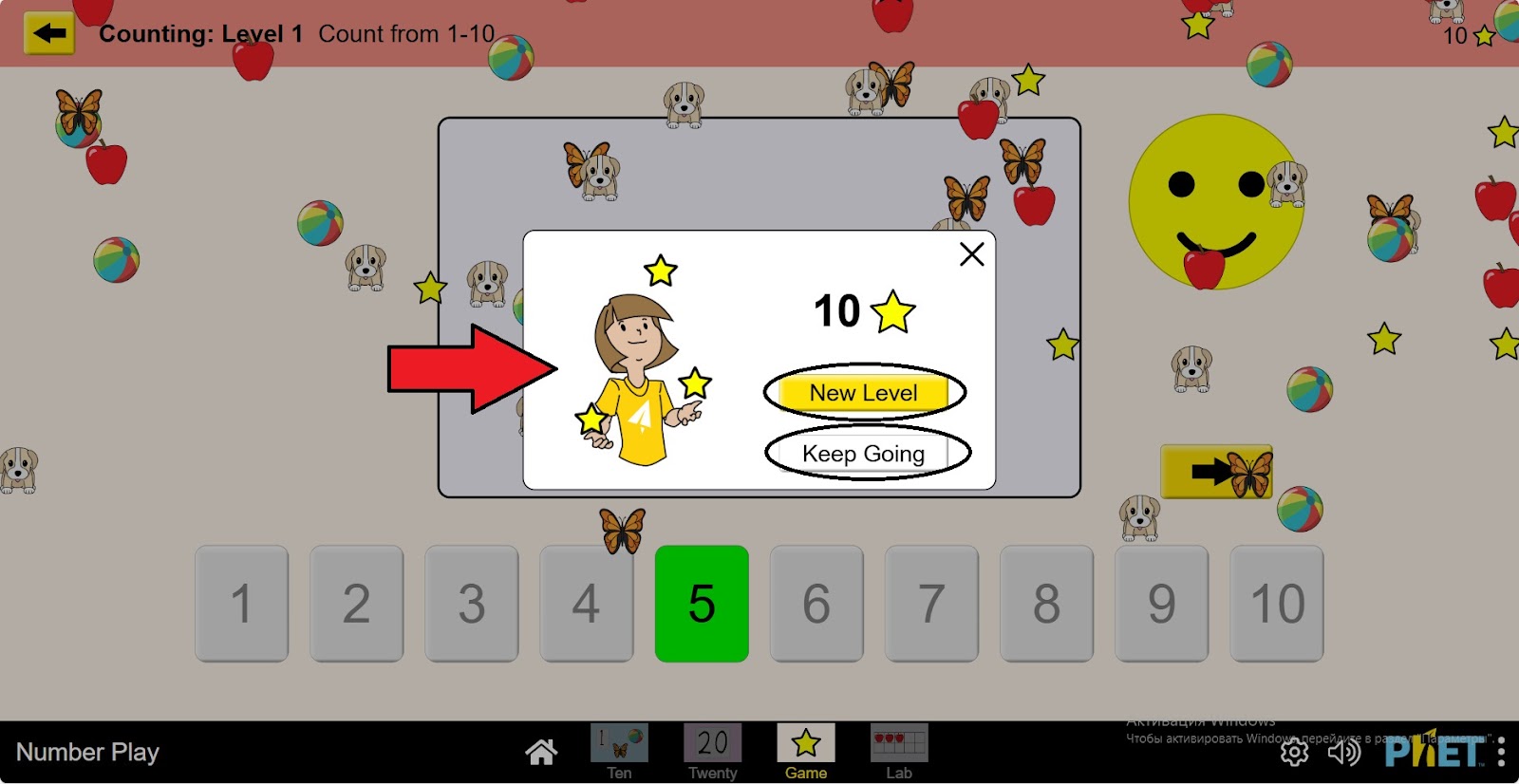
Step 15. There are 10 problems per level. You can go to the next level by completing the same tasks. Or you can replay the level with new tasks.
Conclusion
In this virtual activity, students have learned how to count objects. Learning numbers and counting is an important stage in a child’s development. The ability to count will be useful to children in everyday life and will also help them in their further study of mathematics.