
Concept of Function
Function Builder: Basics by PhET Interactive Simulations, University of Colorado Boulder, licensed under CC-BY-4.0 (https://phet.colorado.edu)
Objective:
- To predict the result of a function from given inputs;
- Combine functions to obtain a new function;
- Recognize which functions are geometric transformations.
This virtual work is intended for use in 6th grade mathematics classes.
Theoretical Part
Imagine a machine that transforms some numbers into other numbers. You give it one number as an input and it gives you another number as an output. This machine is an example of a function!
A function is a rule that matches every number from one set with only one number from another set.
- Argument (x): The number we give to the function as input.
- Function value (y): The number the function returns as its output.
How do you write a function?
A function is usually written as a formula: y = f(x)
Here:
- y is the value of the function;
- f is the name of the function itself;
- x is the argument.
For example:
Function y = 2x + 1. If we replace x with the number 3, we get y = 2 * 3 + 1 = 7. The function has matched the number 7 with the number 3.
Examples of functions from life
- Price of a good: The price depends on the quantity of the good. This is a function where the quantity of a good is the argument and the price is the value of the function.
- Speed of travel: The speed depends on the distance traveled and the time traveled.
- Air temperature: Temperature depends on the time of day.
Virtual Experiment
This virtual activity introduces students to the concept of a function. The simulator is not designed to calculate with numbers, but with images as arguments; a function is designed to transform these images. On the Expression screen, students explore different functions and make predictions.
They can play detective to find hidden functions on the puzzle screen.
Workflow:
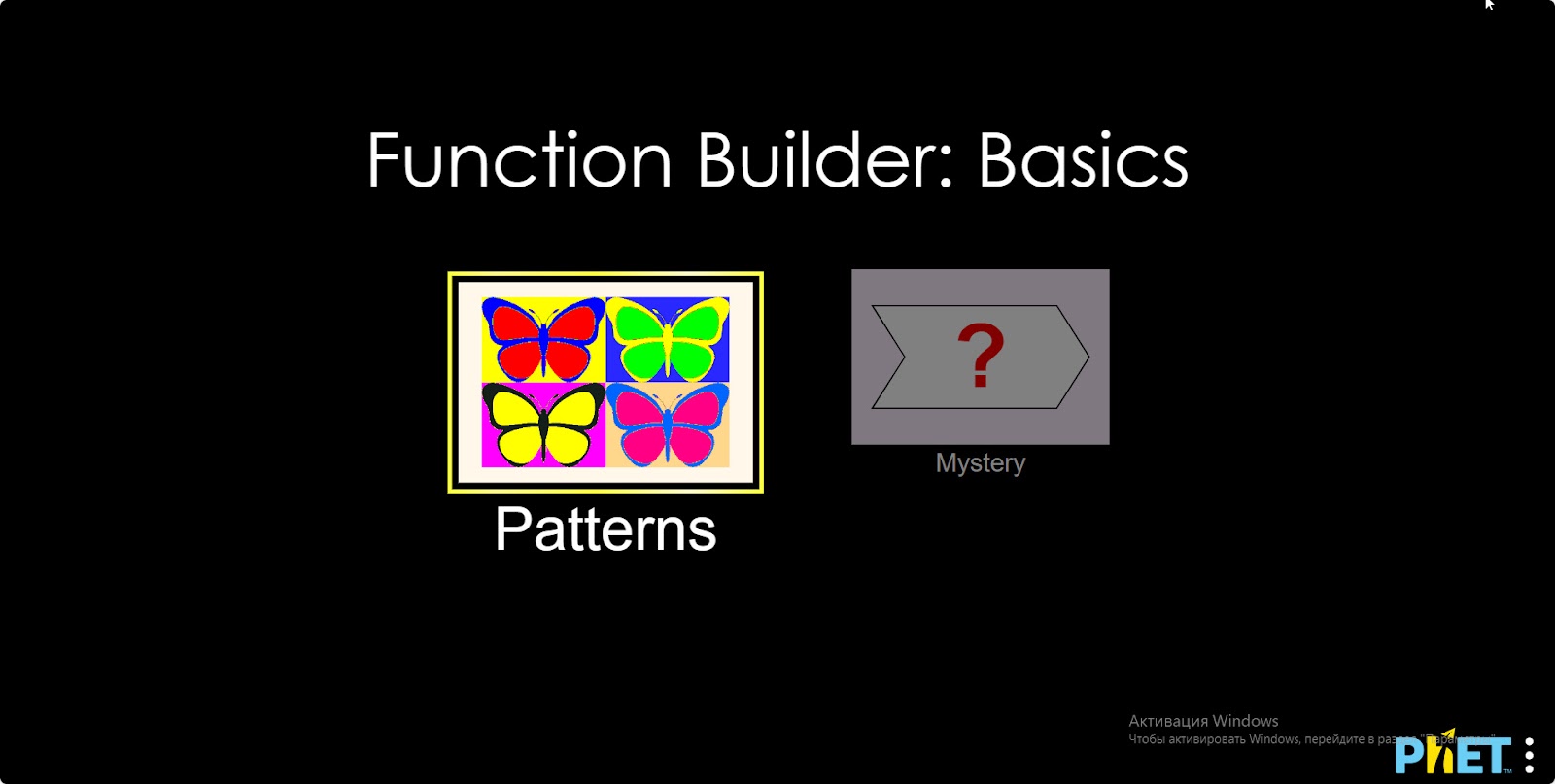
Step 1. Start the simulation. There are 2 different modes. “Patterns” and “Mystery”. Open the “Patterns” section.
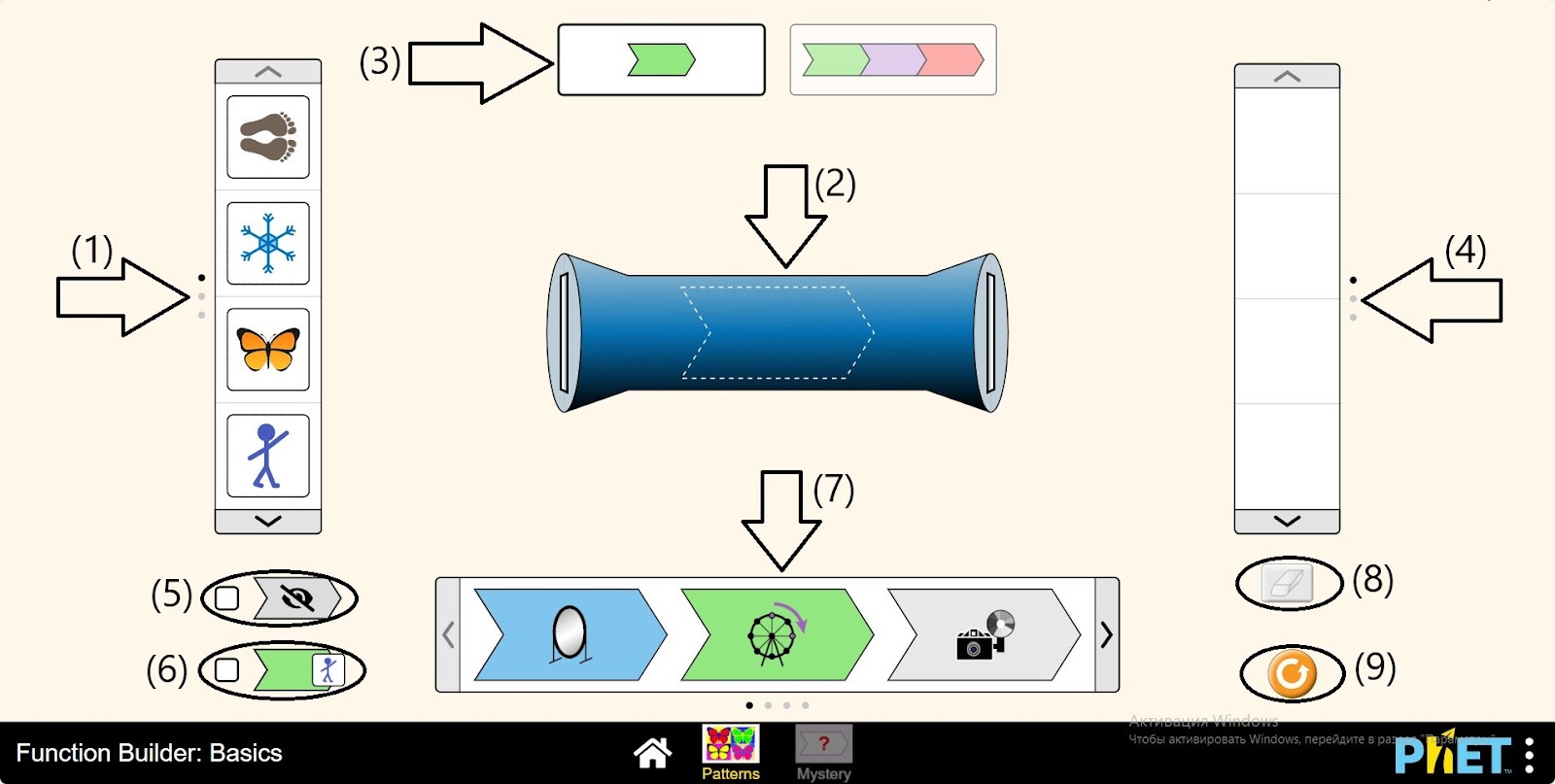
Step 2. In the workspace you are provided with:
- Argument panel: Images (1);
- Function Machine (2);
- One or three operations on the function machine (3);
- The function value panel (4);
- Button that hides the operations on the function machine (5);
- Button that displays the value of the expression after each operation performed on the input number on the function machine (6);
- Operations applied to the function engine (7);
- Eraser button (8);
- Reload button (9).
Step 3. Place an operation on the function machine. There are 12 different operations, choose one.
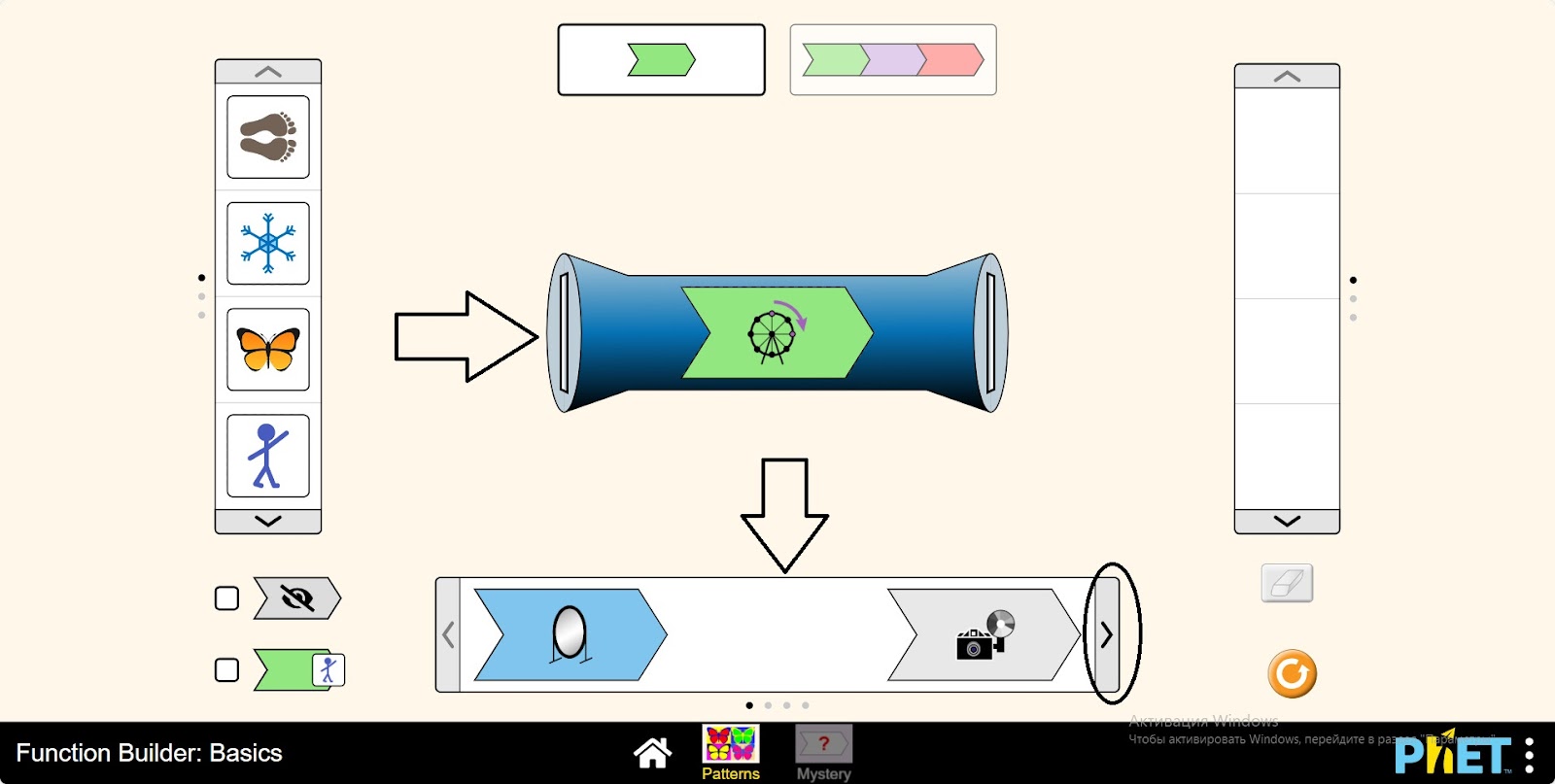
Step 4. Paste the image from the argument panel into the machine. How did the function transform the image?
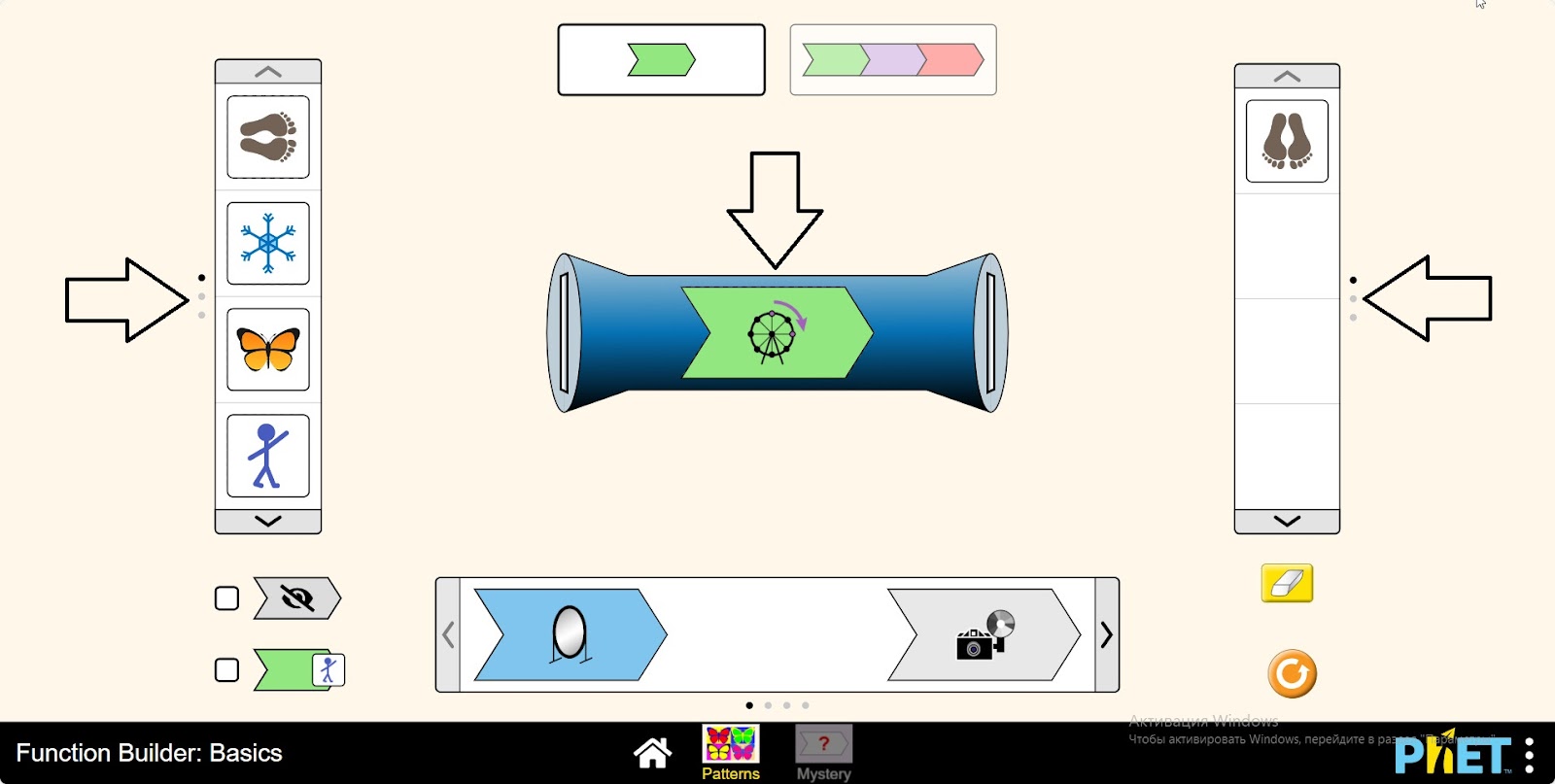
Step 5. Insert some more pictures into the machine and study the function.
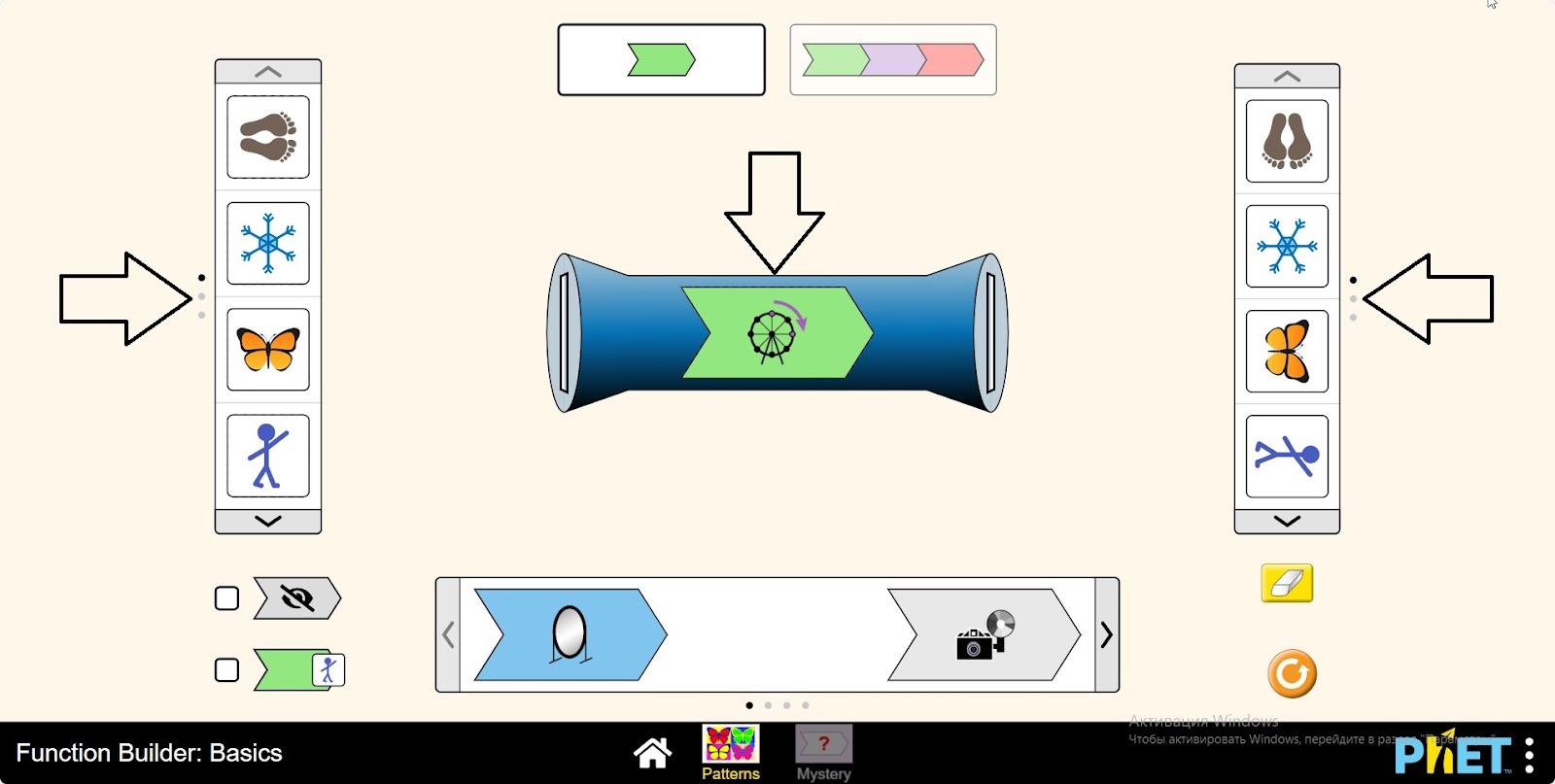
Step 6. Add three operations to the machine. Add three different operations to the machine.
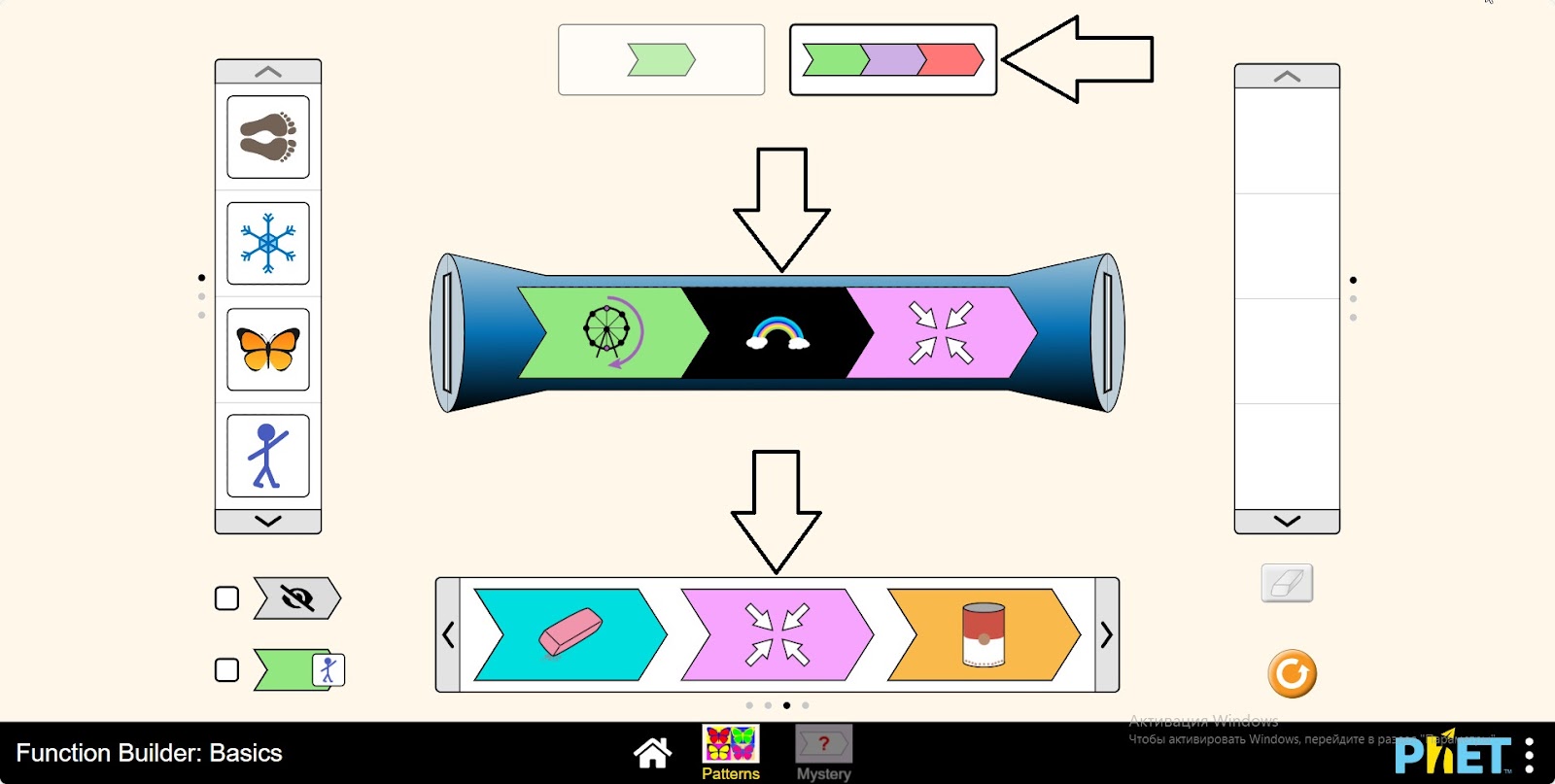
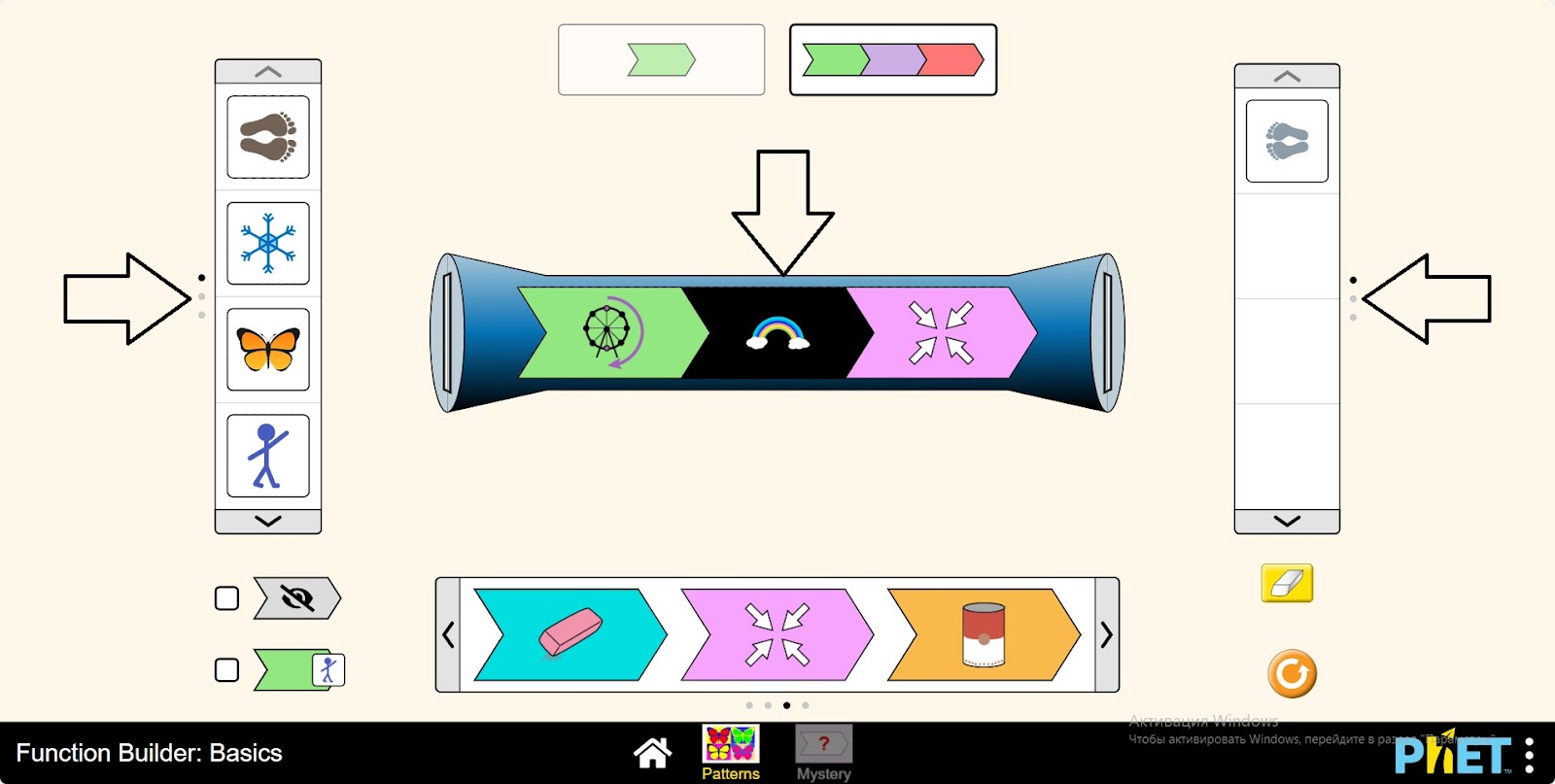
Step 7. Paste an image from the argument table into the machine. How did the function transform the picture?
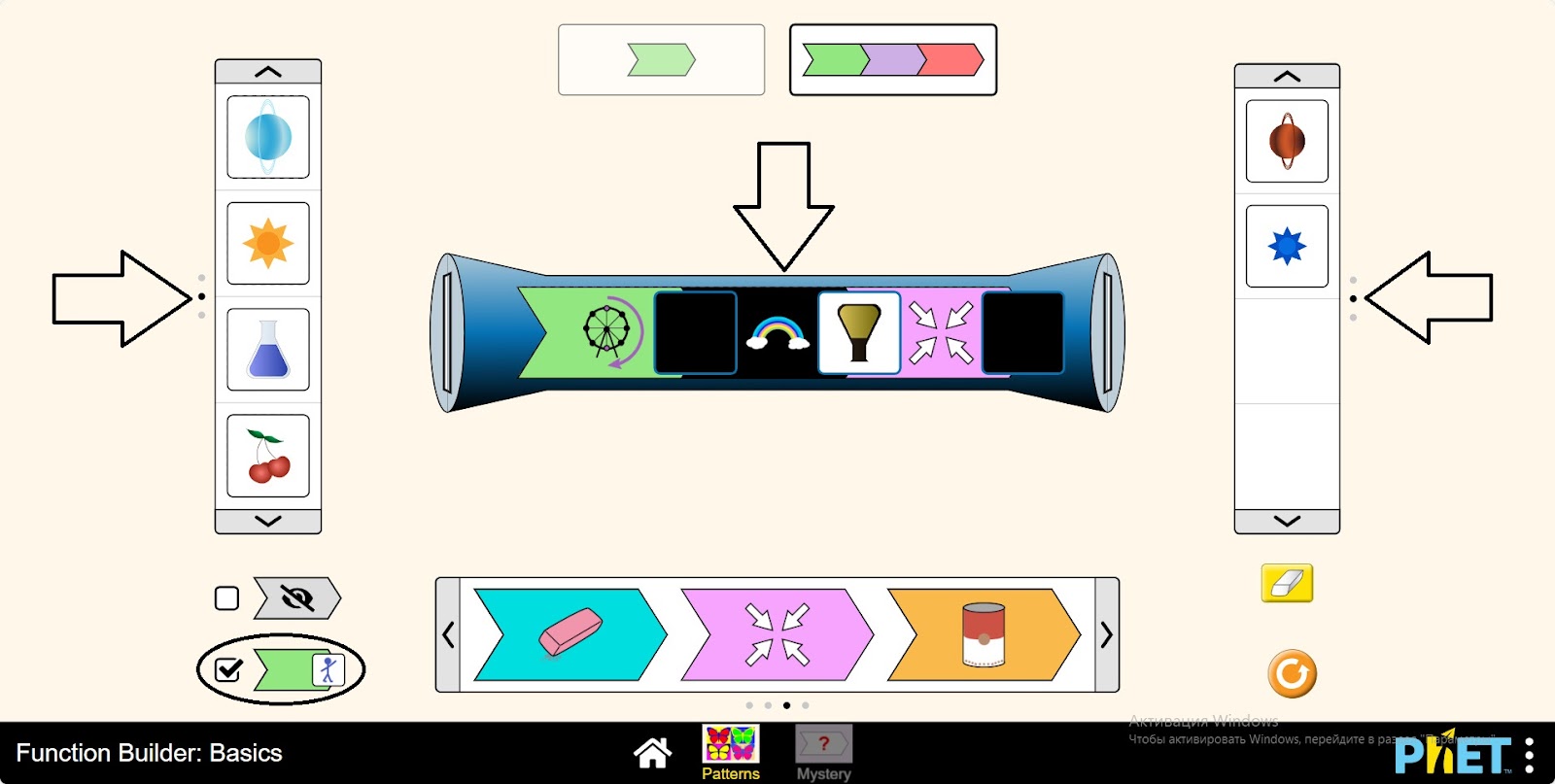
Step 8. After each operation performed on the input number in the function machine, activate the button that displays the value of the expression. Run a few more images and examine how the image changes after each operation.
Step 9. Open “Mystery”. In the workspace provided:
- Argument panel: images (1);
- The Machine function panel (2);
- The function value panel (3);
- Buttons to display the hidden operation on the function engine (4);
- Button to update the hidden function (5);
- One, two or three operations on the function machine (6);
- Button to display the value of the expression after each operation performed on the input number on the function machine (7);
- Eraser button (8);
- Reload button (9).
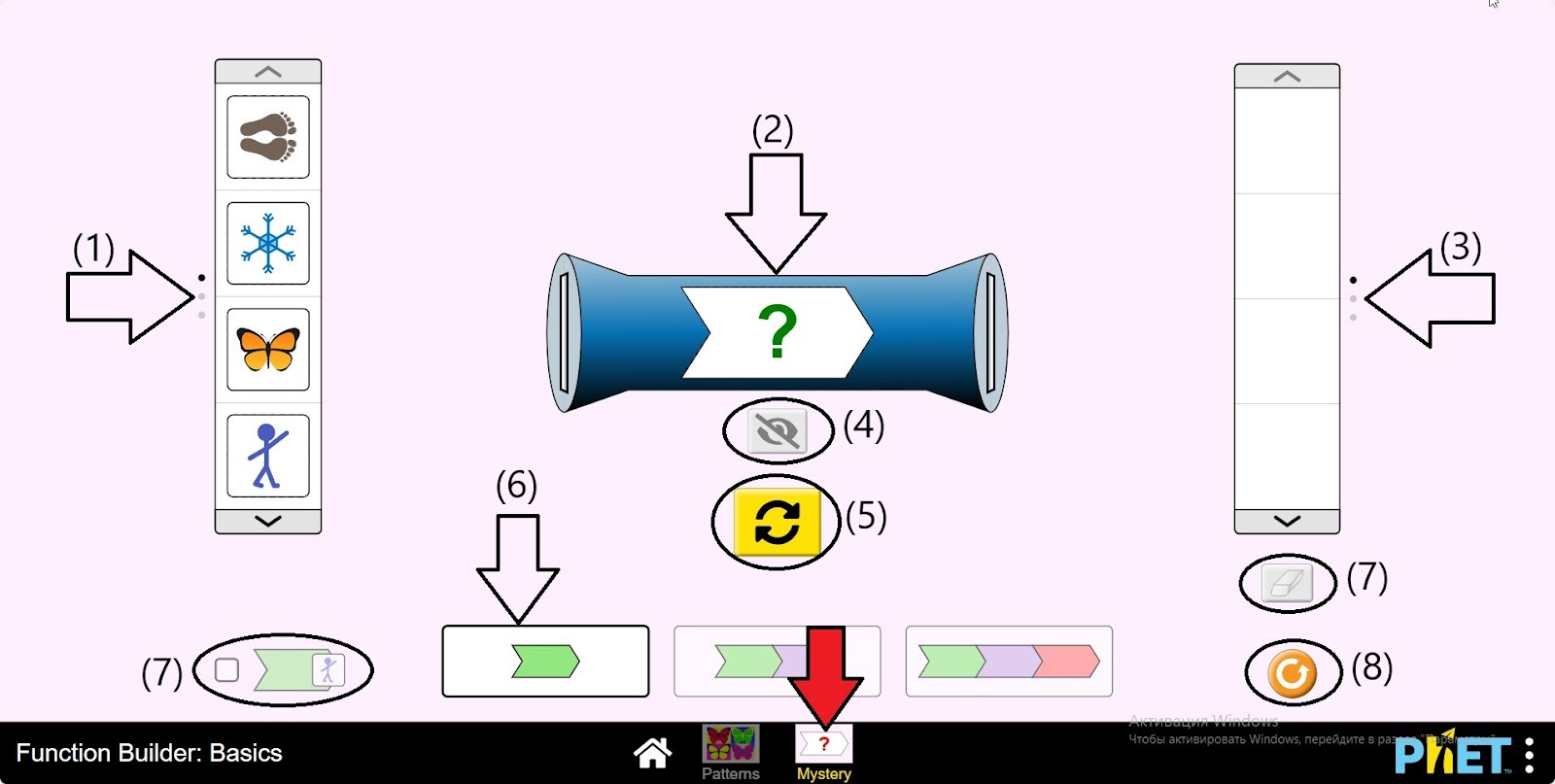
Step 10. Enter several images into the function engine. Examine the results, try to find the hidden function.
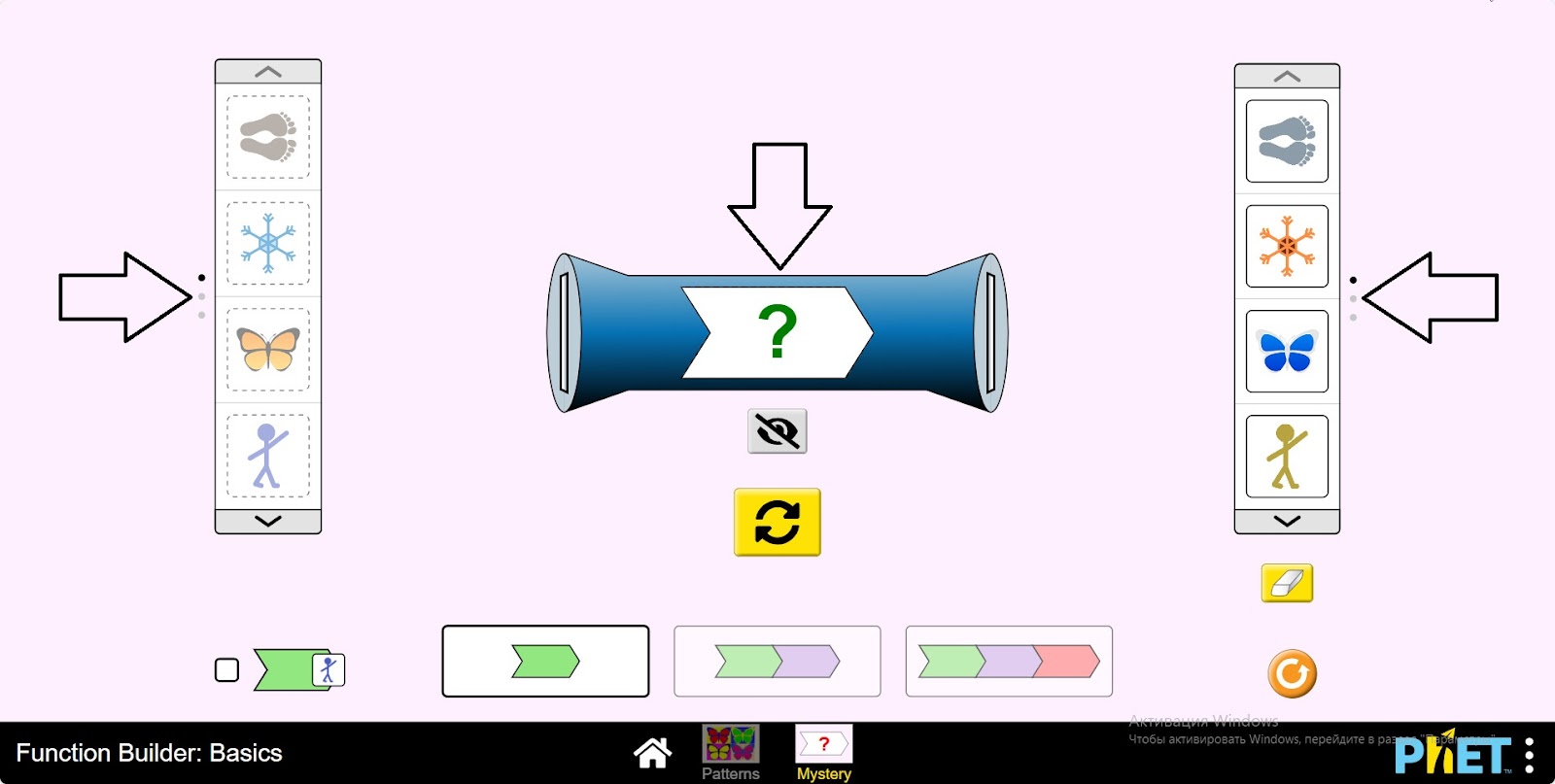
Step 11. Test your assumption by clicking on the hidden “show function” button on the function machine.
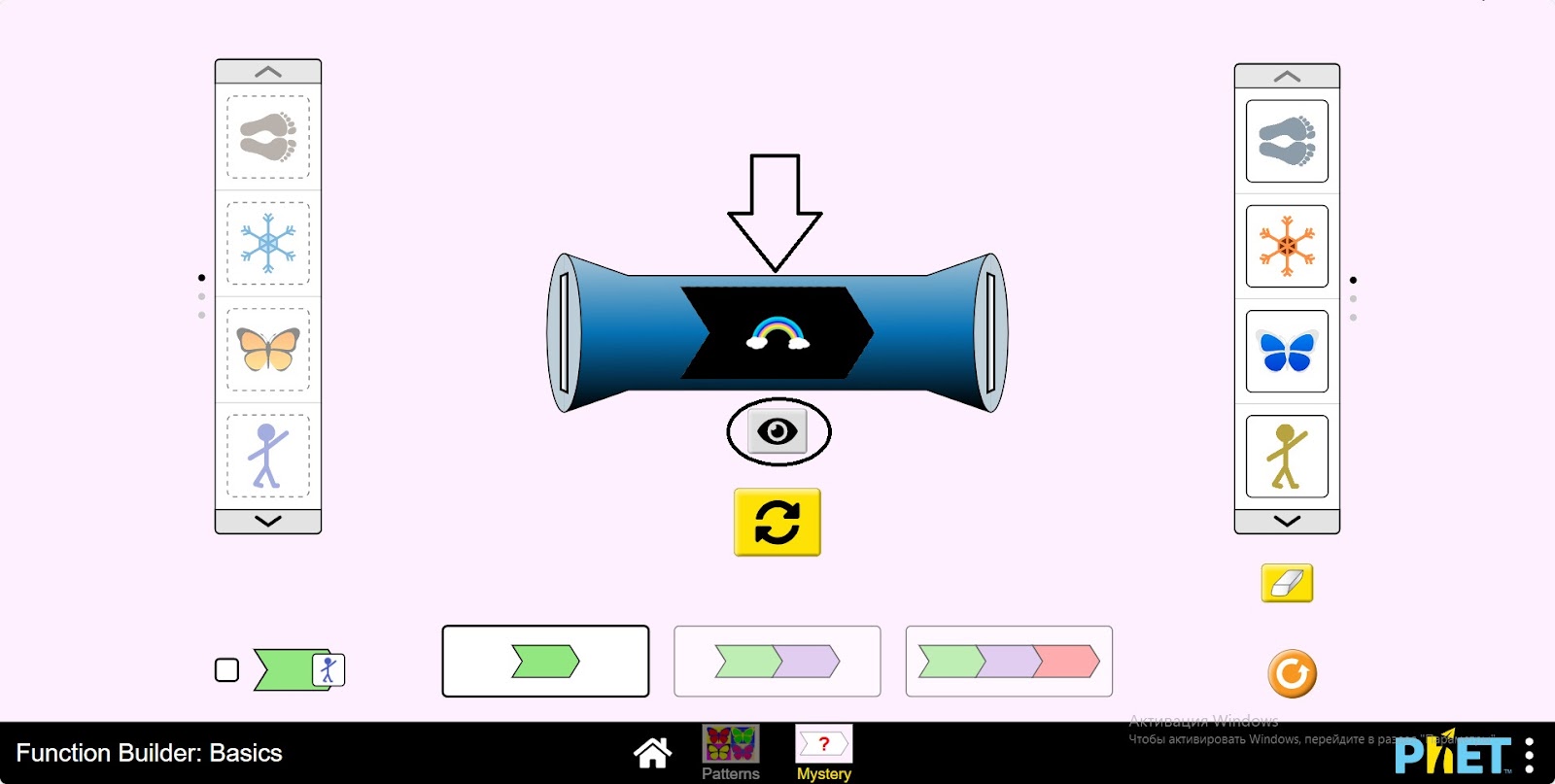
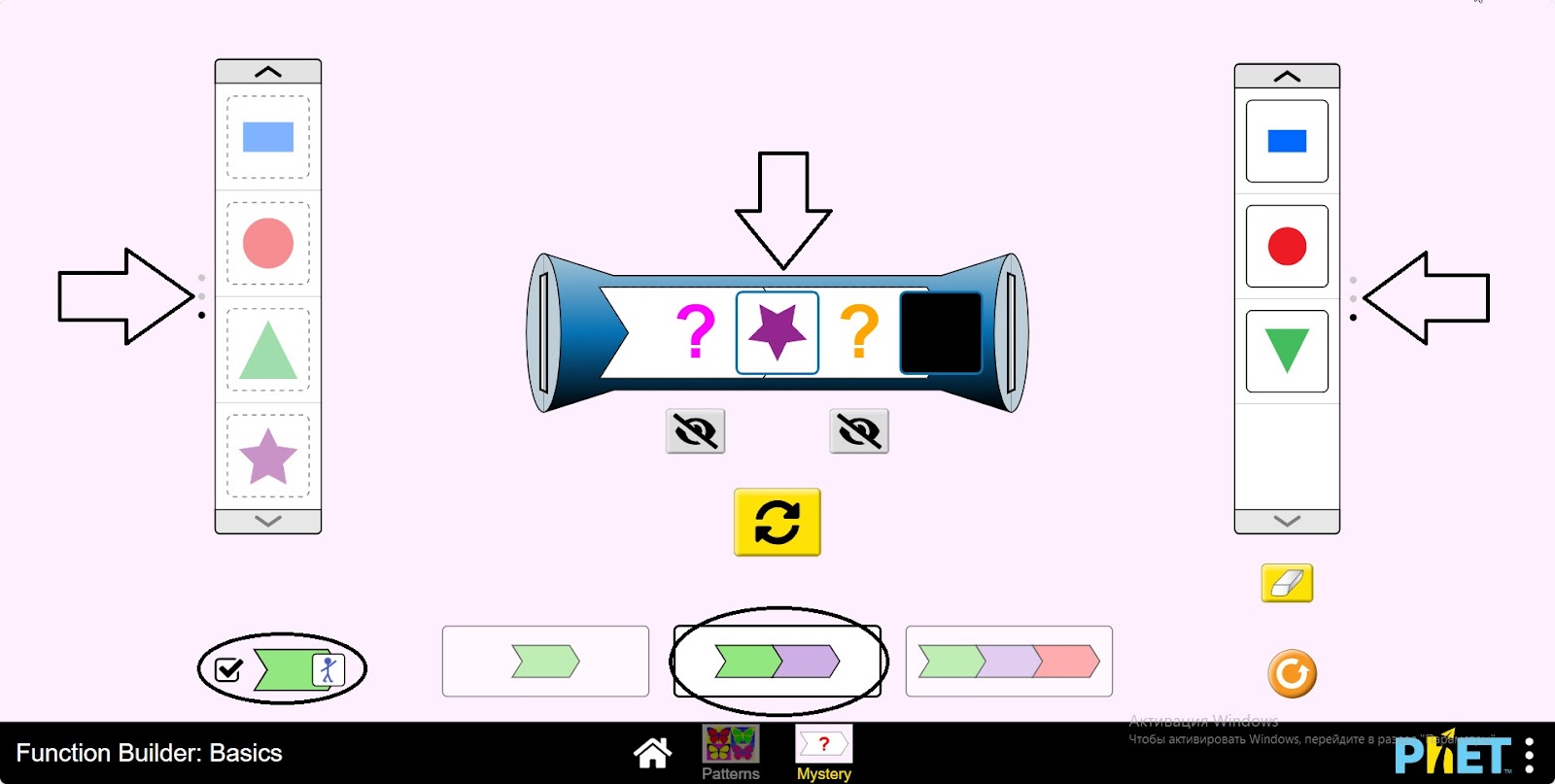
Step 12. Do a little research by increasing the number of operations on the function machine and inserting images.
Conclusion
Students have become familiar with the concept of function in the virtual lab. They have seen that its role in mathematics is important. This work serves as an introduction to the topic of function in high school. They realized that function is not just a formula, but a way of describing the relationship between quantities in the world around us.