
Algorithm for Adding Two-Digit Numbers
Make a Ten by PhET Interactive Simulations, University of Colorado Boulder, licensed under CC-BY-4.0 (https://phet.colorado.edu)
Objective:
- To learn how to add two-digit numbers;
- To learn to add hundreds;
- The extended unit of counting is the hundred.
This virtual activity is designed to be used in math lessons in the next chapter:
- Grade 2. “Adding and Subtracting Two-Digit Numbers. Hundreds”.
Theoretical part
When we add numbers, we combine their quantities. Imagine that you have 25 apples and your friend has 32. To find out how many apples you have together, you have to add the two numbers.
Digitizing numbers
- Units: These are the smallest numbers we use when counting. For example, in the number 25, the number 5 represents 5 units.
- Tens: Ten units make a ten. In the number 25, the number 2 represents 2 tens.
- Hundreds: Ten tens make one hundred. For example, the number 100 is made up of one hundred.
Column Addition Algorithm
When numbers become large, it can be difficult to add them mentally. For such cases, we use the column addition method.
- Write down the numbers:
We write the numbers below each other so that the units are below the ones, the tens below the tens, and the hundreds below the hundreds.
- Adding units:
Begin addition by adding units.
If the sum of the units is less than 10, write the result below the line in the unit place.
If the sum of the units is 10 or greater, write only the units of the result and move the tens to the next place (tens).
- Add the tens:
Add the tens, remembering to add the carry (if there was one).
Write the result below the line in the tens place.
- Add hundreds (if any):
Add the hundreds.
Write the result below the row in the hundreds.
Virtual Experiment
The Explore screen allows students to focus on place value, addition strategies, and even subtraction as they learn to combine and divide numbers. Teachers can use this screen as a tool for explaining numbers. On the Play screen, students complete tasks that develop integration skills.
Workflow:
Step 1. There are 3 different modes: “Explore”, “Adding” and “Game”. Open the “Explore” section.
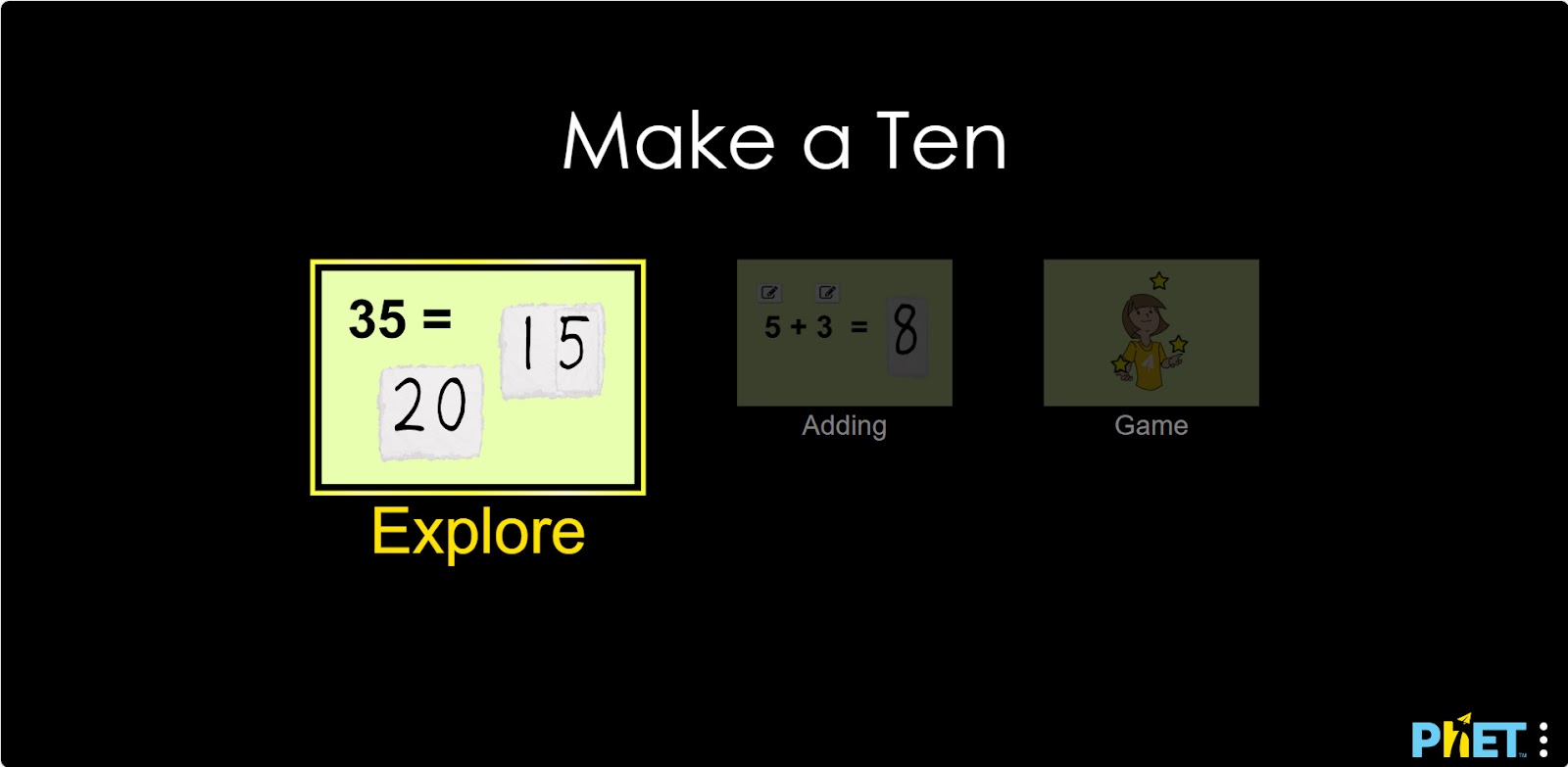
Explore Section
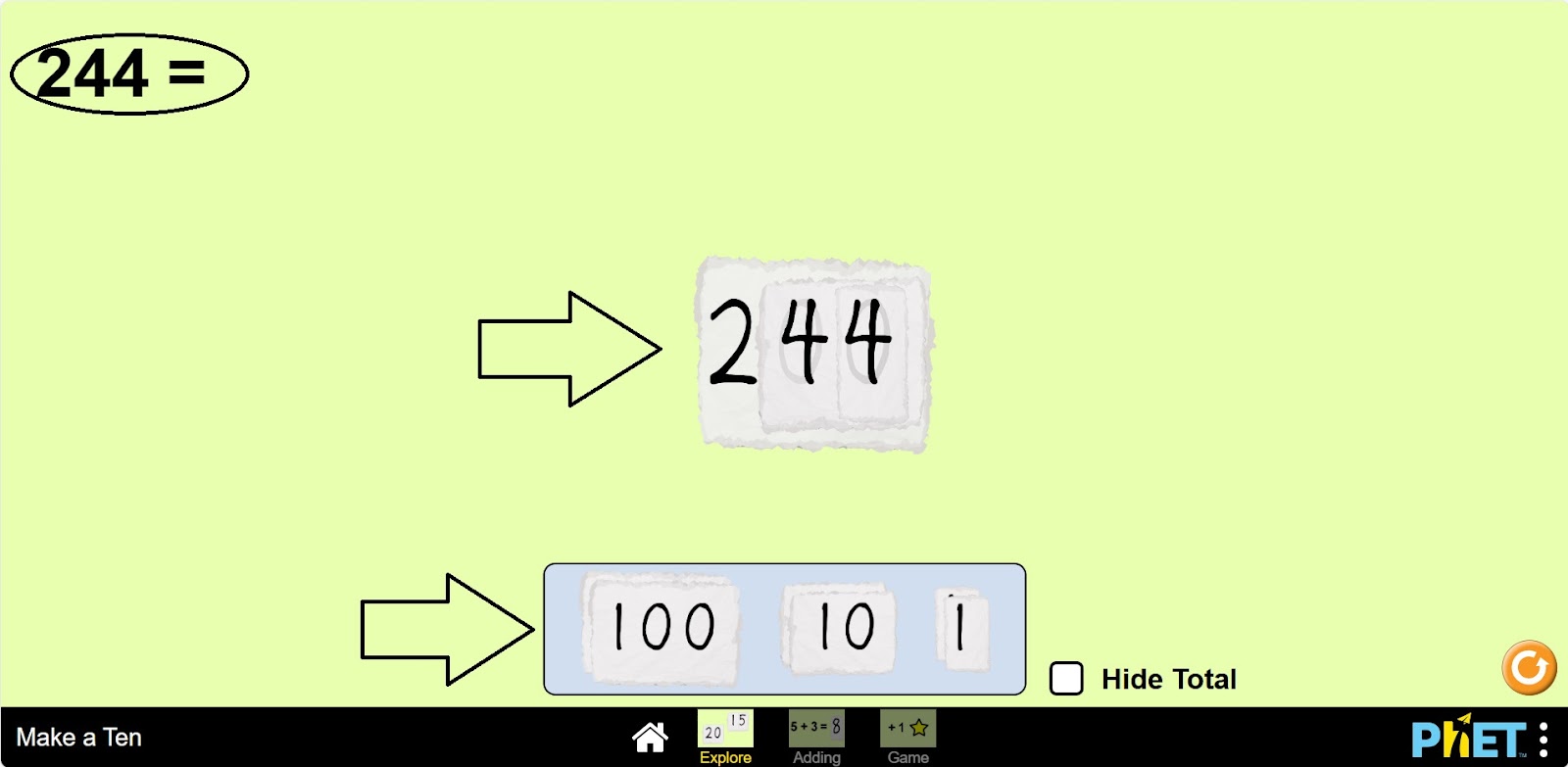
Step 2. In the workspace provided to you:
- The number ten (1);
- Hundreds, tens, ones (2);
- The sum result (3);
- A button to hide the sum result (4);
- The restart button (5).
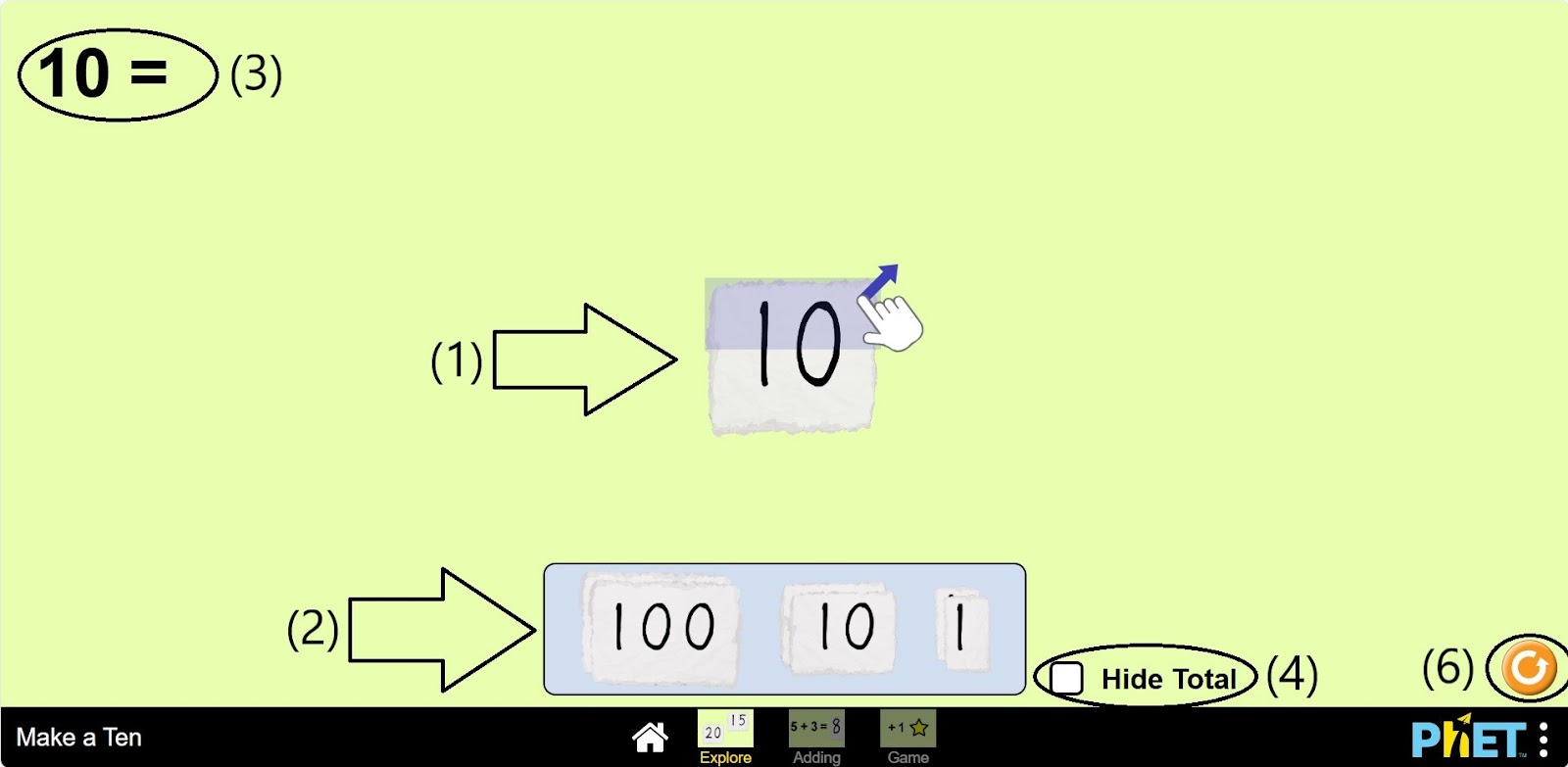
Step 3. Divide tens by units. You can divide by units by clicking and dragging the specified hand.
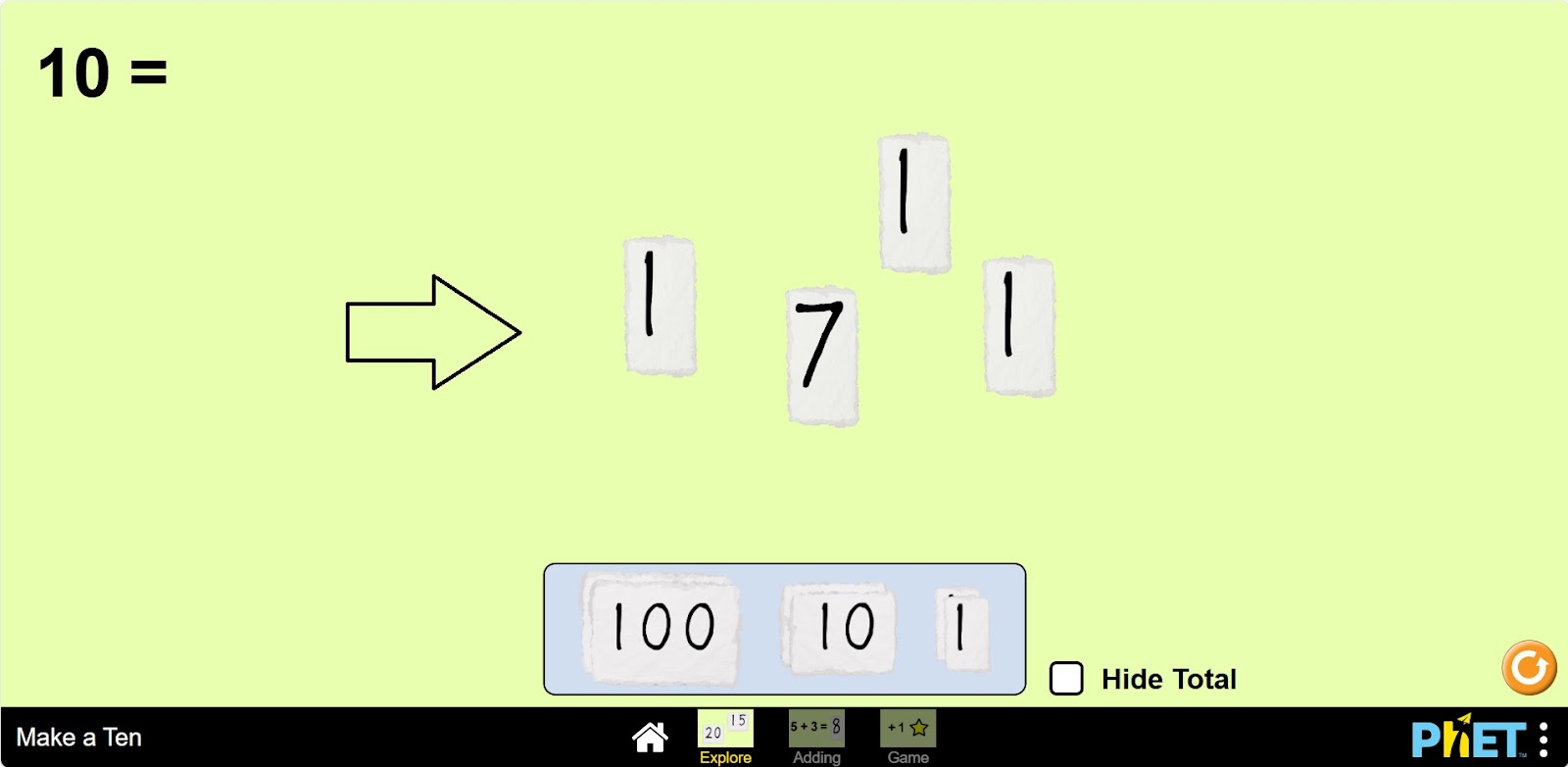
Step 4. Subtract and add some tens and units on the screen. You subtract by holding the top of the cards with the number written on them and add by holding the bottom.
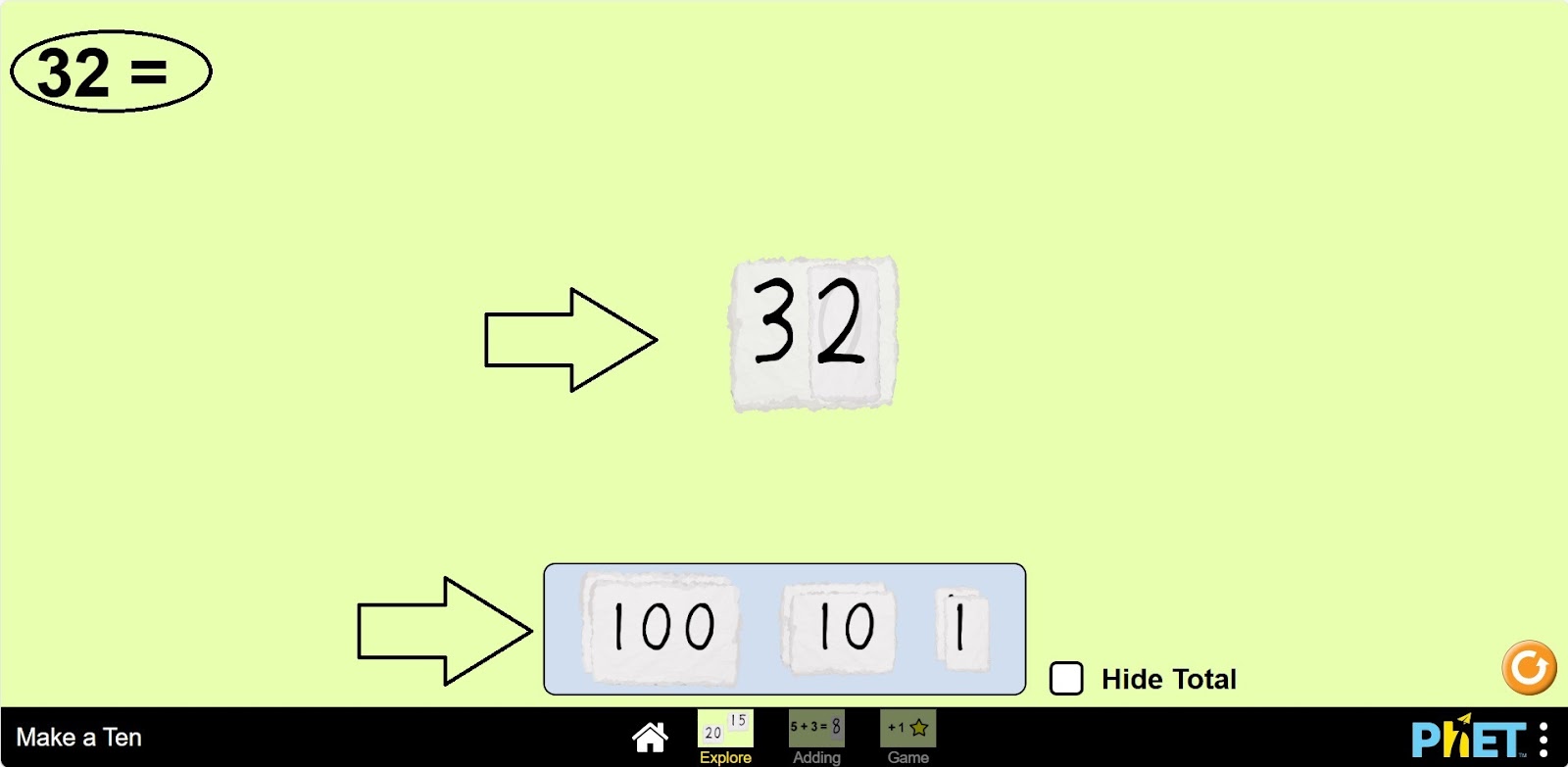
Step 5. Extract and add some hundreds, decimals, and ones to the screen. In order, add the hundreds first, followed by the tens and then the ones.
Adding Section
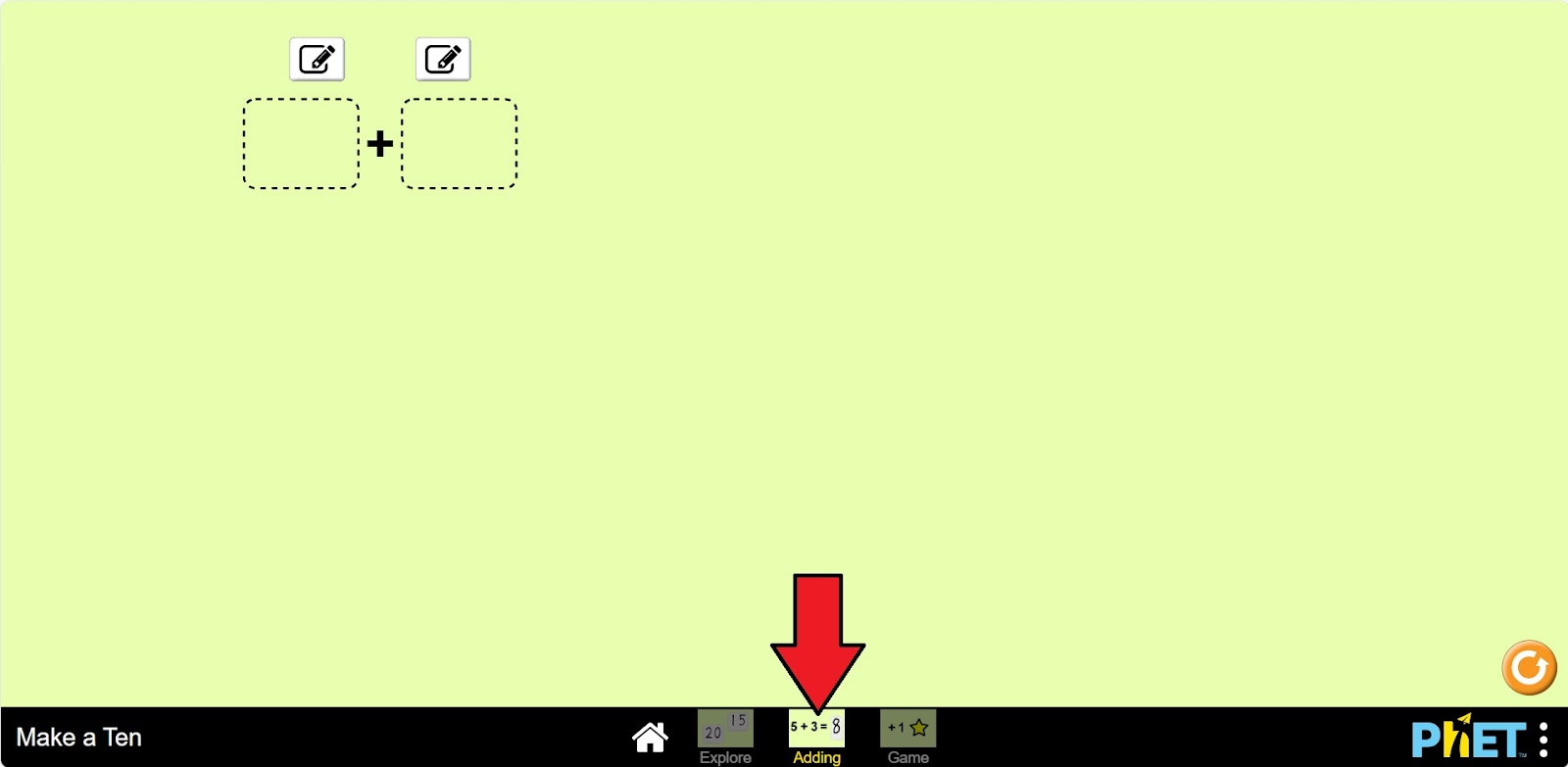
Step 6. Open the Adding section.
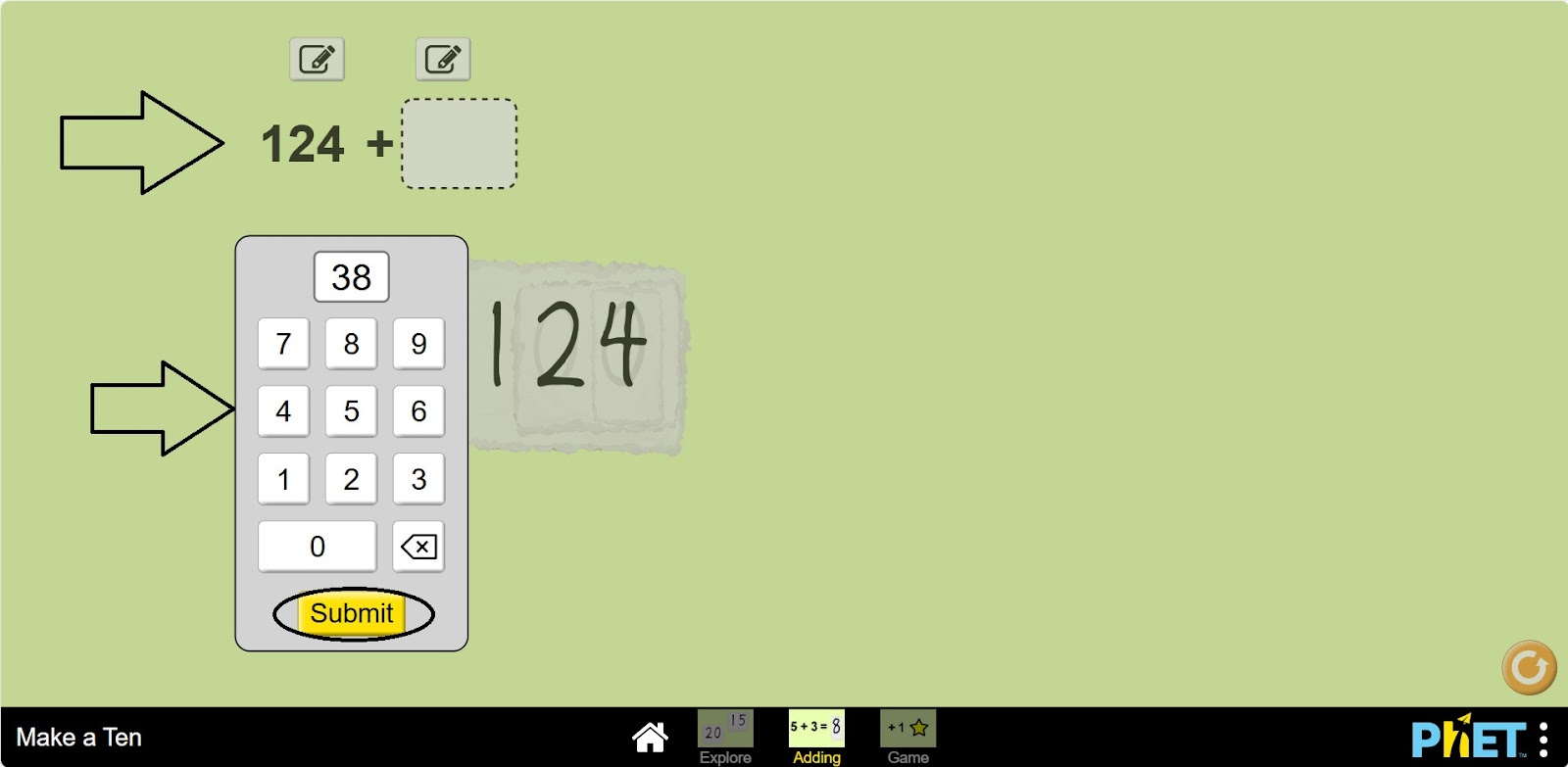
Step 7. Enter two additions of numbers. If you press the Pencil and Page button, a calculator will appear on the screen. Enter the number and click the “Submit” button.
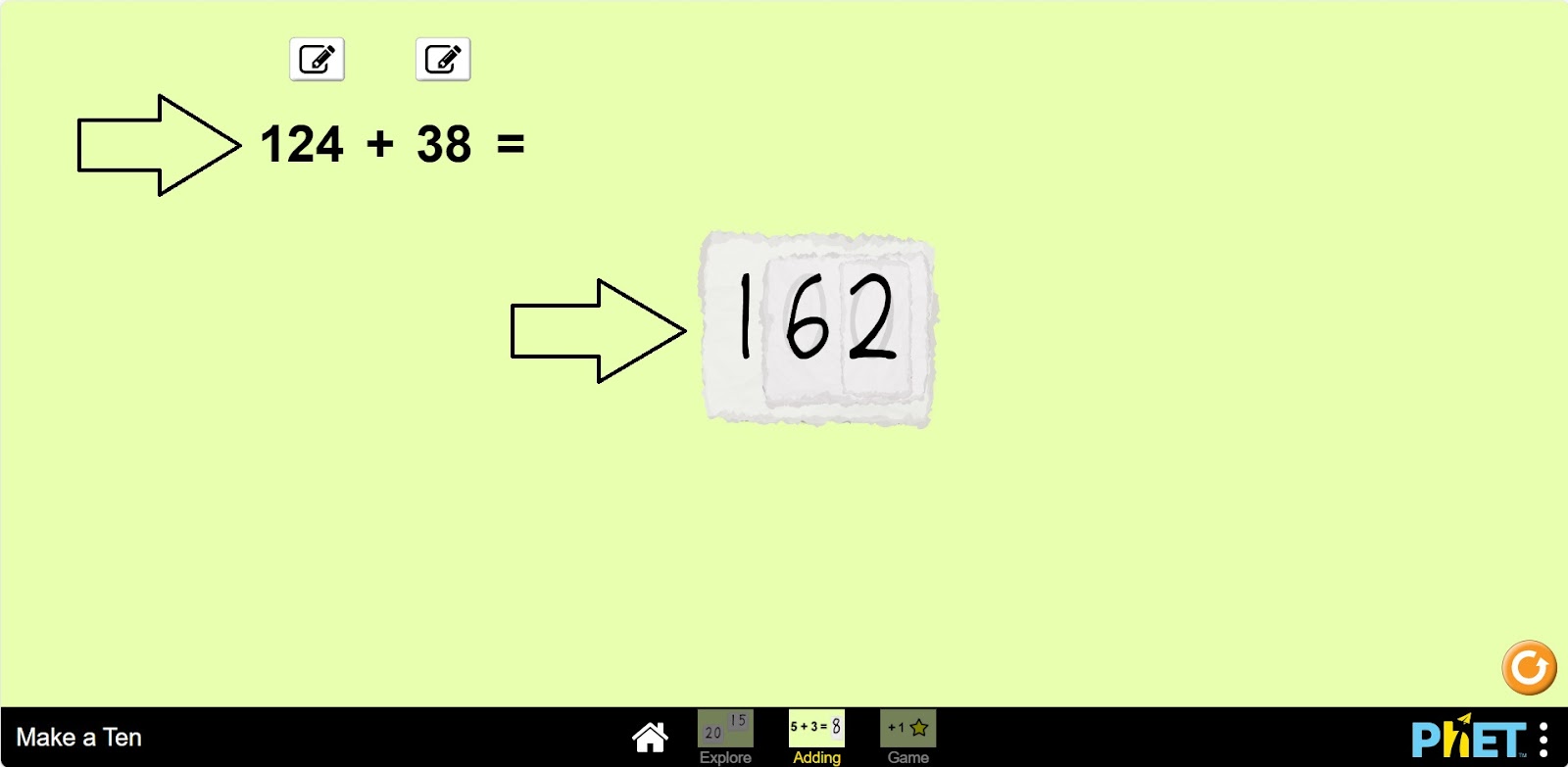
Step 8. Find the value of the sum by holding one connector and dragging it over the other.
Game Section
Step 9. Open the “Game” section. You will be given 10 levels of addition problems. Open the first level.
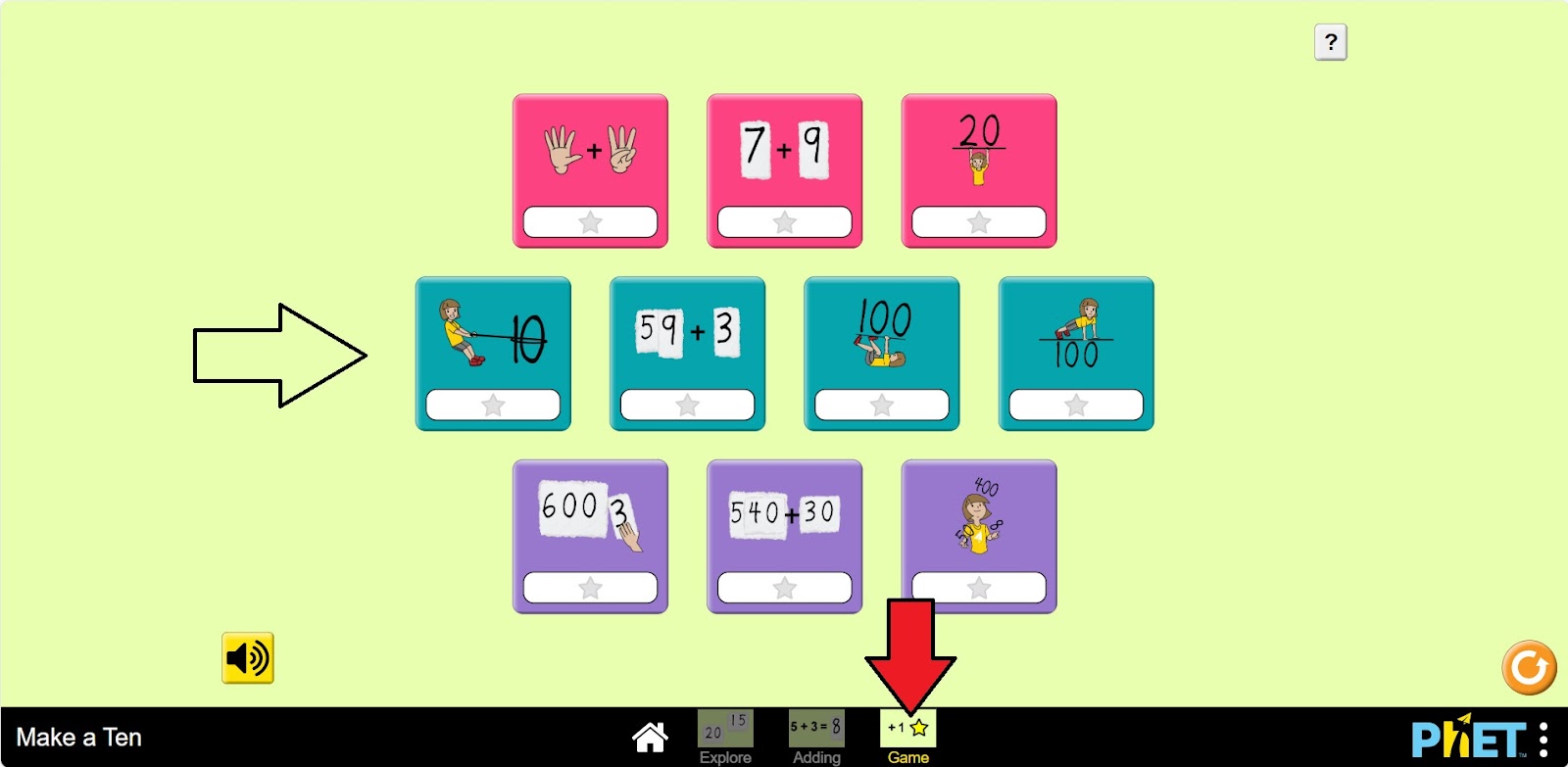
Step 10. Write down the number of points given on the screen.
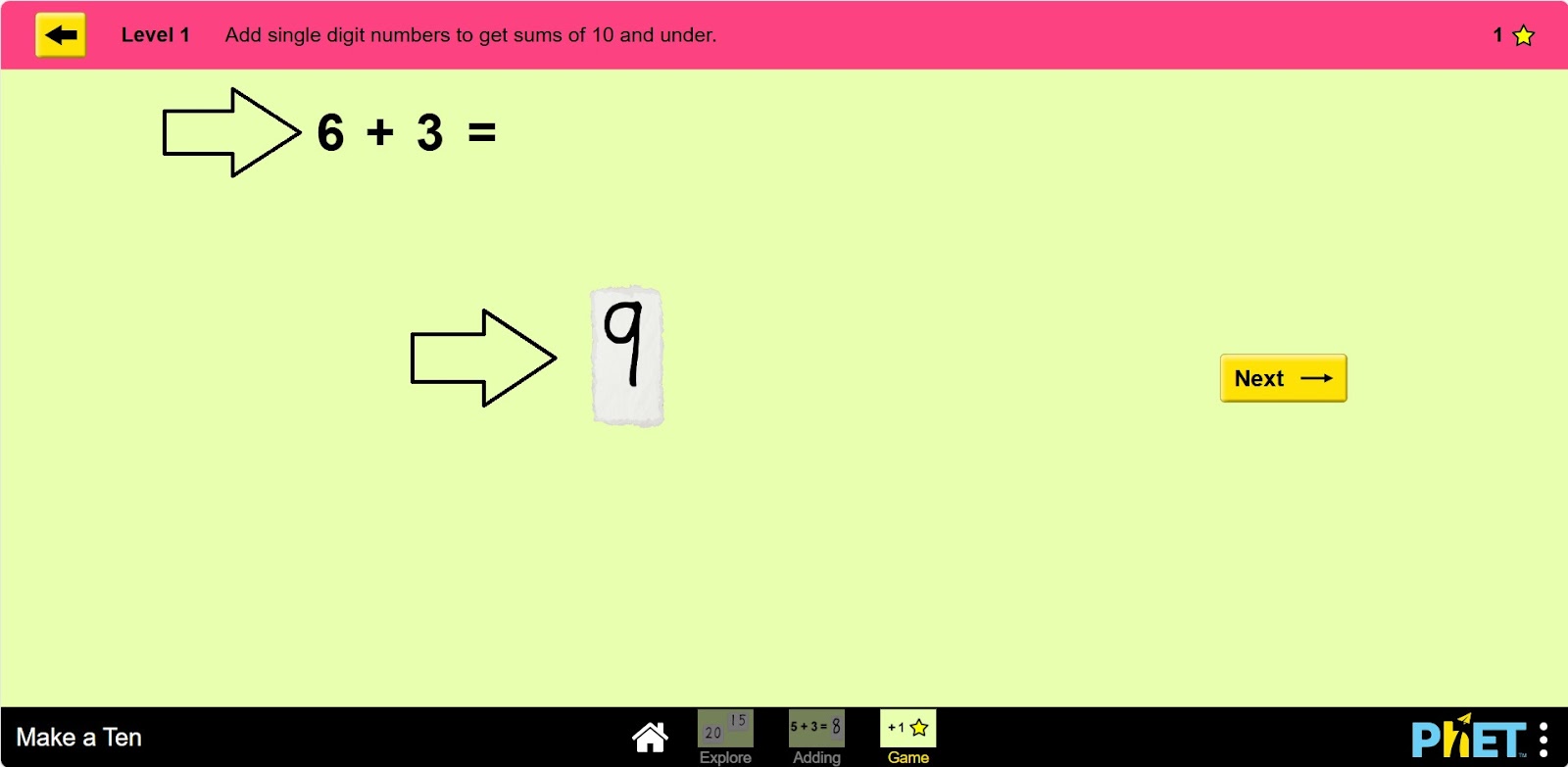
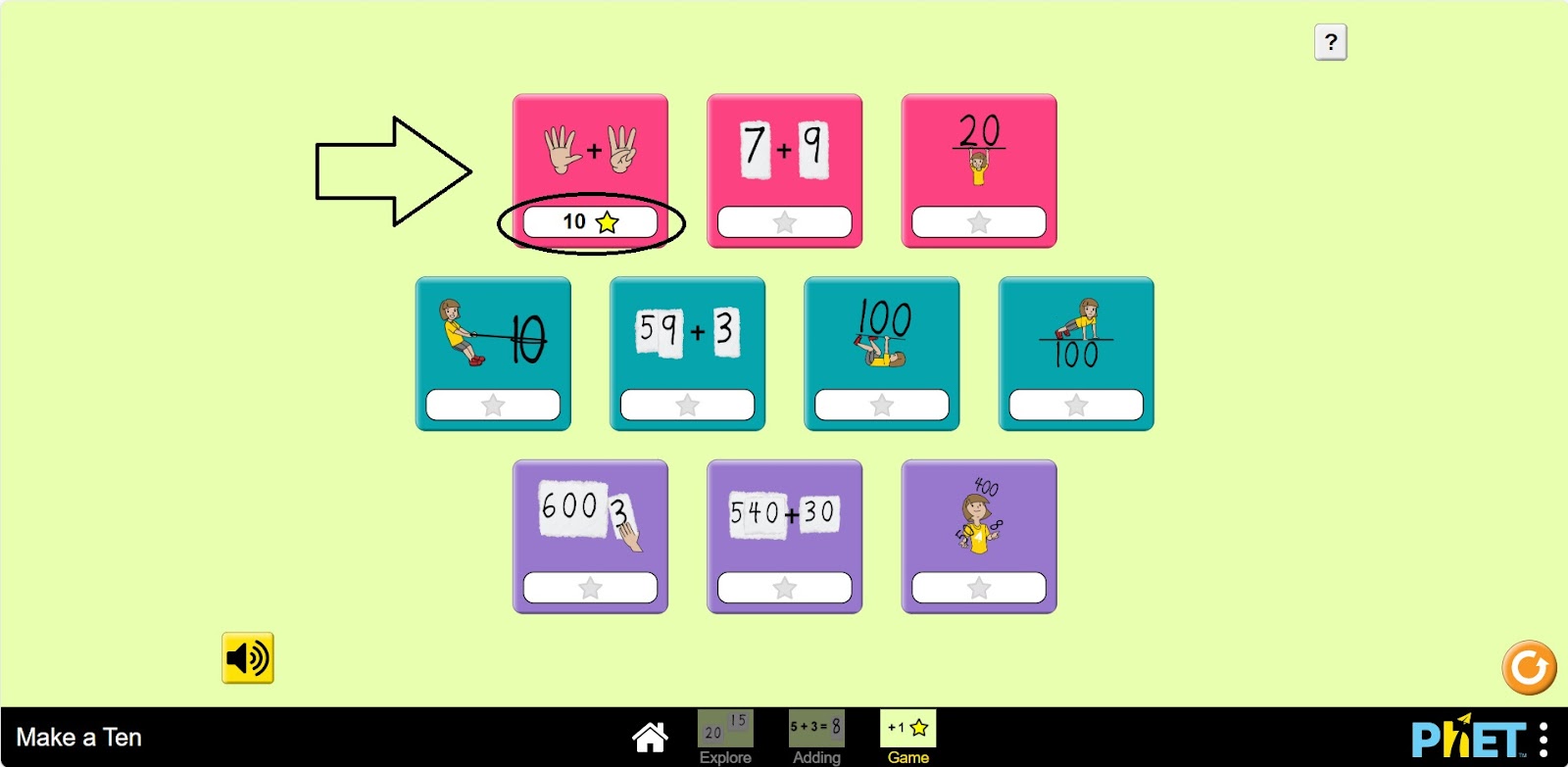
Step 11. Go to the next problem and solve it. There are 10 problems in each level. When you are done with the problems, move on to the problems of the next level.
Conclusion
Adding two-digit numbers and hundredths is an important skill that will come in handy in later math studies. Constant practice helps students to perform such tasks quickly and confidently. The simulator can be a special visual aid for a better understanding of the subject.