
Proper and Improper Fractions
Fractions: Intro by PhET Interactive Simulations, University of Colorado Boulder, licensed under CC-BY-4.0 (https://phet.colorado.edu)
Objective:
- To learn to distinguish between proper and improper fractions
This virtual activity is designed to be used in math lessons on the following topics:
- Grade 4. “Proper and improper fractions”
Theoretical part
A fraction is a number that shows how many equal parts a whole is divided into and how many such parts are taken.
For example:
- 1/2 of a pizza means that the pizza was cut into 2 equal parts and 1 part was taken.
- 3/4 of an apple means that the apple was divided into 4 equal parts and 3 parts were taken.
The structure of a fraction
A fraction consists of two numbers written on top of each other and separated by a line:
- Numerator: The upper number shows how many pieces were taken.
- Denominator: The lower number shows how many equal parts the whole was divided into.
For example: In the fraction 3/4, the number 3 is the numerator and the number 4 is the denominator.
Proper and improper fractions
Fractions are divided into two types:
- Proper fractions: In a proper fraction, the numerator is less than the denominator. This means that we have taken fewer parts than the total. A proper fraction is always less than 1. For example: 1/2, 3/4, 5/8
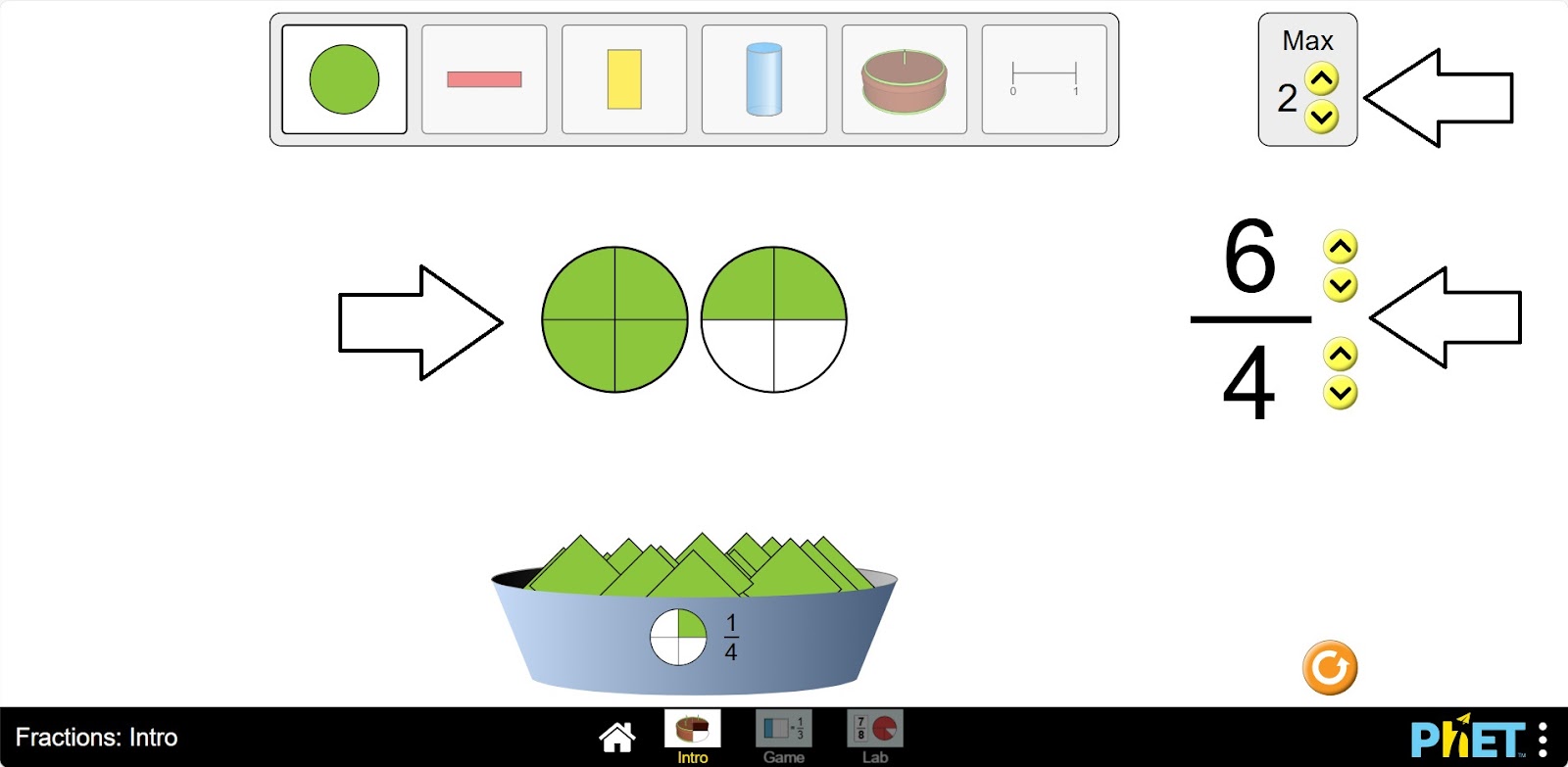
- Improper Fractions: In an improper fraction, the numerator is greater than or equal to the denominator. This means we have taken a whole number or more than a whole number of parts. An improper fraction is always greater than or equal to 1. For example: 5/5, 7/4, 9/2.
Virtual Experiment
Modeling the construction of a fraction allows students to predict and understand how changing the numerator of a fraction affects its value, and how changing the denominator of a fraction affects its value. Allows flexibility to explore the correspondence between parts using numbers and pictures.
Workflow:
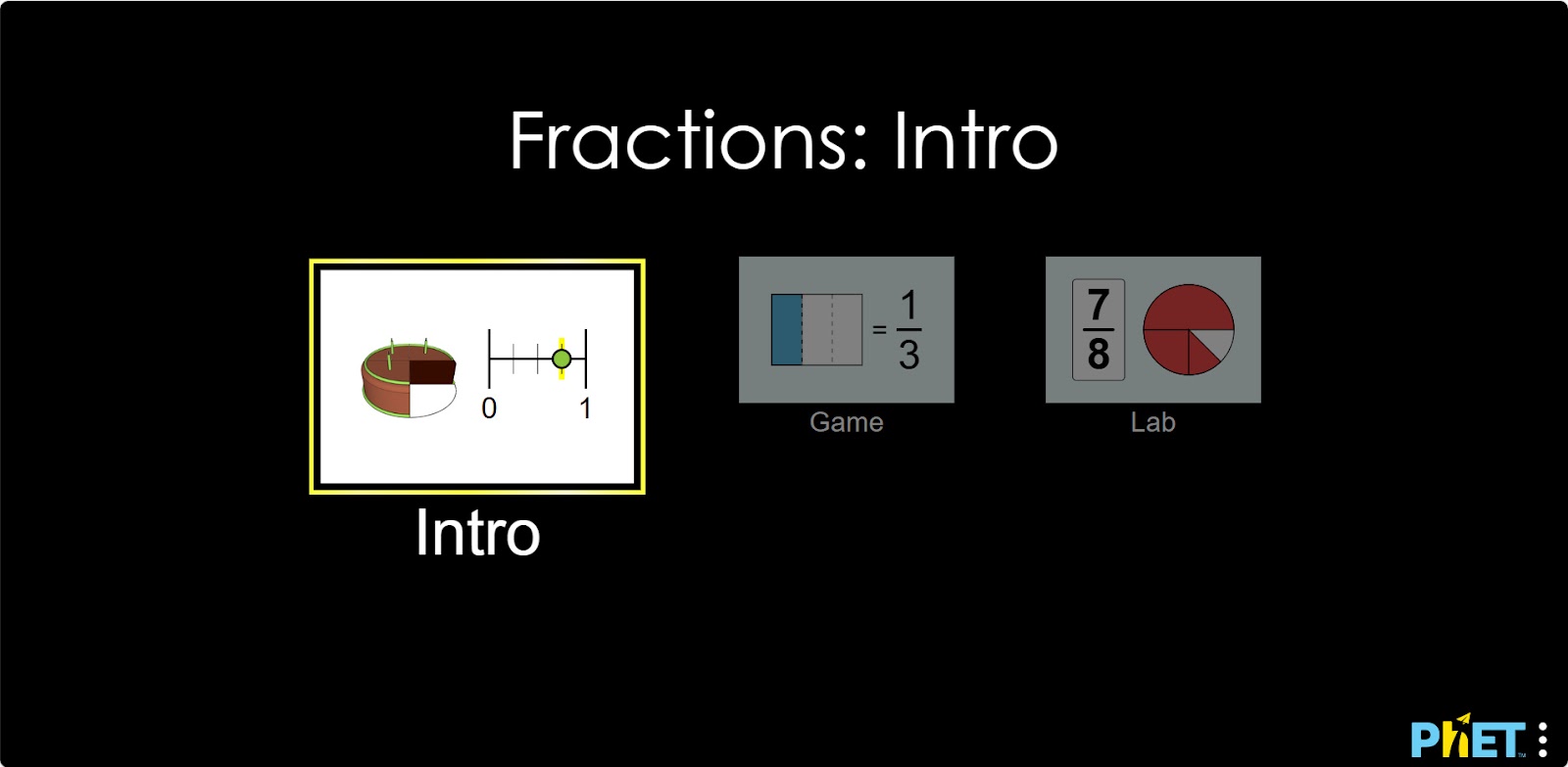
Step 1. Start the simulation: You will be presented with 3 different modes: “Intro”, “Game” and “Lab”. Open the “Intro” section.
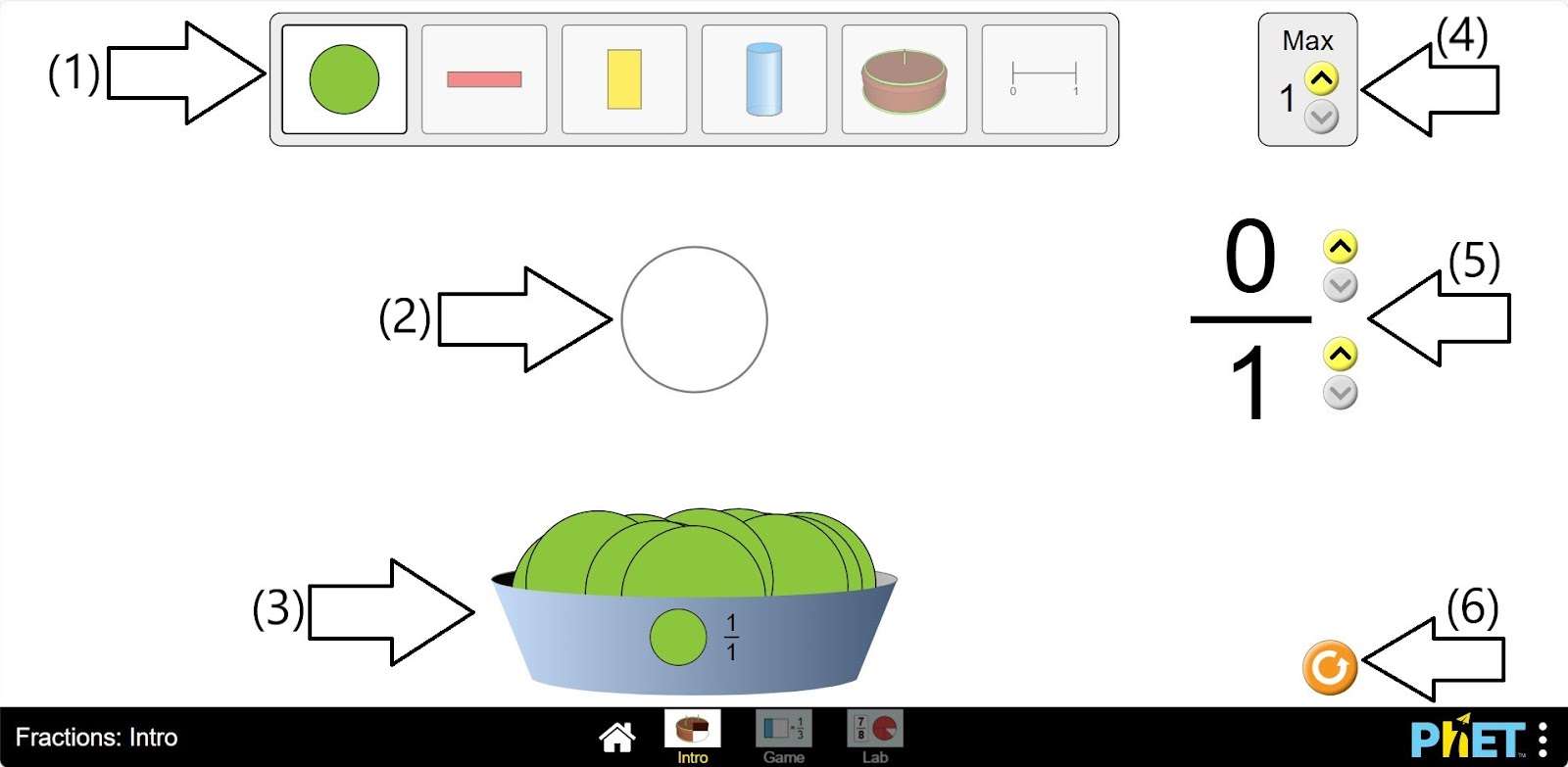
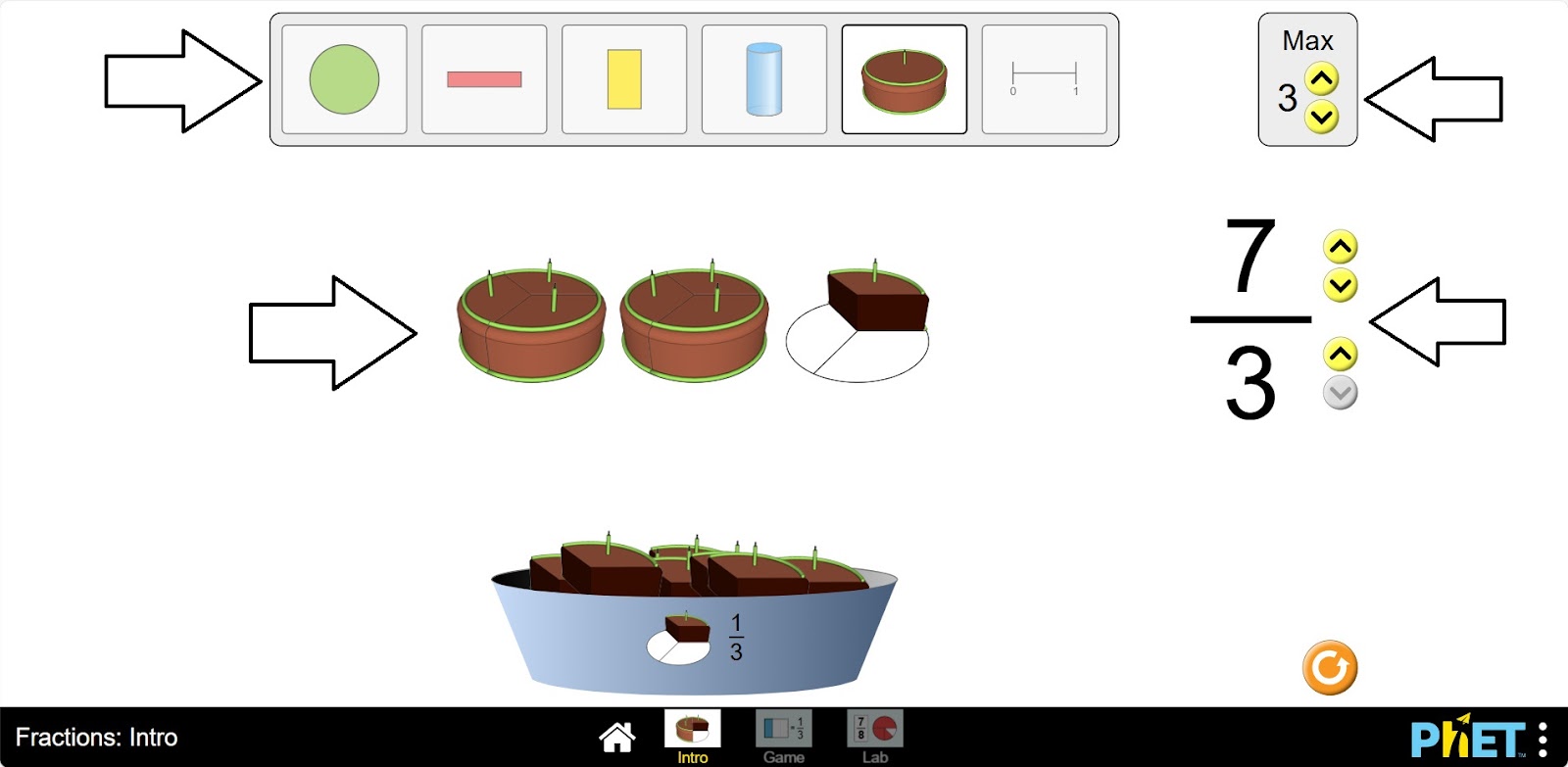
Step 2. In the workspace you will be presented with
- Different types of parts: round, rectangle, cylinder, cake and slice (1);
- The empty frame of the fraction model (2);
- The shapes that make up the fractions (3);
- Button that increases the number of the empty frame of the fraction model (4);
- Buttons for changing the numerator and denominator of the fraction (5);
- A reset button (6).
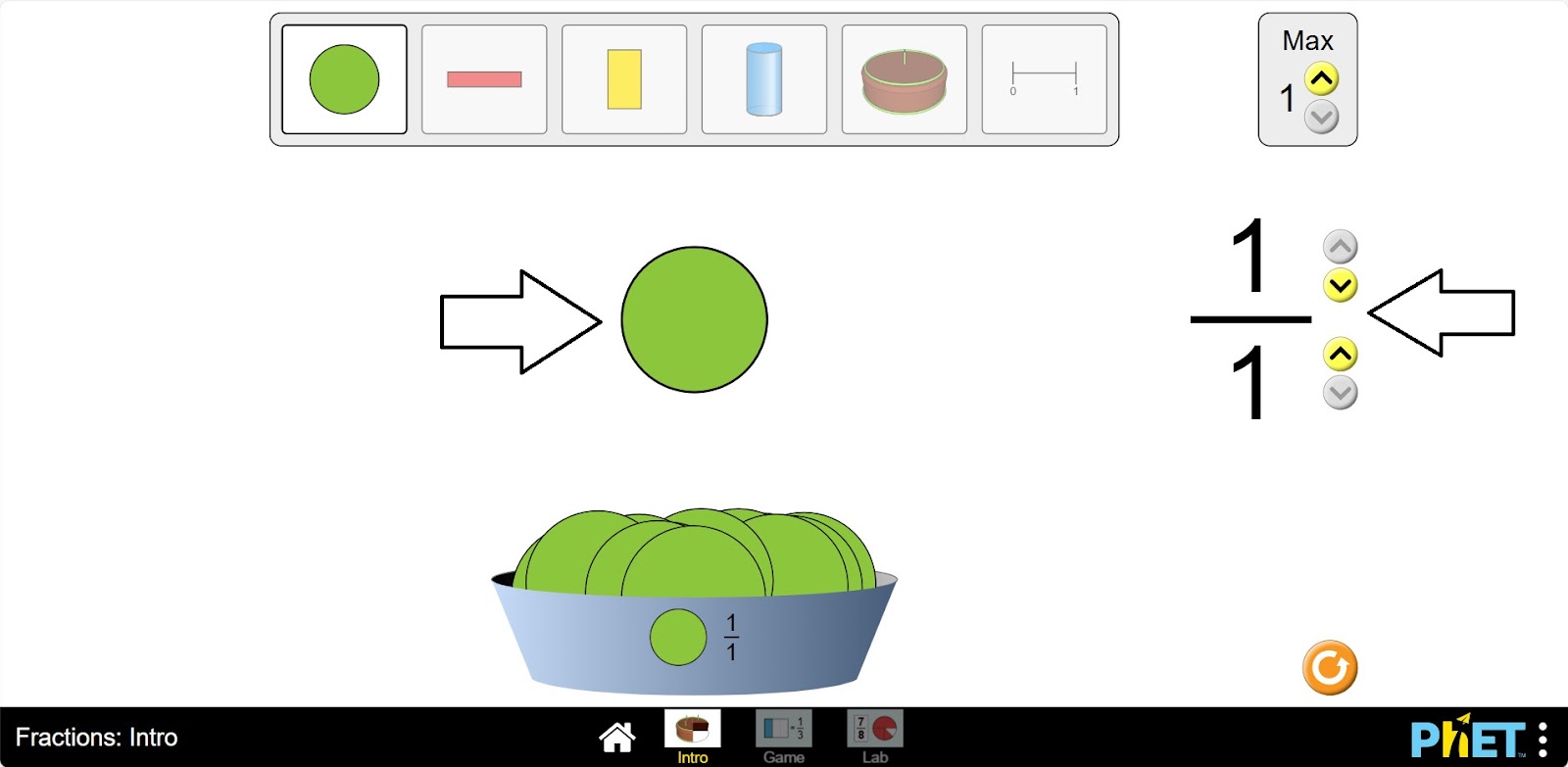
Step 3. On the empty fraction model frame, move your mouse over the shape that makes up the fractions. You will also see that the numerator of the fraction is equal to 1 in the denominator. That is, the fraction 1/1 – forms a complete shape. The type of fraction is an improper fraction.
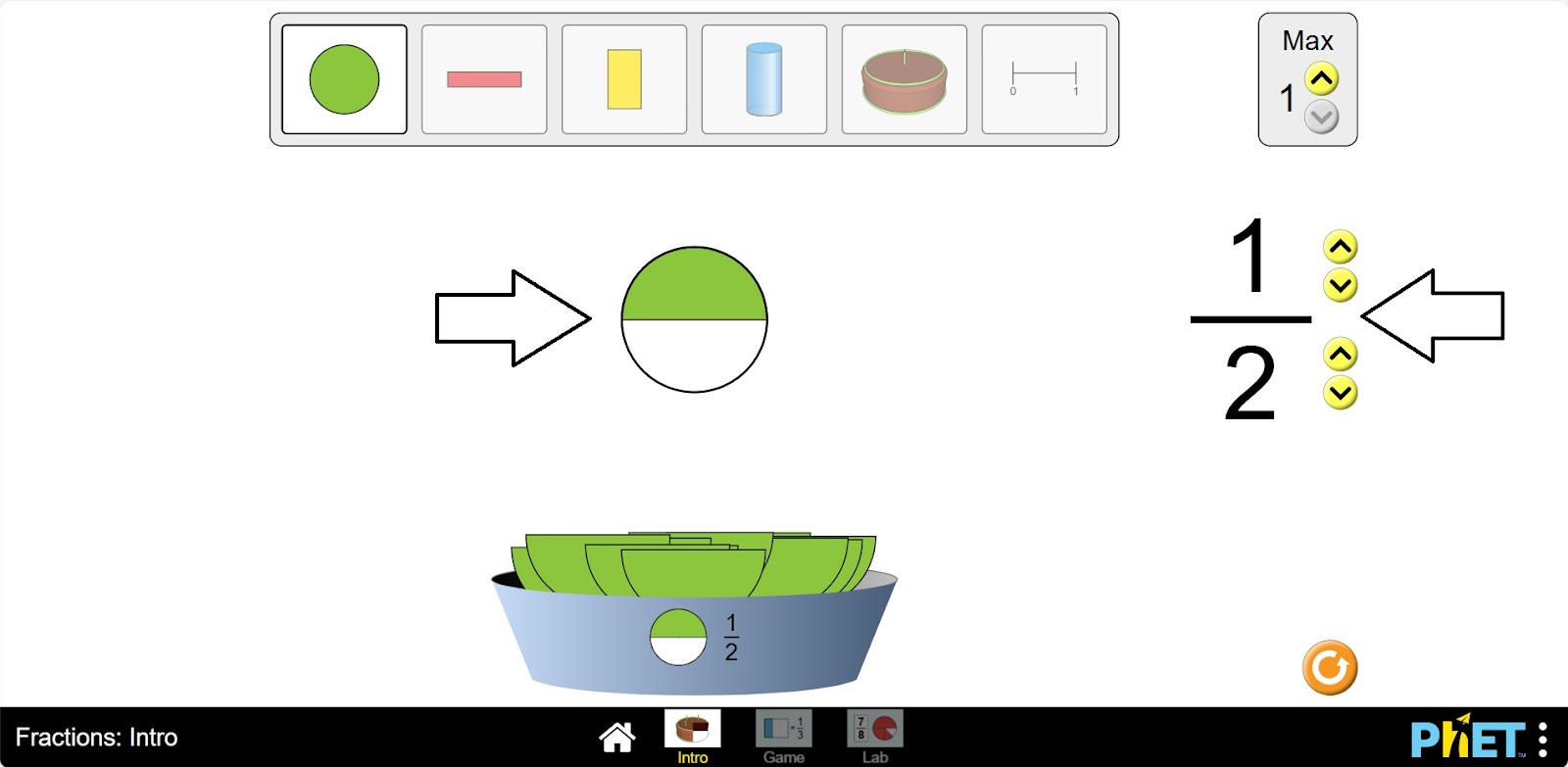
Step 4. Increase the fractional part by 2. You get ½, which is half of the shape. Therefore, it appears that ½ represents half of the shape. The type of fraction is a proper fraction.
Step 5. Increase the fractional part by 3. You get a part of ⅓. This type of fraction is a proper fraction.
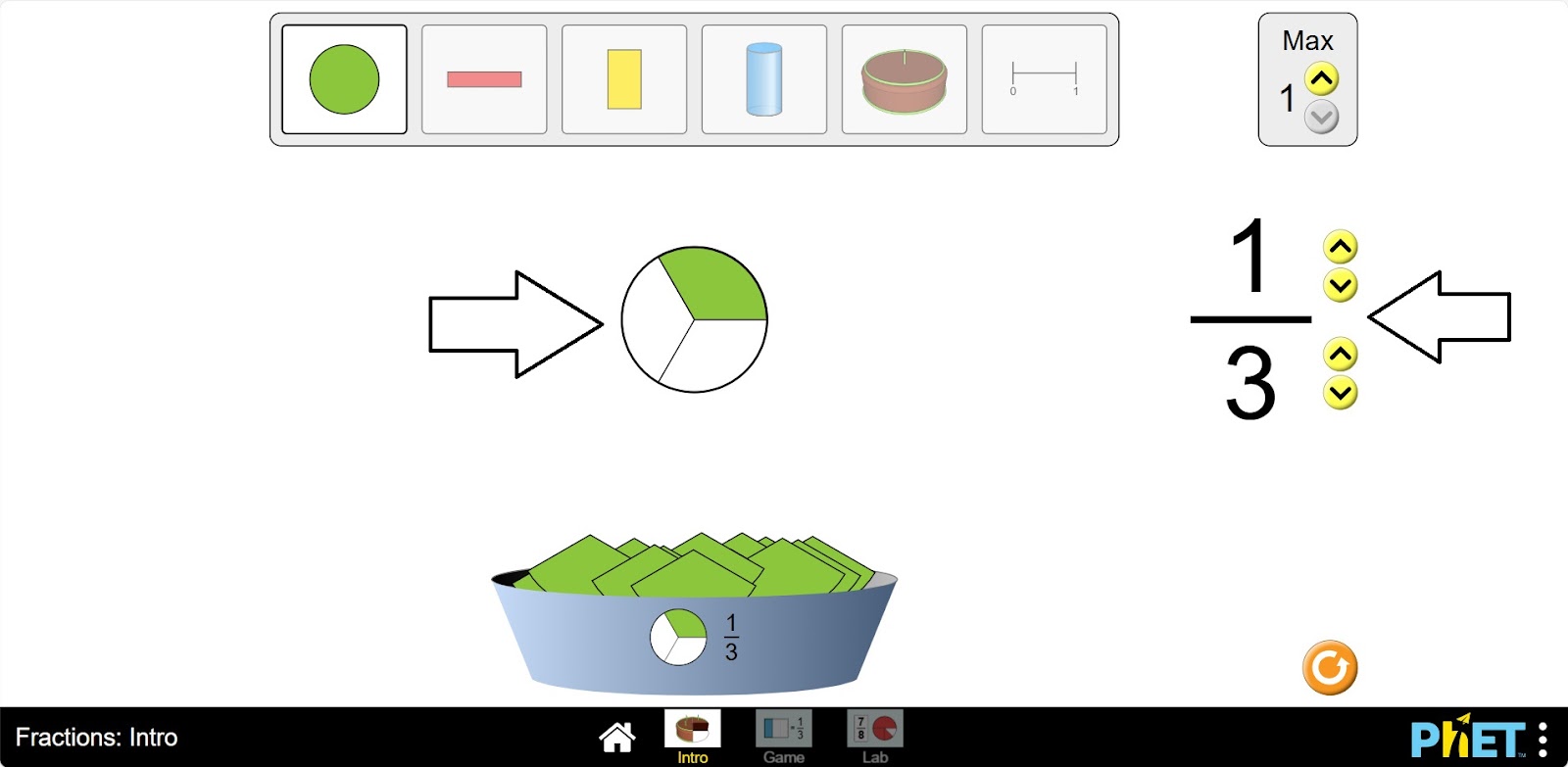
Step 6. Increase the numerator of the fraction by 2. You get a fraction of 2/3. This type of fraction is a proper fraction.
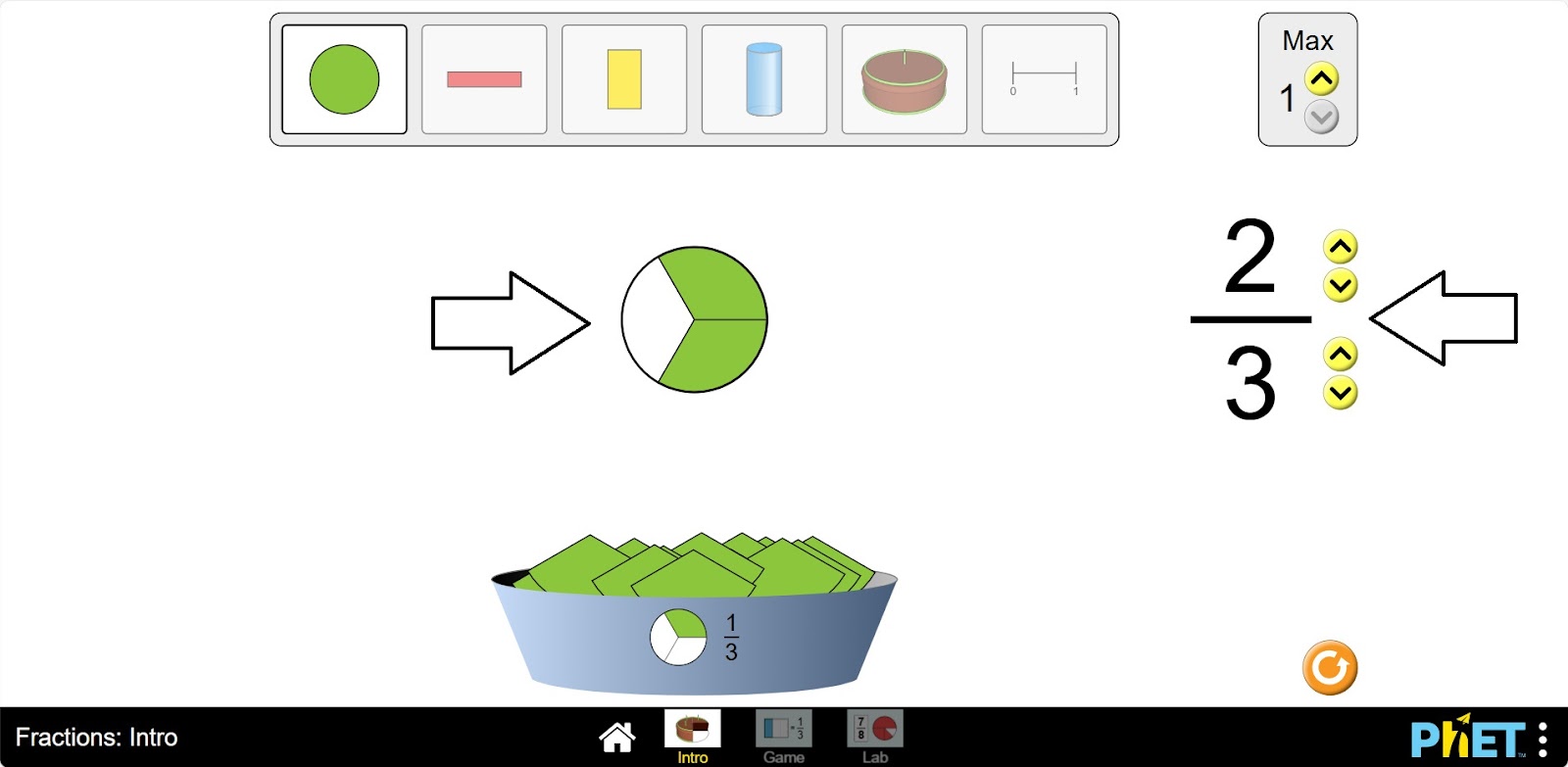
Step 7. So, you can find out what a fraction shape looks like by increasing or decreasing the numerator and denominator of the fraction. Try making different types of fractions.
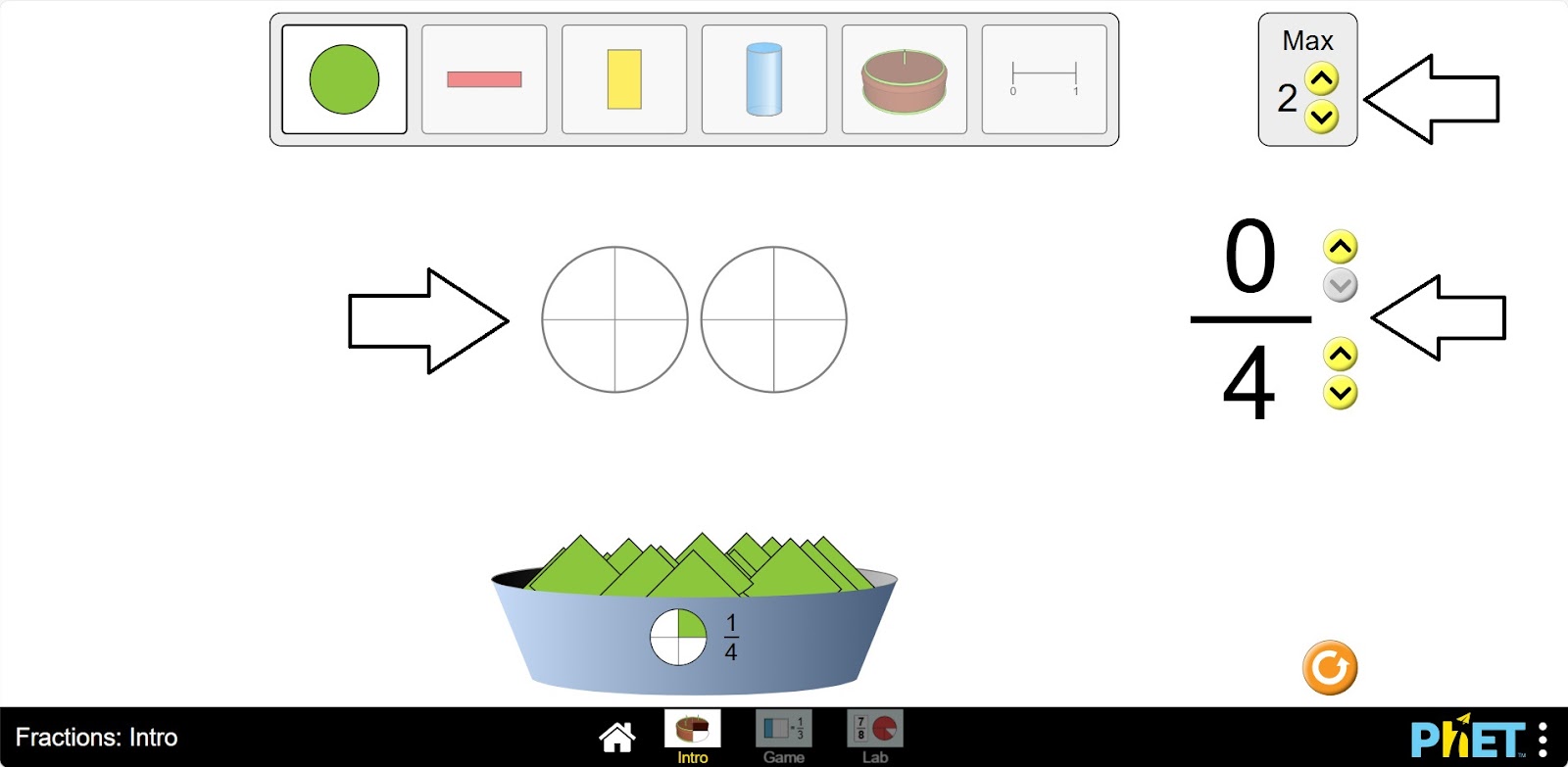
Step 9. Build improper fractions by collecting empty skeletons from different fractions.
Step 10. You can repeat the experiments for other types of shapes.
Conclusion
This virtual activity reinforces students’ knowledge of fractions. The simulation shows how fractions are shaped and helps students to better understand the concept of fractions.
Glossary of terms
- Max – Максимум – Максимум
- Intro – Введение – Кіріспе
- Game – Игра – Ойын
- Lab – Лаборатория – Зертхана