
Fractions: Mixed numbers
Fractions: Mixed Numbers by PhET Interactive Simulations, University of Colorado Boulder, licensed under CC-BY-4.0 (https://phet.colorado.edu)
Objective:
- To learn to distinguish between proper and improper fractions, mixed numbers.
This virtual work is designed for use in mathematics lessons on the following topics
- Grade 4. “Fractions: Mixed numbers”
Theoretical part
What is a mixed number?
Imagine a pizza cut into 8 equal slices. If you eat 3 whole pizzas and 5 more slices from the fourth pizza, how can you keep track of how many pizzas you have eaten?
This is where mixed numbers come in. A mixed number has two parts:
- The integer part: shows how many whole items (pizzas) we took.
- The fractional part: shows how much of the next item we took.
In our example with the pizza we ate, we’ll write it like this 3 5/8. This reads as “three whole five-eighths”.
Example:
- 2 ⅓ means 2 whole and 1 third.
- 5 ¾ means 5 whole and 3 fourths.
Why do we use mixed numbers?
- To express quantities more precisely: Sometimes we need to say not only how many whole numbers we have, but also what part of the next number we have.
- To make it easier to write: Sometimes mixed numbers are easier to write than improper fractions (fractions where the numerator is greater than the denominator).
How do you make an improper fraction into a mixed number?
An improper fraction is a fraction where the numerator is greater than the denominator. For example, 11/4.
To convert an improper fraction into a mixed number, you must
- Divide the numerator by the denominator. In our example, 11 ÷ 4 = 2 with a remainder of 3.
- The quotient of the division becomes the whole number part of the mixed number. In our example, it is 2.
- The remainder becomes the numerator of the fractional part and the denominator remains the same. In our example it is 3/4.
So 11/4 = 2 3/4.
Virtual Experiment
The Fraction: Mixed Number Simulation allows students to explore and compare different representations of fractions, including mixed numbers. Allows flexibility to explore the correspondence between parts using numbers and representations.
Progression:
Part 1. Introduction
Step 1. Start the simulation: You will be presented with 3 different modes: “Intro”, “Game” and “Lab”. Open the “Intro” section.
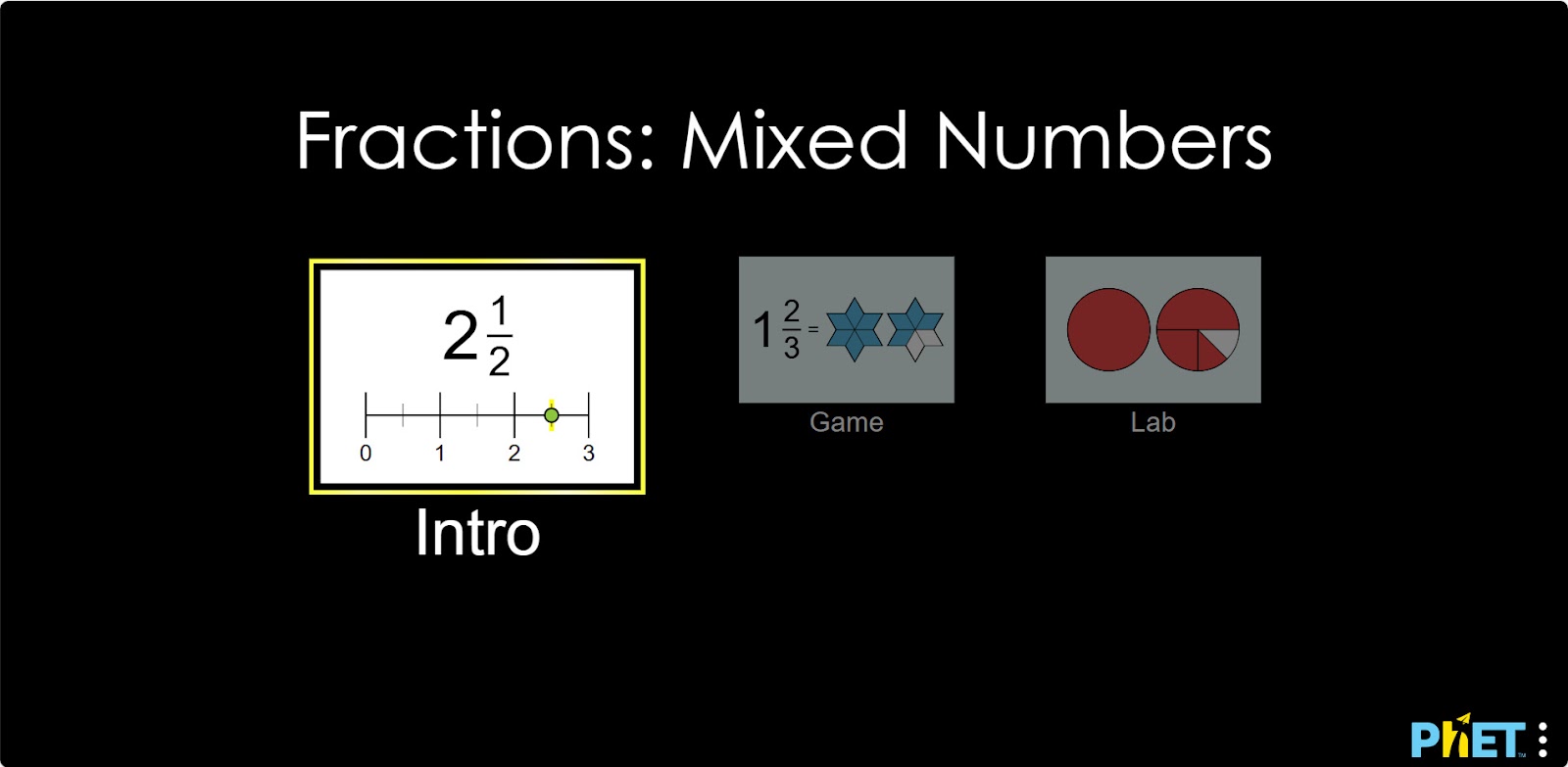
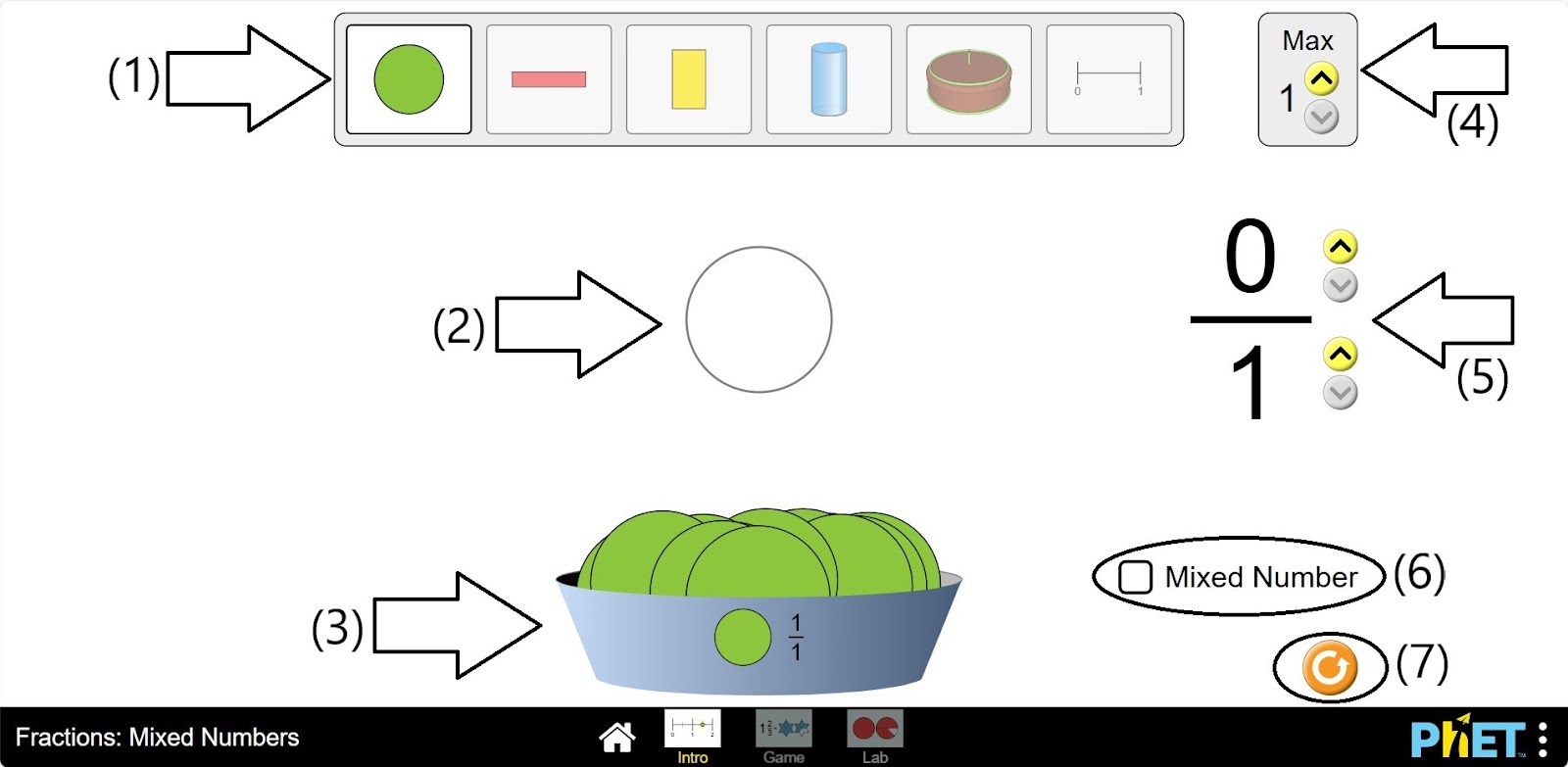
Step 2. In the workspace you will be presented with:
- Different types of fractions: round, rectangular, cylindrical, cake, and cutout (1);
- The empty frame of the fraction model (2);
- The shapes that make up the fractions (3);
- A button that increases the number of the empty frame of the fraction model (4);
- Buttons for changing the numerator and denominator of the fraction (5);
- A button for mixed numbers (6);
- A reload button (7).
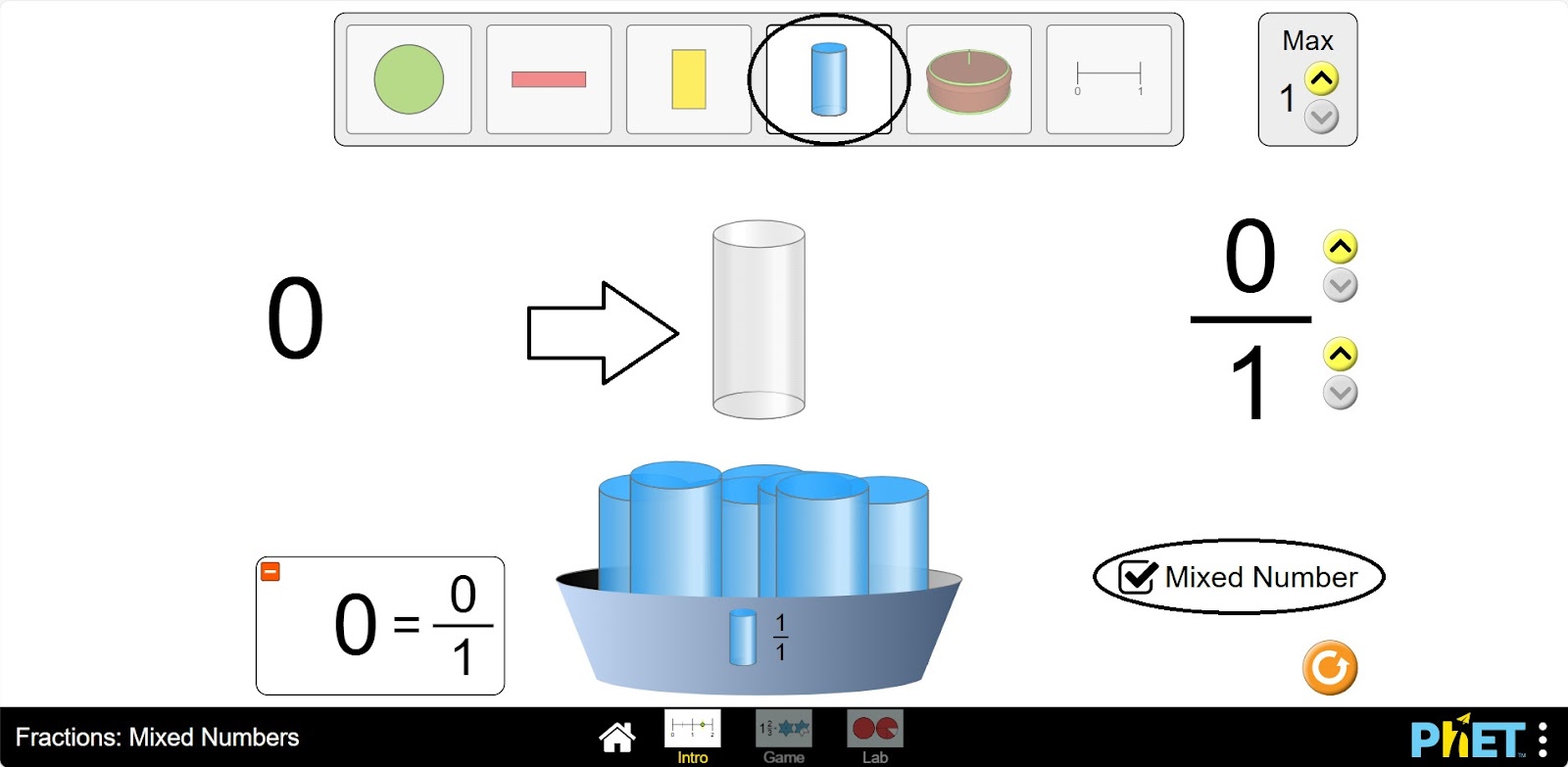
Step 3. Launch the mixed numbers button. Select the appearance of the fraction according to your needs.
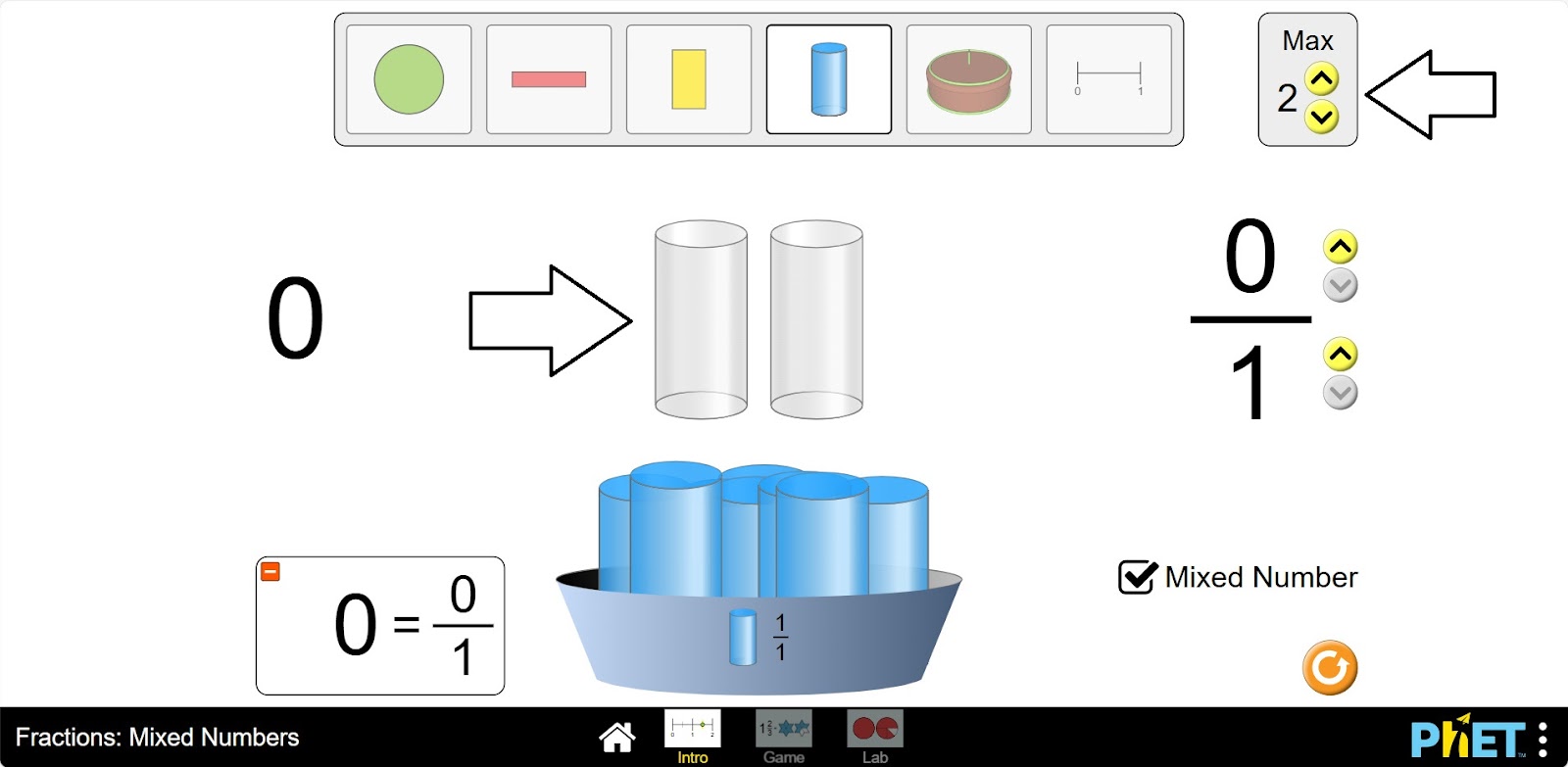
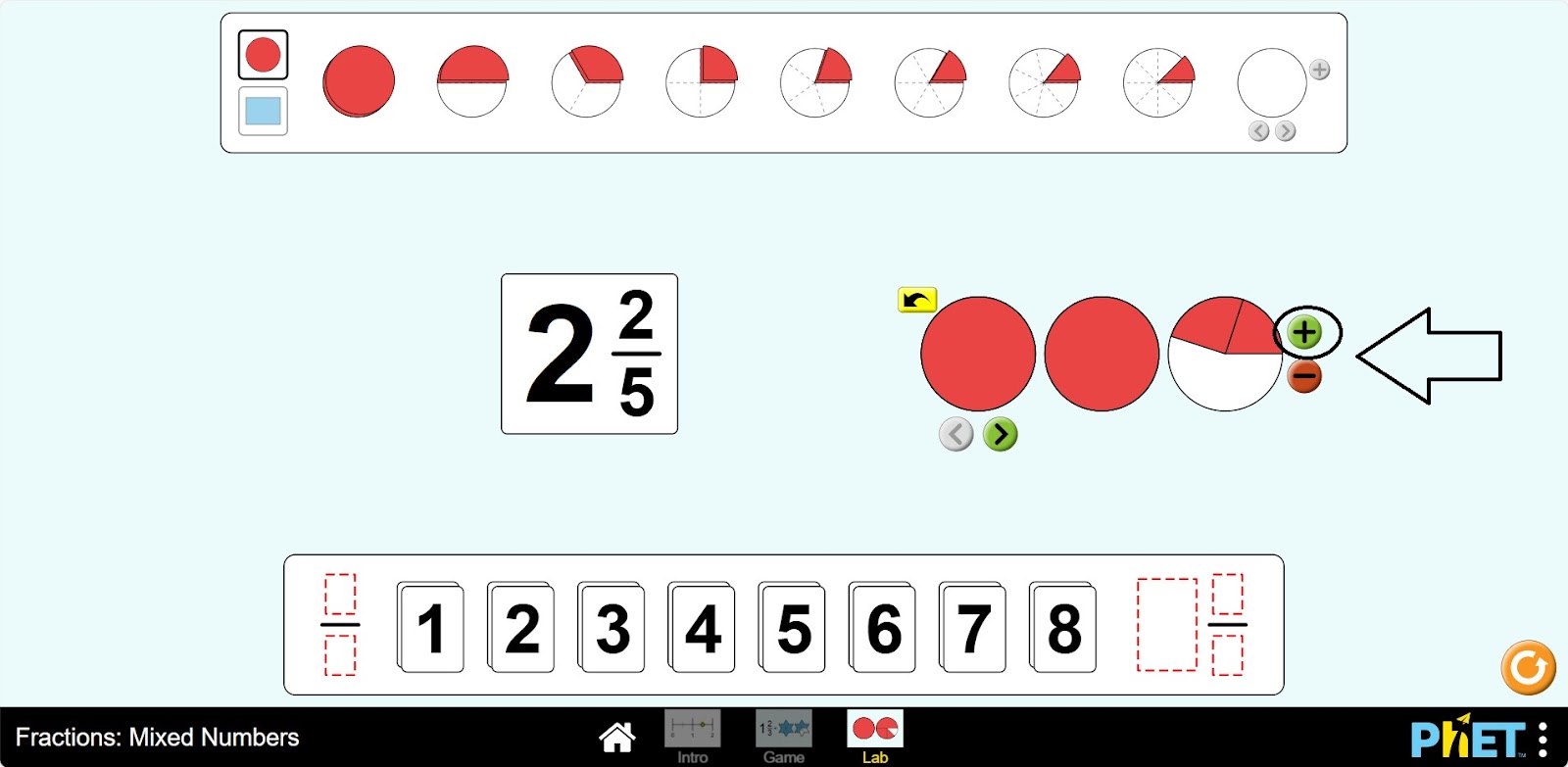
Step 4. Click the button that increases the amount of empty skeleton of the fraction model. You will have 2 skeletons.
Step 5. Fill the first skeleton completely and the second skeleton halfway. You will have a mixed number.
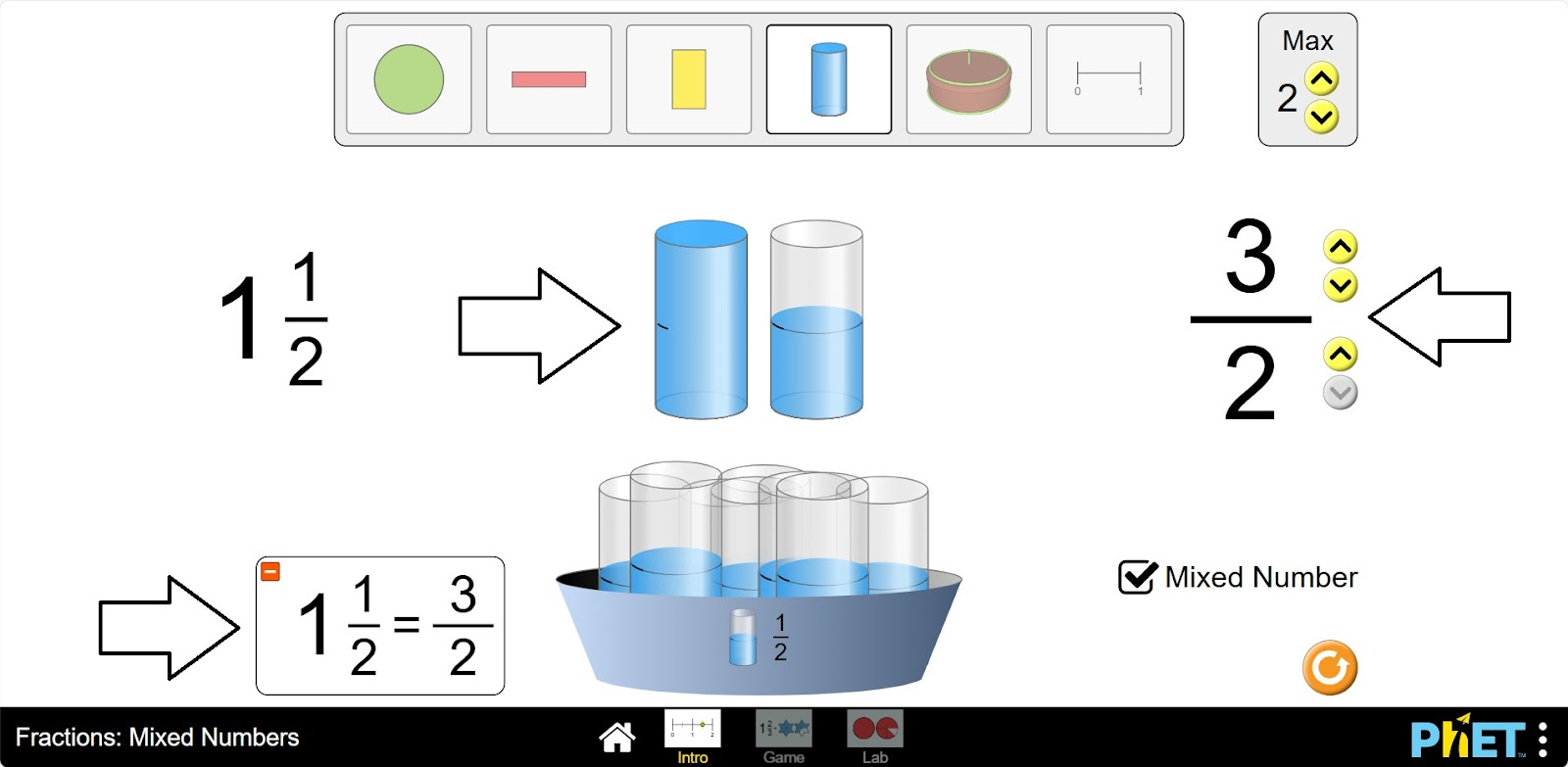
Step 6. Increase the size of the fraction. Create different mixed numbers by filling the skeletons.
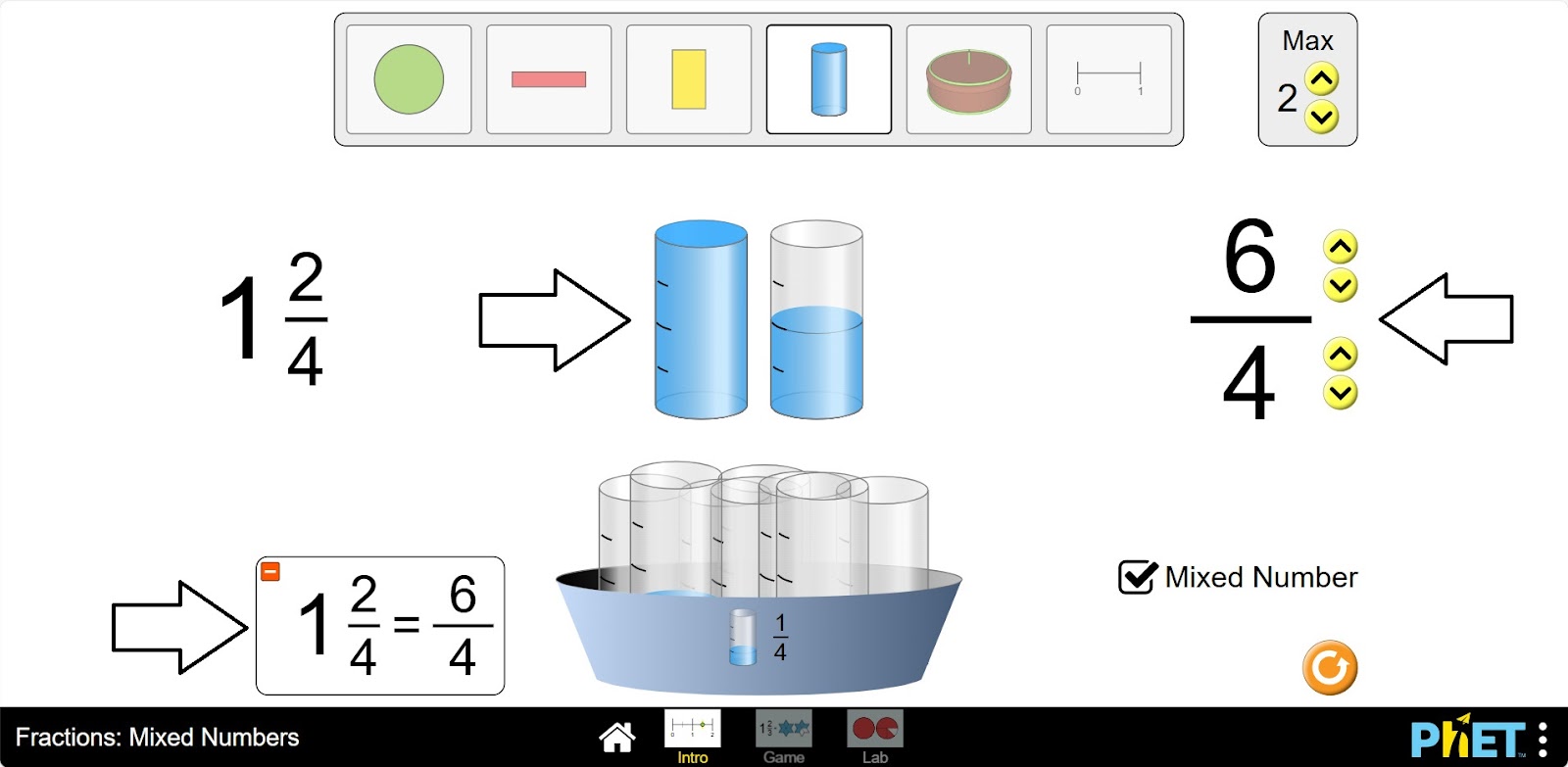
Step 7. Click the button that increases the number of empty skeletons of the fraction model and display some more empty skeletons.
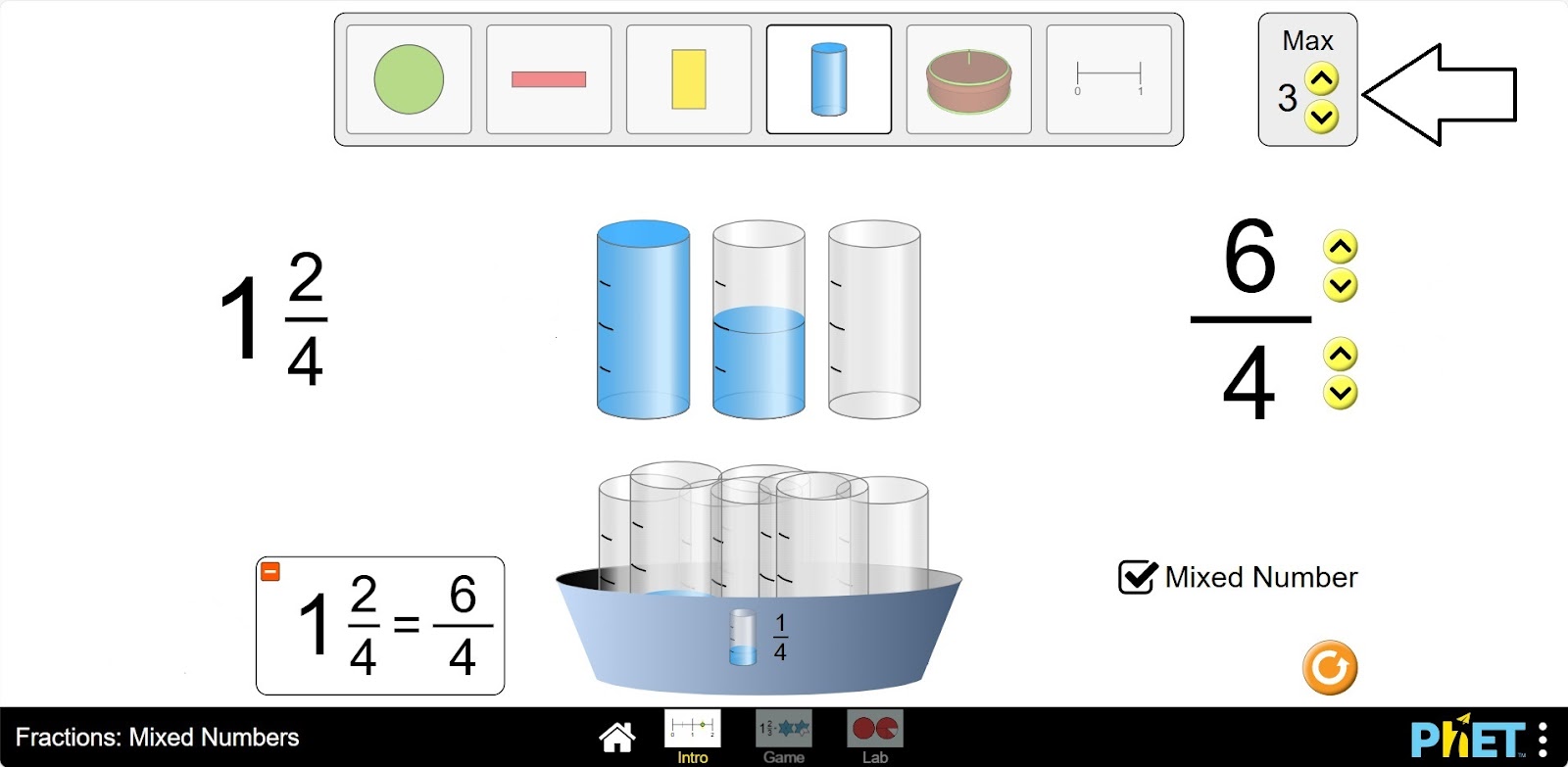
Step 8. Make mixed numbers by collecting and filling the skeletons with different fractions from the shapes.
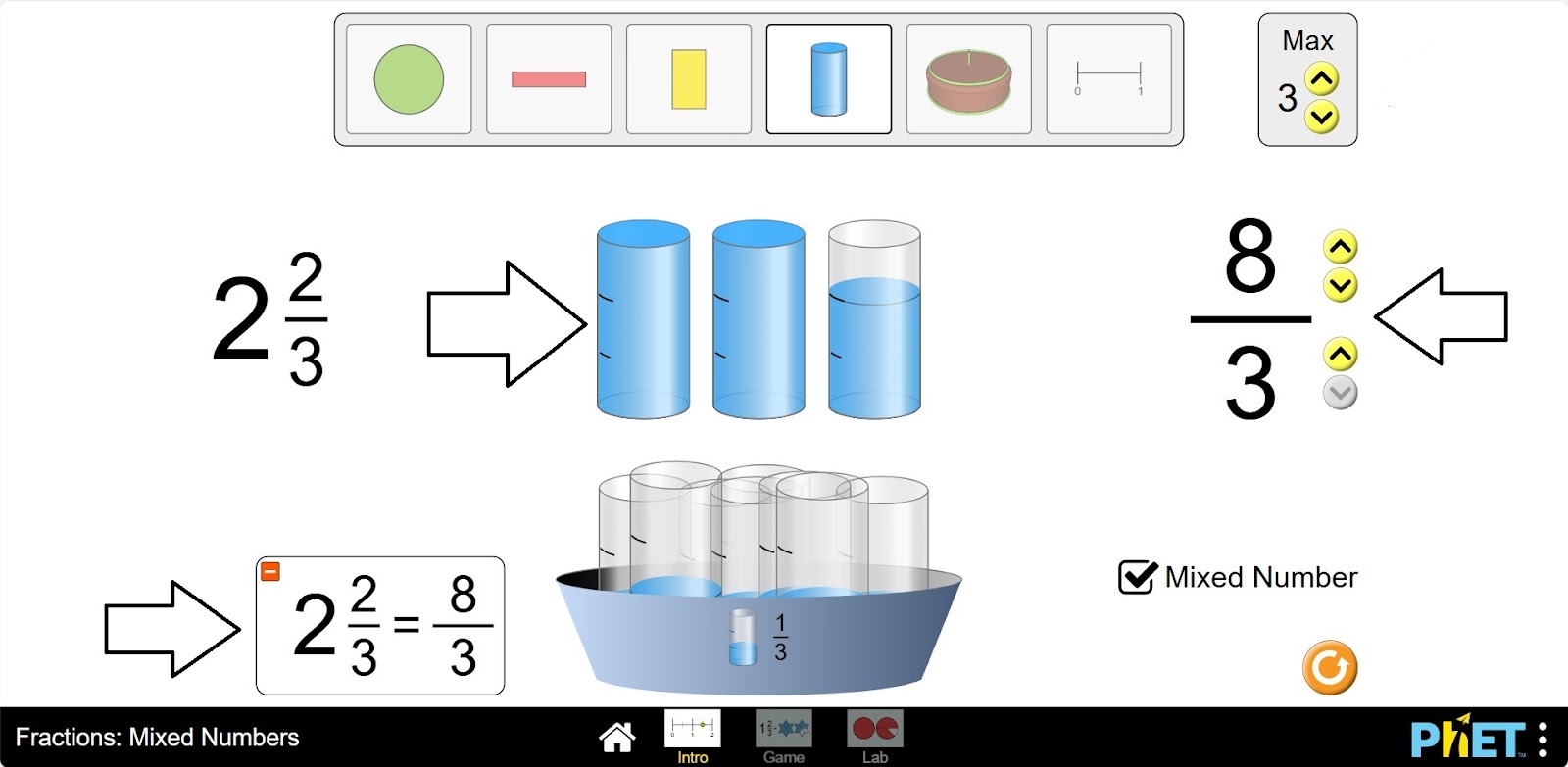
Part 2. Lab Section
Step 9. Select the Lab section. You will be given shapes to assemble fractions. You can choose round or rectangular shapes. You are given a blank space to write the fraction and an empty skeleton. Below that are the numbers needed for the numerator and denominator of the fraction.
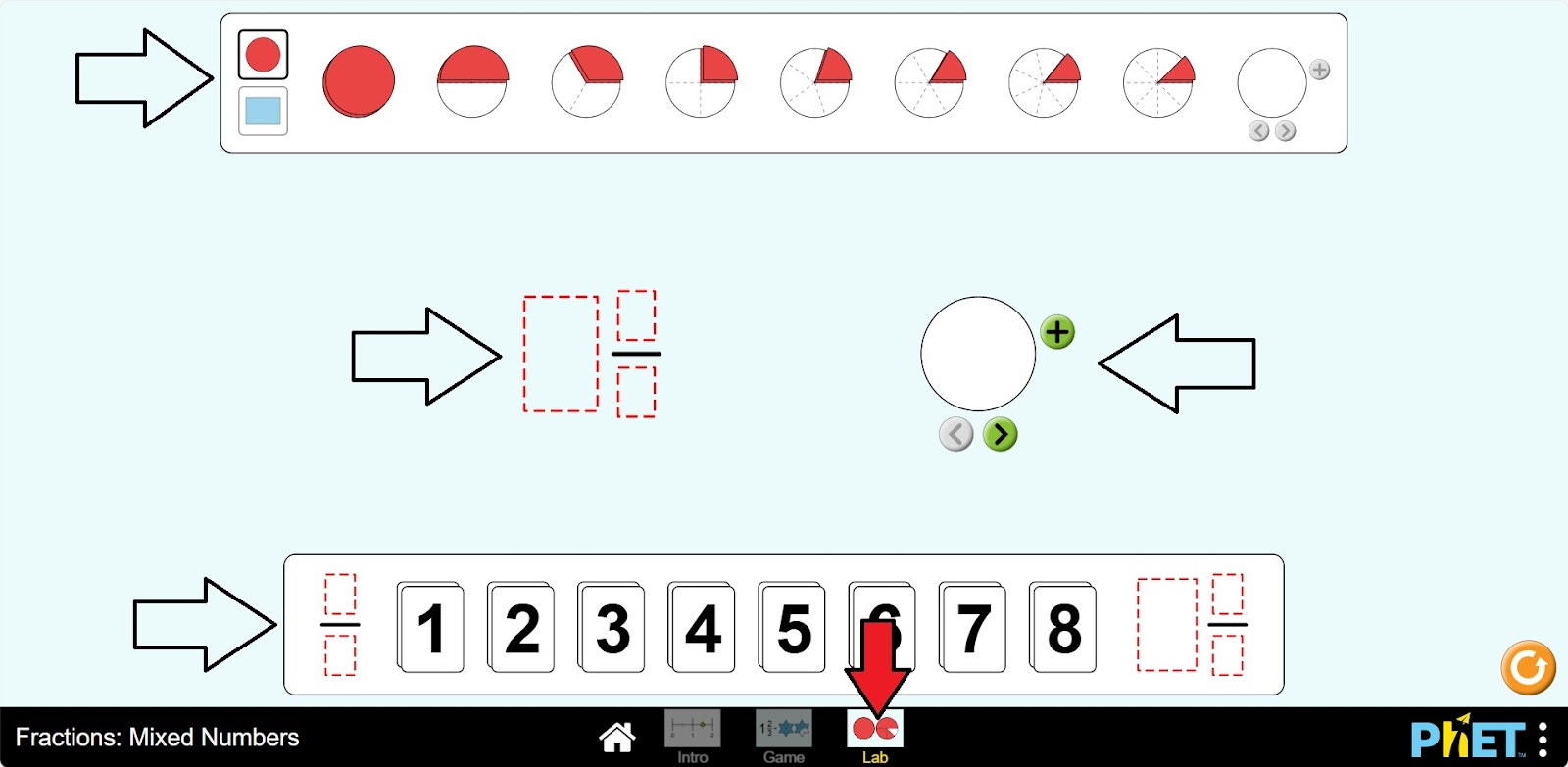
Step 10. Construct a mixed number from the numbers.
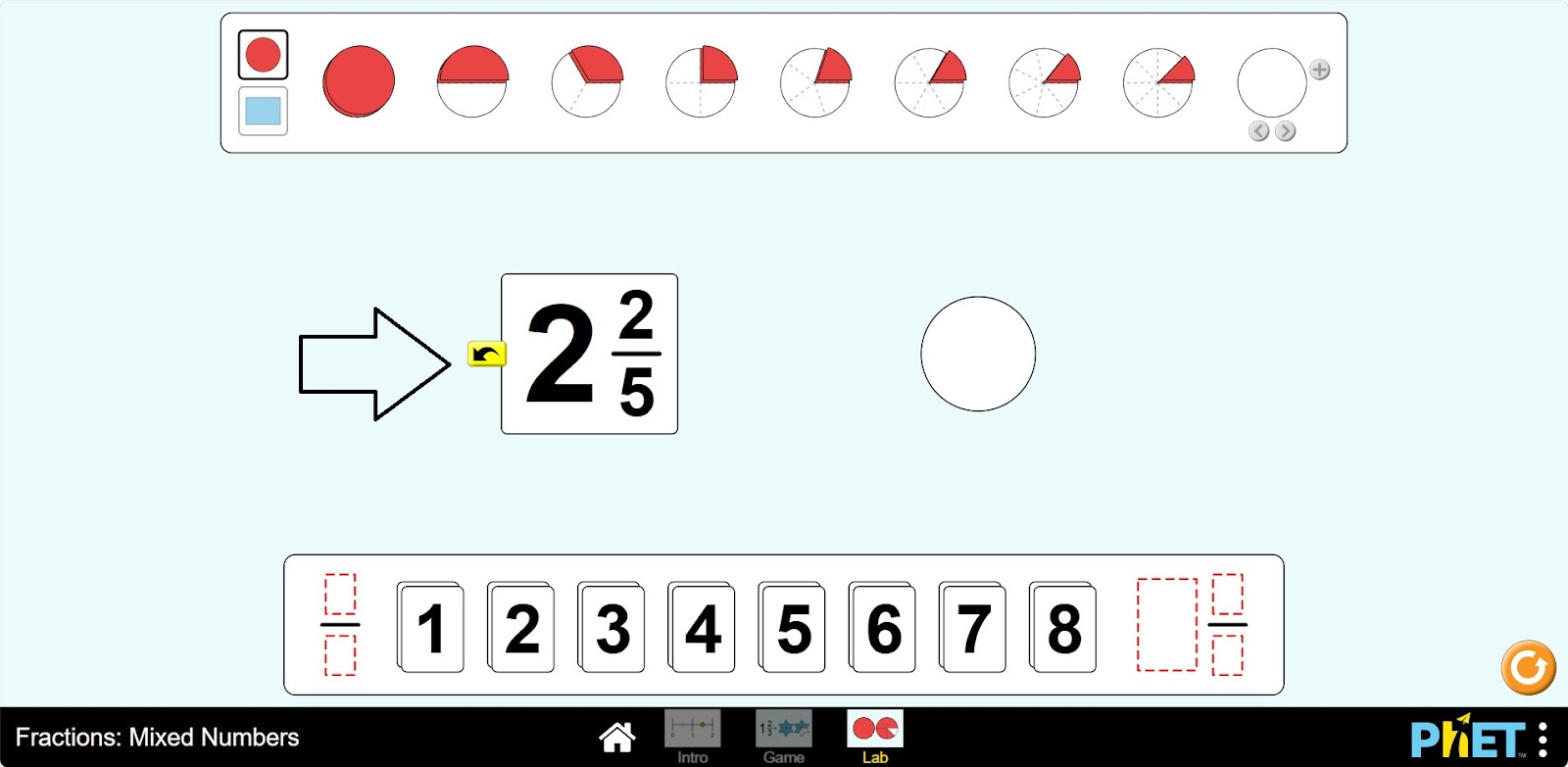
Step 11. Arrange the shapes on the empty skeleton according to the given fraction. You can add the necessary number of empty skeletons using the “Add” button.
Step 12. You can create a copy in the workspace by dragging the empty space next to the numbers and the empty skeleton next to the shapes.
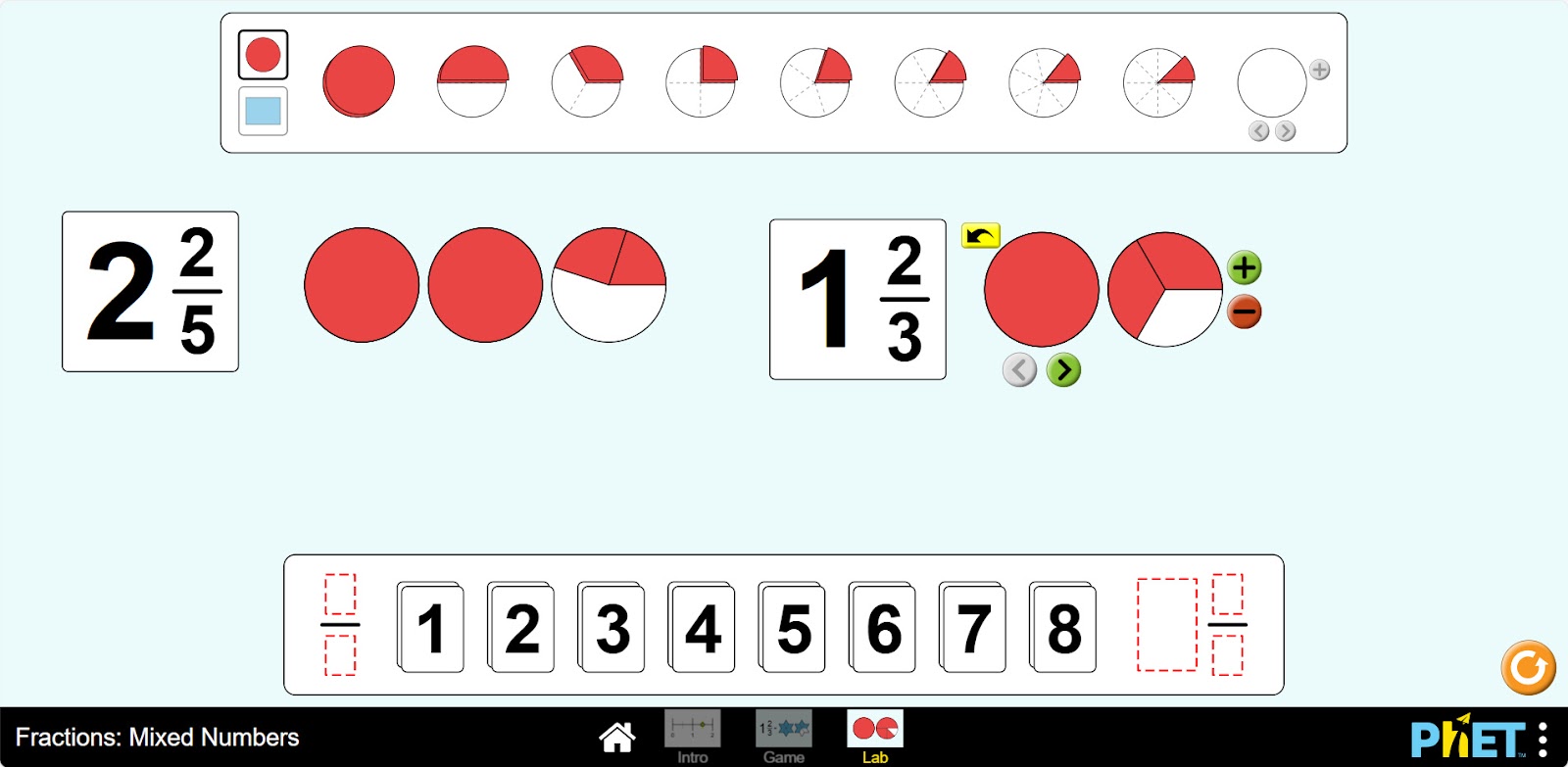
Step 13. Try to collect some mixed fractions.
Conclusion
Virtual work can be a useful tool for students to become familiar with and understand the concept of mixed numbers. Creating mixed numbers with a visual representation makes it easier to learn the topic.
Glossary of terms
- Max – Максимум – Максимум
- Mixed numbers – Смешанные числа – Аралас сандар
- Intro – Введение – Кіріспе
- Game – Игра – Ойын
- Lab – Лаборатория – Зертхана