
Lesson 1
Project Goals
– Merge and combine multiple images to create animation;
– Come up with your own story to develop creative thinking.
Teacher’s Guide
– This project is designed for 2 lessons;
– Divide students into groups;
– Each group will create a simple animation on their phone;
– The project uses a simple storyline, and the teacher can adapt to the type of lesson.
– For integration: to integrate this lesson into the subject of science, you can add to the storyline those objects that the student needs to study during the lesson.
Safety in Steam Lessons
Before starting a lesson, the teacher is advised to familiarize himself with the safety precautions. If necessary (in the case of using the items specified in the TB), conduct a brief briefing for students. Follow this link Safety in Steam Lessons
Theoretical part
Show the video to the students.

After that, discuss the following questions with the children:
– What is this cartoon about? Did you like it?
– Have you noticed something strange? What, for example, is the snowman made of in this video?
– How do you think the snowman and everyone else can move? How is this possible?
Frame-by-frame animation technology differs from video in that a video camera is not required. All frame-by-frame animations are created by moving objects and photographing each movement. The video clip of the singer Sia – snowman was created using the same method.
Practical part
- To create an animation, first, prepare the necessary objects. Draw and cut.
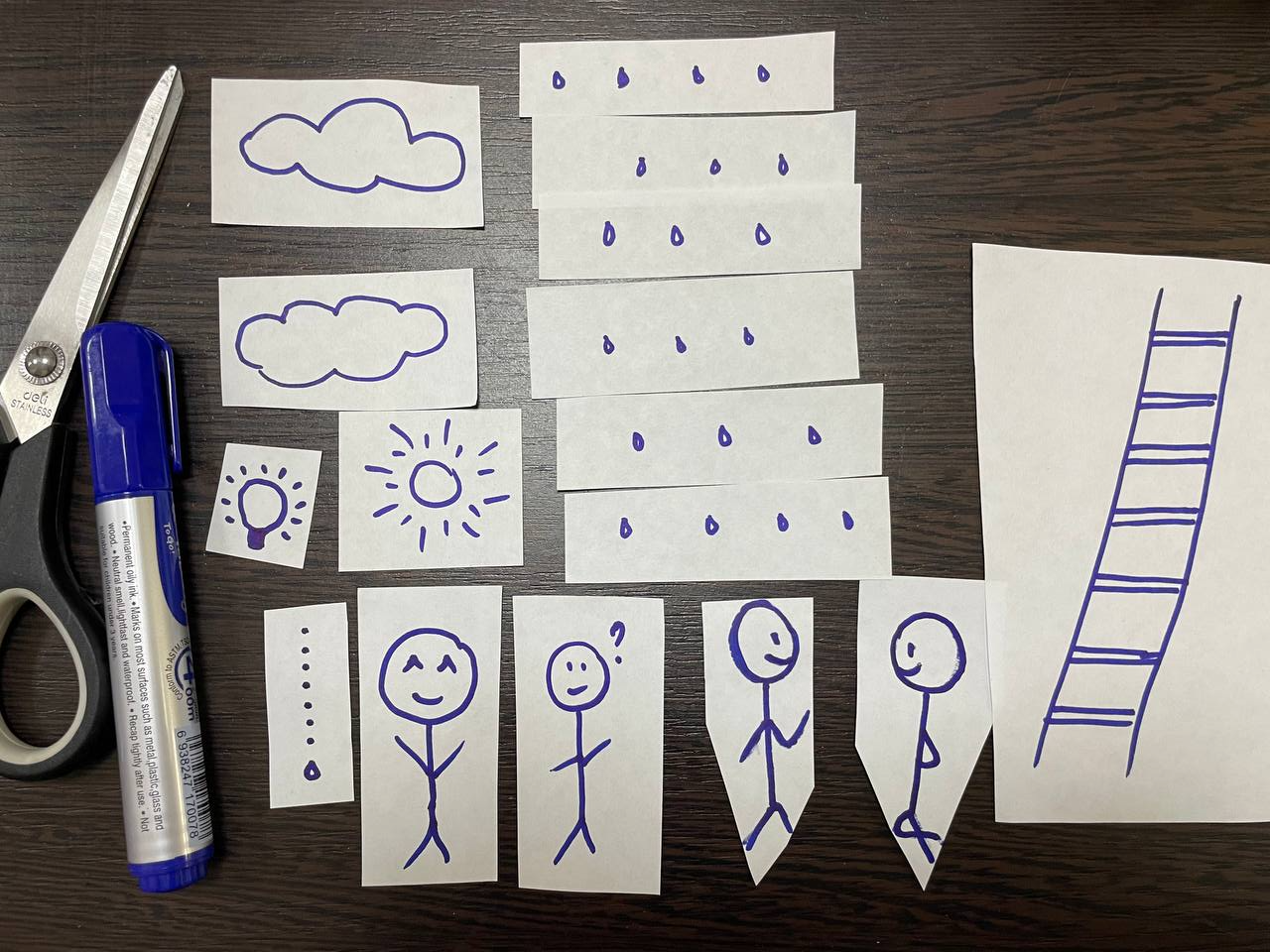
- Prepare the background. In our example, we are using A4 paper for the background.
- Next, you need to arrange objects and gradually take pictures. The transition of objects must be smooth. As a result, you will have a large number of photos, which we will combine in the future. If necessary, you can add and remove objects for the storyline.
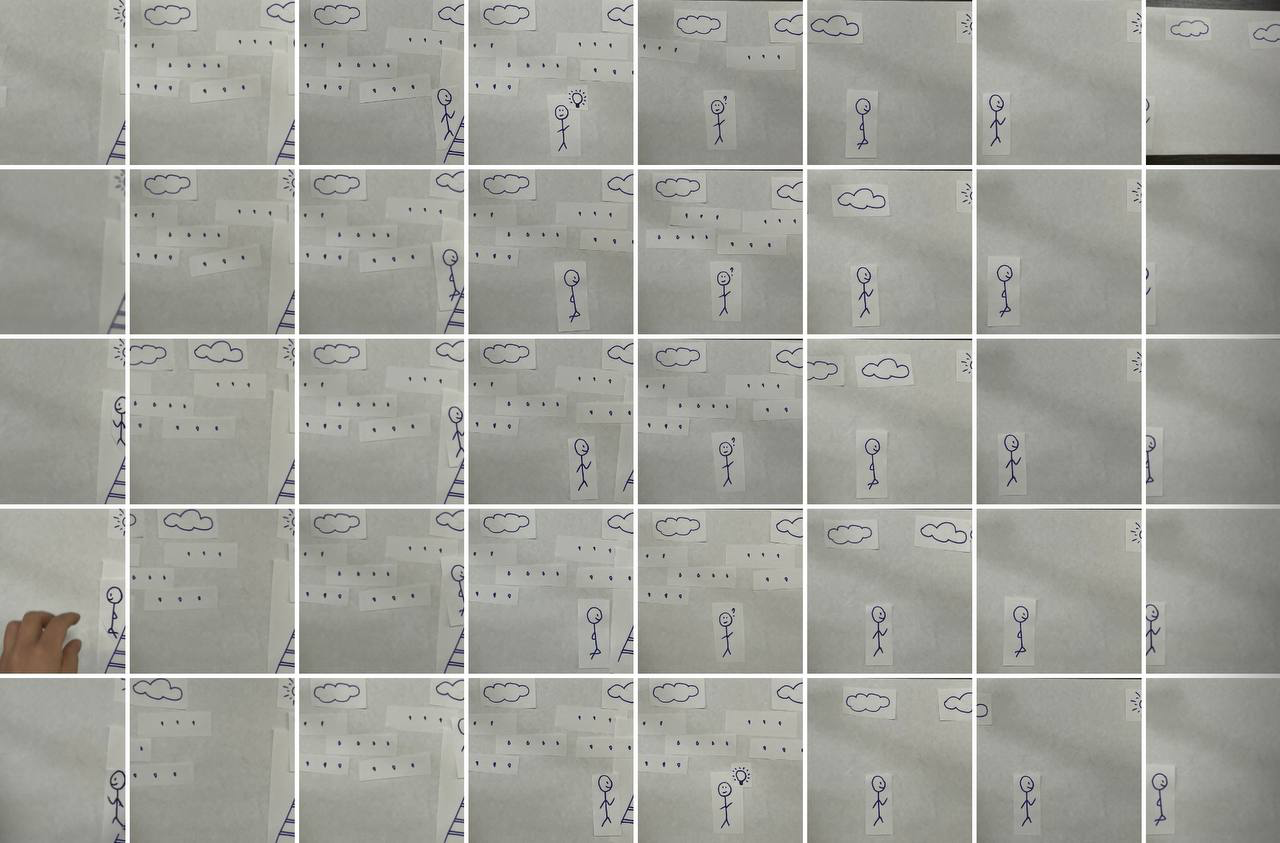

- As soon as the pictures are ready, we proceed to work on the smartphone. There are many applications where you can create animation. We use one of the most common and easy to use – in hot. Download this app from AppStore/play market. One smartphone with this application is enough for one team.
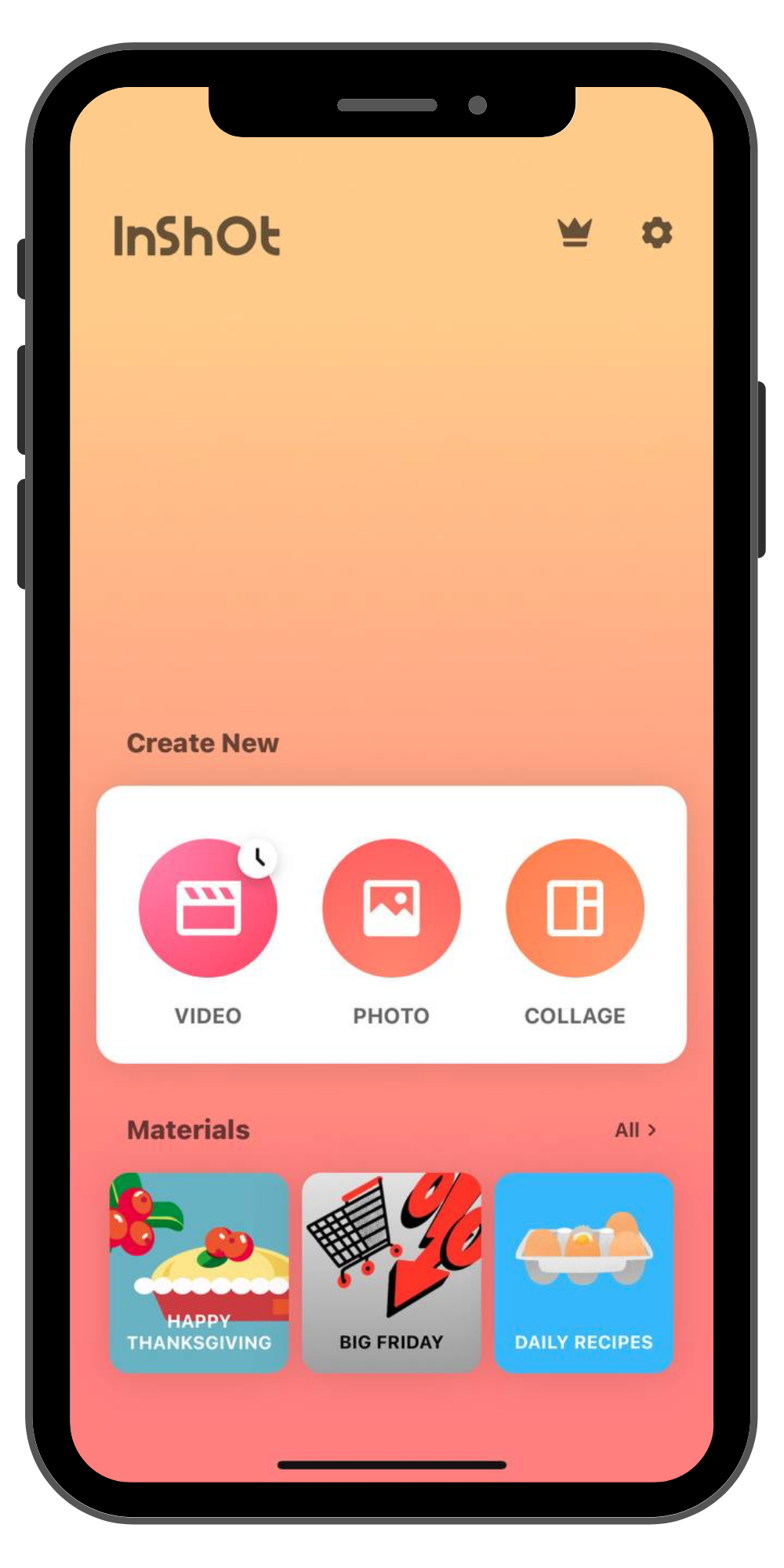
- Open the application and you will see the following page. Click on the button on the left – video.
- Press the + button and select all your pictures in order. And the next page will open.
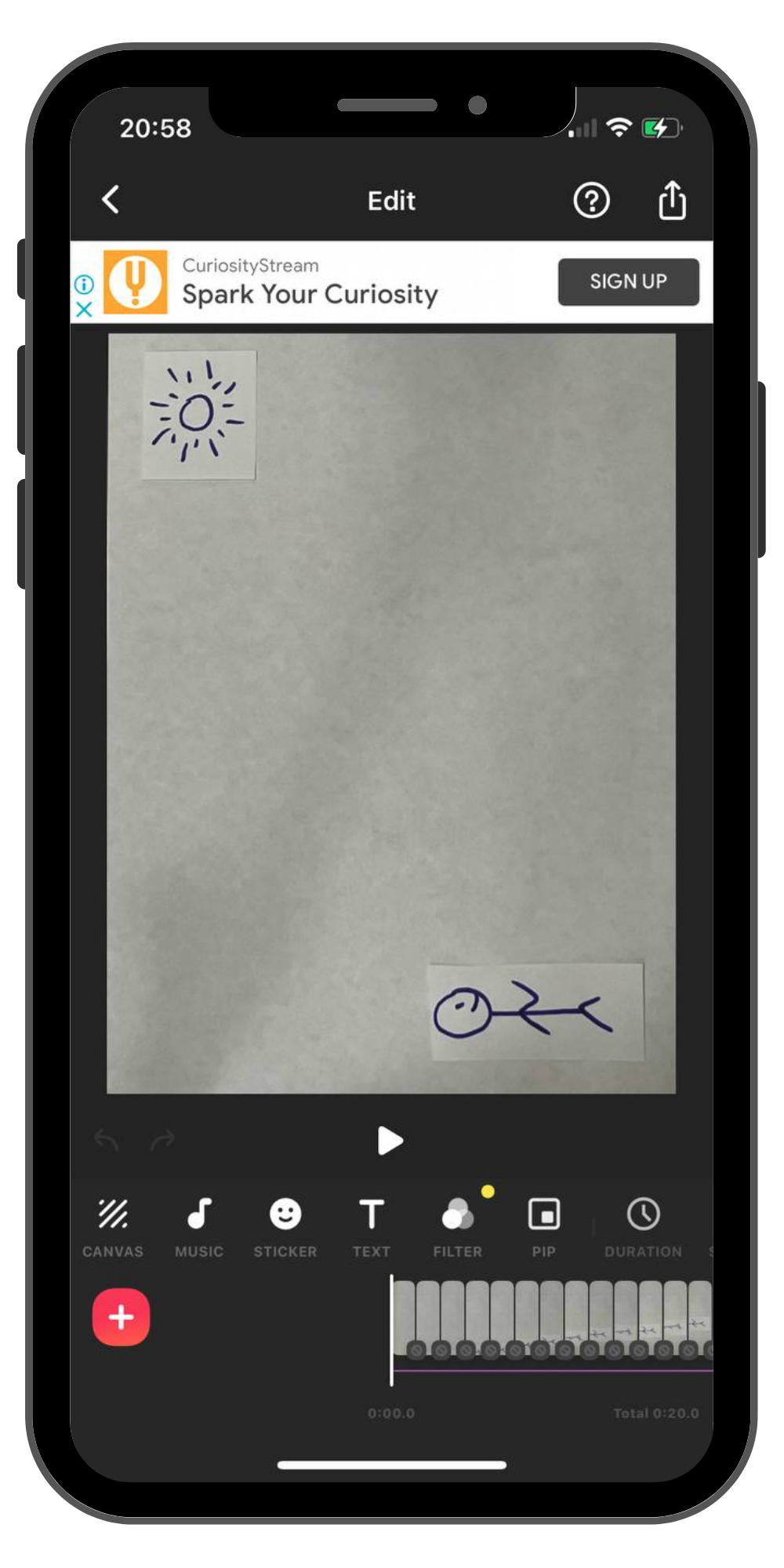
- When you press PLAY, you will notice that the frames change very slowly. To speed up the frame change, you need to press the DURATION button with the clock icon. When you click on it, you need to decrease the time by 0.5 seconds and click on the two checkmarks on the left.
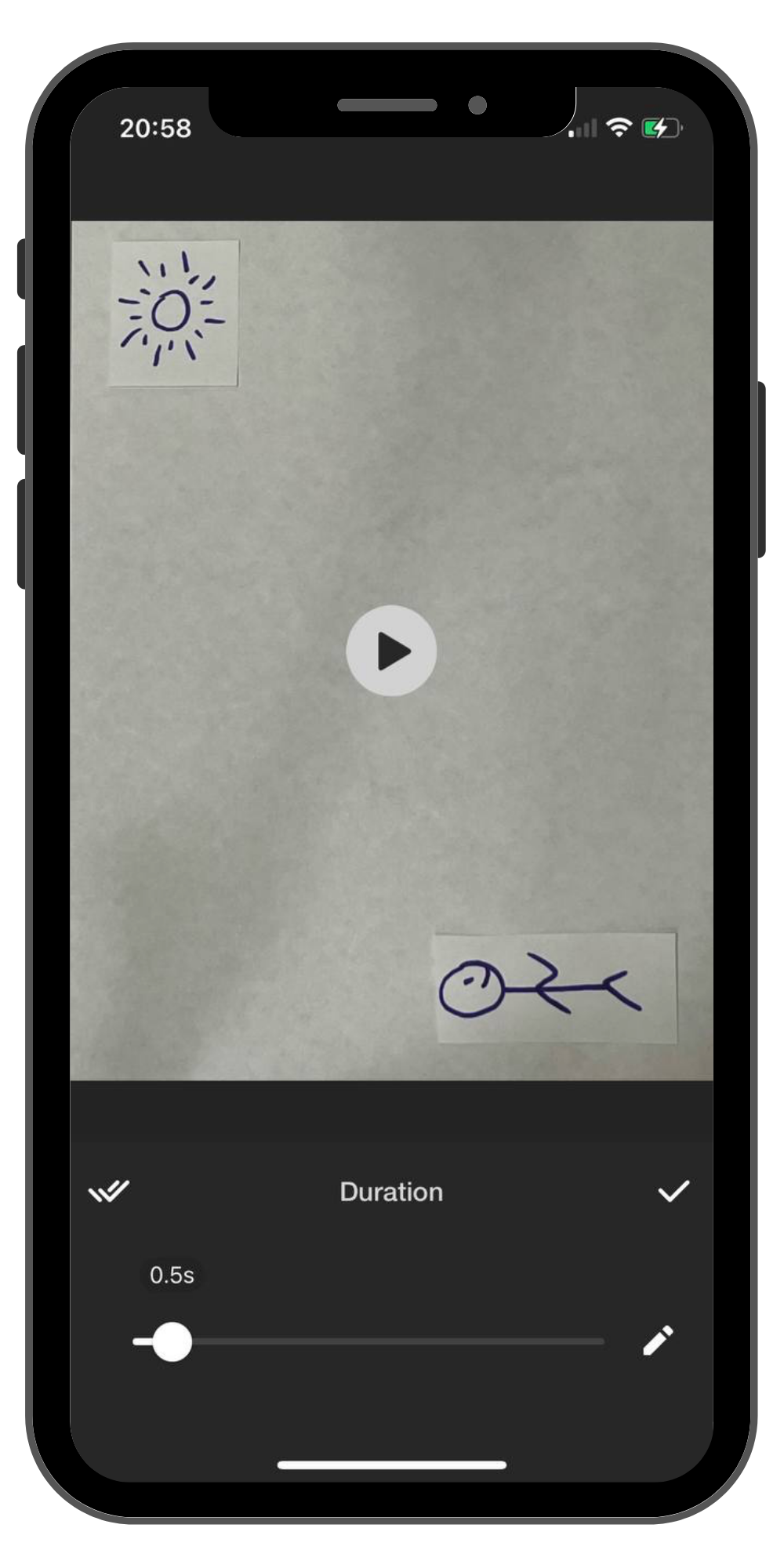
- Next, add music. To do this, press the MUSIC button and select the appropriate music. The output will look like this:
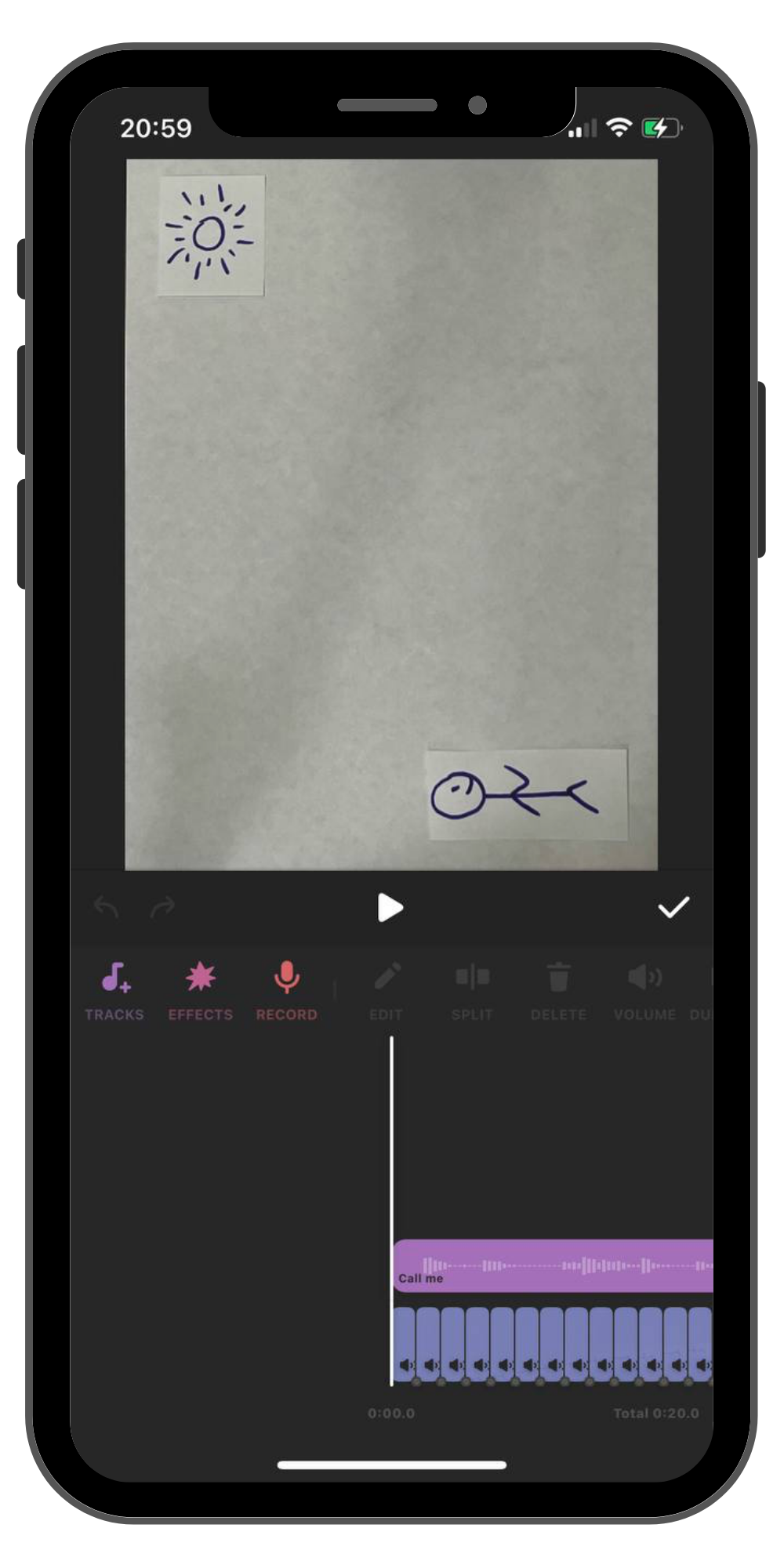
- The animation is ready! Time to save and upload it to the gallery. To do this, click the button at the top right and save your work.
Homework
Have the students come up with a story they would like to film in stop-motion, as they will be filming their own story in the next lesson.