
Lesson 1
Project Goals
– Get to know the key idea of machine learning;
– Teach the computer to recognize objects and faces.
Teacher’s Guide
– This project is designed for 2 weeks, that is, for 2 lessons;
– The project can be carried out both individually and in groups;
– Make a brief overview of the theoretical part;
– Students must have access to the Internet;
– Pay special attention to homework;
– In the second week, pay attention to the fact that the lesson complies with ethical standards. If students laugh at other people’s heroes and compare them with each other, the teacher should explain that everyone has their own tastes and that the personal choice of his classmates should be respected.
Safety in Steam Lessons
Before starting a lesson, the teacher is advised to familiarize himself with the safety precautions. If necessary (in the case of using the items specified in the TB), conduct a brief briefing for students. Follow this link Safety in Steam Lessons
Theoretical part
What is machine learning? Machine learning is an application of artificial intelligence where we give machines access to data and let them use that data for learning. Basically, it makes the computer perform a task without being explicitly programmed to do so.
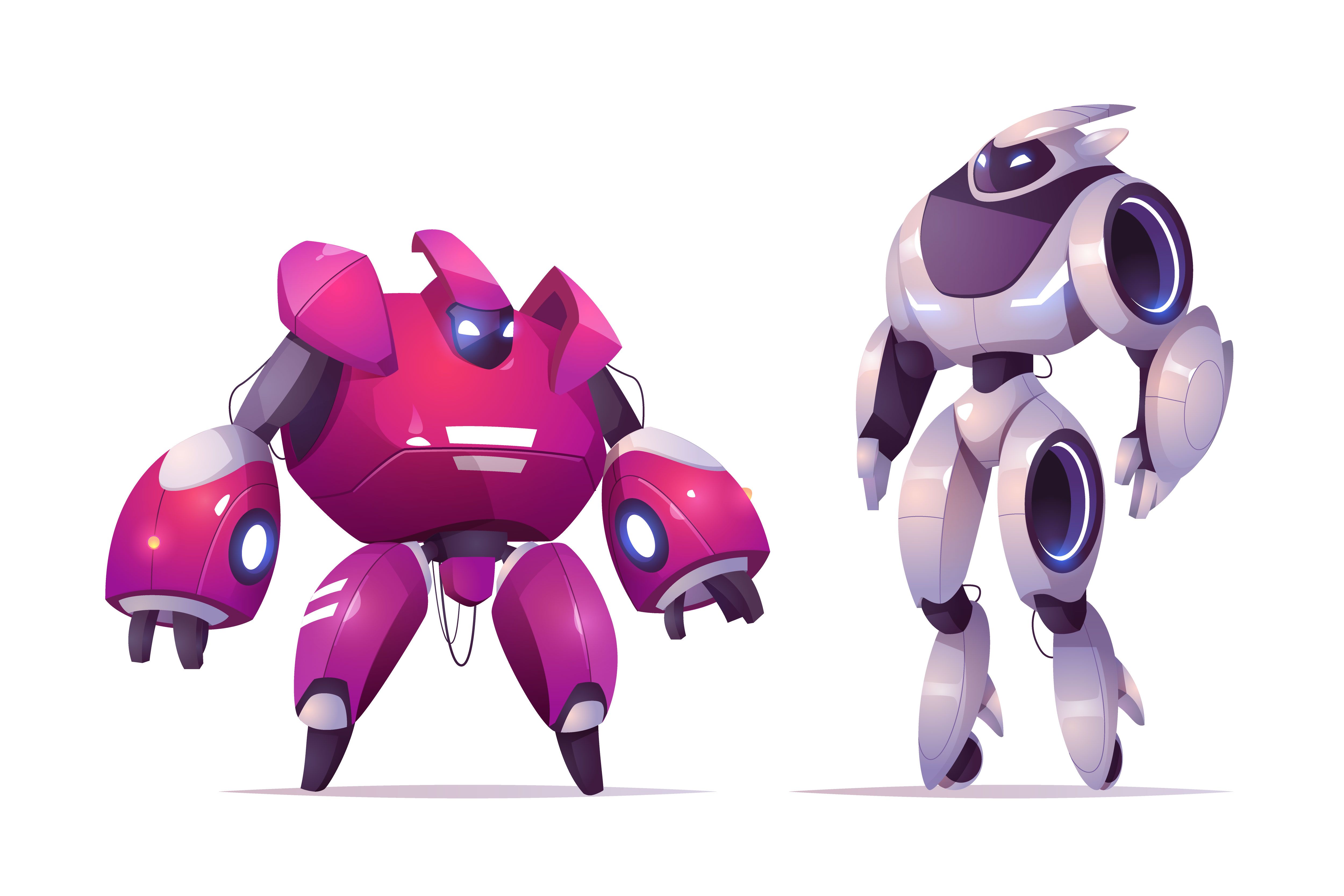
Your kids must have watched combat robot competitions before, right? You know where the robots are coded with an algorithm (a set of instructions followed to complete a task; it’s a computer’s thought process) to attack and “fight” each other.
Well, if machine learning were used in this situation, the robot itself would make a decision at that moment, based on the information received. This means that the robot would prefer to execute either option A or option B, instead of being instructed through the code to always execute option A, no matter what. So instead of coding software with specific instructions, machine learning trains an algorithm so it can learn to make decisions on its own.
Practical part
1. Get acquainted with the site. Click on the link below to go to the machine learning site. Link
2. You will see the following page. To select a language, click on the button at the bottom right.
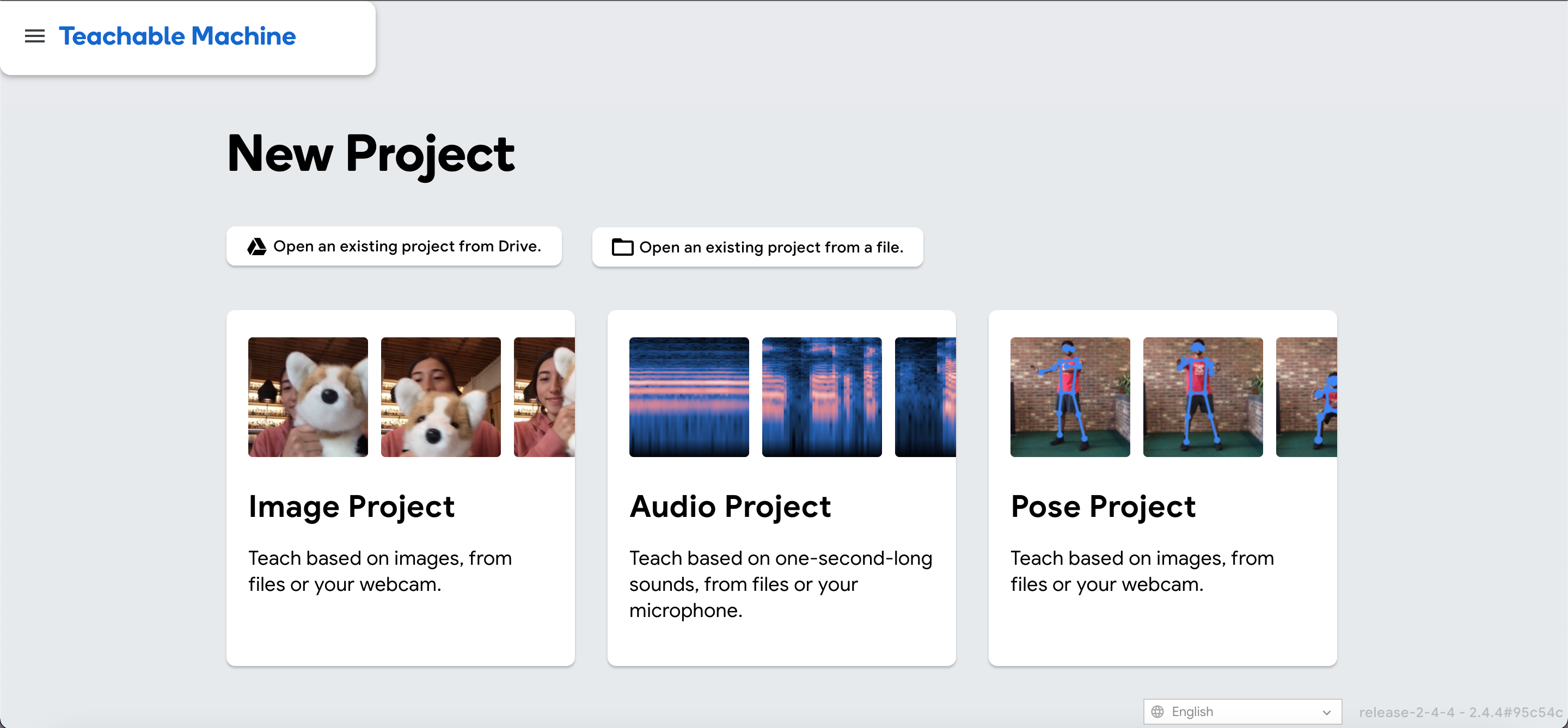
3. Next you will see three different projects. For this face recognition tutorial, select the first image project.
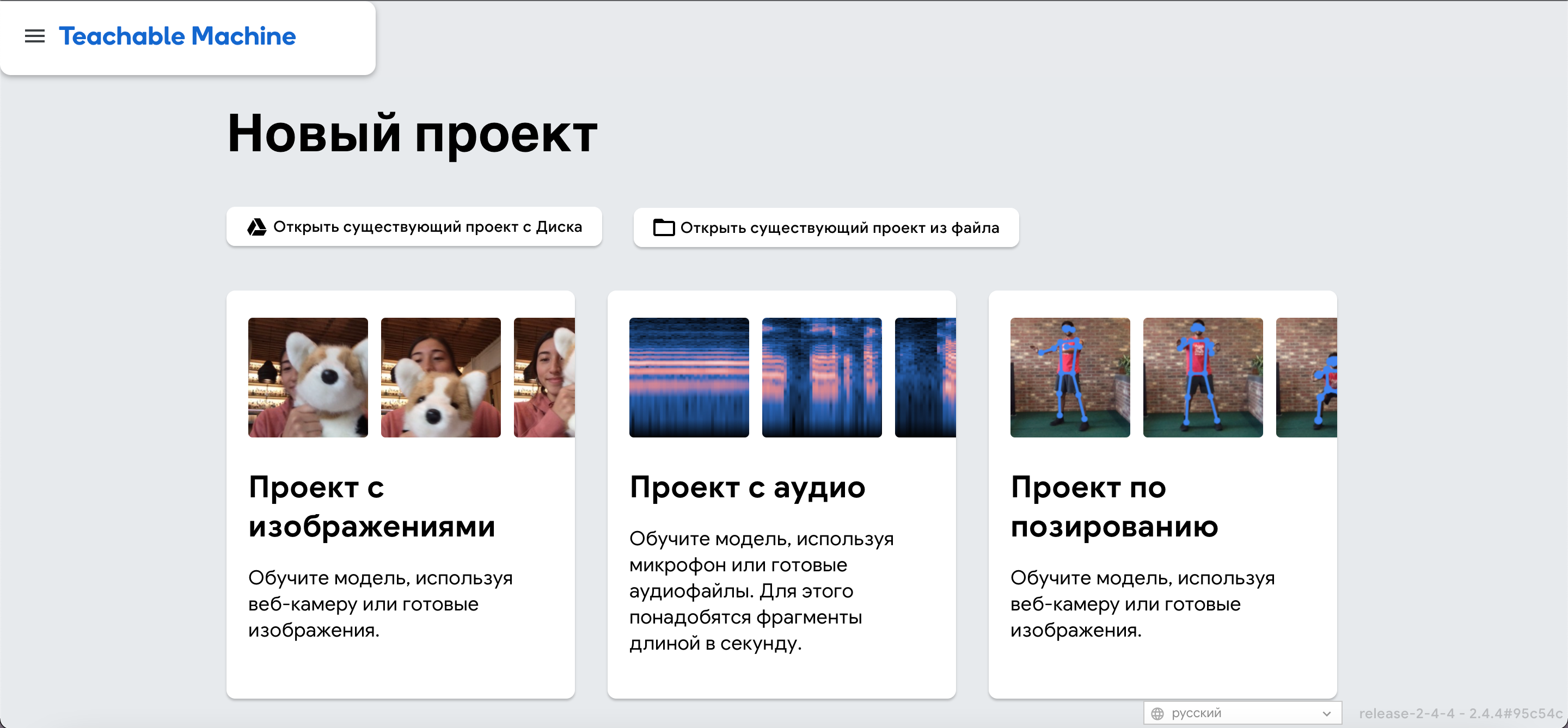
4. Next, you will see a window with two model options. For this lesson, select the “Standard Image Model” model
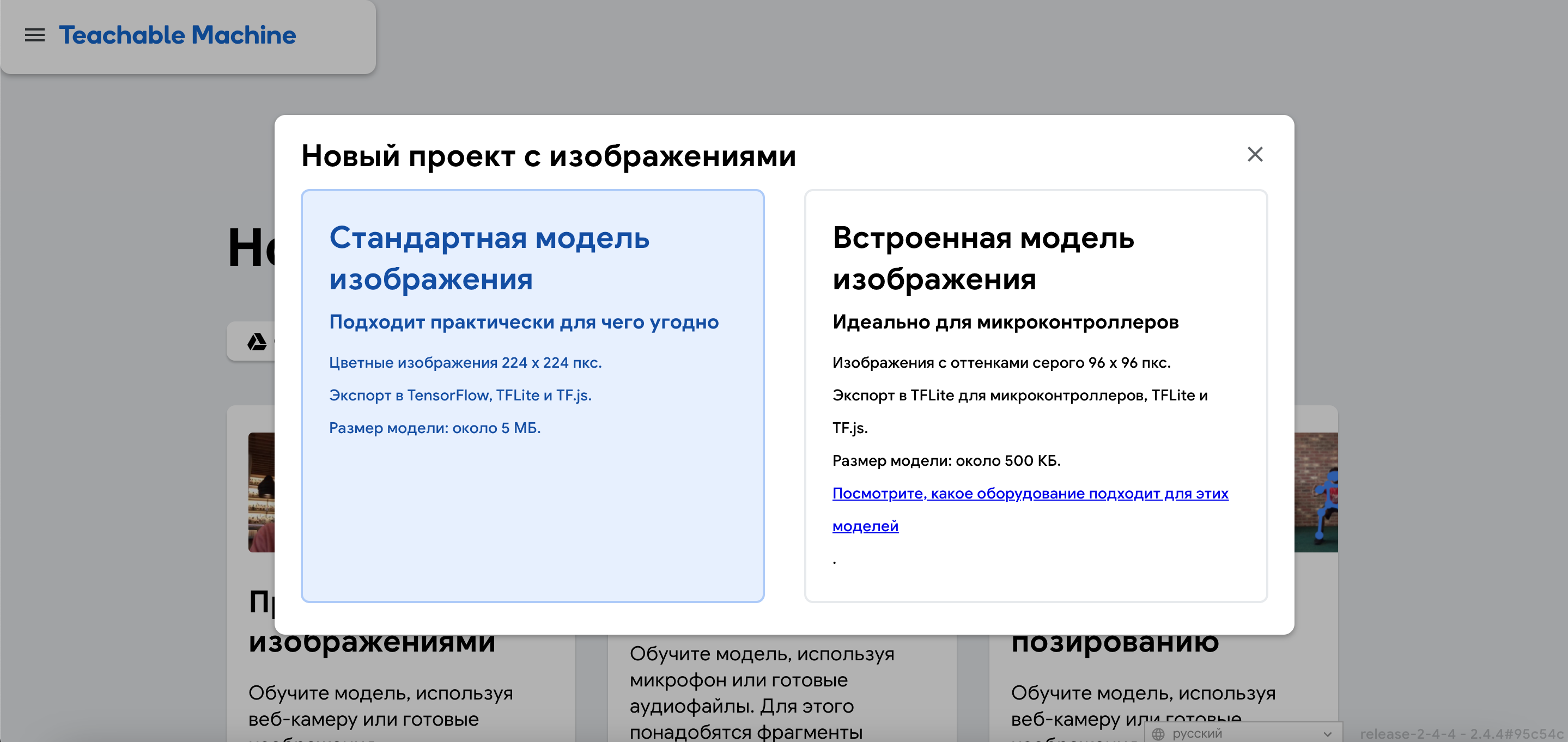
5. After choosing a model, a page for training will open for you. On this page, you will upload data, train the machine, and check how well the machine has learned to recognize objects in the photo.
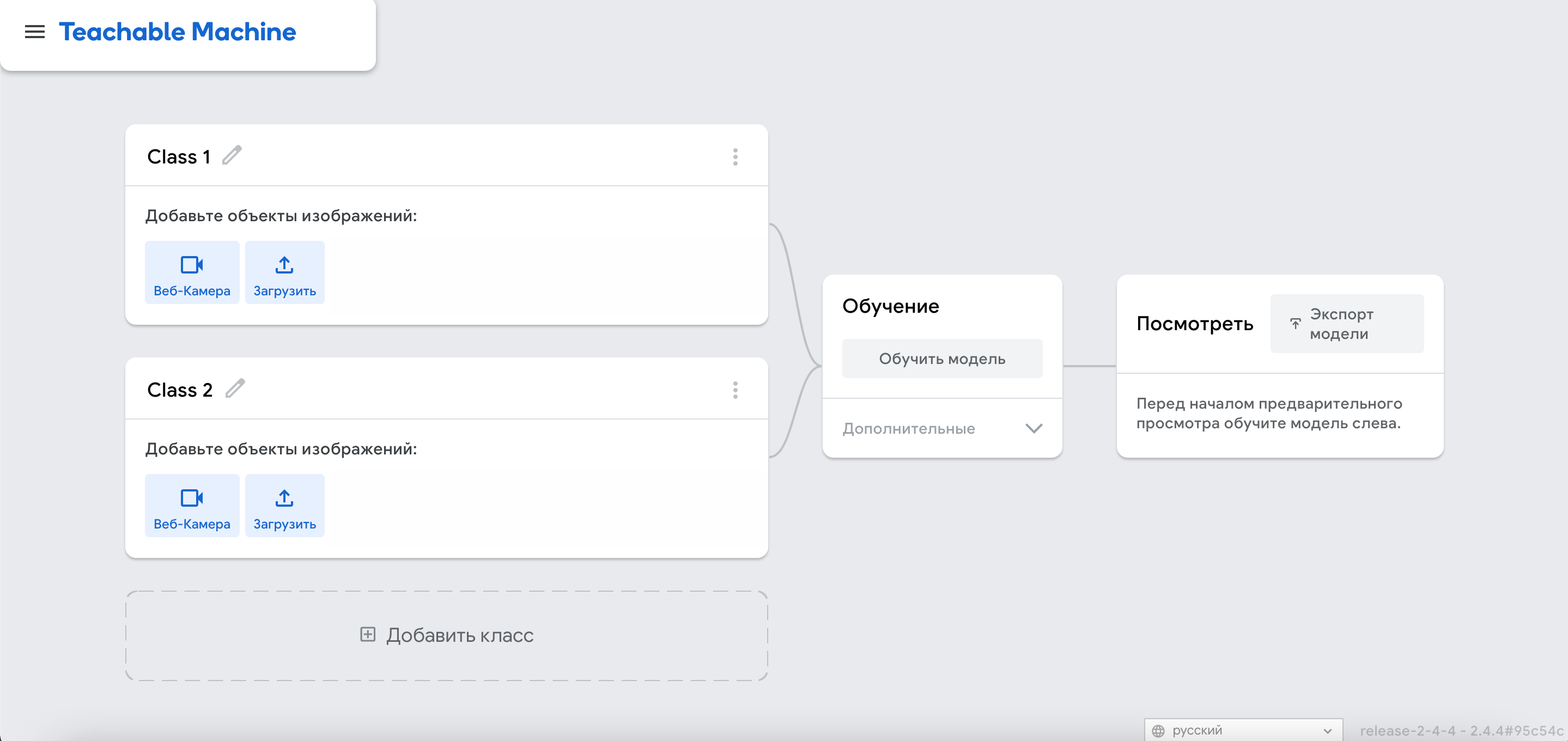
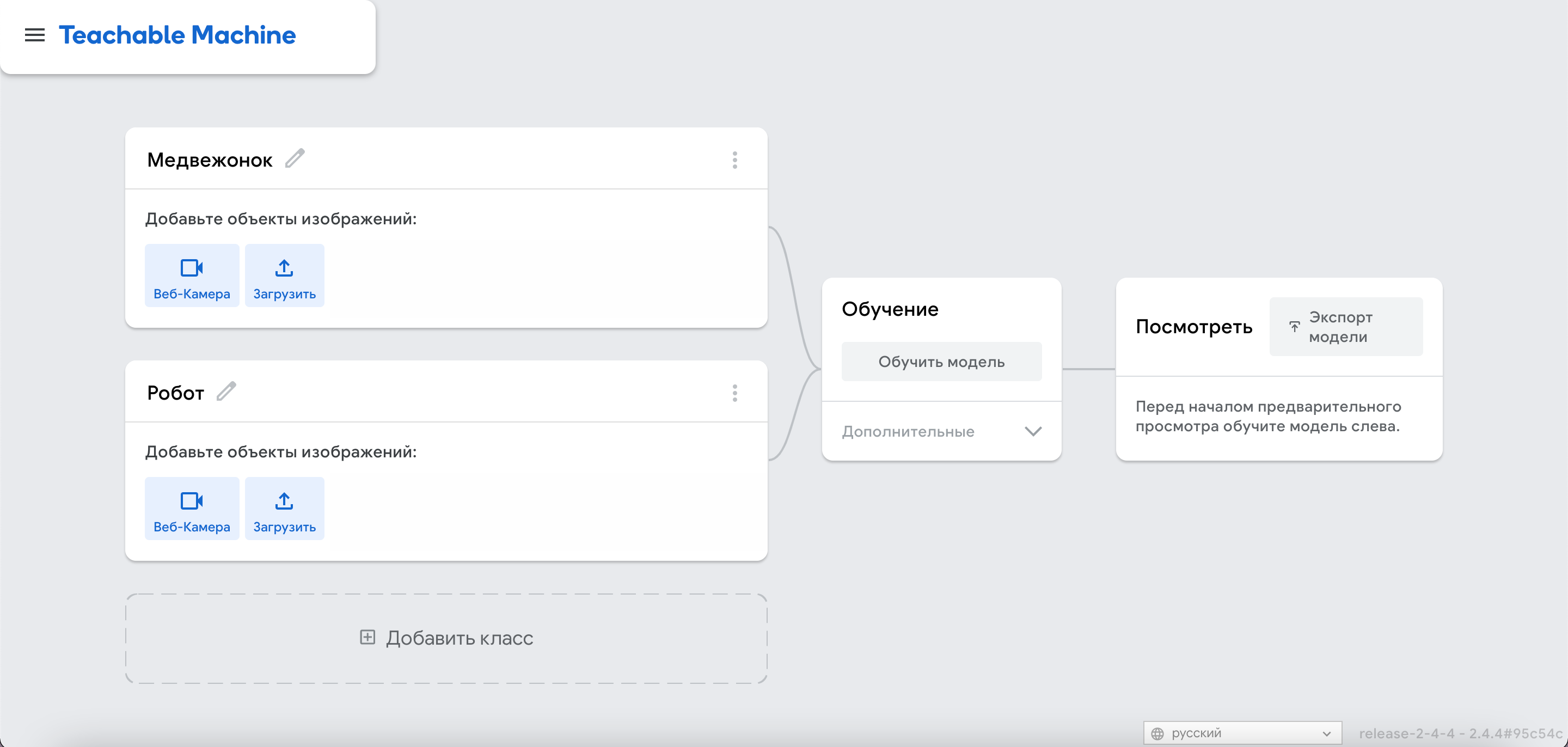
6. To start learning, you need to give a name to the first group. In this lesson, you can use any objects. For the sake of the involvement of all students, you can train the machine to recognize the faces of students. To do this, you will need to bring the students in turn to the camera. Study the example below.
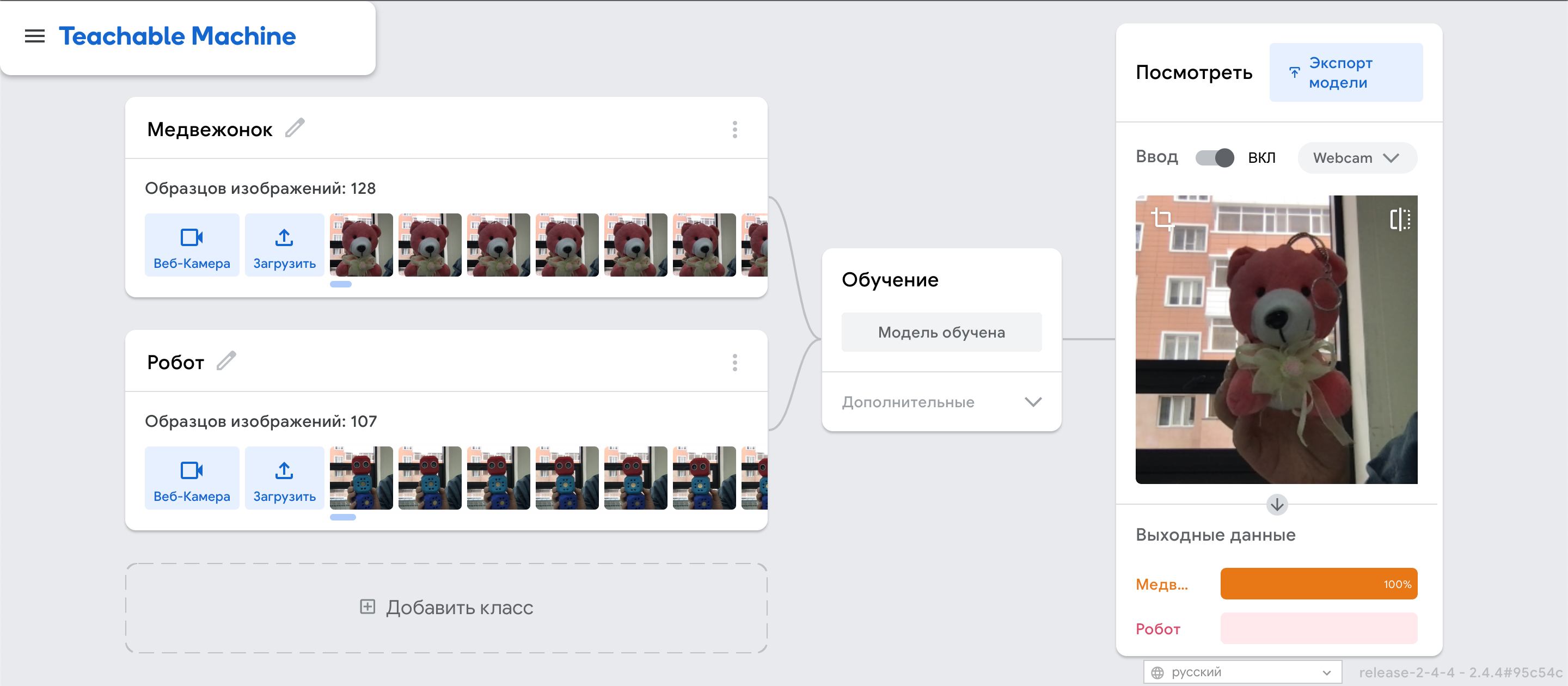
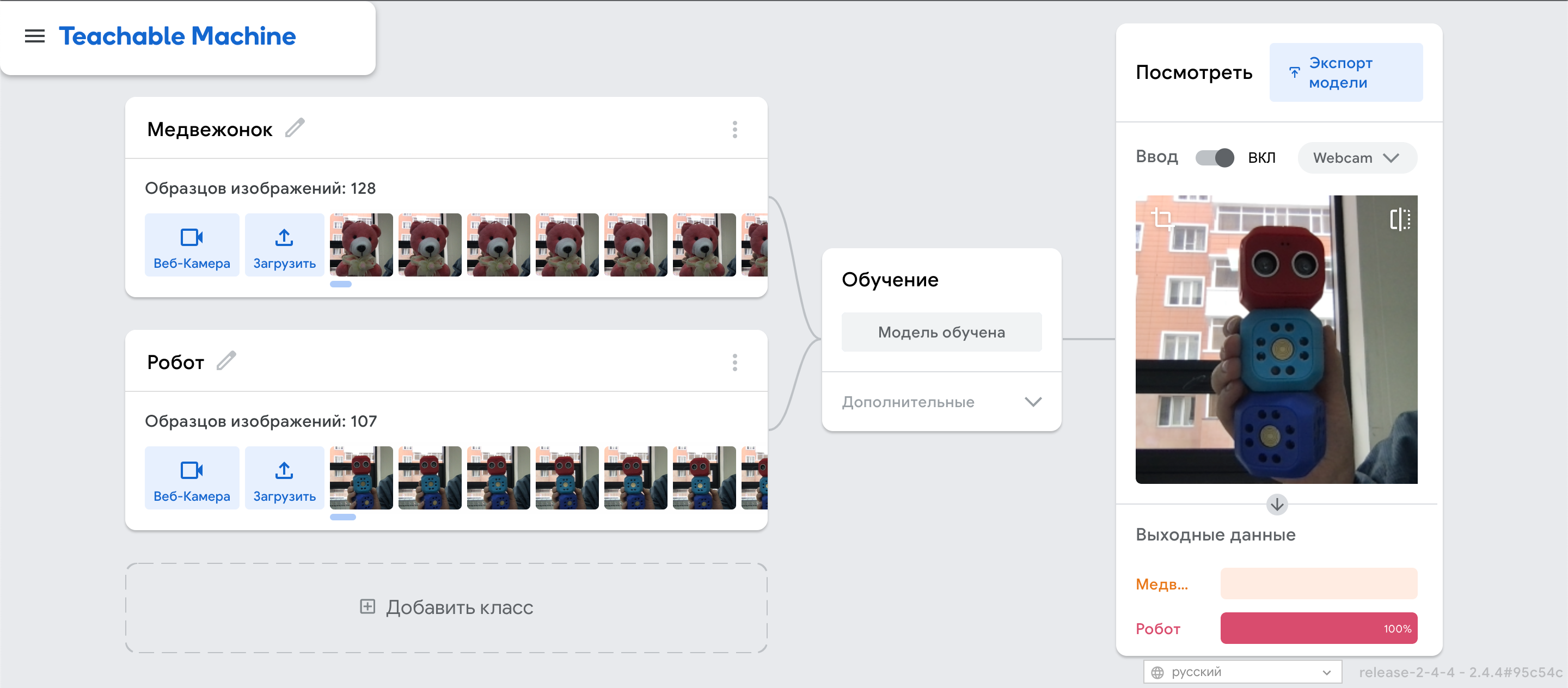
For example, we use 2 objects: a robot and a teddy bear.
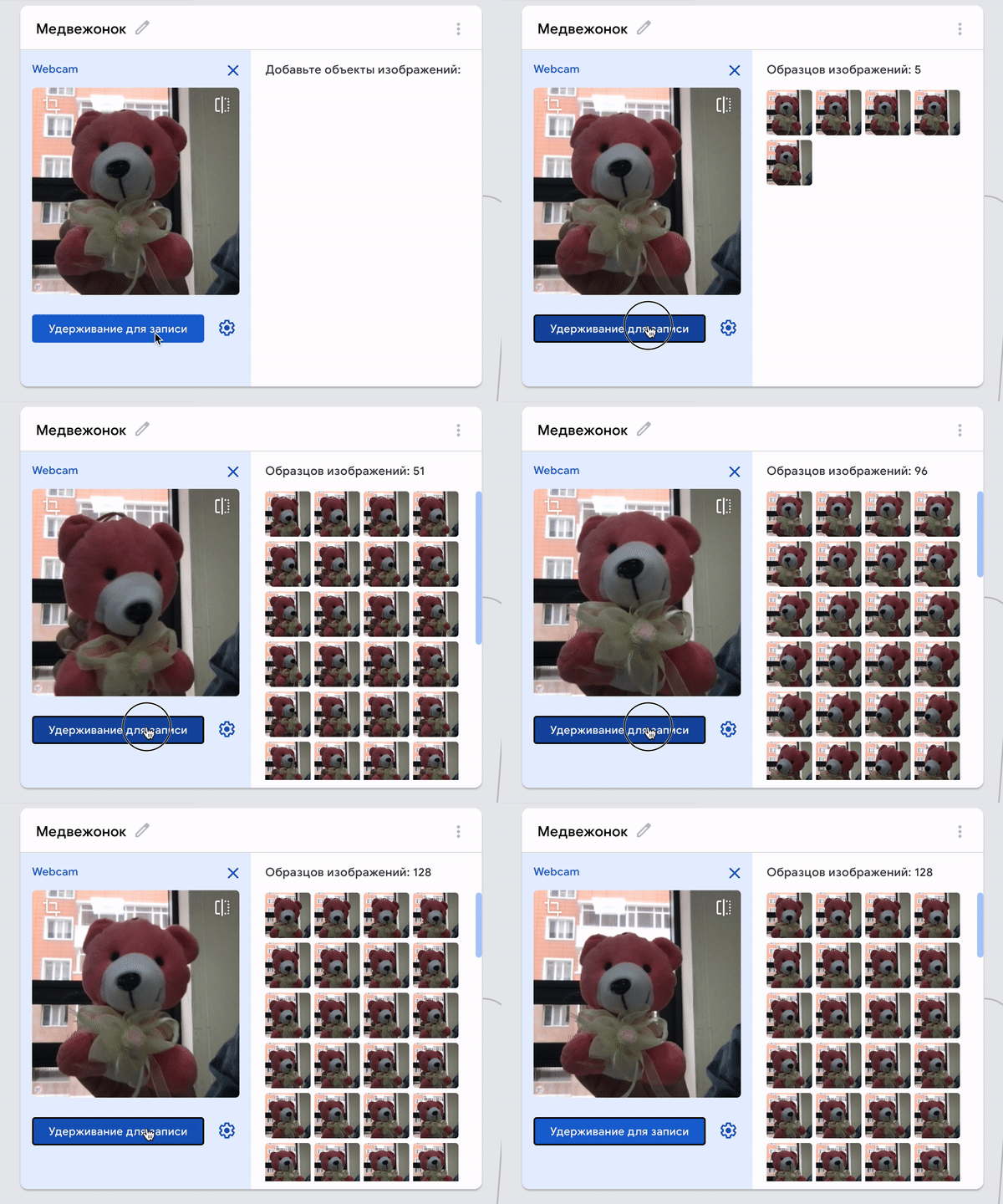
7. To download data, in other words, to train the machine to recognize a bear cub, you need to click on the webcam and take a few photos of the bear cub by holding the button for a few seconds.
In your case, lead the student to the camera, press and hold the webcam to take some photos. Be sure to sign each student with their name.
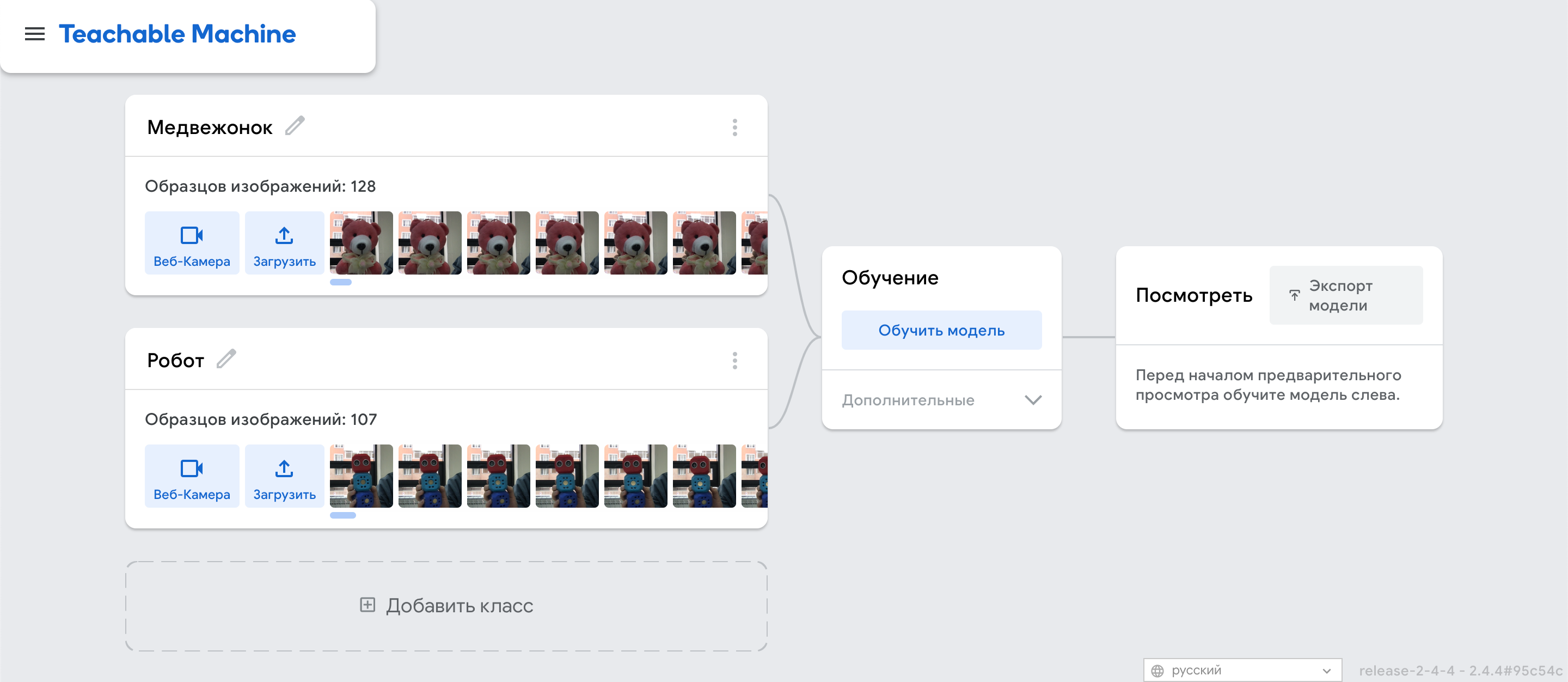
8. Next, do the same with the robot and other objects. In your case, repeat the same process with each student.
.gif)
9. After all the samples of all classes have been collected, we can proceed to training. You need to click on the button to train the model. Training may take a few seconds or minutes, depending on the number of samples. It is important not to switch to other tabs during this process.
10. The learning phase is over, can the machine recognize the students?
You also need to bring the object to the camera. If you take the object used earlier, you can see how well the machine has studied the bear cub. Under the camera there are indicators, in the example of a teddy bear it shows 100%. In the robot example, the indicator is also 100%. This means that the machine is trained and can recognize these objects with 100% accuracy, but provided that the background does not change.
Check how well the machine is trained and can recognize students? In your case, this indicator may be lower if the photos of the students are similar to each other.
Discuss with the class how the computer was able to recognize the students’ faces? Ask the students what else they would like to teach the computer?
Homework
To continue this lesson next week, have the students bring photos/pictures of their favorite heroes and characters. The character’s toy will also work. It can be either a cartoon character or a person in real life.