
Polynomials and Actions on Polynomials
Area Model Algebra by PhET Interactive Simulations, University of Colorado Boulder, licensed under CC-BY-4.0 (https://phet.colorado.edu)
Objective:
- Know the definition of a polynomial and find its degree;
- To reduce a polynomial to a standard form;
- Perform addition and subtraction on polynomials;
- Perform multiplication of a polynomial by a polynomial;
- Perform multiplication of a polynomial by a polynomial.
This virtual activity is designed for use in mathematics lessons on the following topics
- Grade 7. “Polynomials and actions on polynomials”.
Theoretical Part
A polynomial is an algebraic expression consisting of one or more non-inomials connected by “+” or “-” signs.
A polynomial is the product of a numerical coefficient, letter variables, and their degrees.
The degree of a polynomial is the largest of the degrees of the variables that make up the polynomial.
The terms of a polynomial are called its singletons.
Similar terms of a polynomial are terms that have the same letter parts (i.e., the same variables in the same degrees).
Example: -4x^2y^2 + a – 3: This is a 2nd degree polynomial with 3 terms.
Standard form of a polynomial:
- Each term of the polynomial is written in standard form (i.e., the coefficient on the highest term is positive, and the variables are written in alphabetical order).
- Similar terms are added.
Example: Write the polynomial: 3x^2 – 5x + 2 – x^2 + 4x – 1 into standard form.
Solution:
- Let’s write each term of the polynomial in standard form: 3x^2 – 5x + 2 – x^2 + 4x – 1 = (3 – 1)x^2 + (-5 + 4)x + (2 – 1) = 2x^2 – x + 1.
- Let’s add similar terms: 2x^2 – x + 1.
Virtual Experiment
The “Algebra with Area Model” simulation is designed for students to work on the topic of polynomials in algebra. For given dimensions of a rectangle, students specify individual terms and calculate the resulting polynomial.
Course of Work:
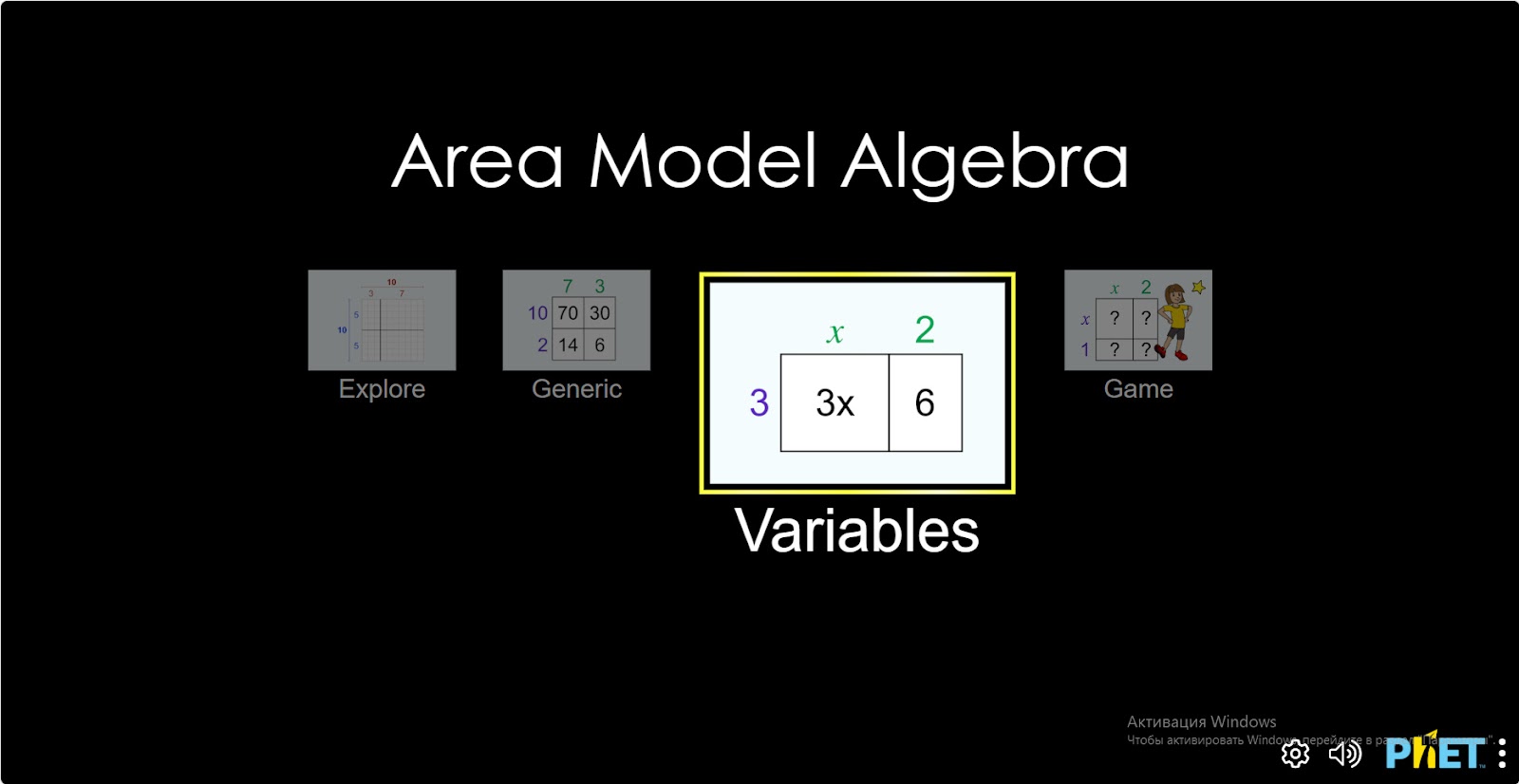
Step 1. Start the simulation: You will be presented with 4 different modes, “Explore”, “Generic”, “Variables” and “Game”. You will work on this experiment in the “Variables” and “Game” sections. Open the “Variables” section.
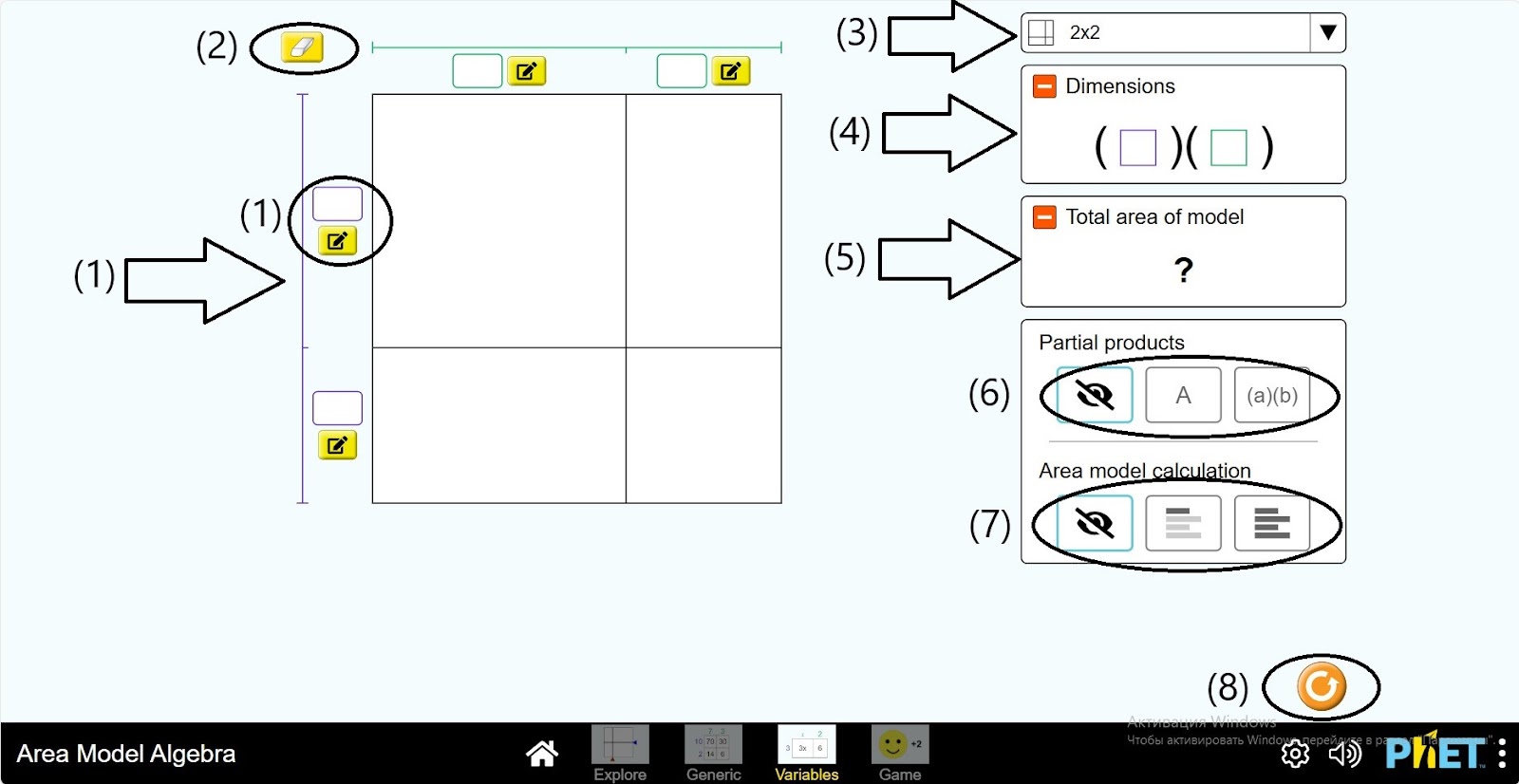
Step 2. You are given in the work area:
- A square divided into 4 parts and spaces to enter its dimensions (1);
- An eraser (2);
- A button to select the type of division of the square (3);
- Polynomial (4);
- The default for the type of polynomial board (5);
- Information about the square in the table (6);
- Calculation fields and button “Hide” (7);
- Reload button (8).
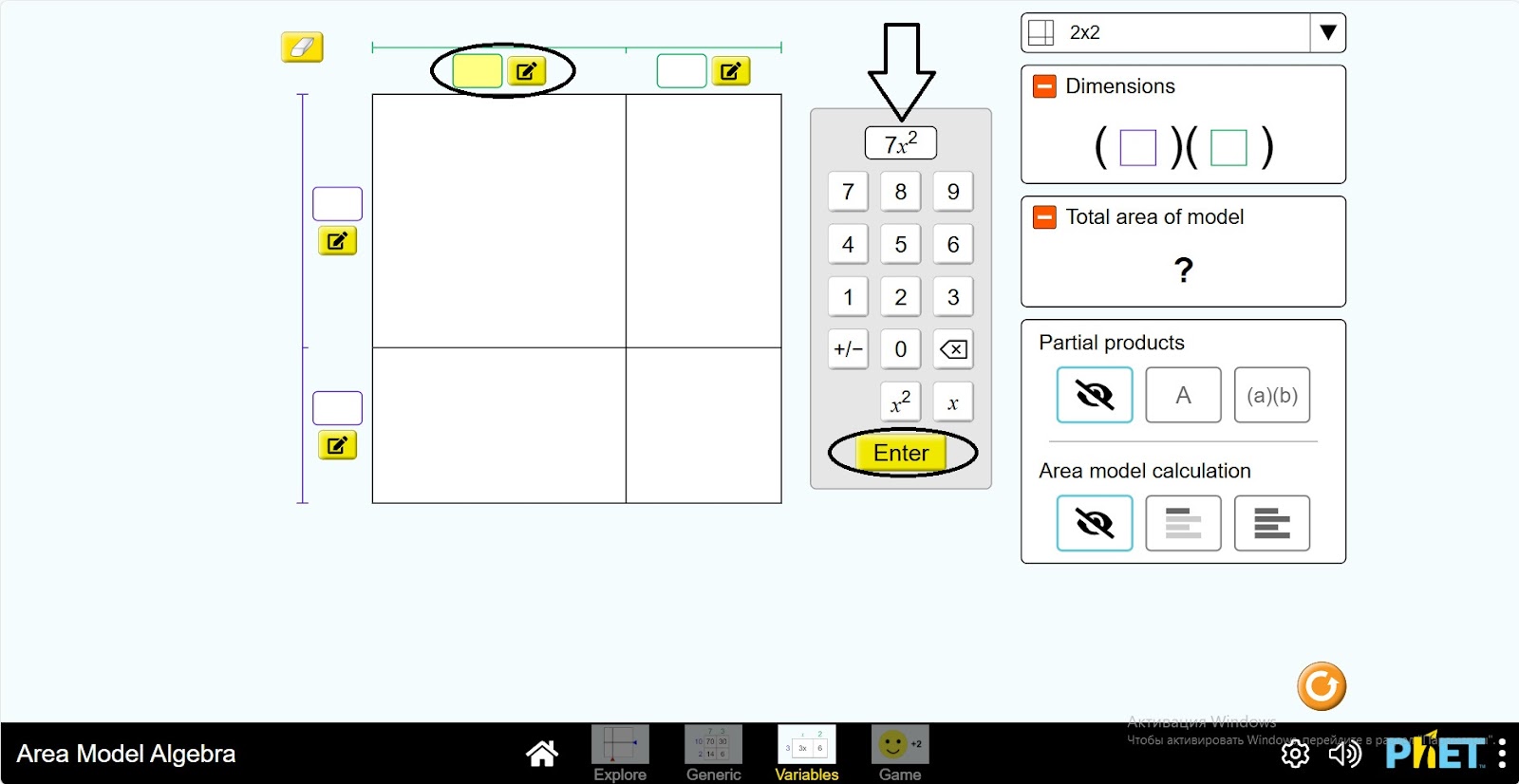
Step 3. Click on one of the fields next to the square. A calculator will appear on the screen. Enter the uninomial.
Step 4. Type different uninomials in the other 3 spaces.
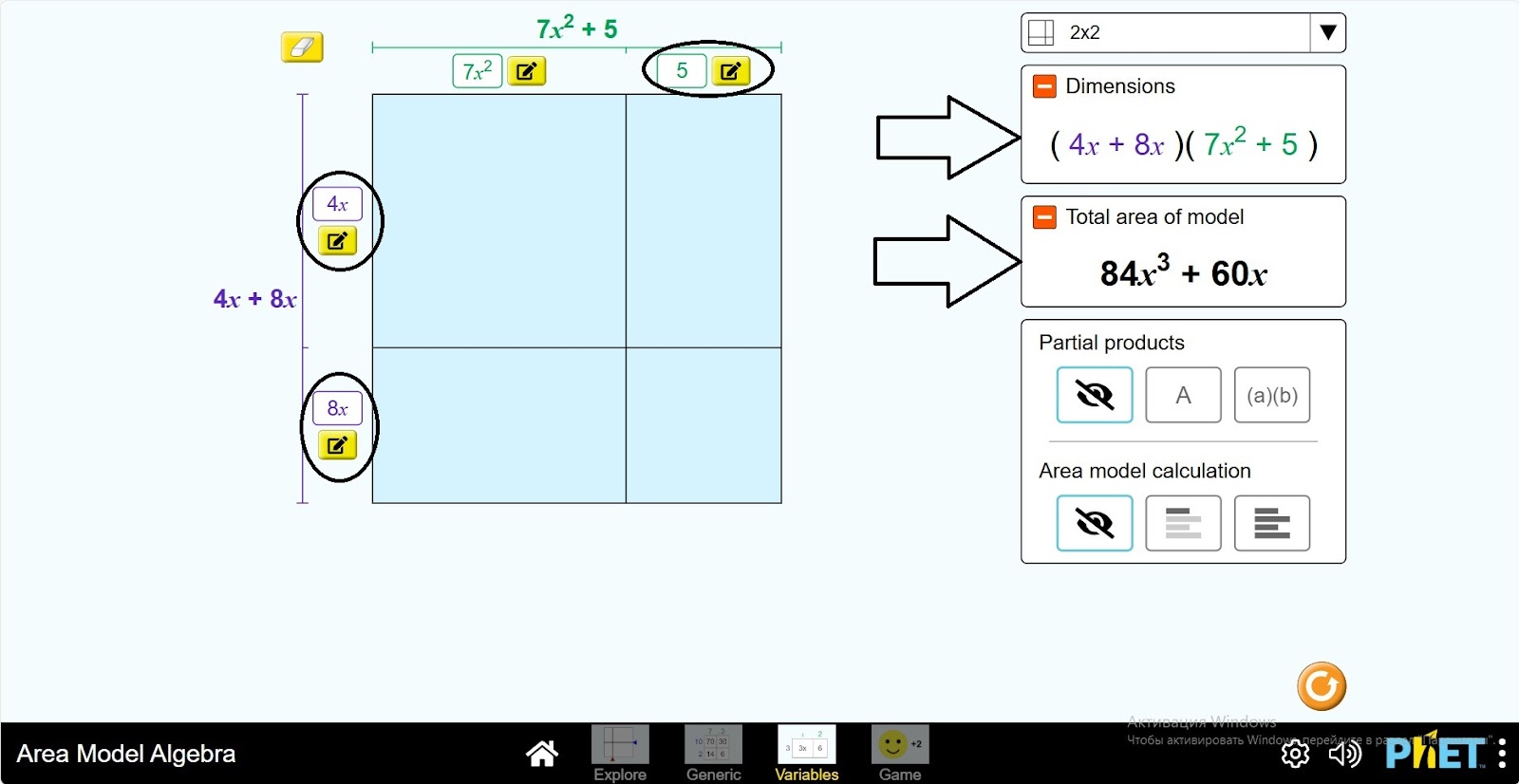
Step 5. Click on “a*b” to see the expression for multiplying uninomials.
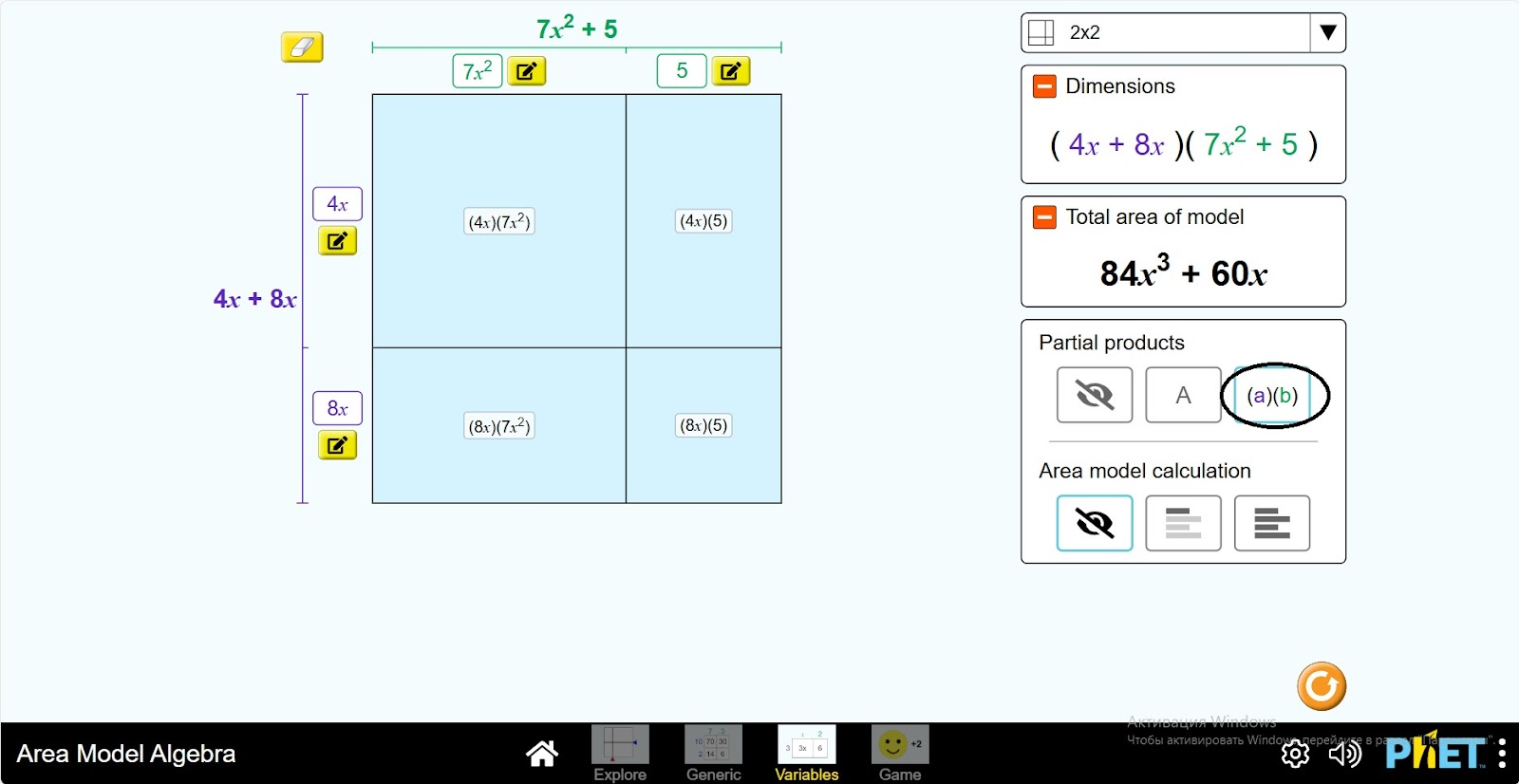
Step 6. You can see the result of multiplication of uninomials for each rectangle by clicking on “A”.
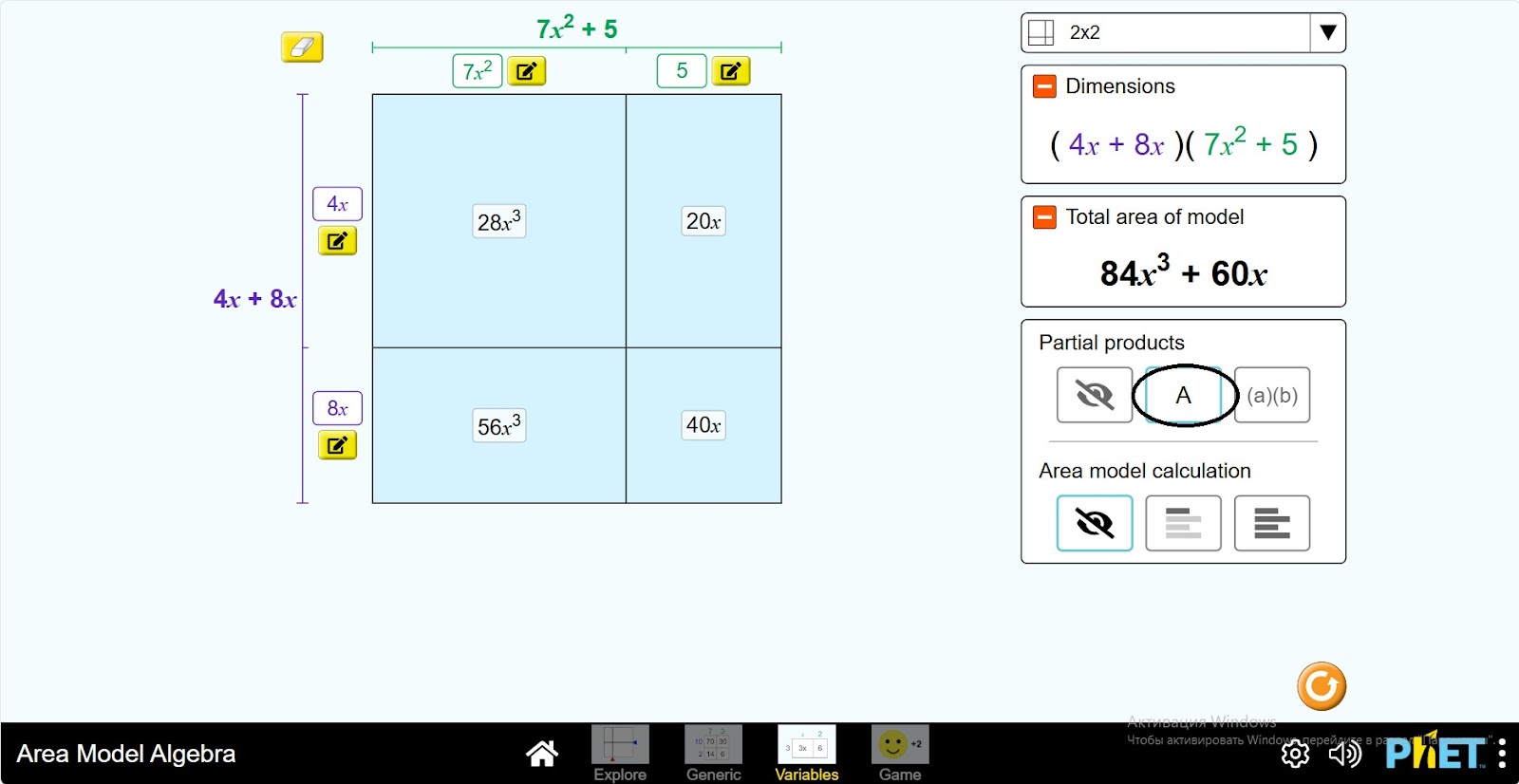
Step 7. 2 kinds of calculation tables are given. This shows the calculation of polynomials. If in one of them you will see the expression step by step by clicking the “Next” button, and in the other you will see the complete calculation at once.
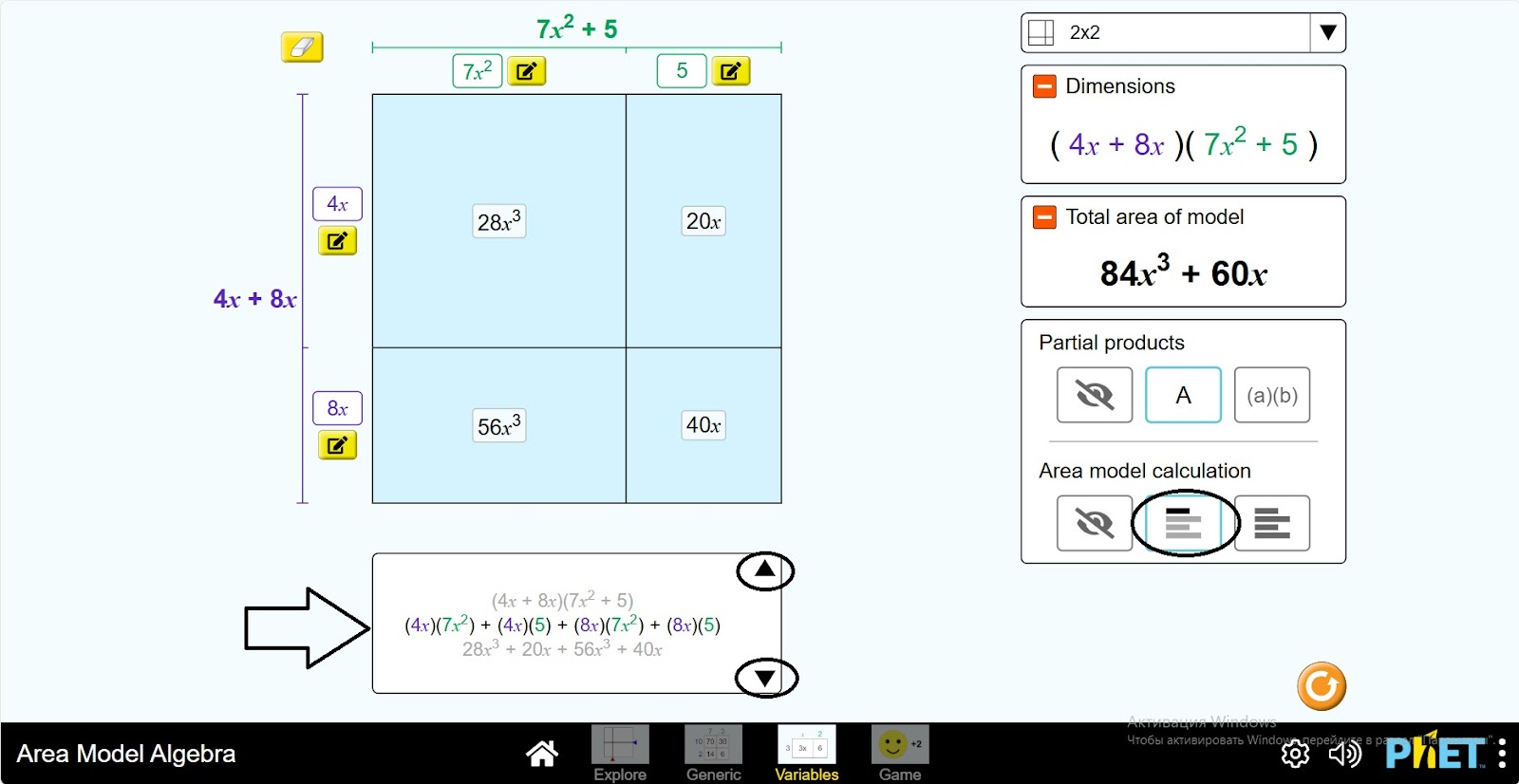
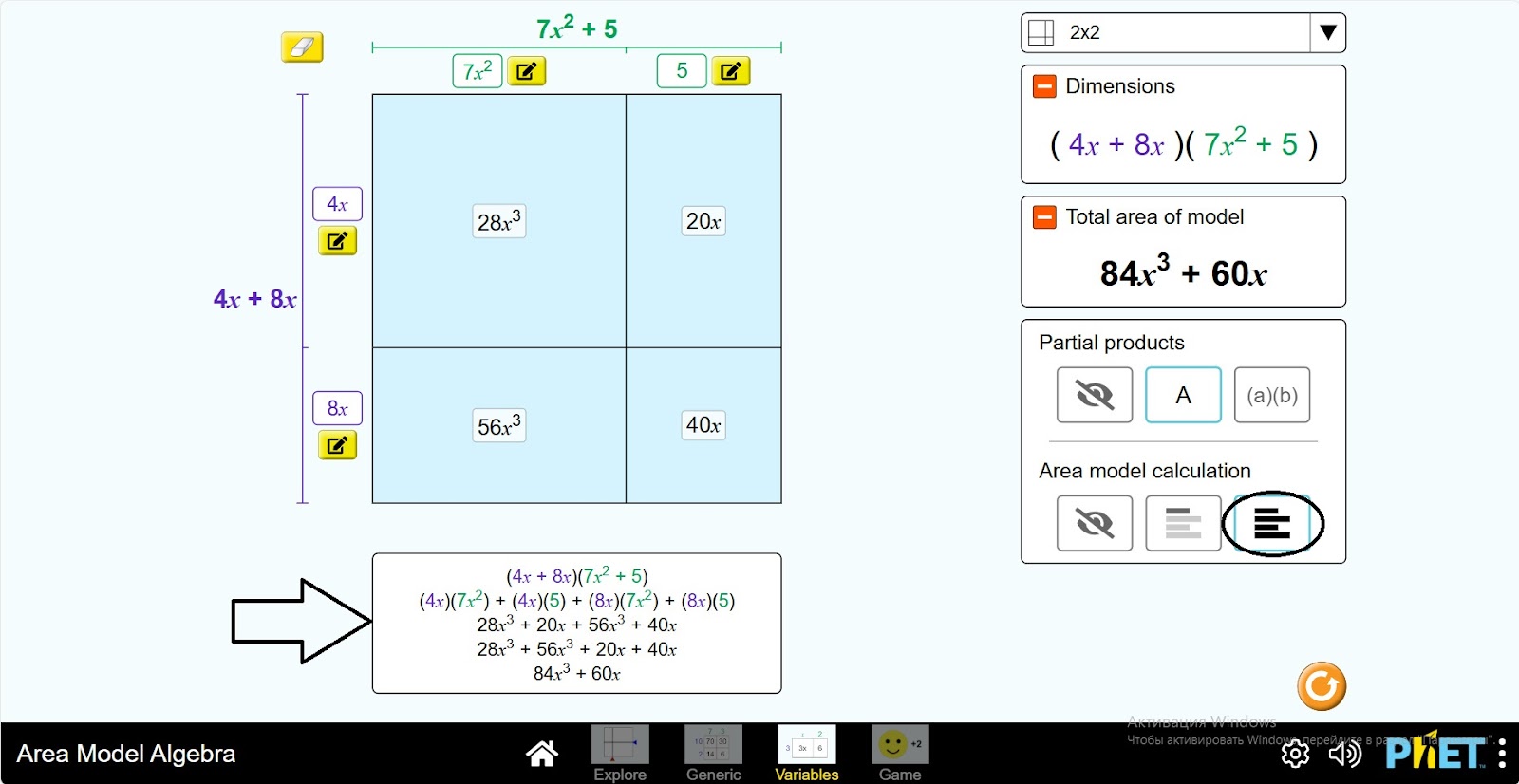
Step 8. Change the values of the polynomial squared and calculate the polynomial again. Create several expressions in this way.
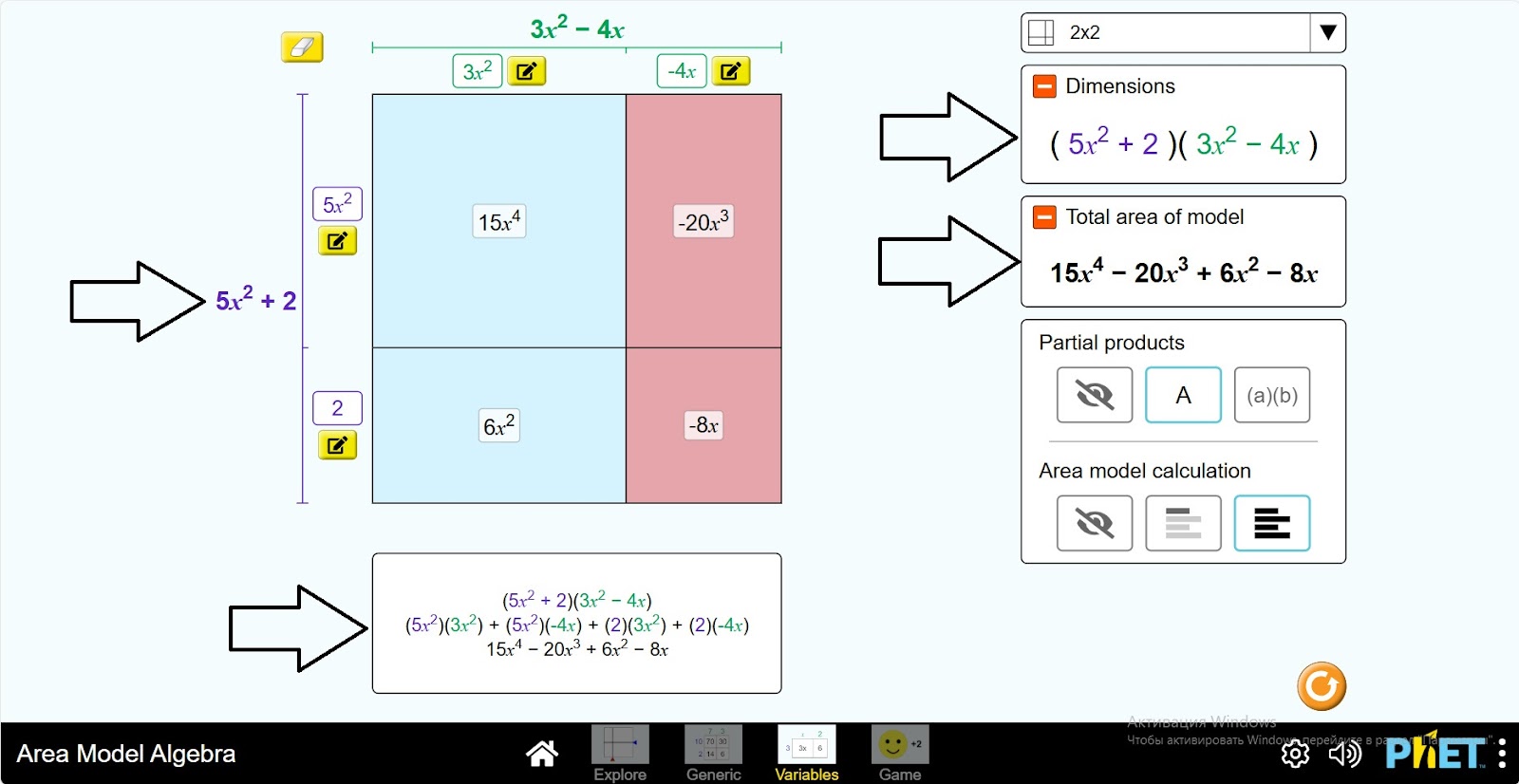
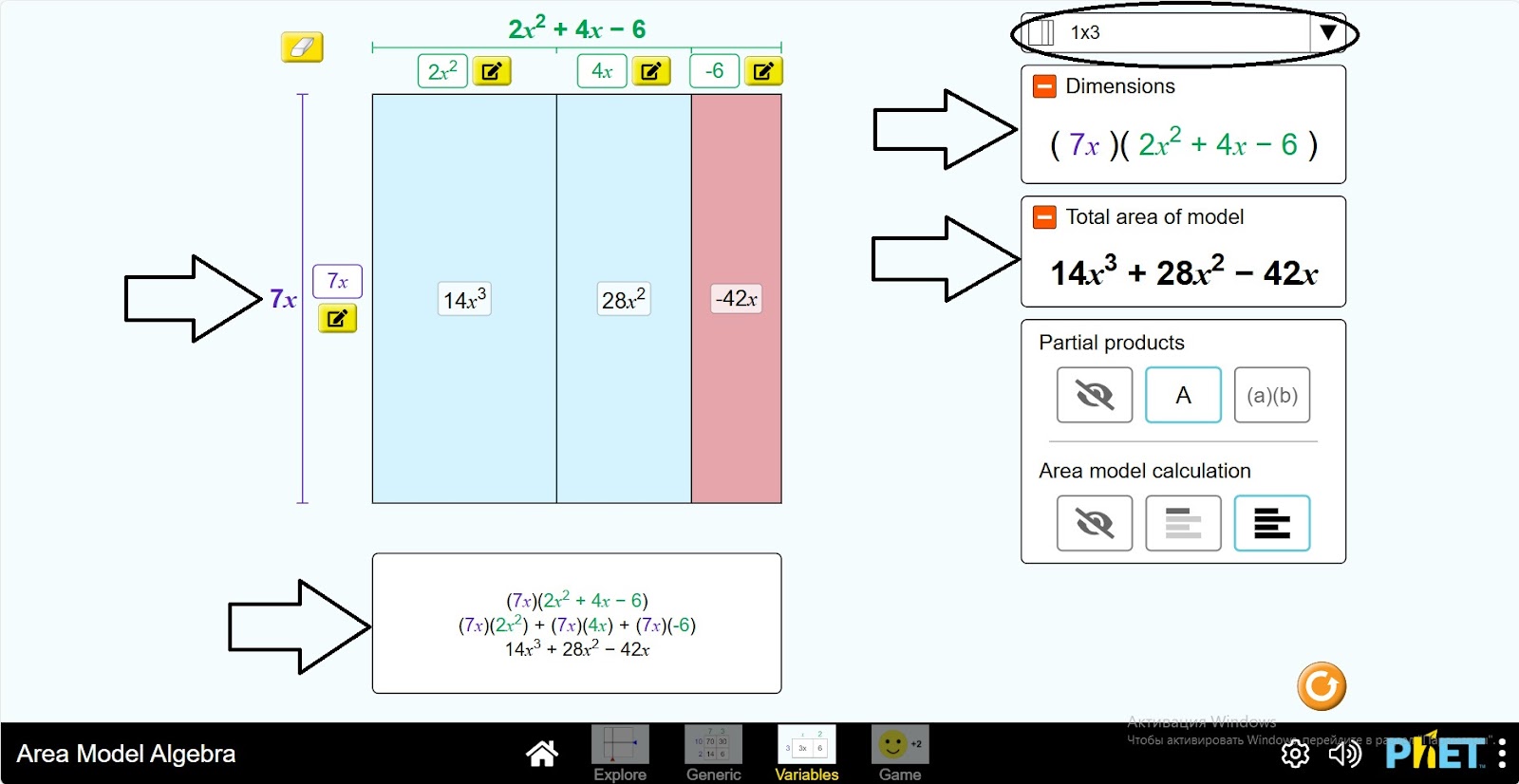
Step 9. Change the way the square is divided. Repeat the above steps.
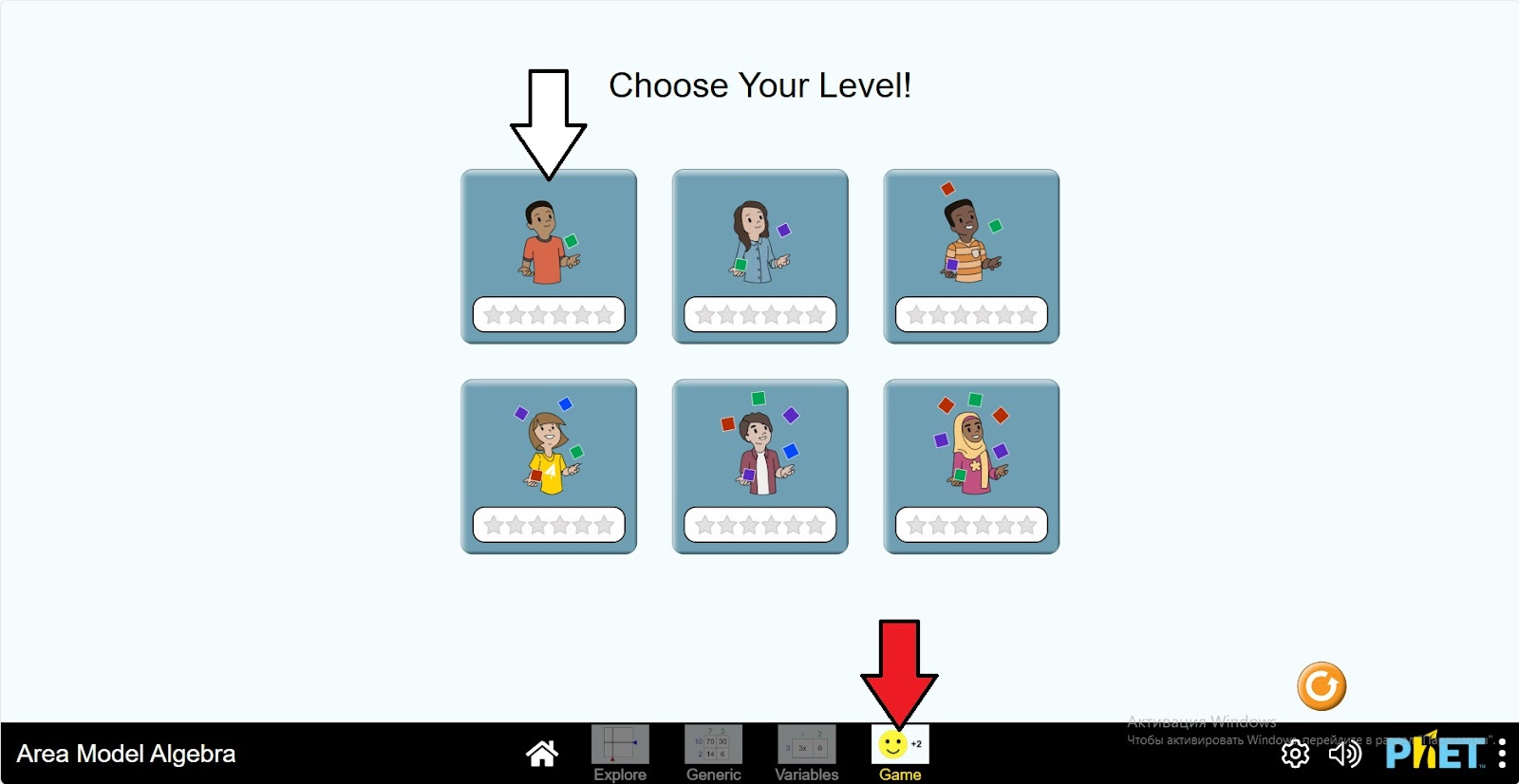
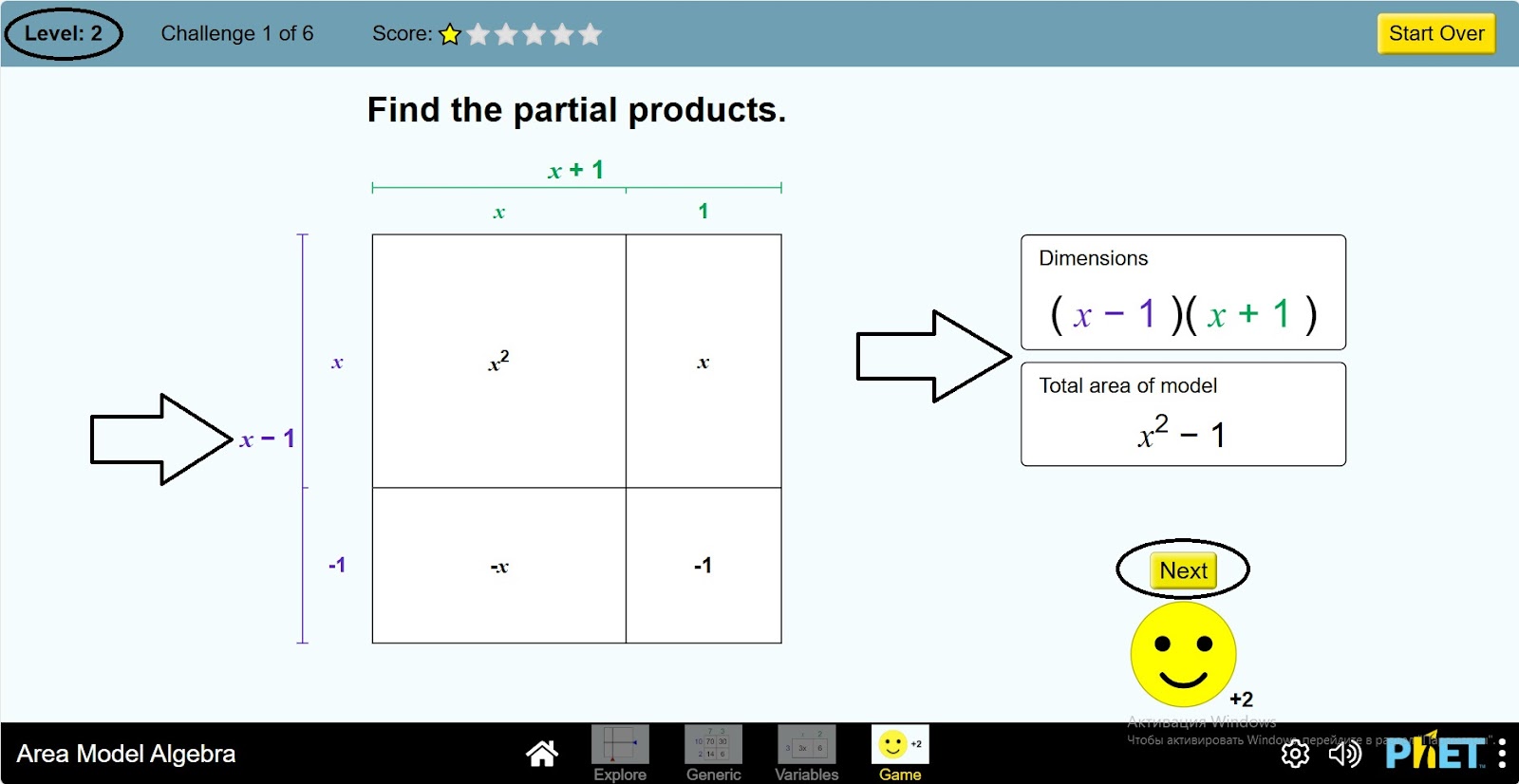
Step 10. Open the “Game” section. You will be presented with games on 6 different levels. Select the first level.
Step 11. In the work area you will be presented with
- Quadratic and uninomial views;
- Polynomial and Standard Polynomial view;
- Check button.
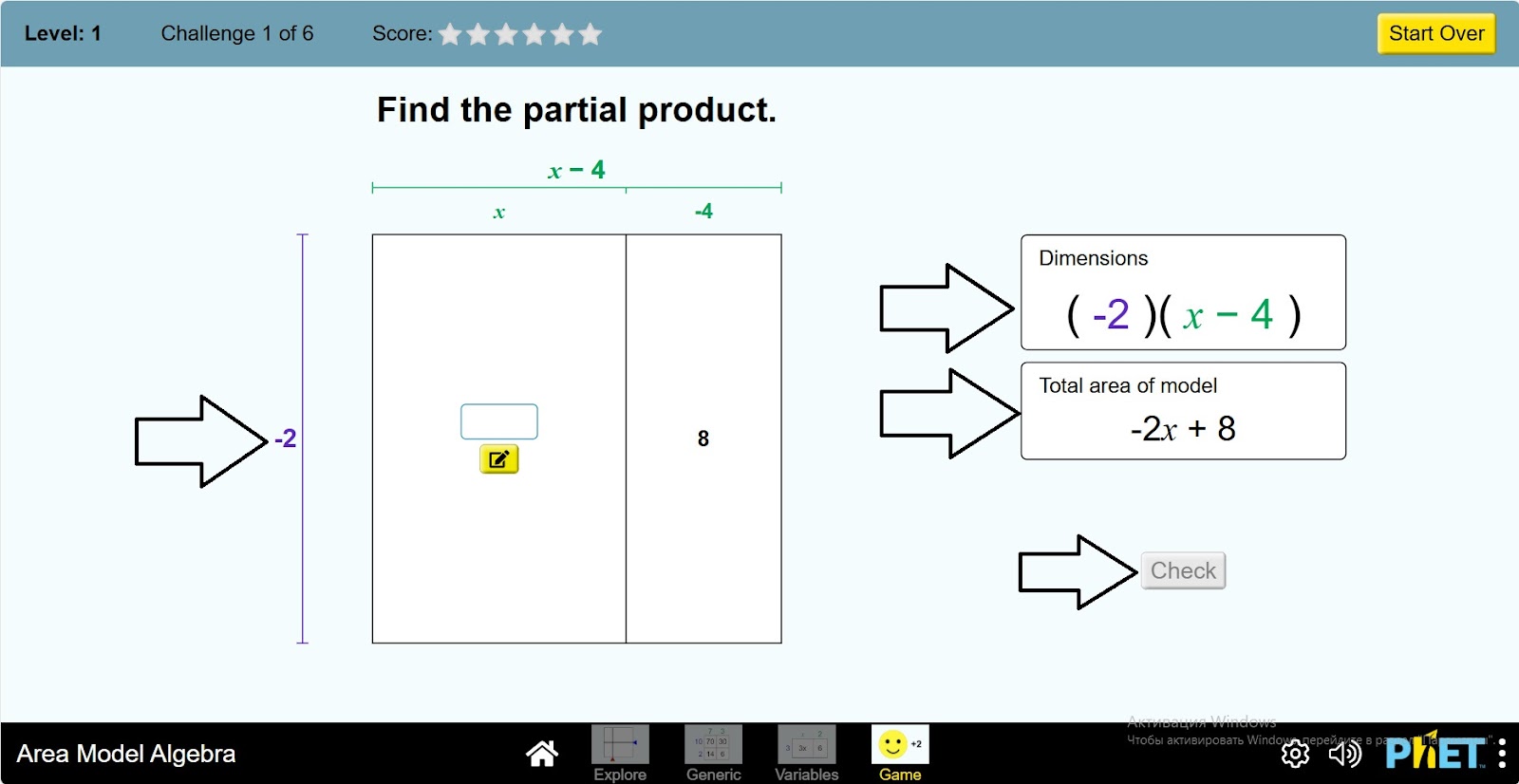
Step 12. The game requires you to find the appropriate expression for the space inside the square. View the polynomial, perform the calculation, and find the expression.
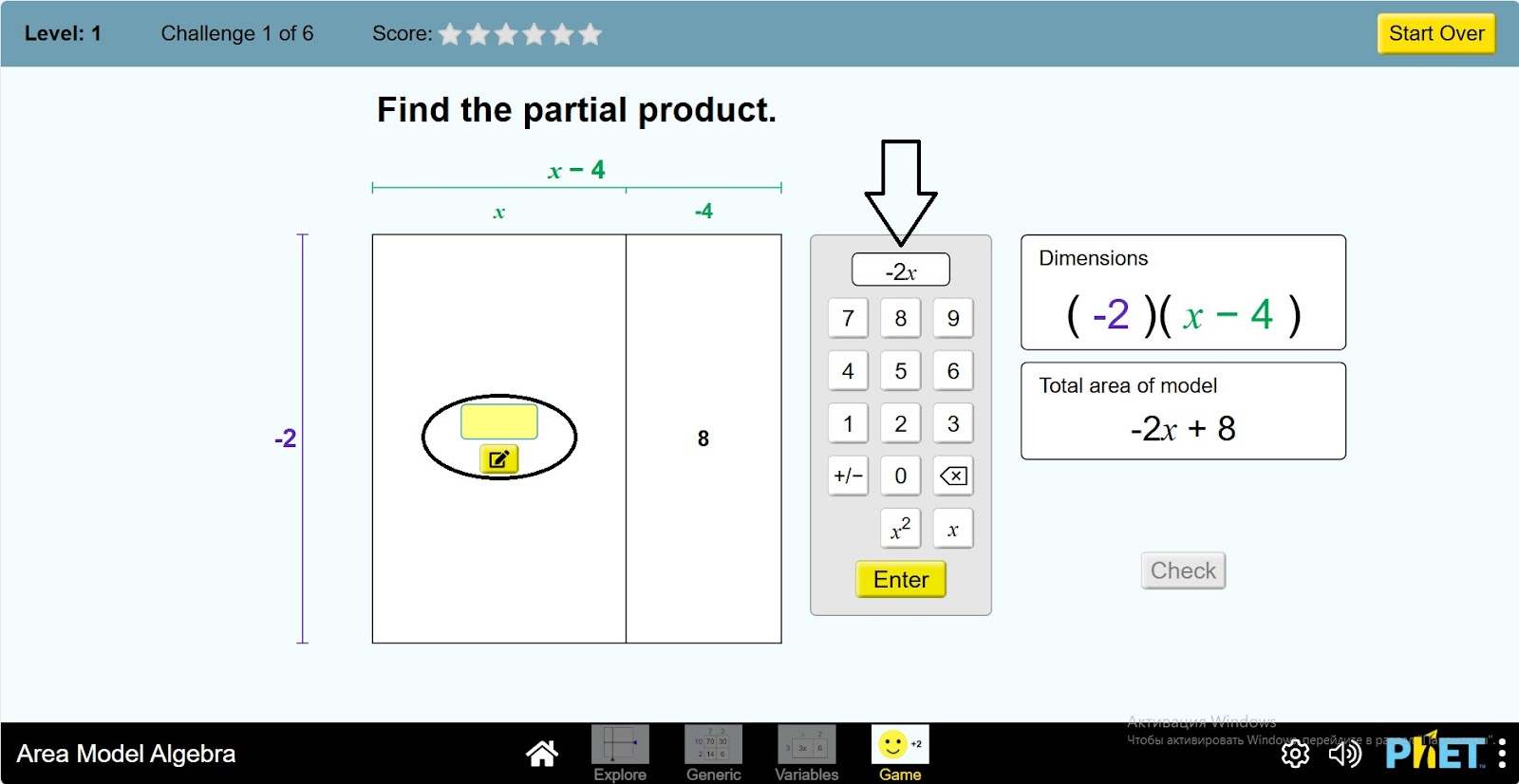
Step 13. Check if the expression is correct by clicking the Check button.
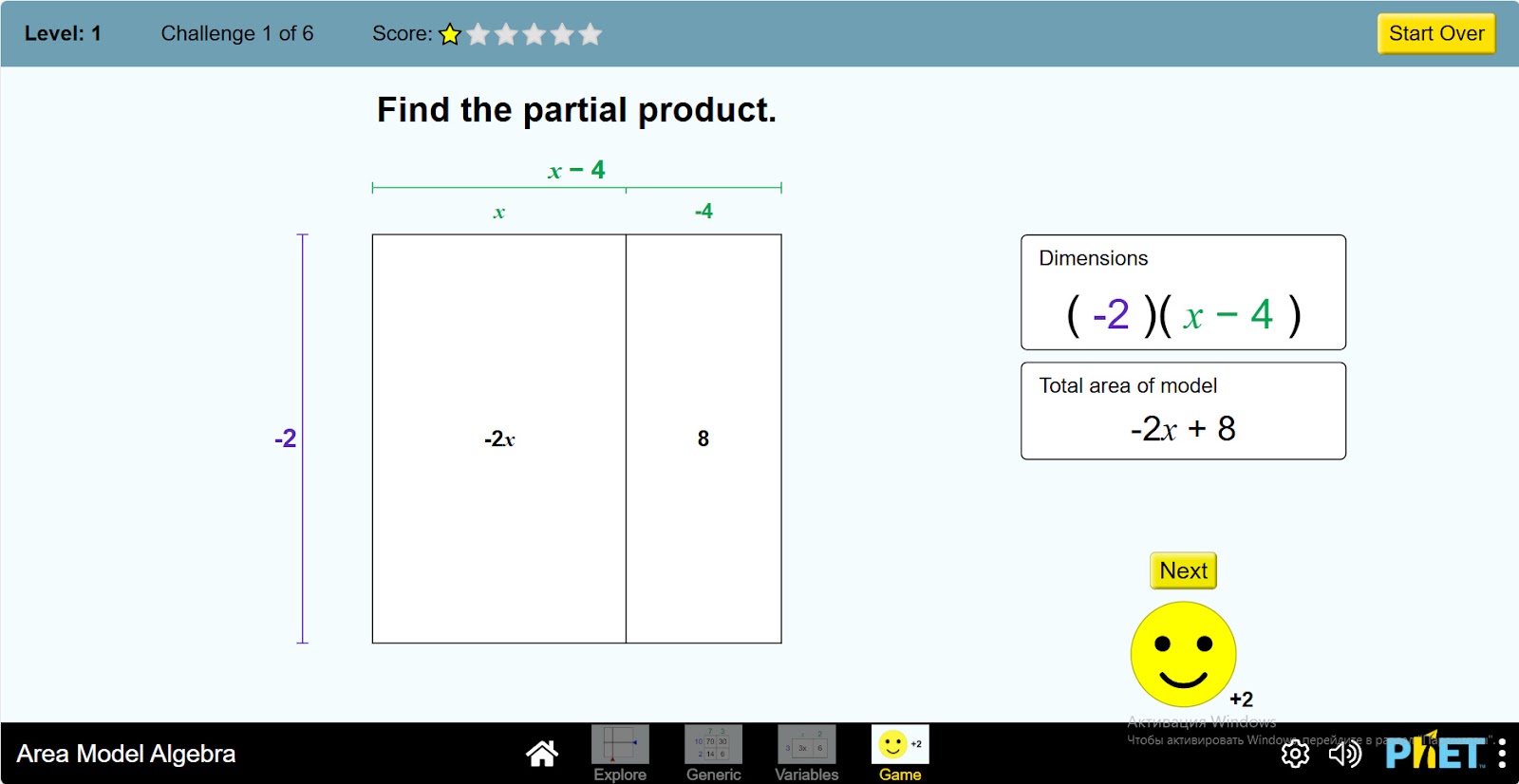
Step 14. Continue playing the game. After completing one level, you can solve the problems in the next levels.
Conclusion
Students go deeper into the topic of polynomials by doing this virtual activity. It makes it easier to understand calculations by visualizing them on the screen. They can learn calculations in a fun and playful way.