
Reciprocal location of graphs of linear functions
Graphing Lines by PhET Interactive Simulations, University of Colorado Boulder, licensed under CC-BY-4.0 (https://phet.colorado.edu)
Objective:
- Know the definition of the function y=kx, construct its graph, and find its location given k;
- Know the definition of the linear function y=kx+b, construct its graph, and find its location given the values of k and b;
- Find the points of intersection of the graph of a linear function with the coordinate axes (without constructing a graph).
This virtual work is intended for use in algebra lessons on the following topics
- Grade 7. “Reciprocal location of graphs of linear functions”.
Theoretical Part
The equation of a line in the form y – y1 = m(x – x1) is called the point angle form. This equation describes a line passing through a given point M1(x1, y1) with a given angular coefficient (slope) m.
The geometric significance of the parameters:
m (angular coefficient):
- Characterizes the slope of the line with respect to the x-axis.
- If m > 0, the line is directed upwards (grows from left to right).
- If m < 0, the line is downward (decreasing from left to right).
- If m = 0, the line is parallel to the OX axis (horizontal line).
- The greater the value of m, the steeper the slope of the line.
(x1, y1): The coordinates of the point M1 through which the line passes. This point always belongs to the line.
How to use the point angle form?
Graph construction:
- Mark the point M1(x1, y1) on the coordinate plane.
- Using the angle coefficient m, draw a straight line through point M1. If m > 0, then from point M1, step 1 unit to the right on the Ox axis and step m units up on the Oy axis. If m < 0, then the upward step must be replaced by a downward step.
Write the equation:
- Find the coordinates of any point M1(x1, y1) belonging to the line.
- Calculate the angular coefficient m from the coordinates of the two points belonging to the line (or from a geometric representation).
- Substitute the values found for x1, y1, and m into the equation y – y1 = m(x – x1).
Relation to other forms of the equation of a straight line:
- The general equation of a straight line is Ax + By + C = 0. The point-angle form can be converted to the general form by opening the parentheses and moving all terms to the left.
- The equation of a straight line with an angle coefficient is y = mx + b. The point-angle form can be converted to this form by opening the parentheses and expressing y.
Virtual Experiment
In this virtual activity, students graph a straight line given an equation such as y – y1 = m(x – x1). Investigates the parameters of a linear equation in the form y – y1 = m(x – x1). Predicts how changing the values in the linear equation will affect the line shown on the graph.
Course of Work:
Part 1. “Slope Intercept”
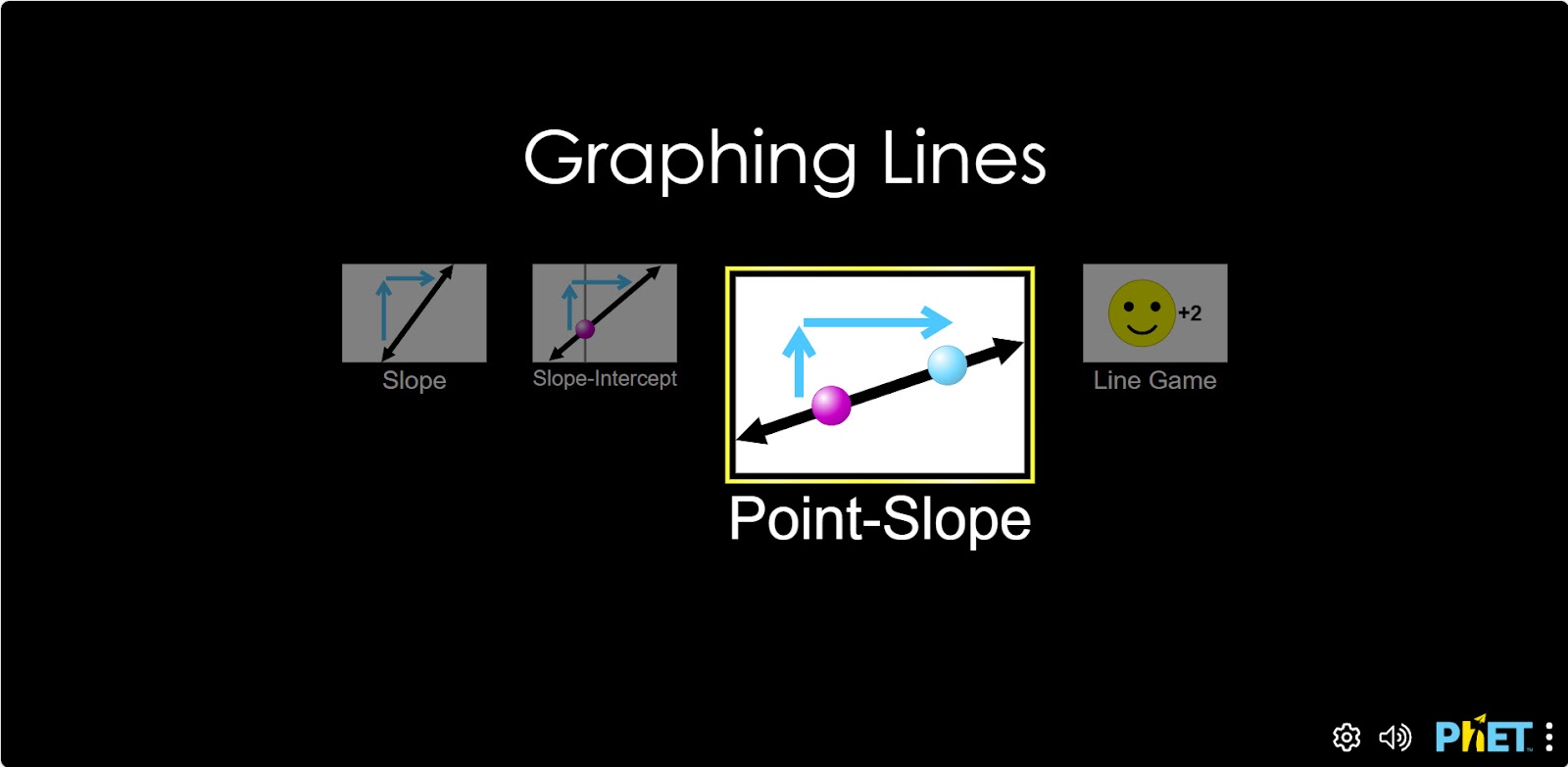
Step 1. You will be given 4 different modes, “Slope”, “Slope-Intercept”, “Point-Slope”, and “Line game”. You will work in the “Point-Slope” and “Line game” sections. Start the “Point-Slope” mode.
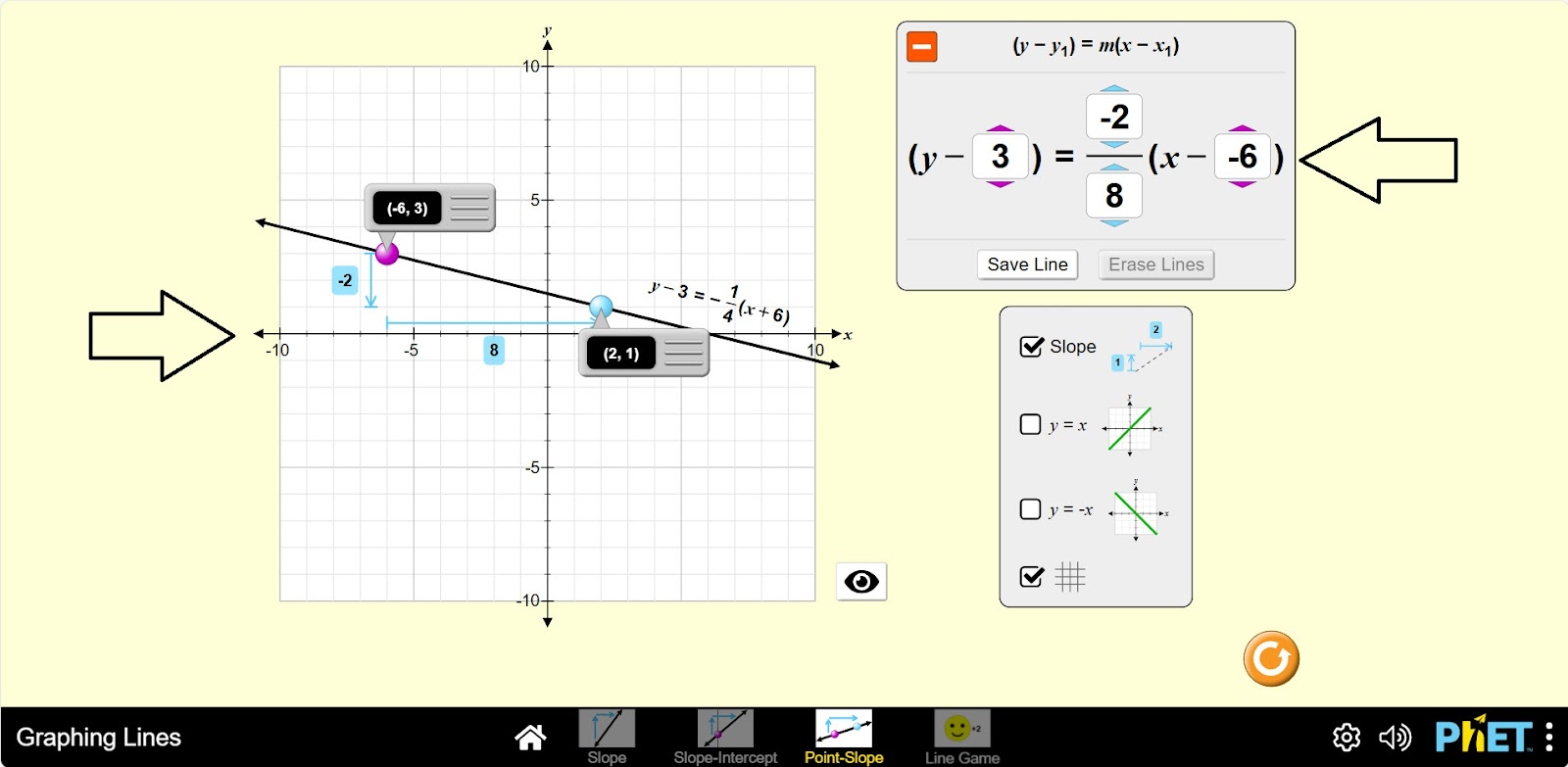
Step 2. You are given:
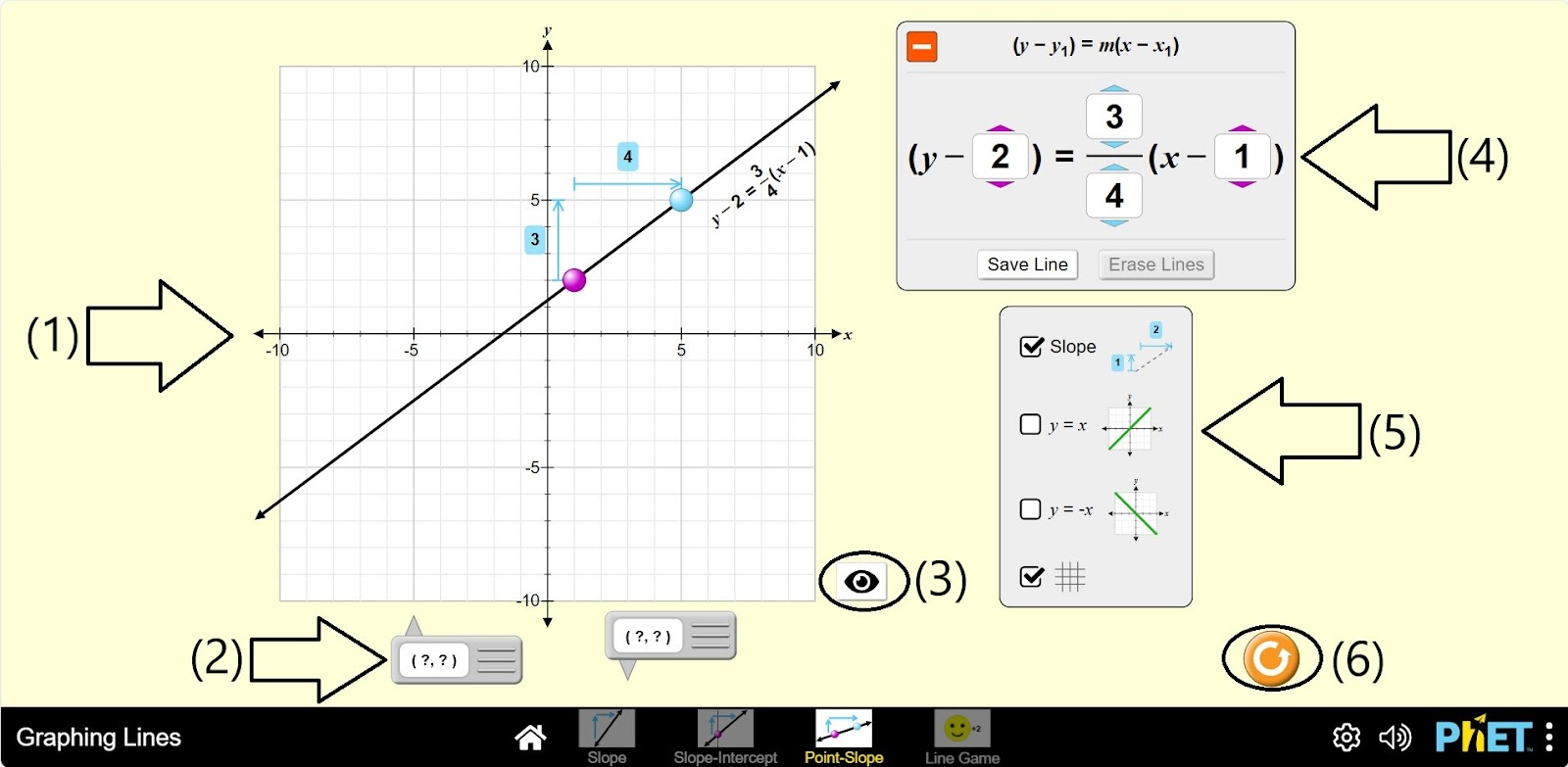
- The OXY coordinate plane and the graph of the equation y – y1 = m(x – x1) (1);
- Tools that display the values of the points (x,y) in the graph coordinates (2);
- You can keep the graph off the screen by clicking on the source (3);
- The equation y – y1 = m(x – x1) and buttons to change its parameters (4);
- Buttons to save and switch off the graph type (5);
- Display of slope parameters, y = x, y = – x equation, grid display buttons (6);
- Reload button (7).
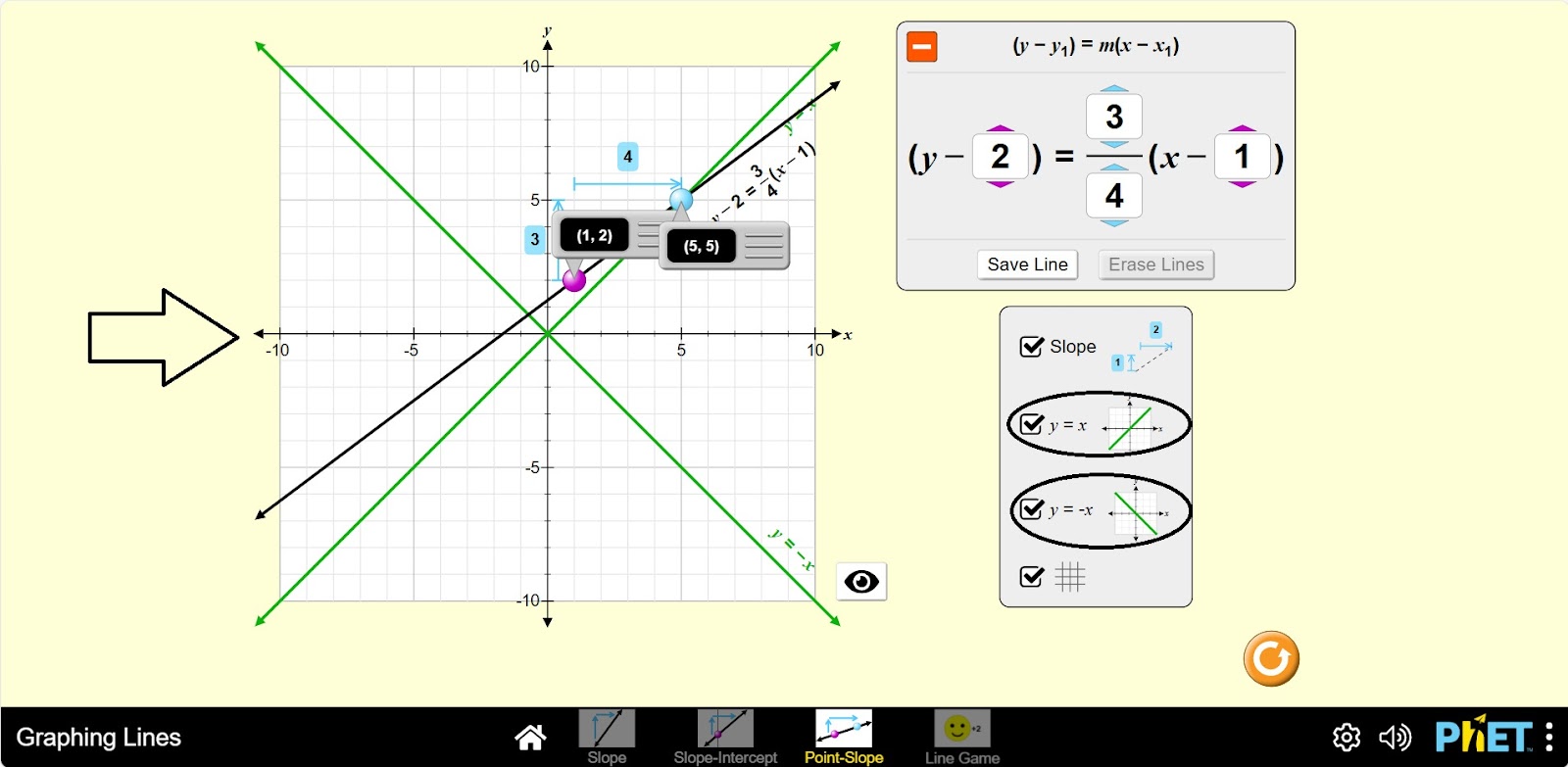
Step 3. Set the points on the graph using the tools that display the values of the points (x, y) in the graph coordinates. Add buttons to display the graphs of y = x and y = – x. Examine the graph. You will see that the equation y-2 = ¾ (x-1) intersects the equation y = x at point (5,5).
Step 4. Control the purple and blue dots to change the equation. Drag the purple point to see how the point changes in the equation. Drag the blue point to change the slope. Examine the graph.
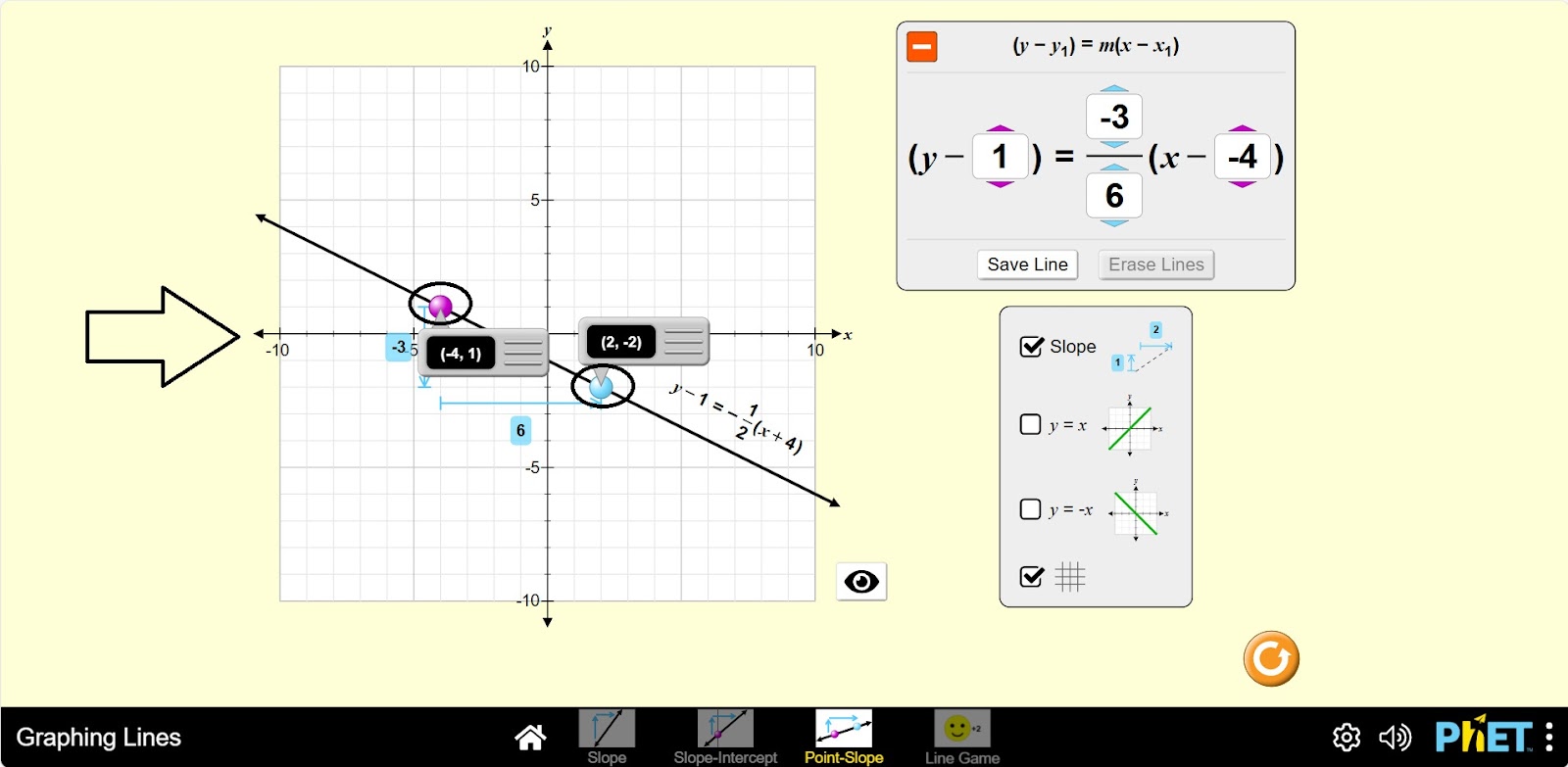
Step 5. In addition to changing the points, you can control the equation by changing the parameters of the function y – y1 = m(x – x1). Change the settings and examine the graph.
Part 2. “Line game”
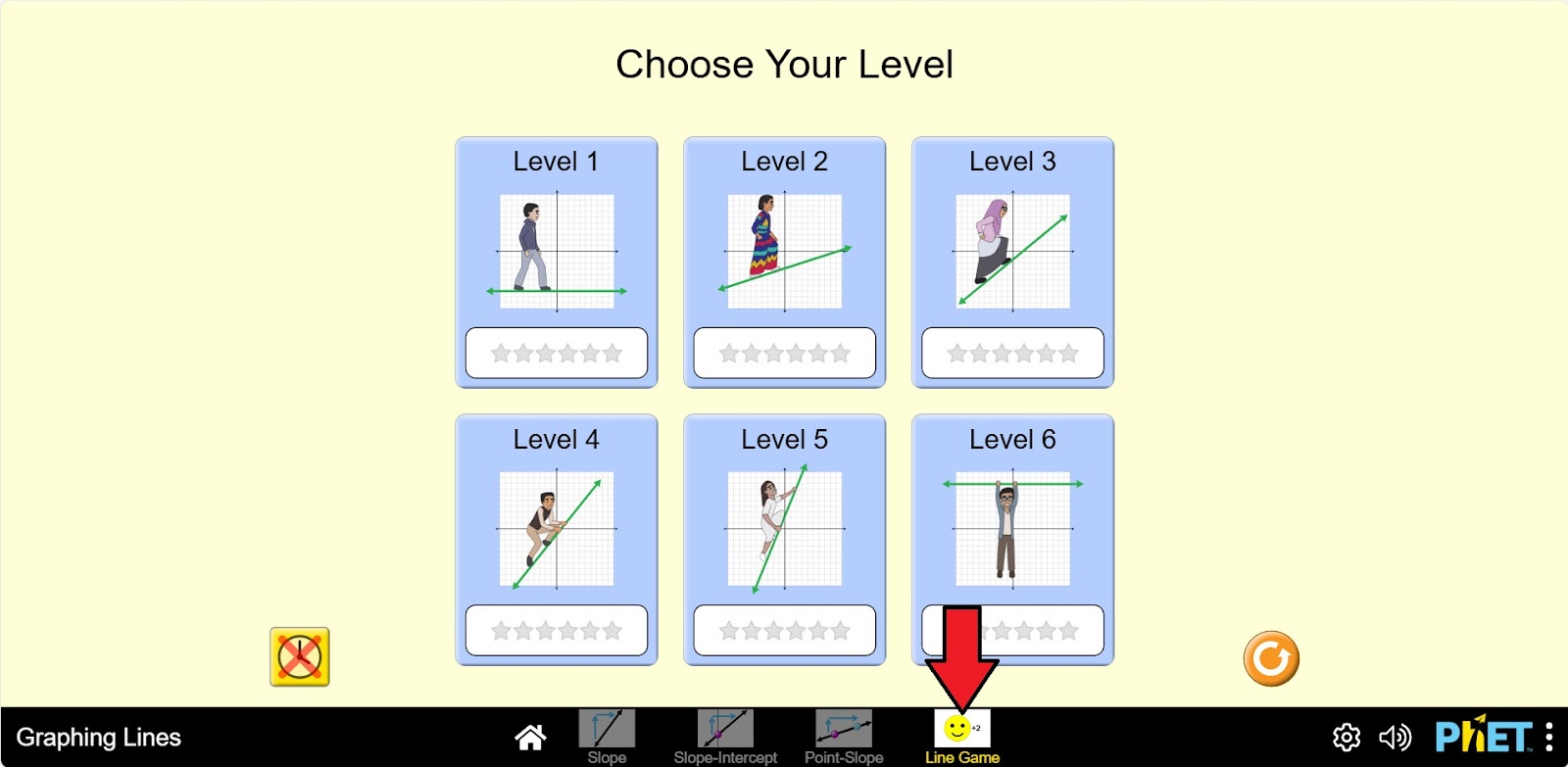
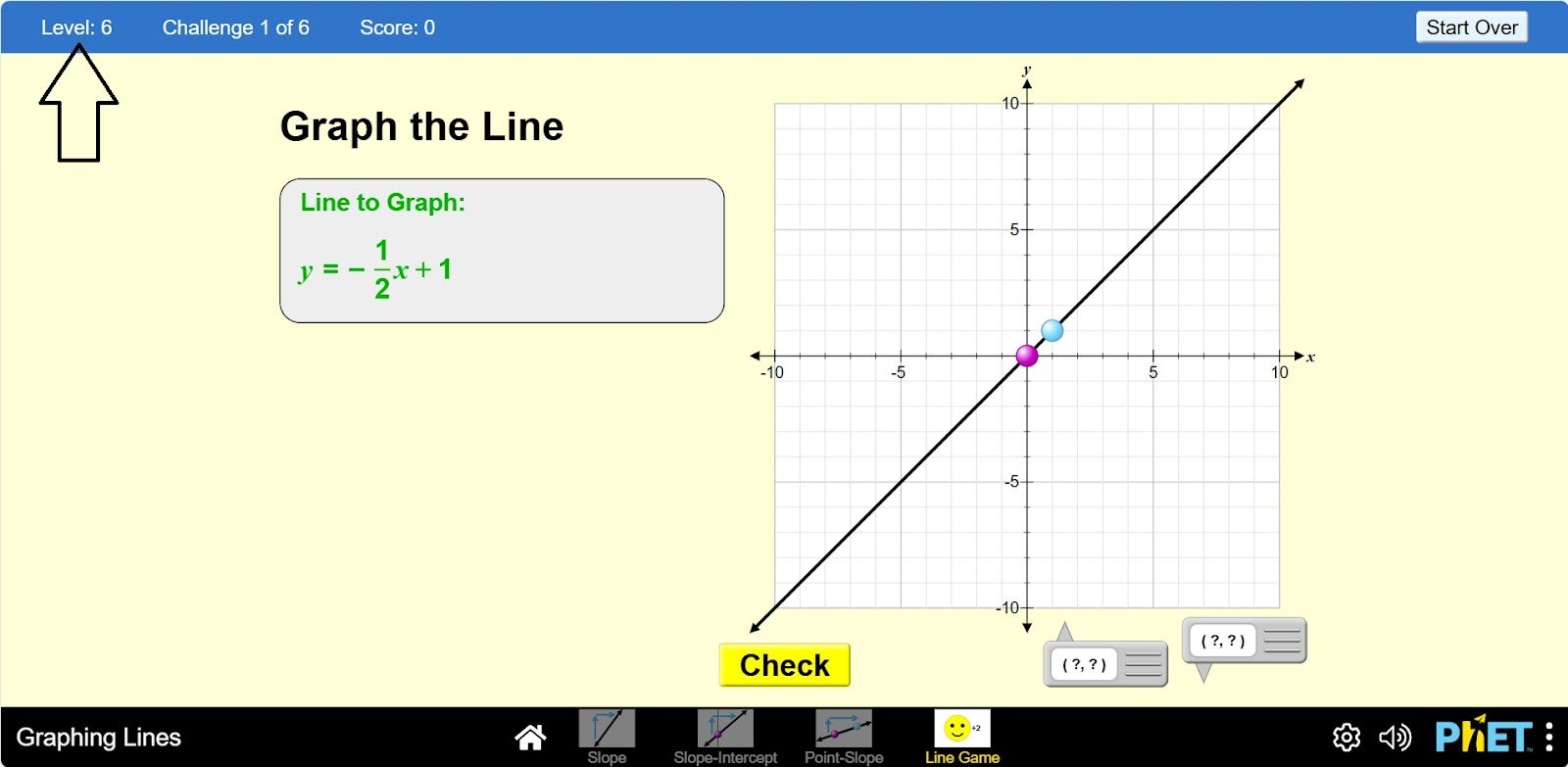
Step 6. Activate the “Line game” mode. You are given 6 levels. In this activity you will work on levels 1 to 4. Select the first level.
Step 7. You are given
- A graph equation label (1);
- The OXY coordinate plane and the graph of the line (2);
- Tools that show the values of the points (x,y) in the graph coordinate (3);
- Check button (4);
- Back to menu button (5).
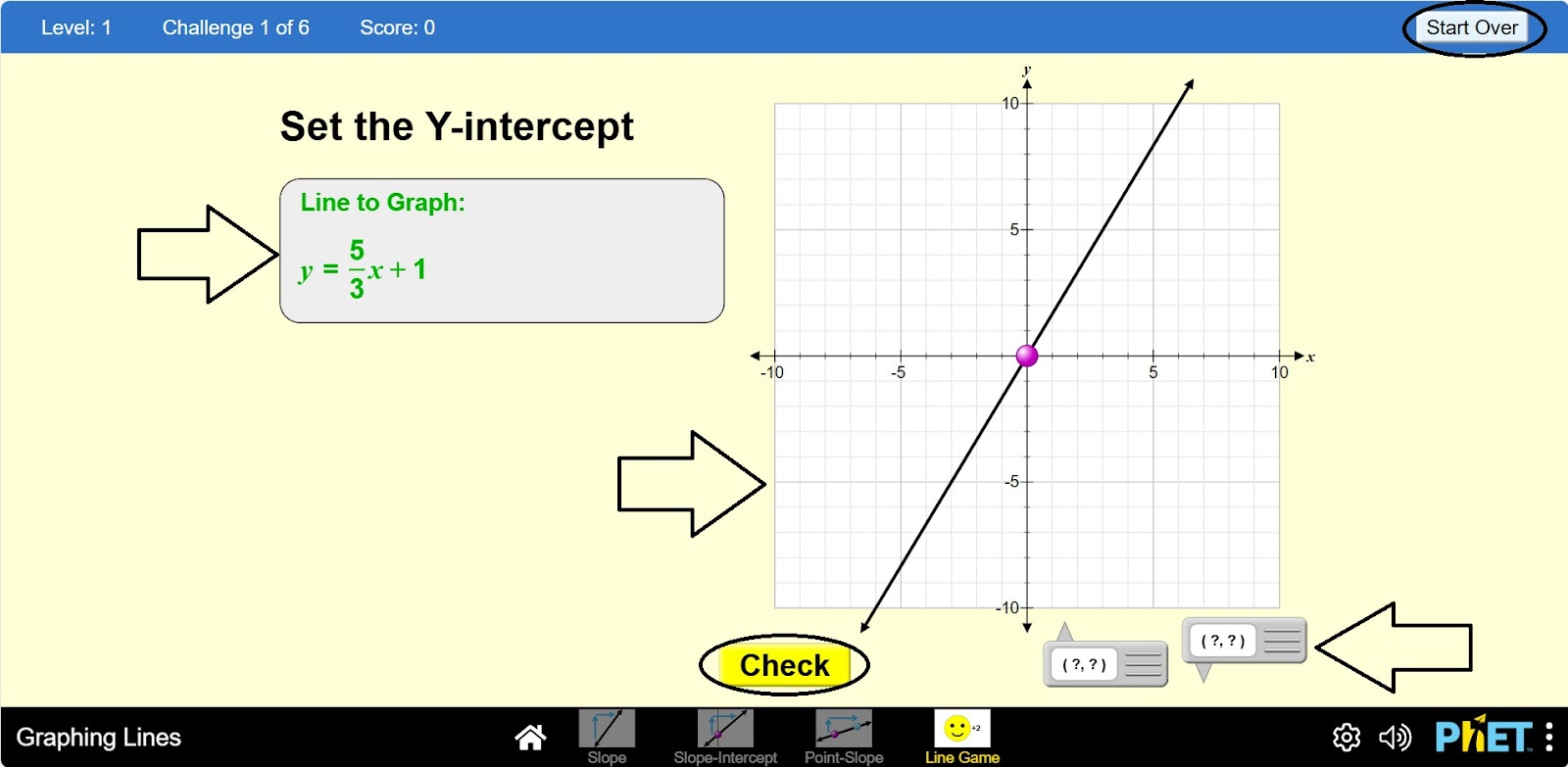
Step 8. You have an equation or graph in green. This is the task you must complete:
- If the graph is green, you must create an equation that fits the graph correctly;
- If the equation is green, you must create a graph that fits the equation correctly.
Complete and review the assigned problem.
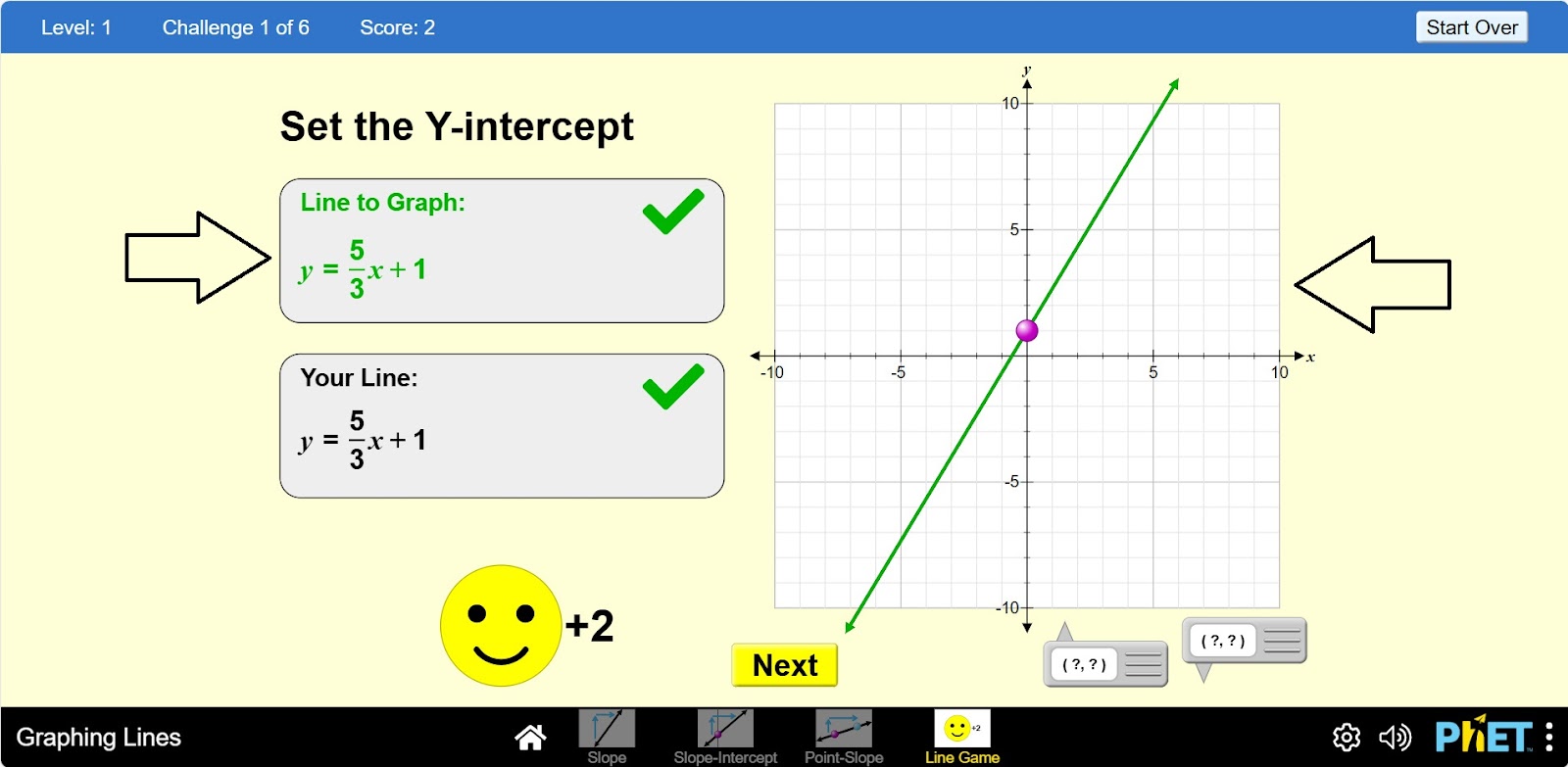
Step 9. Complete the assignment and move on to the next level.
Conclusion
The virtual lab is a valuable tool for students to learn the graphs of linear functions. The simulator has become interactive and visually useful by providing various tools for learning graphs, such as displaying points, displaying equations, and saving graphs.