
Tasks to find the part of the whole
Build a Fraction by PhET Interactive Simulations, University of Colorado Boulder, licensed under CC-BY-4.0 (https://phet.colorado.edu)
Objective:
- To learn how to solve problems involving fractions.
This virtual activity is designed for use in math lessons on the following topics
- Grade 4. “Problems to find the part of a whole.
Theoretical Part
What is a part of a whole?
Imagine a delicious apple pie. You decide to share it with your friend. What will you do? You cut the pie into two equal pieces. Each of these pieces is a half, or in mathematical terms, 1/2.
Fractions and parts
- A fraction is a number that shows how much of a whole we have taken.
- The numerator (top number) shows how many parts we took.
- The denominator (bottom number) shows how many equal parts we divided the whole into.
Problems to find a part of a whole
These are problems where we are given a whole number (for example, the number of apples) and a fraction (for example, 1/4). Our task is to find how many of each number there are (how many apples).
For example: There are 12 apples in a vase. Arman ate 1/4 of the apples. How many apples did Arman eat?
How do you solve problems like this?
- Divide the whole number by the denominator of the fraction. In our example: 12 apples / 4 = 3 apples.
- Multiply the whole number by the numerator of the fraction. But since the numerator is 1, we don’t need to multiply it.
Answer: Arman ate 3 apples.
Virtual Experiment
In this virtual activity, students play games to build fractions from parts of different shapes. Some of the problems are number problems, while others are visual problems.
Course of work:
Part 1. Learning to build correct fractions
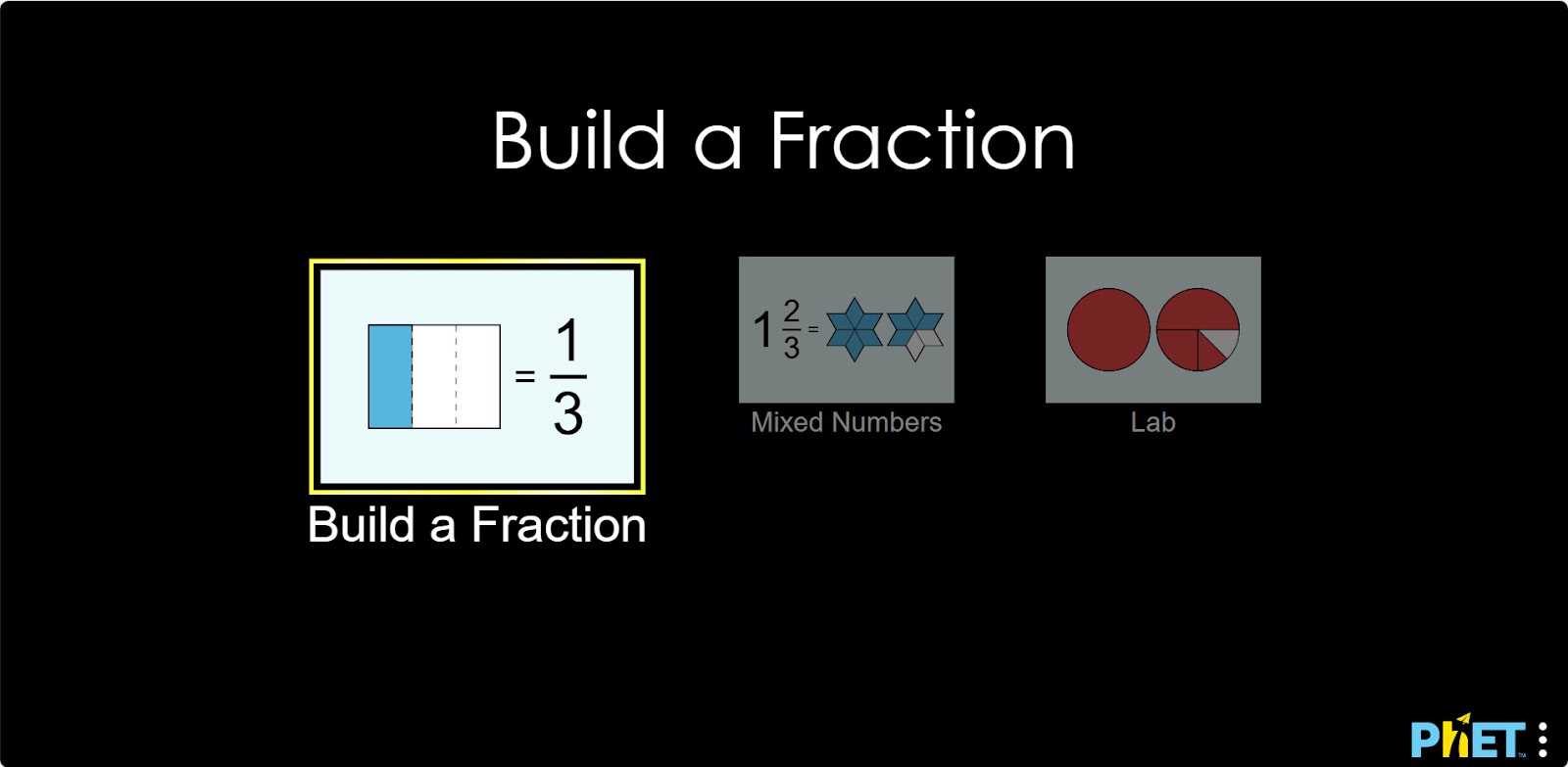
Step 1. Start the simulation: You will be given 3 different modes: “Build a Fraction”, “Mixed Numbers”, “Lab”. Choose the “Build a Fraction” section.
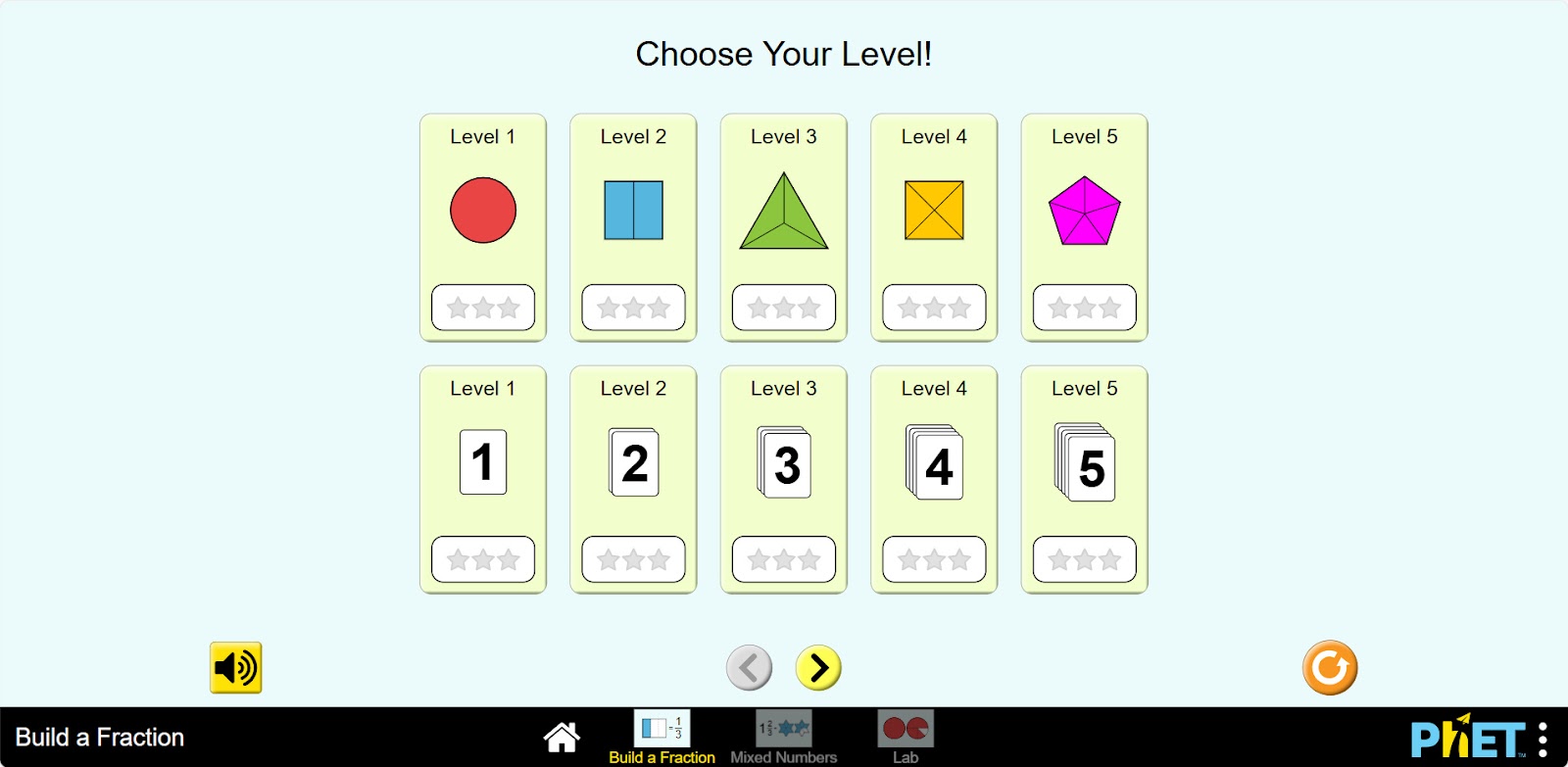
Step 2. You will be given different levels. On the levels given by fractions, the figures are represented as numbers, and you will build fractions from the figures. And on the levels given by numbers, the fractions are shown as shapes, which you will use to write fractions with numbers. Choose one of the given levels.
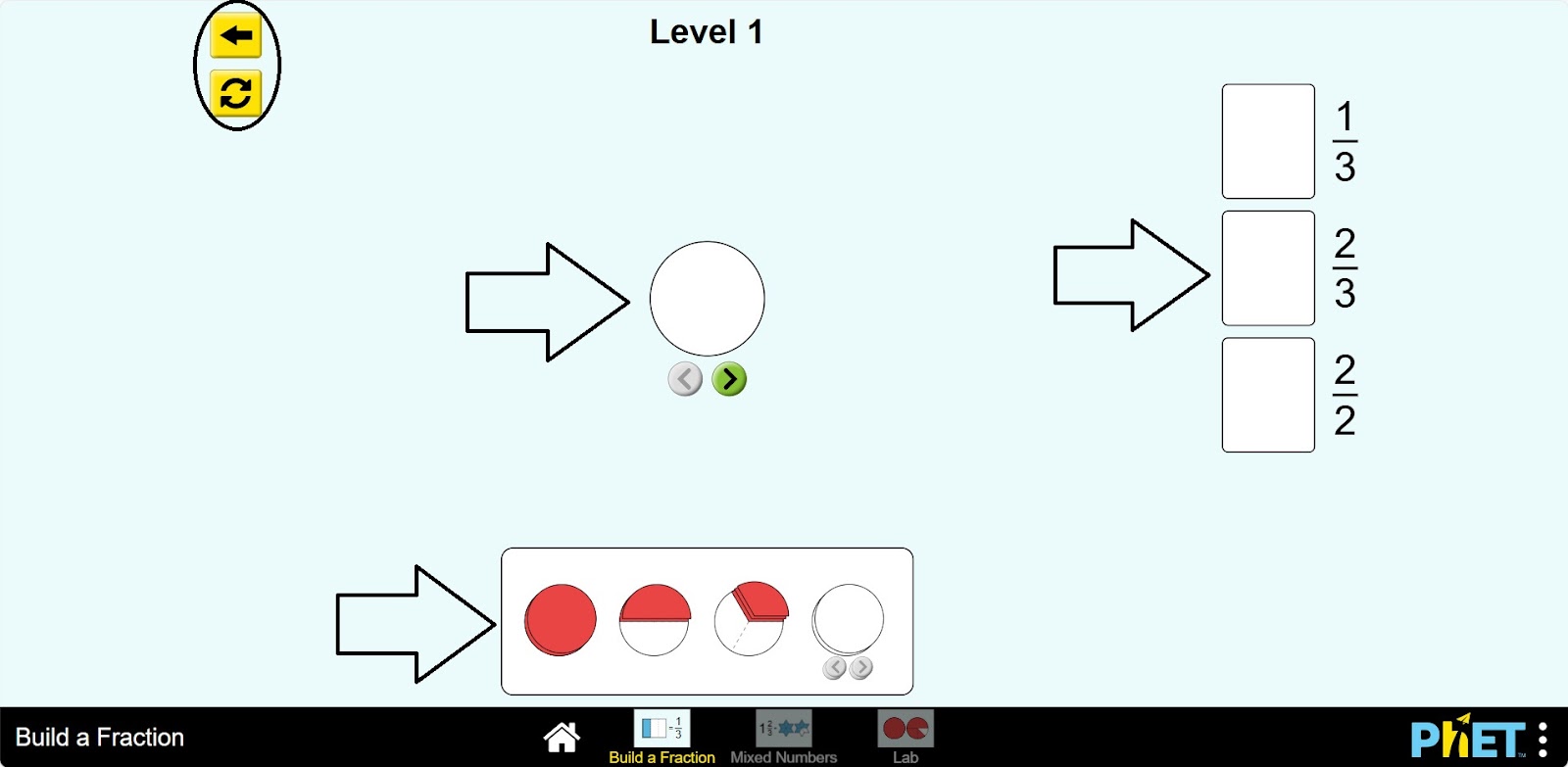
Step 3. On the right side of the screen the fractions to be collected are listed. You can collect these fractions in the middle. And the bottom part lists the items to assemble the fractions. On the left side, there are Back and Restart buttons.
Step 4. Compose the first type of fractions.
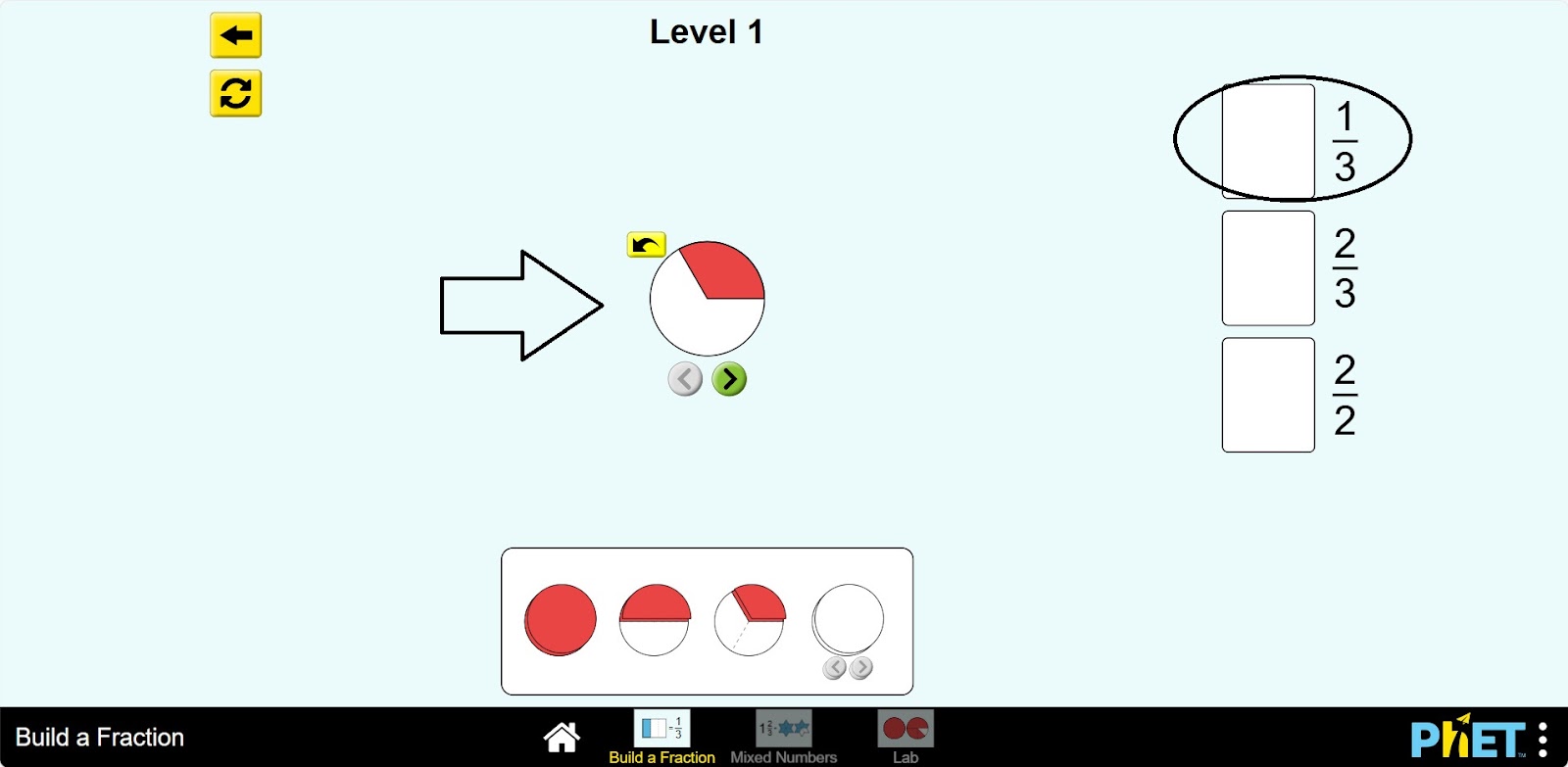
Step 5. To check the correctness, left-click and drag the mouse over the space next to the given fraction. If the fraction is assembled correctly, it will be placed in the space, and if an error occurs, the fraction will be returned to its place of assembly.
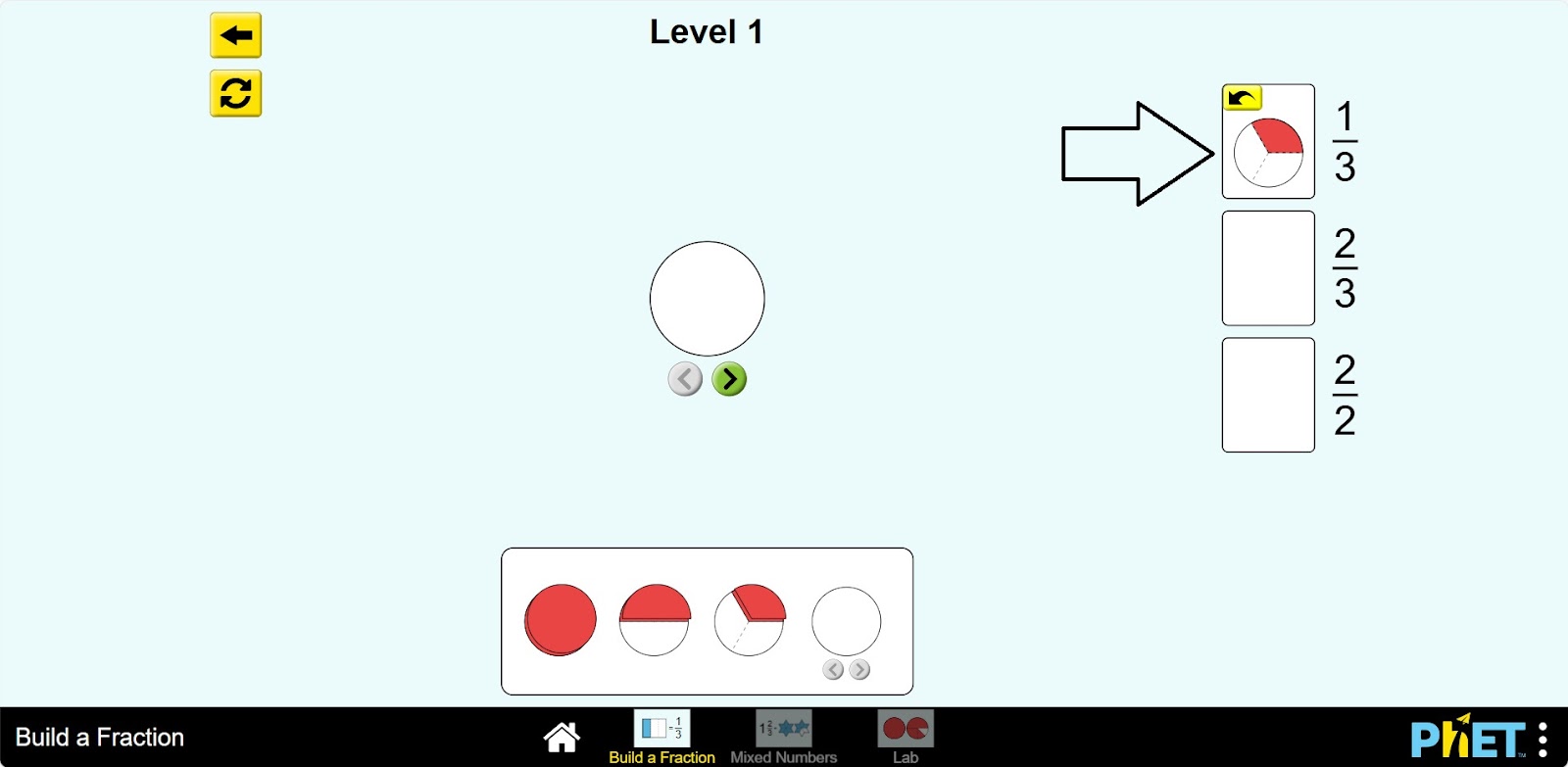
Step 6. Assemble the other types of fractions as well.
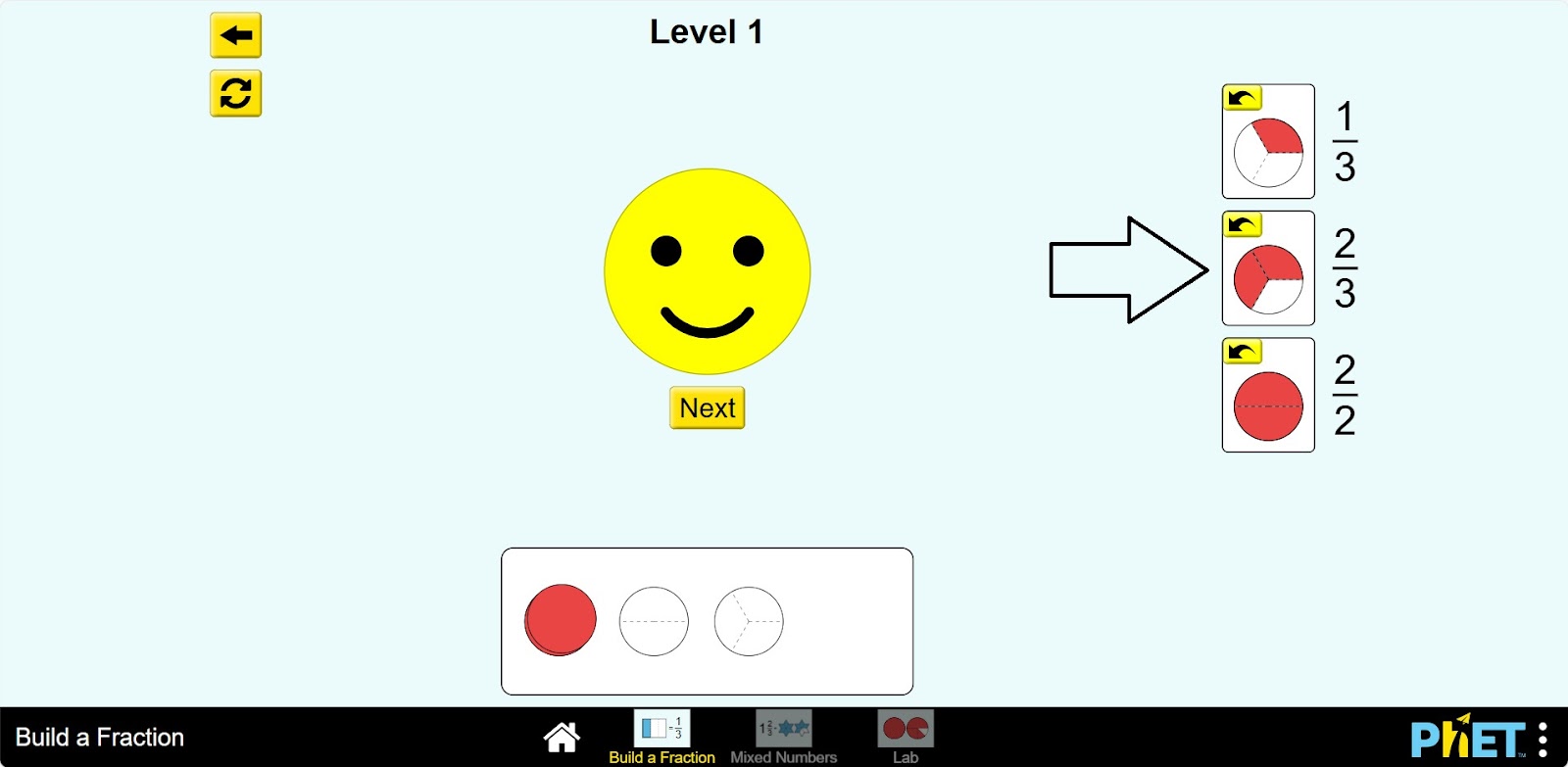
Step 7. If you have done everything correctly, you can go to the next level and perform the other given fractions. Or you can go back to the levels section and choose another level by clicking on the “Back” button in the top left corner.
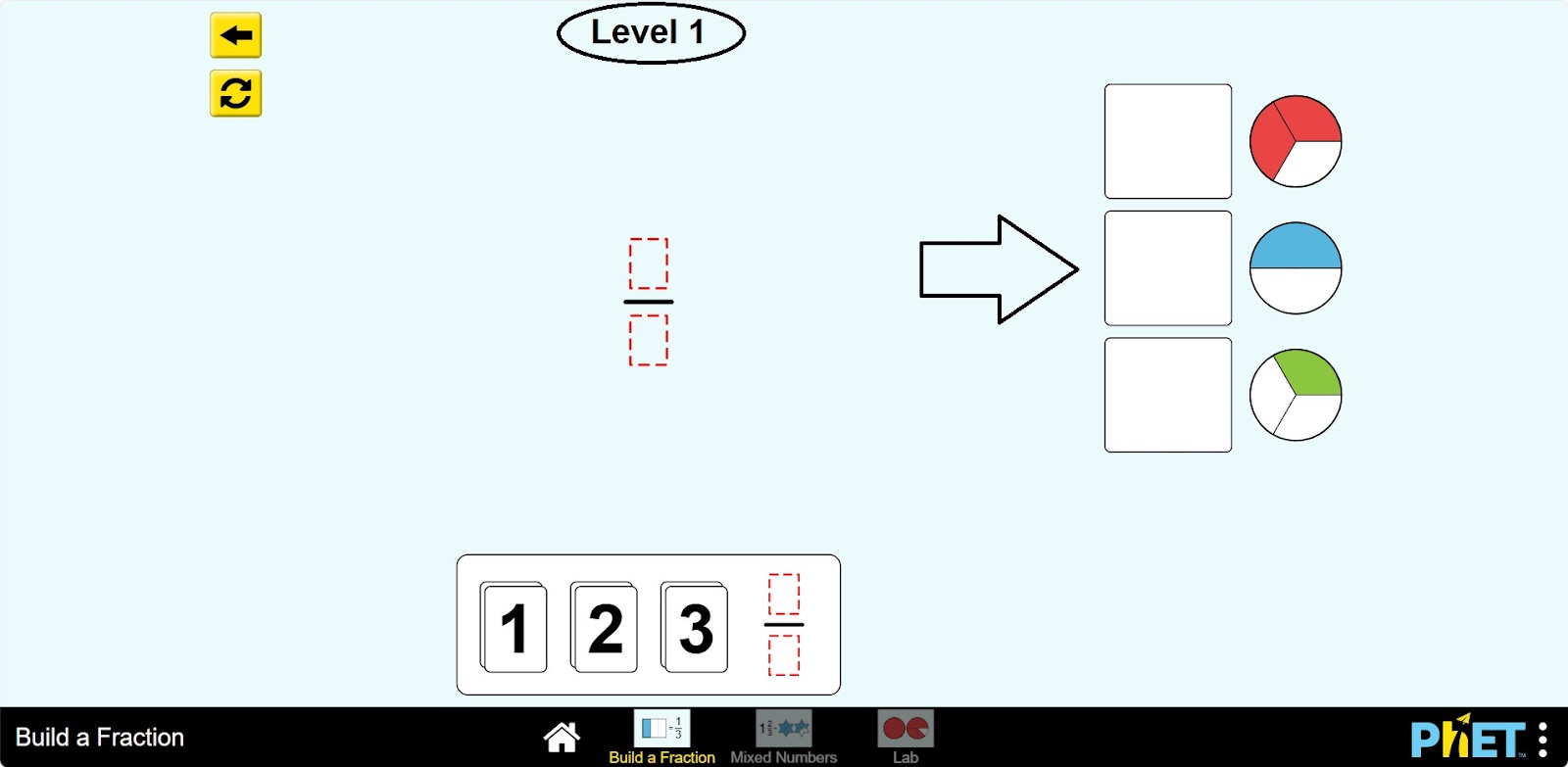
Part 2. Learning to create mixed fractions
Step 8. Select the Mixed Numbers section. You will be presented with different levels as in the “Build a Fraction” section. Choose one of them.
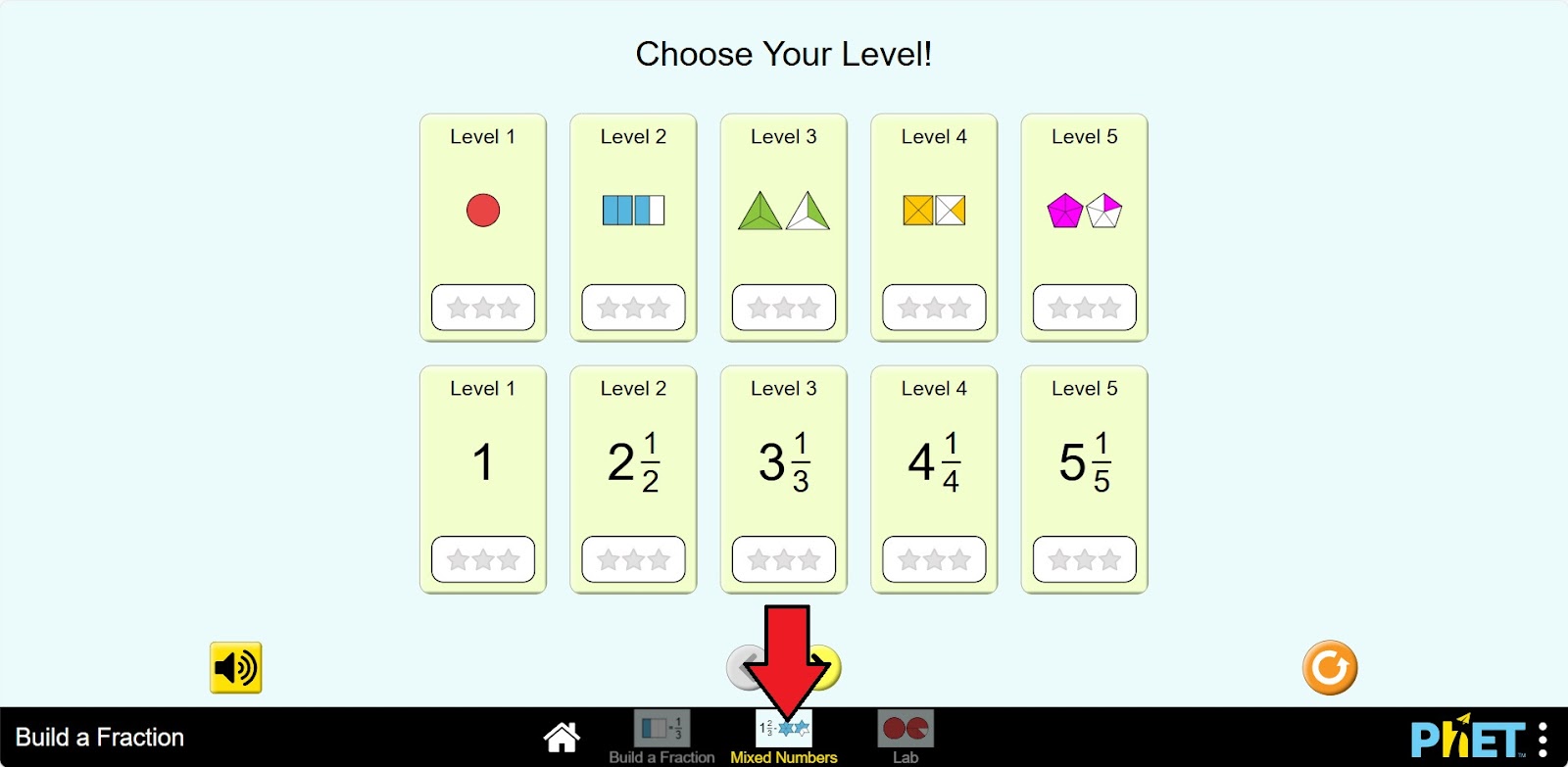
Step 9. Build the first type of fraction. Place it by dragging it into the empty space next to the given fraction. If an error occurs, the fraction will be returned to the place where it was built.
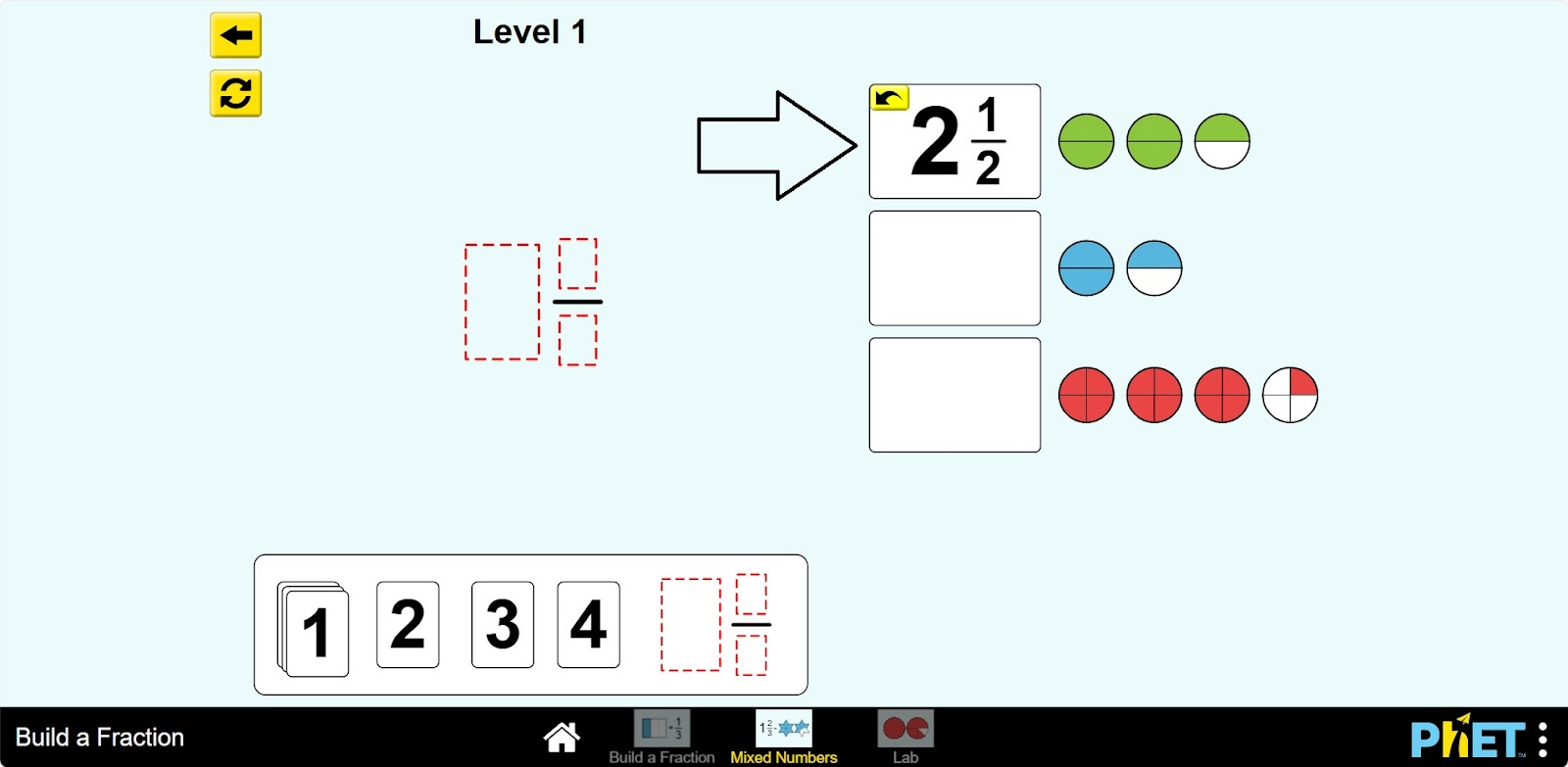
Step 10. Build the other types of fractions.
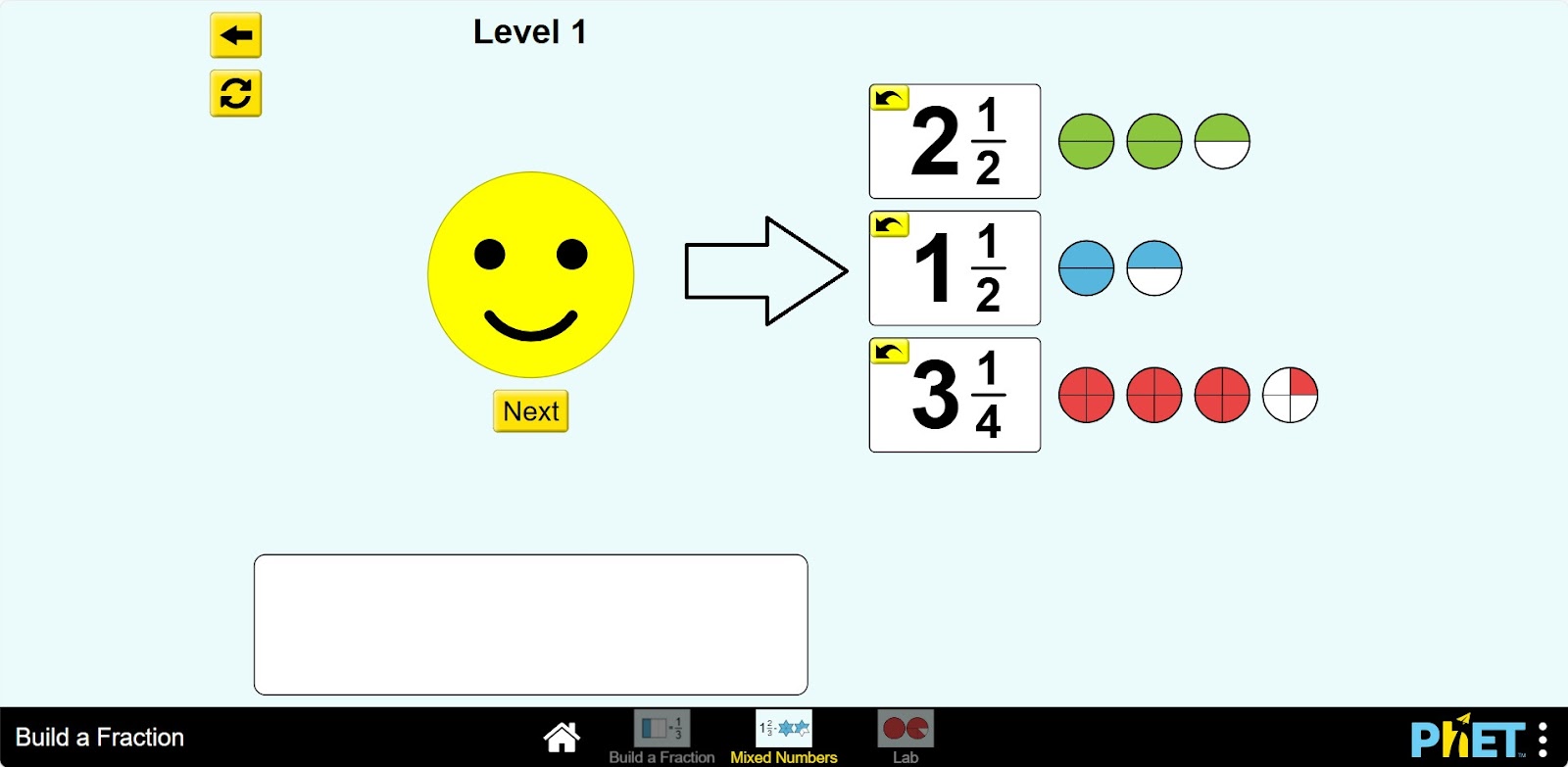
Step 11. Once you have done this correctly, you can perform other given fractions by advancing to the next levels.
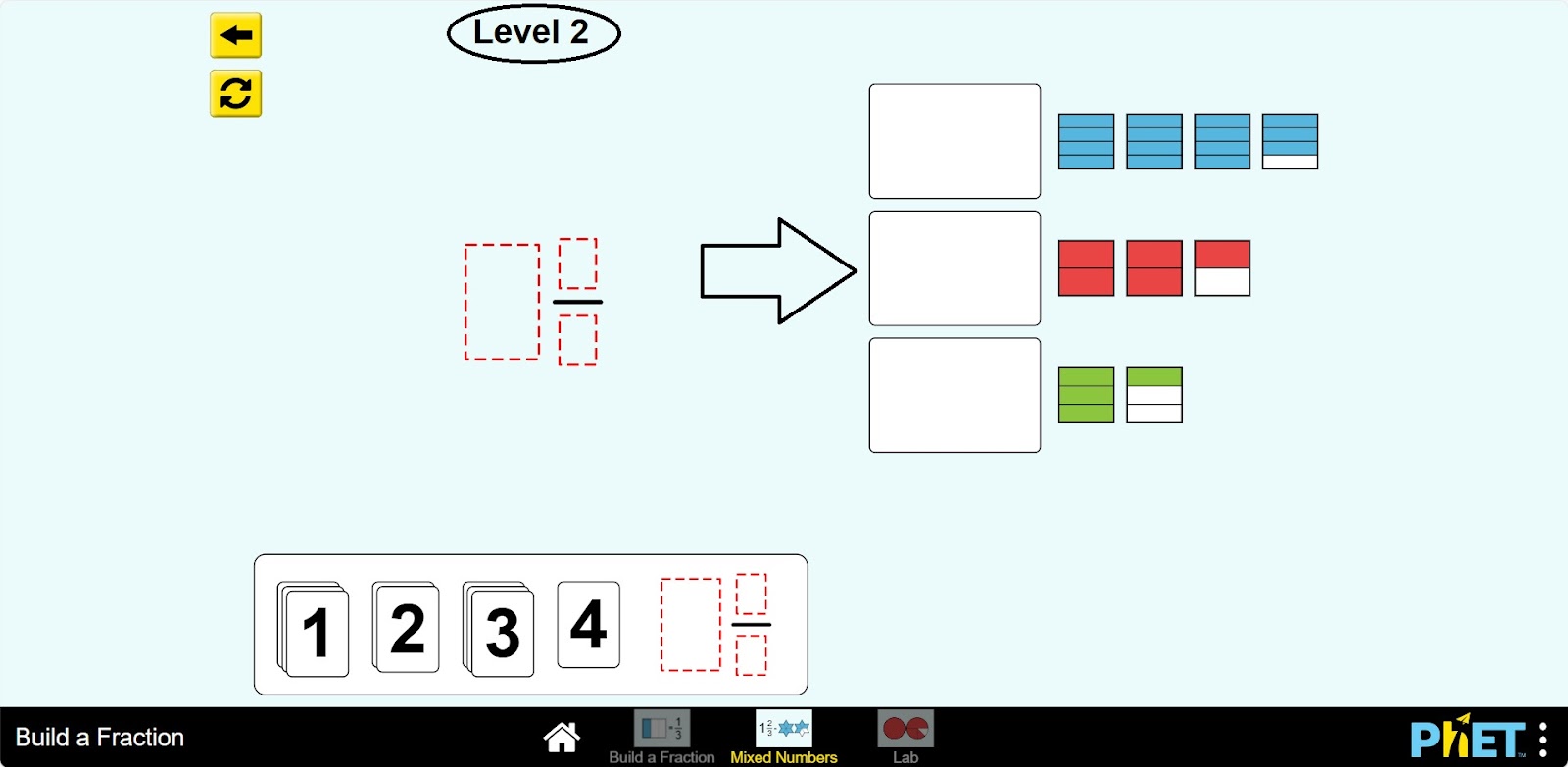
Conclusion
Students will improve their knowledge of simple fractions, mixed numbers, by performing tasks in this simulation. It can be a useful tool in learning to solve problems related to fractions.
Glossary of terms
- Build a fraction – Построить дробь – Бөлшек құру
- Mixed numbers – Смешанные числа – Аралас сандар
- Lab – Лаборатория – Зертхана
- Level – Уровень – Деңгей