
Lesson 3
Theoretical part
In Sketchup:
– You can create 3D models of buildings, furniture, interiors, landscapes, etc.
– You can import files from other programs or 3D modeling tools, or export a SketchUp file along with other popular modeling and image editing software.
When SketchUp opens to create a 3D model, you will see the following screen:
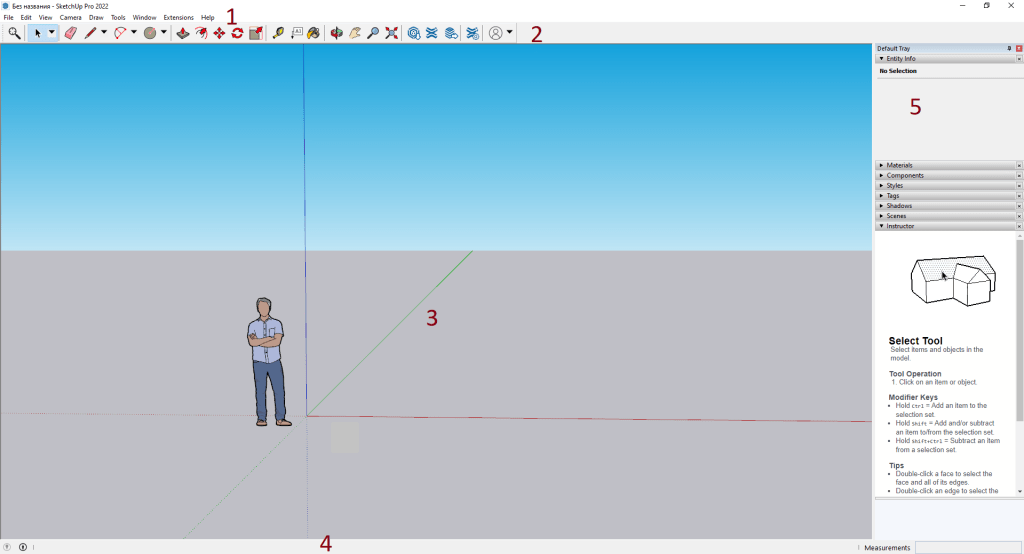
1. Menu bar
Most of SketchUp’s tools, commands, and settings are available from the menu bar.

2. When you start using SketchUp, the toolbar is displayed by default. It contains the basic tools needed to create 3D models.
Select View > Toolbar to display additional toolbars. In the Tools dialog box that opens, select the Toolbar you want to display and click Close.

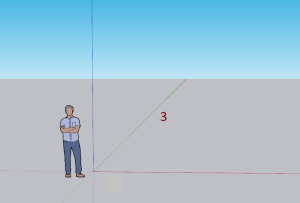
3. The drawing area is where you create your model. The 3D space of the drawing area is defined by the image axes, which provide a sense of direction in 3D space as you work.
4. When you start working with SketchUp, two important items in the status bar are the tooltips in the middle and the Measurements field on the right.

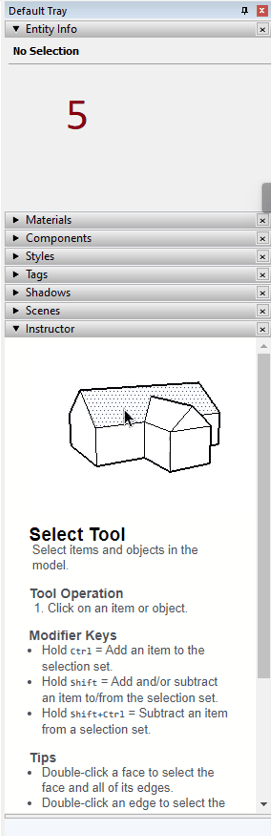
5. On the right side of the screen, you can see the panel, including Instructor, Materials, Styles, etc. The default panel appears when you open SketchUp, but you can close the default panel by clicking the Close button in the right upper corner. Toggle the tray to be visible or hidden via the Window > Default Tray submenu.
Practical part
1. Create a 3D model of your building in SketchUp. The video below shows an example.

2. When the 3D model is ready, print it on a 3D printer as desired. Reduce the size of the model before printing. (approximately 5-10 cm maximum)
3. Select the entire model and create the component.
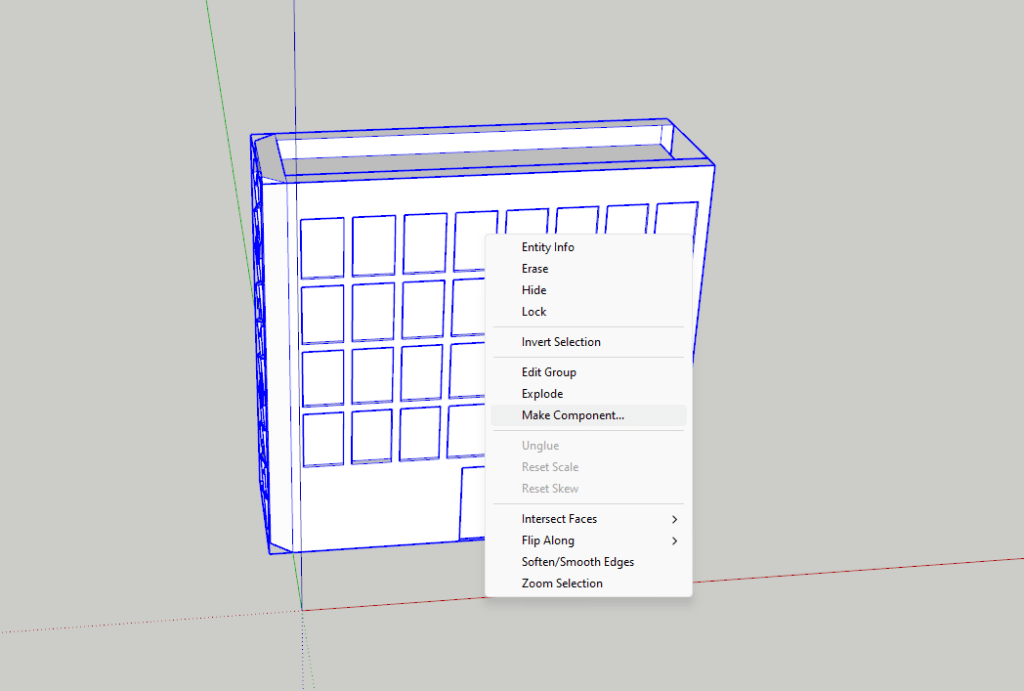
4. Export the model in STL format.
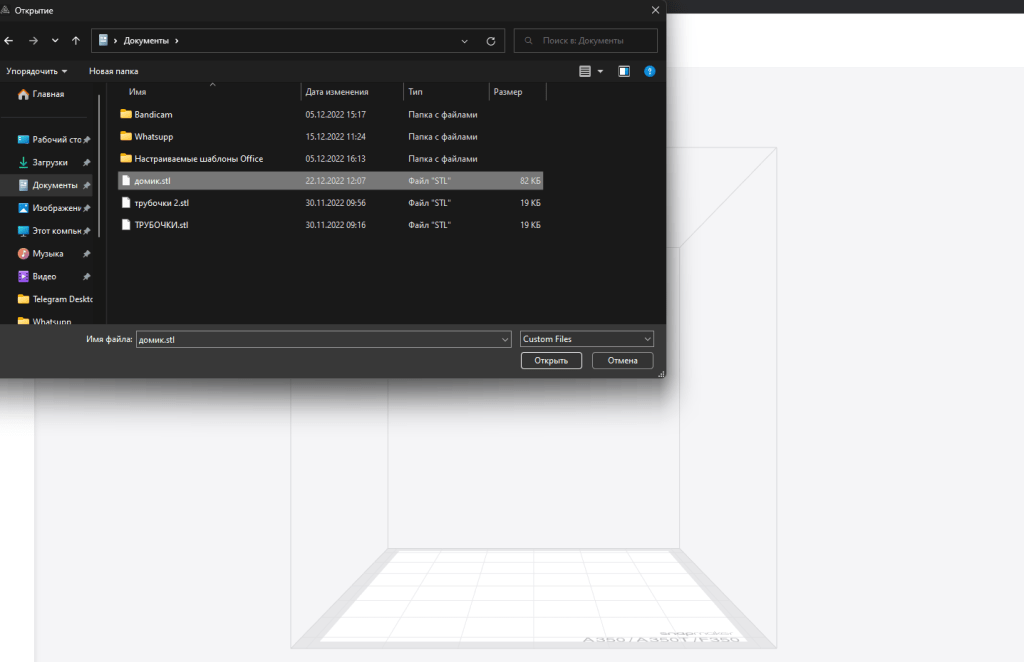
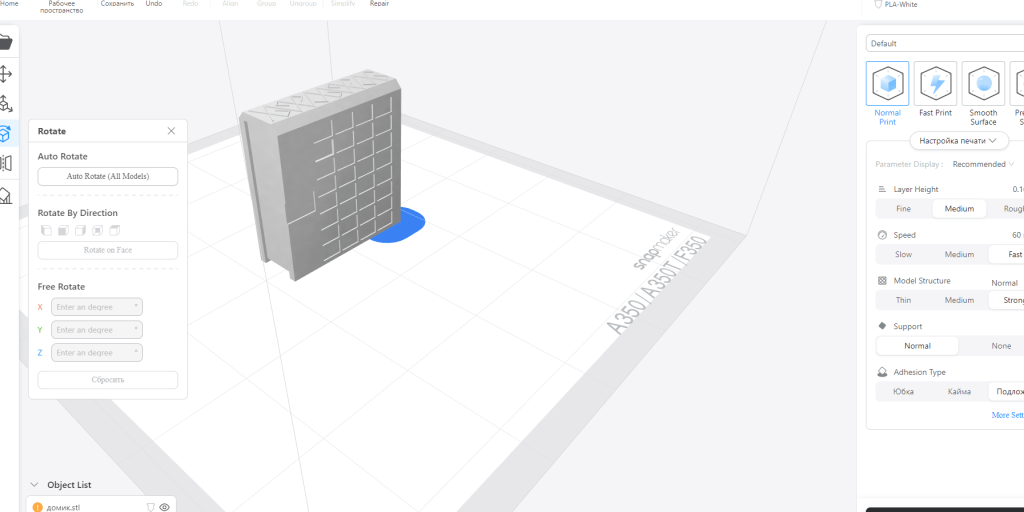
5. Open the 3D printer program and import the STL file.
6. After configuring the settings, start printing.
Homework
By the next lesson, the groups should have completed and submitted a printout of a mini-model or drawings of the building. Students can prepare presentations using PowerPoint, videos, interactive whiteboards, blogs, and other multimedia. You can use a variety of creative presentation techniques.