Lesson 1
Teacher’s Guide
– In the experimental part of the project, students work in a group.
– Students must be equipped with a PC.
– Before starting the experimental part, familiarize and provide students with all the necessary materials.
– Give a brief instruction on the operation of the PC, and on safety.
To evaluate the project, in the first week, provide this material (PBLrubrics) to students in order to:
– the students previously understood by what criteria they needed to prepare,
– the students were able to independently give an appropriate assessment to their colleagues.
Project objective
– Designing on Arduino;
– Make a cane with a sensor;
– Work with codes on Arduino.
Interdisciplinary communication:
– Computer Science (work on a PC, write code on Arduino)
– Physics (work with electric charge)
The theoretical part
According to published statistics from the World Health Organization, currently approximately 39 million people suffer from loss of visual function and 1.3 billion people have some form of visual impairment. However, it is almost impossible to find accurate statistical data, because not all blind people are members of public organizations of the blind, for which information is being collected.
Every year, the number of people suffering from visual impairment is becoming more and more. This is influenced by the growth of hereditary diseases, and an increase in the number of genetic visual impairments. As well as improving the quality and life expectancy leads to an increase in the number of visually impaired. Nowadays, no one is immune from a decrease in visual function or complete loss of vision.
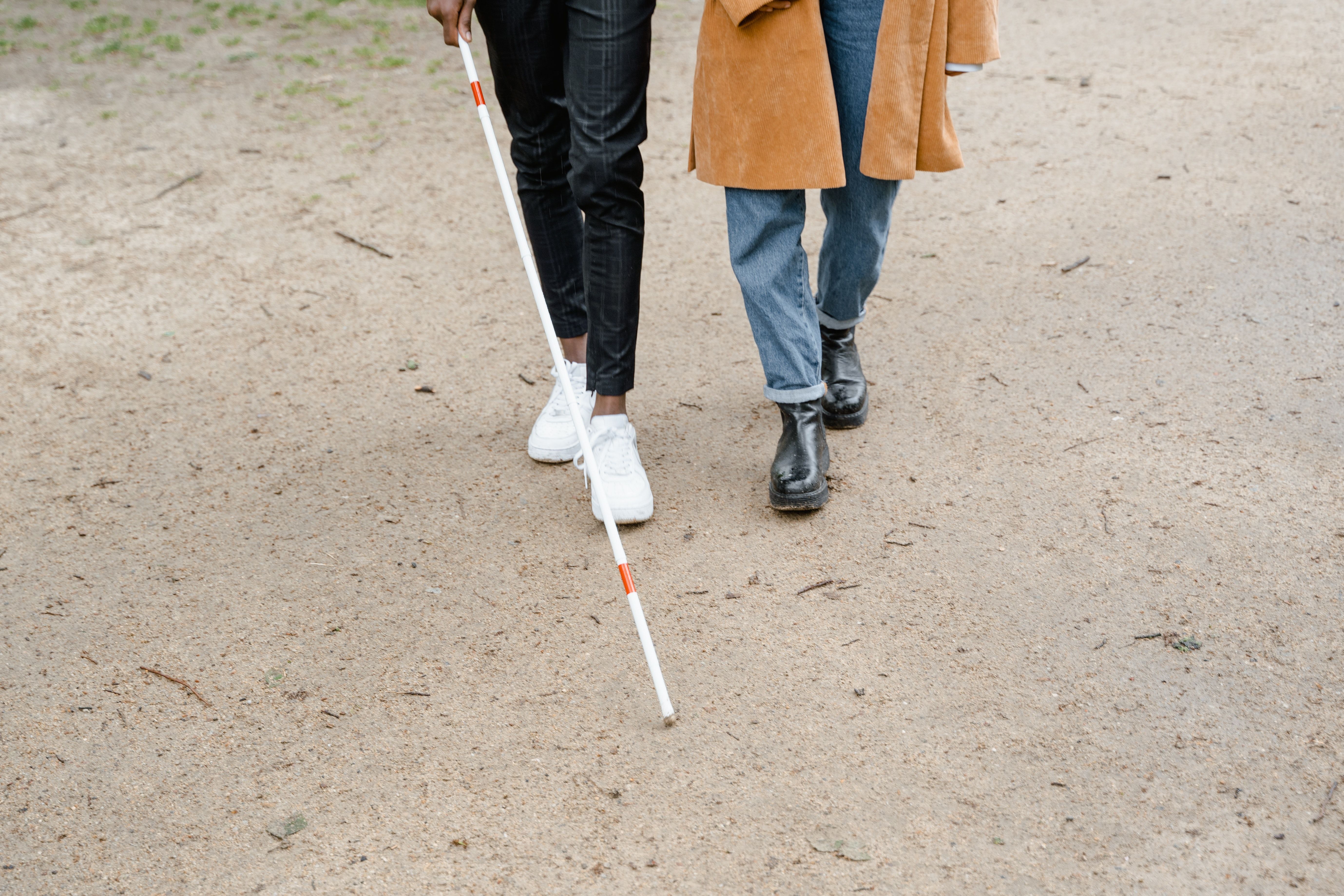
The stops themselves, which are not equipped with information signs that should provide information to all passengers, including those experiencing vision problems, are also often disorienting. When traveling on public transport without light information boards with voice notification of stops, it is almost impossible for the visually impaired and blind to get to the right place without the help of strangers.
Of course, all this also applies to social facilities, which, like all of us, are visited by citizens with residual visual function and totally blind.
The practical part
Step 1. Prepare all the necessary materials
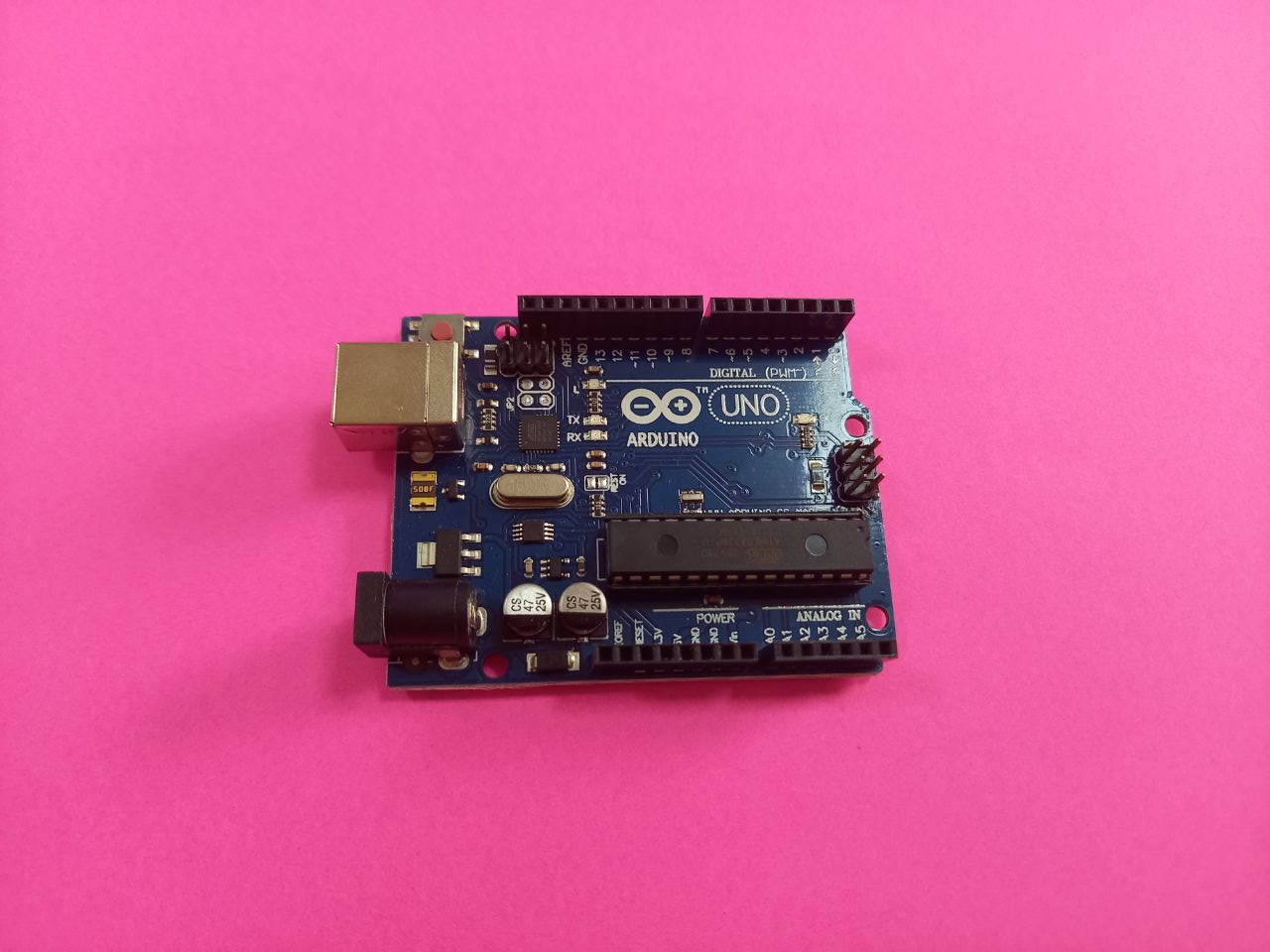
1) Arduino Uno
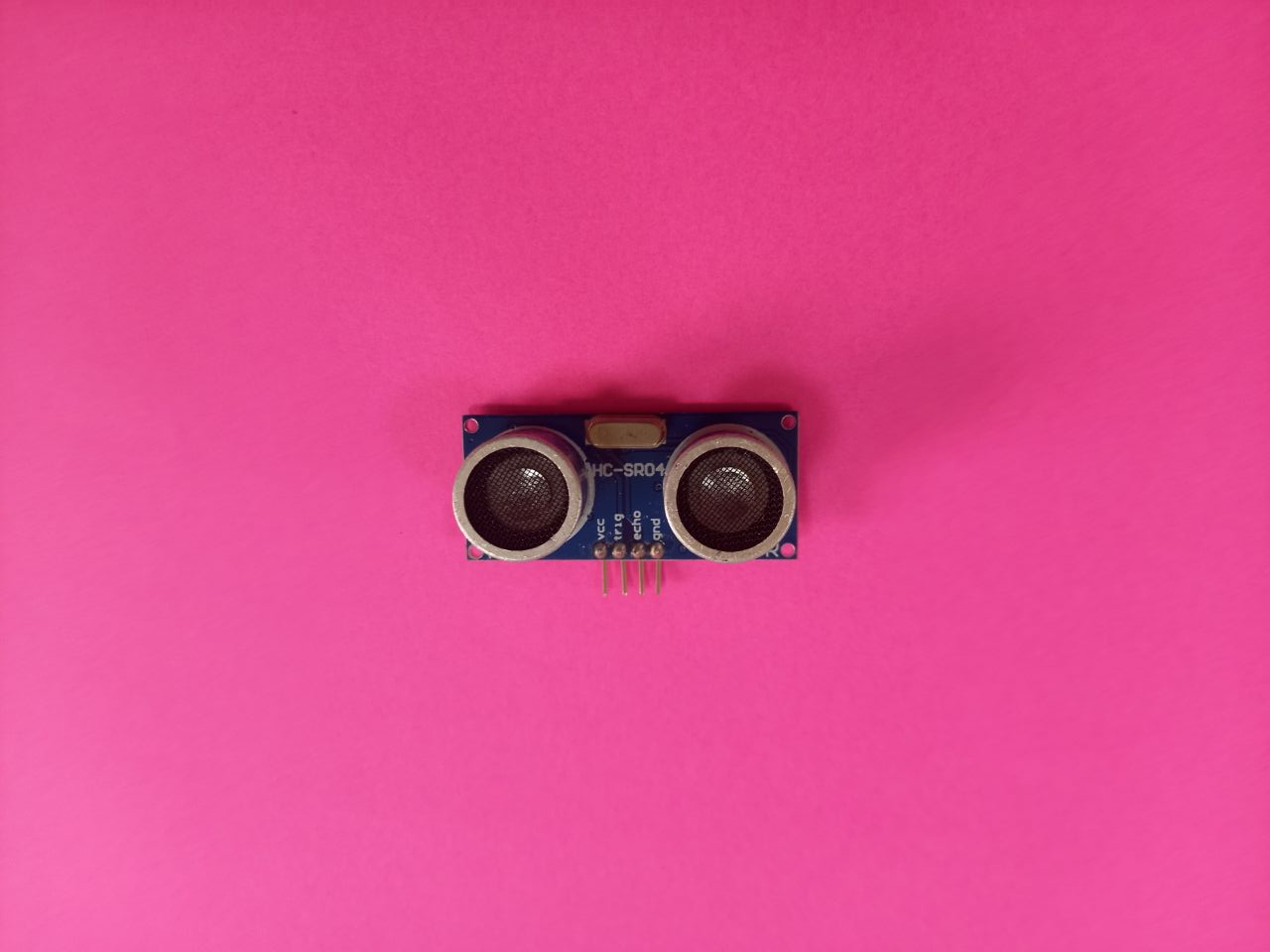
2) Ultrasonic sensor
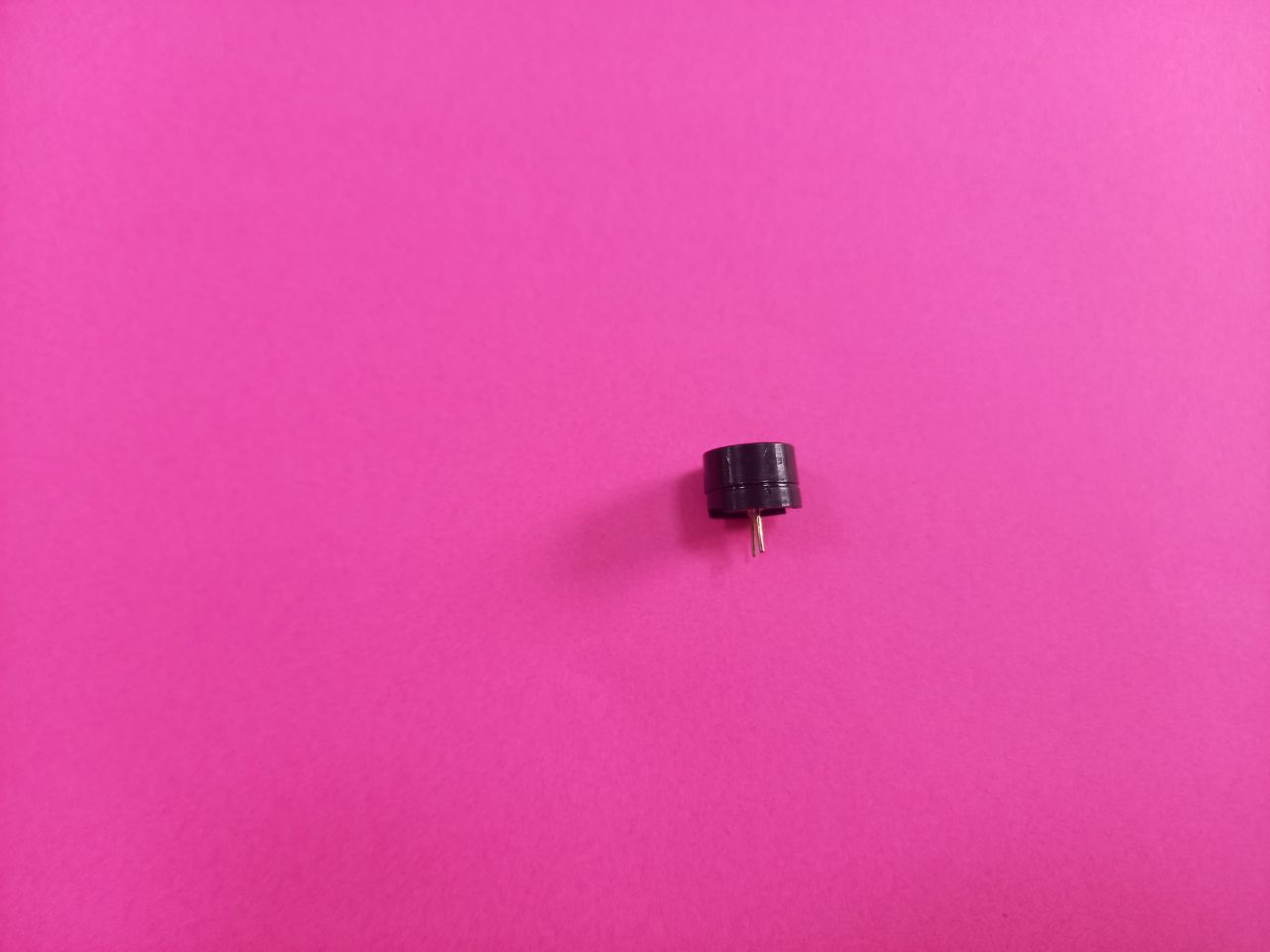
3) DC buzzer
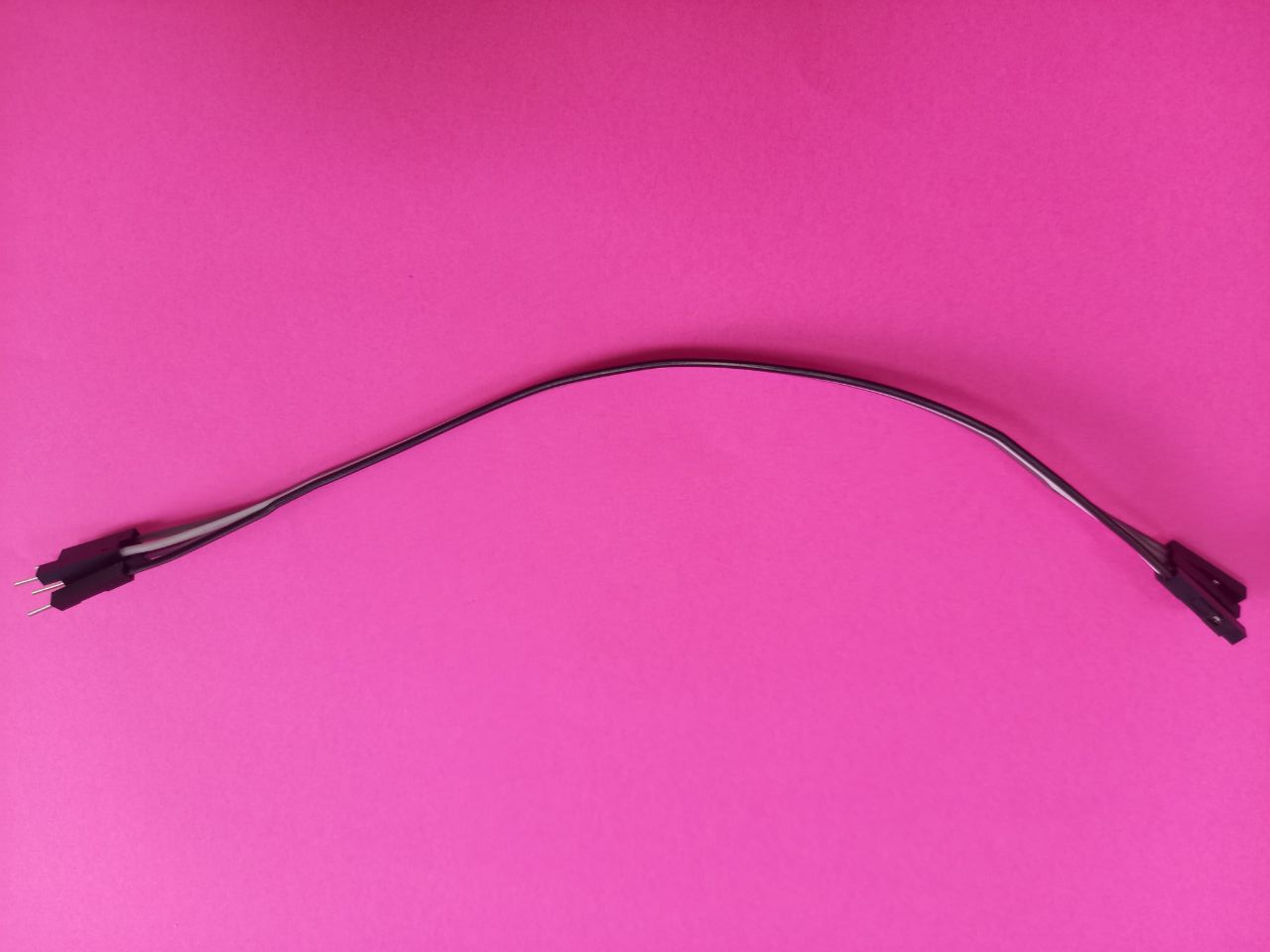
4) Connecting wires
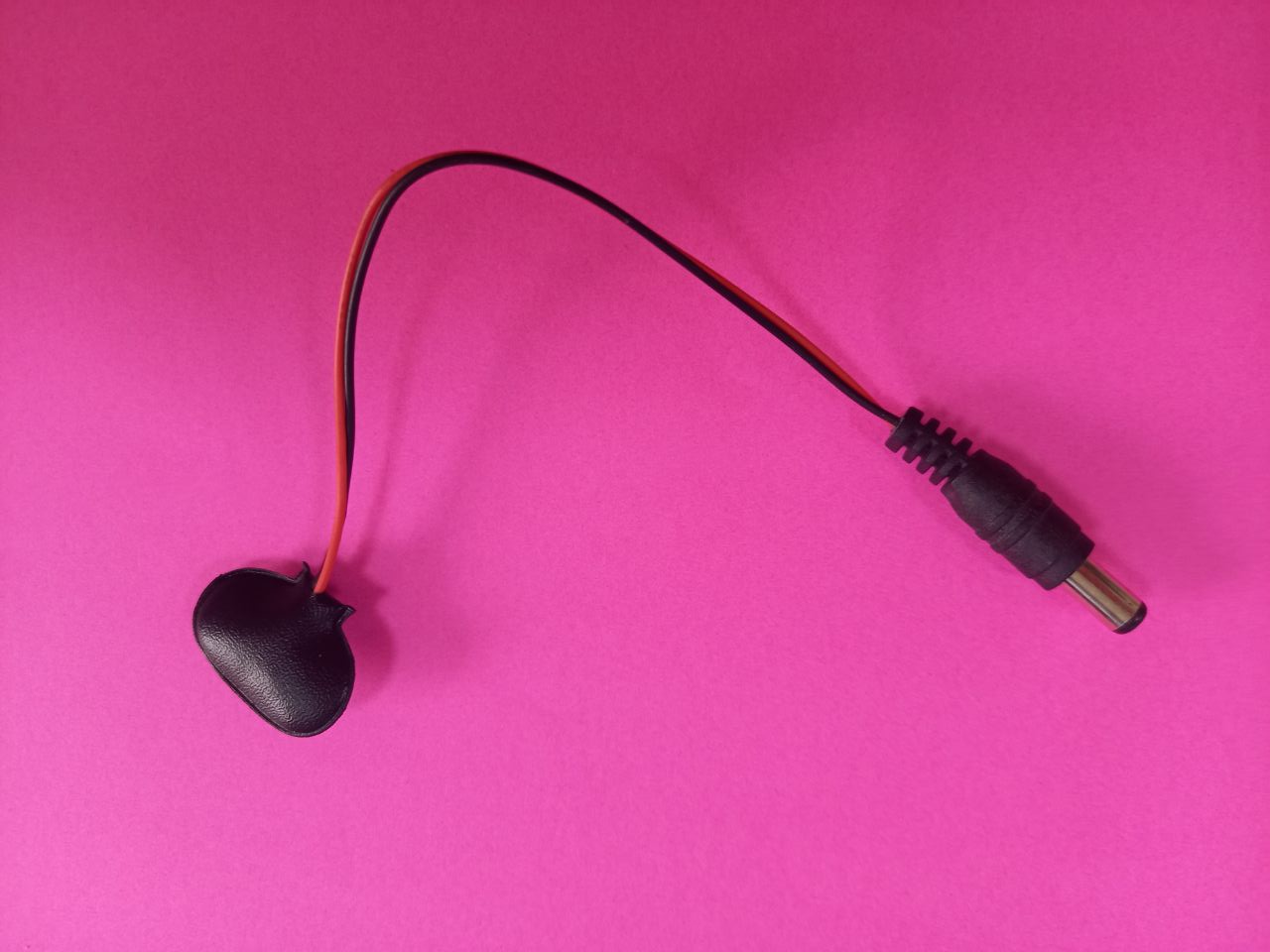
5) Power supply
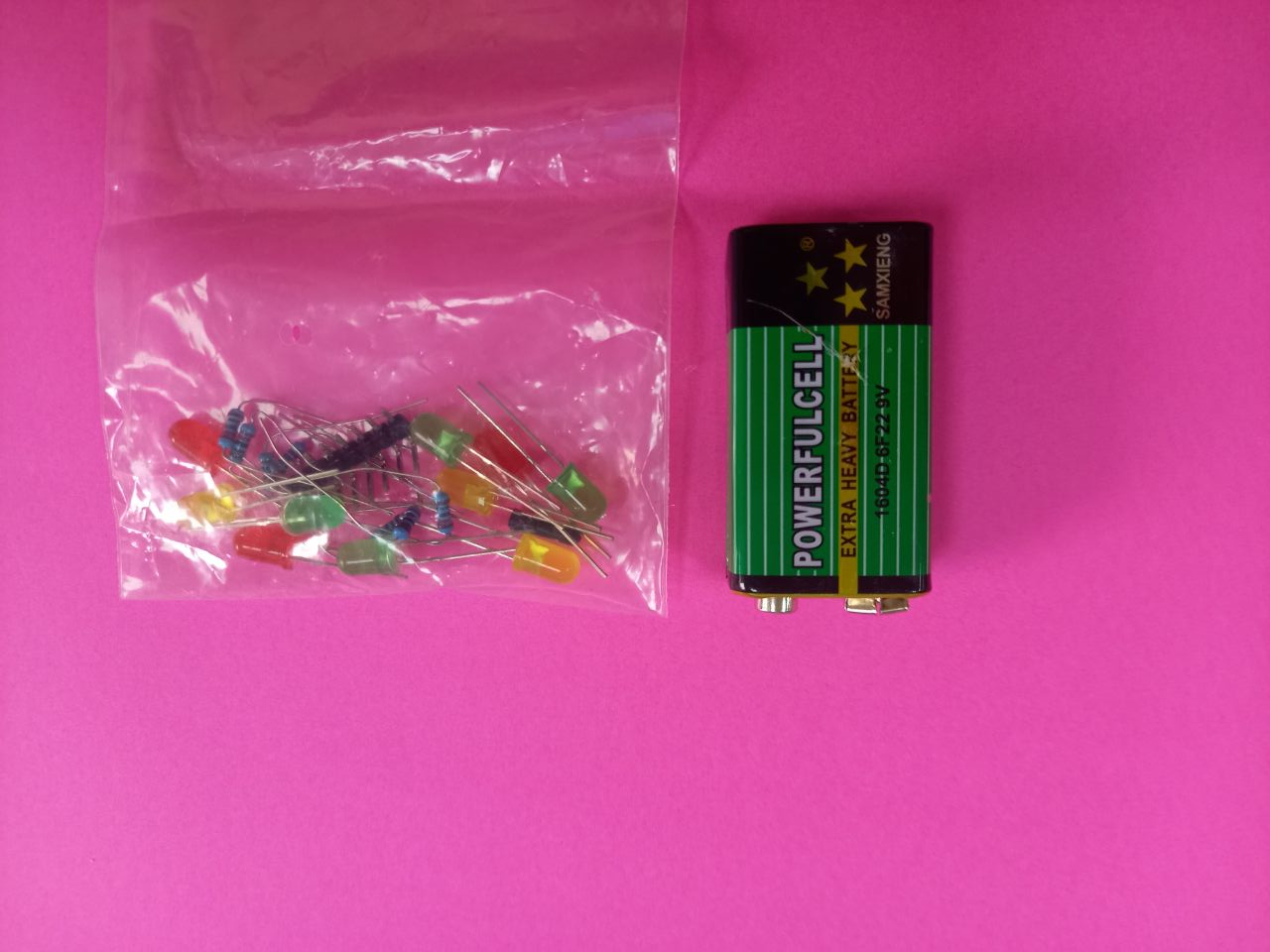
6) 9V battery and LED lamp
Step 2.
We make a cane out of cardboard. We take cardboard with the size:
Length – 90 cm, width – 8 cm
Fold the cardboard into a square
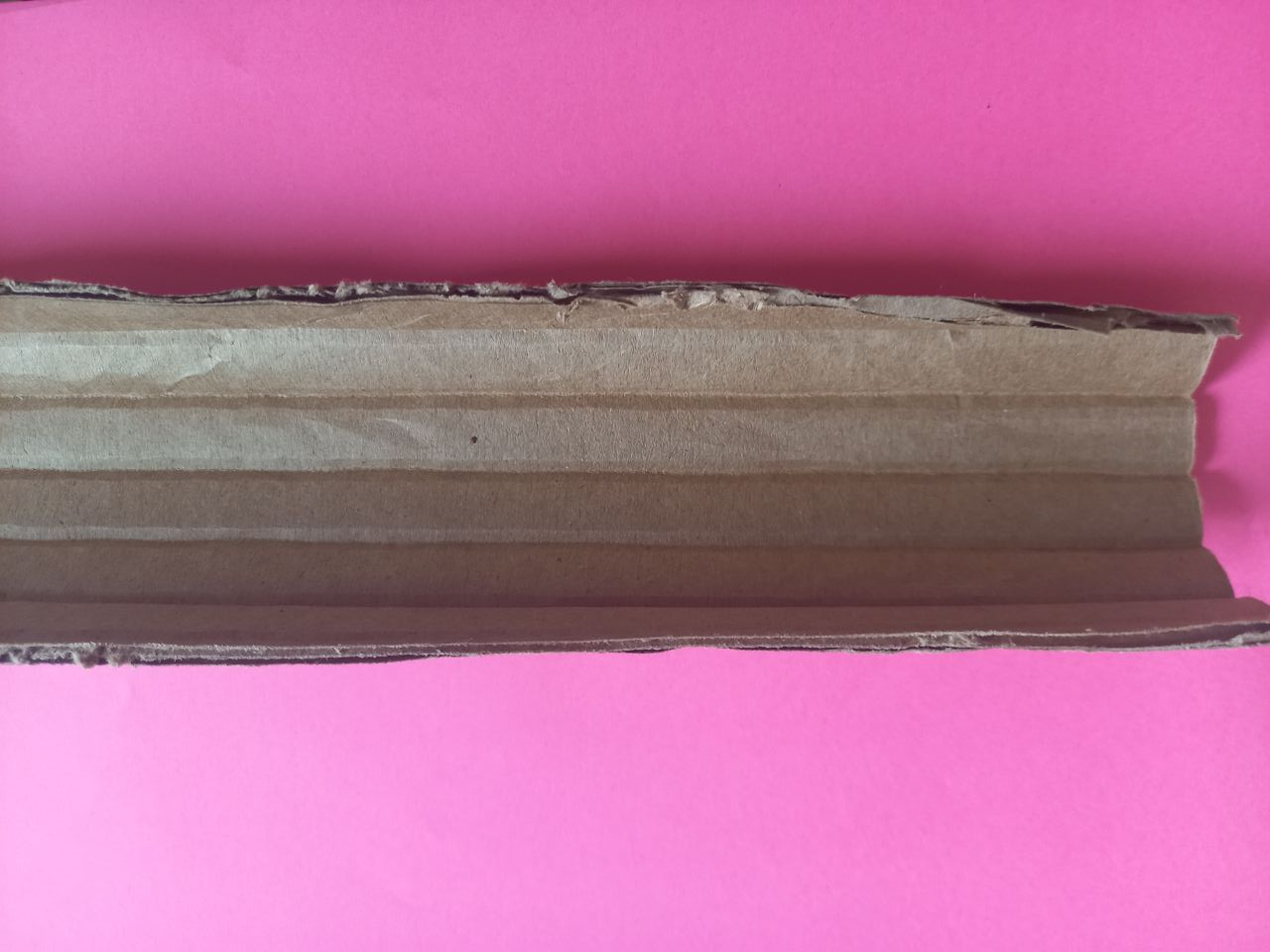
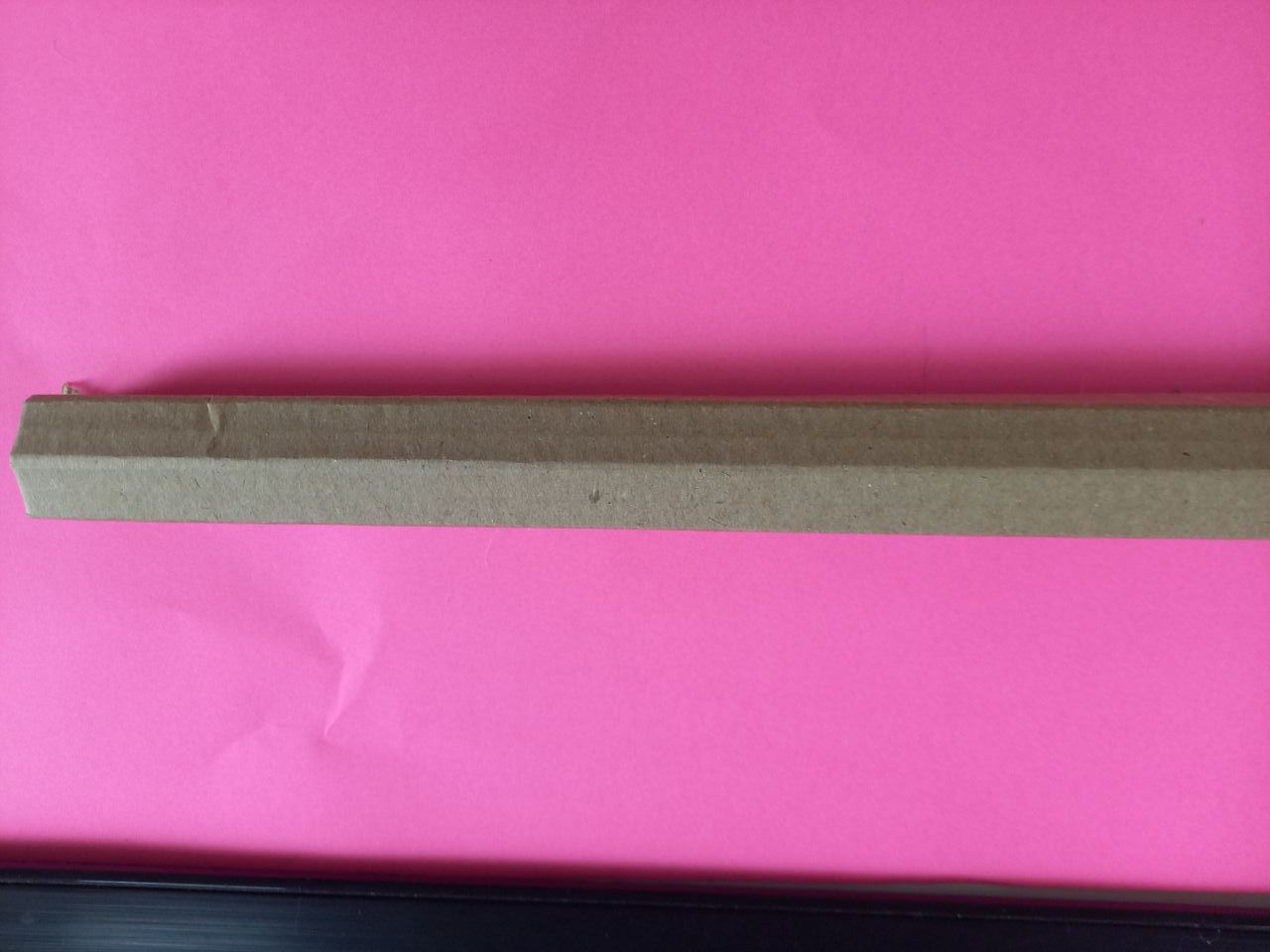
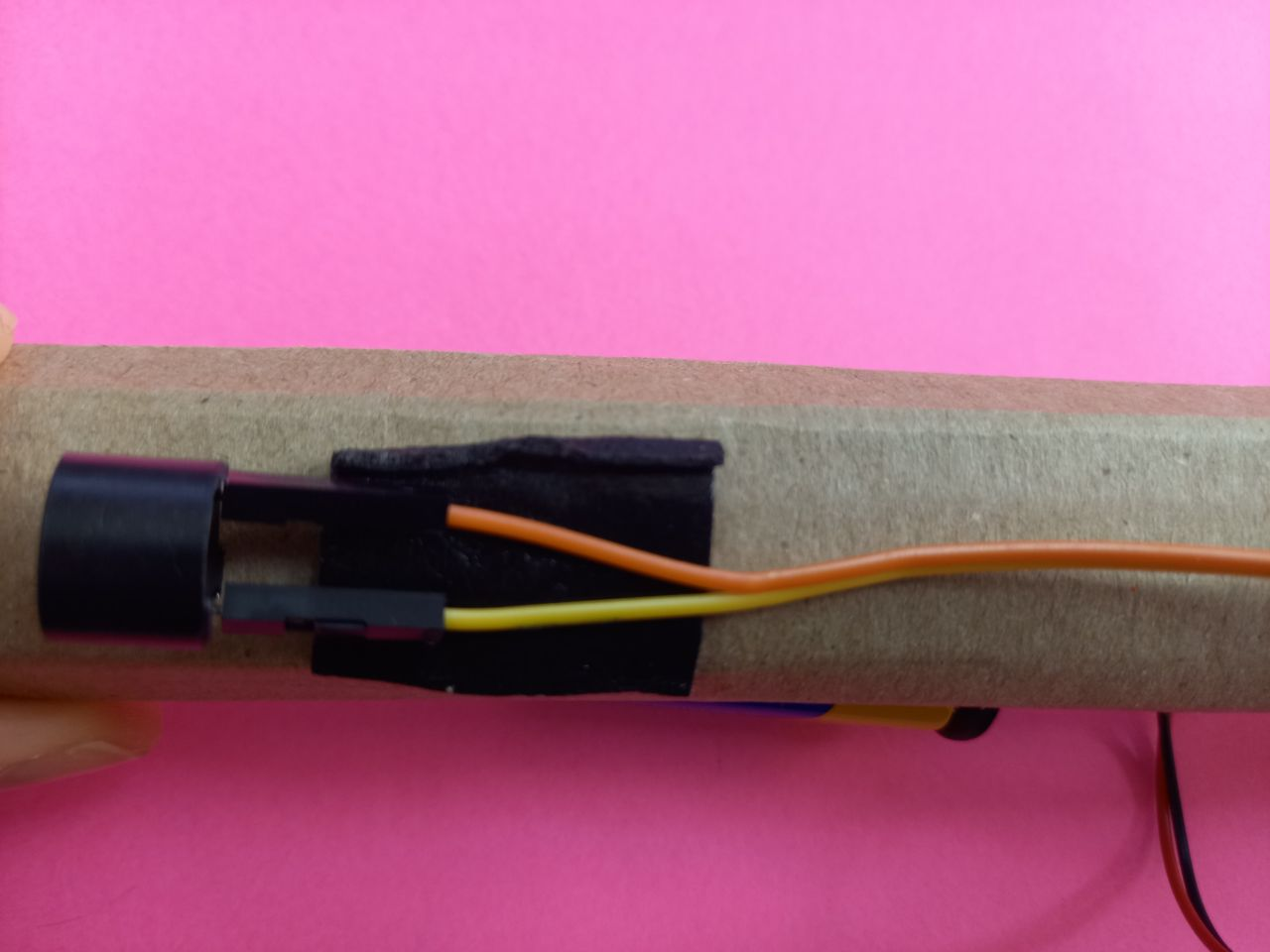
Step 3. Using double-sided adhesive tape on the end (bottom) of the cardboard ultrasonic sensor, and just above the arduino
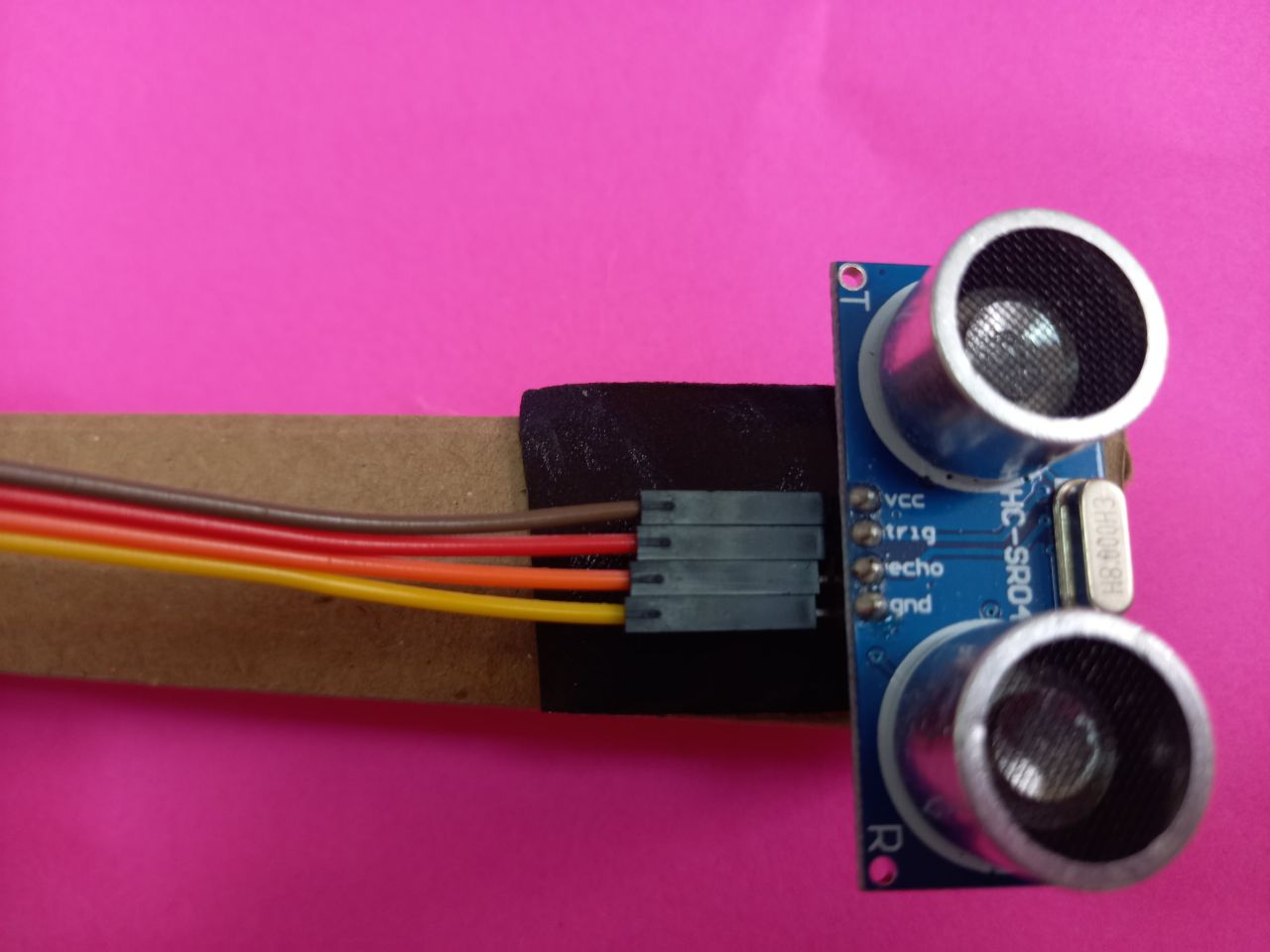
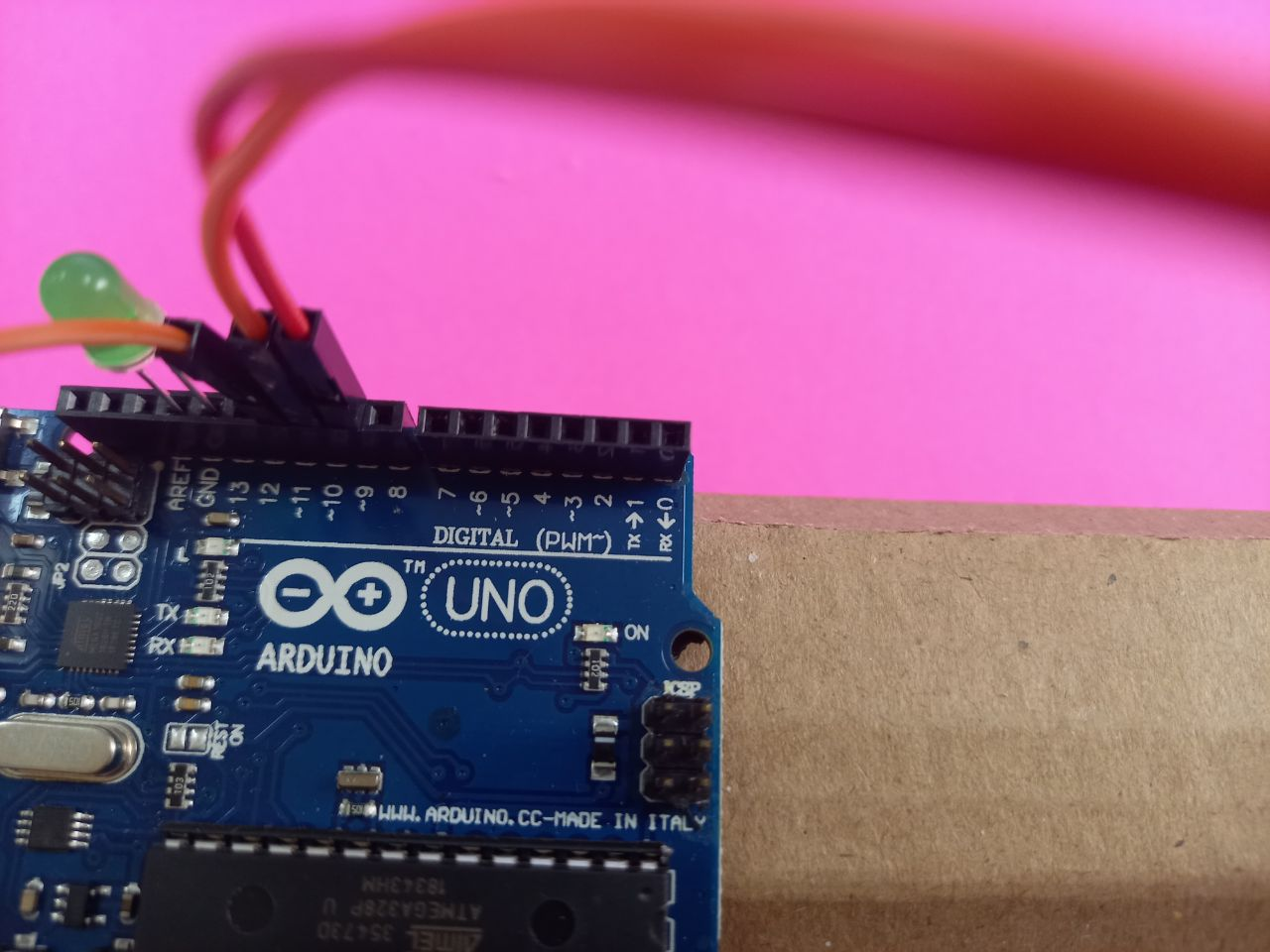
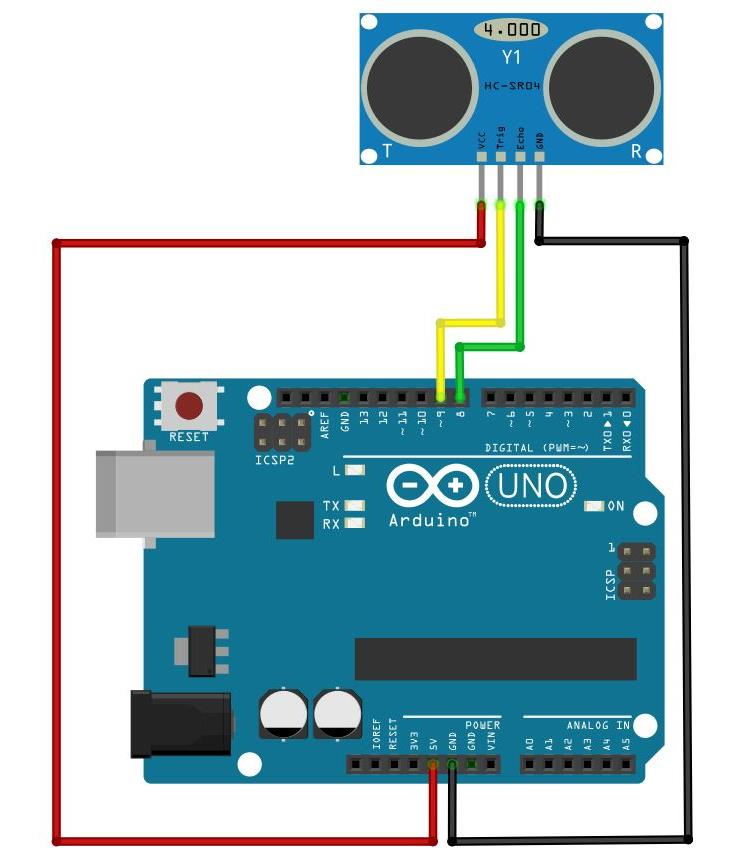
Step 4. We connect the arduino and the ultrasonic sensor with the connecting wires according to the scheme.
1) Connect the Vcc of the ultrasonic sensor to the 5V power supply on the Arduino board.
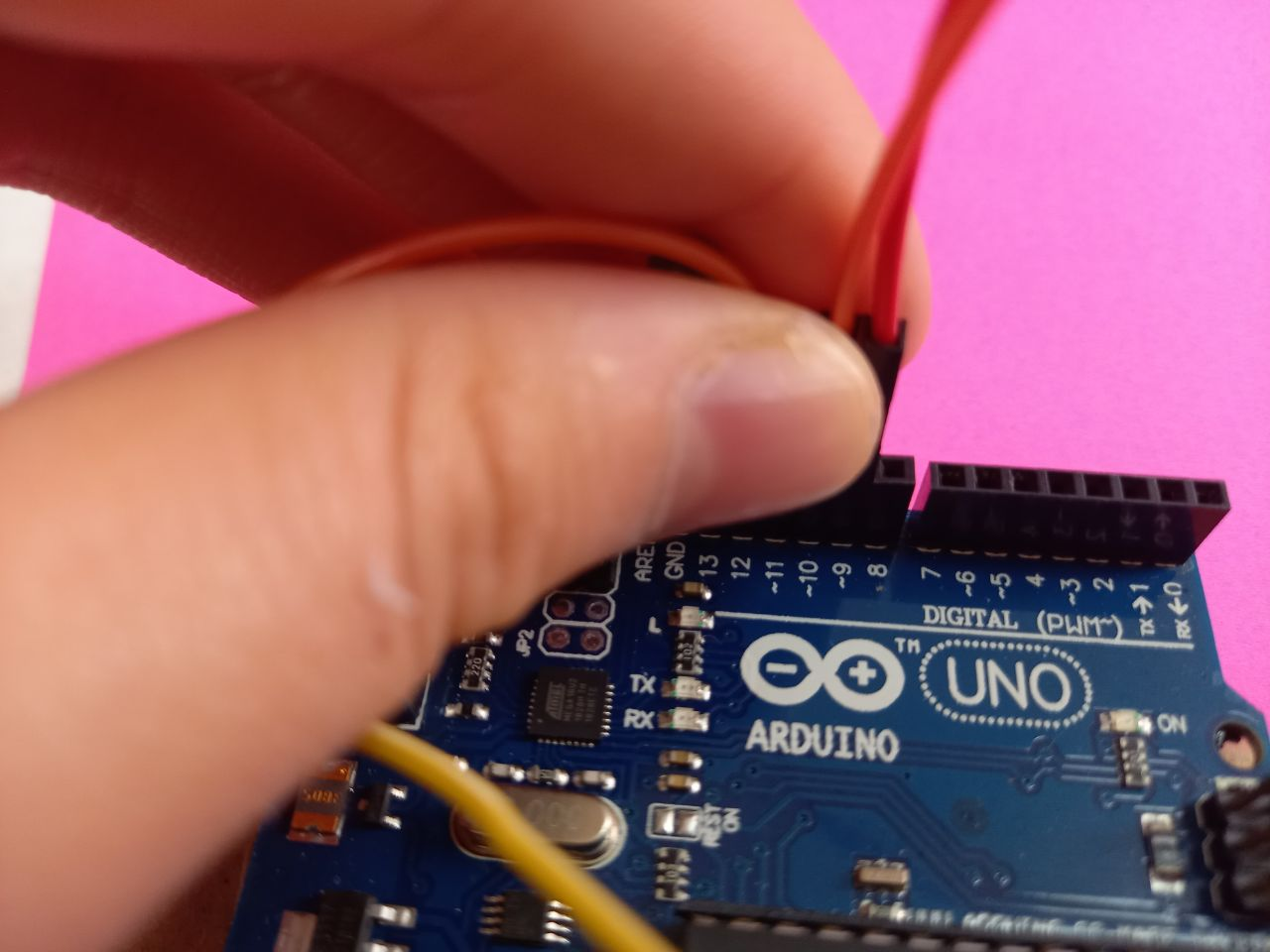
2) Connect the trigger contact of the ultrasonic sensor to the 9th pin of the digital input of the Arduino board.
3)Connect the Echo pin of the ultrasonic sensor to the 10th digital pin of the Arduino board.
4) Connect the ground of the ultrasonic sensor to the ground of the Arduino board.
Step 5. Connect the positive terminal of the DC buzzer to the 11th pin of the digital input, and the negative terminal to the ground of the Arduino board.
Connect the positive terminal of the battery to the Vin or analog output, and the negative terminal to the ground of the Arduino board. We attach the buzzer with tape to the cardboard.