Lesson 2
There are 2 fundamental ways of orienting people with visual dysfunction in space:
- Sound
Sound orientation includes, for example, sound beacons, which are a universal reference point for people with residual vision. Such beacons can be installed at intersections and crossings, in elevators, in vehicles, etc.
- Tactile
The tactile way of orienting people with impaired vision is to receive information through touch. Tactile pointers, markings, various specialized devices allow the blind to navigate in an unfamiliar place without assistance.
The practical part
Step 1. Connect the LED lamp to the Arduino
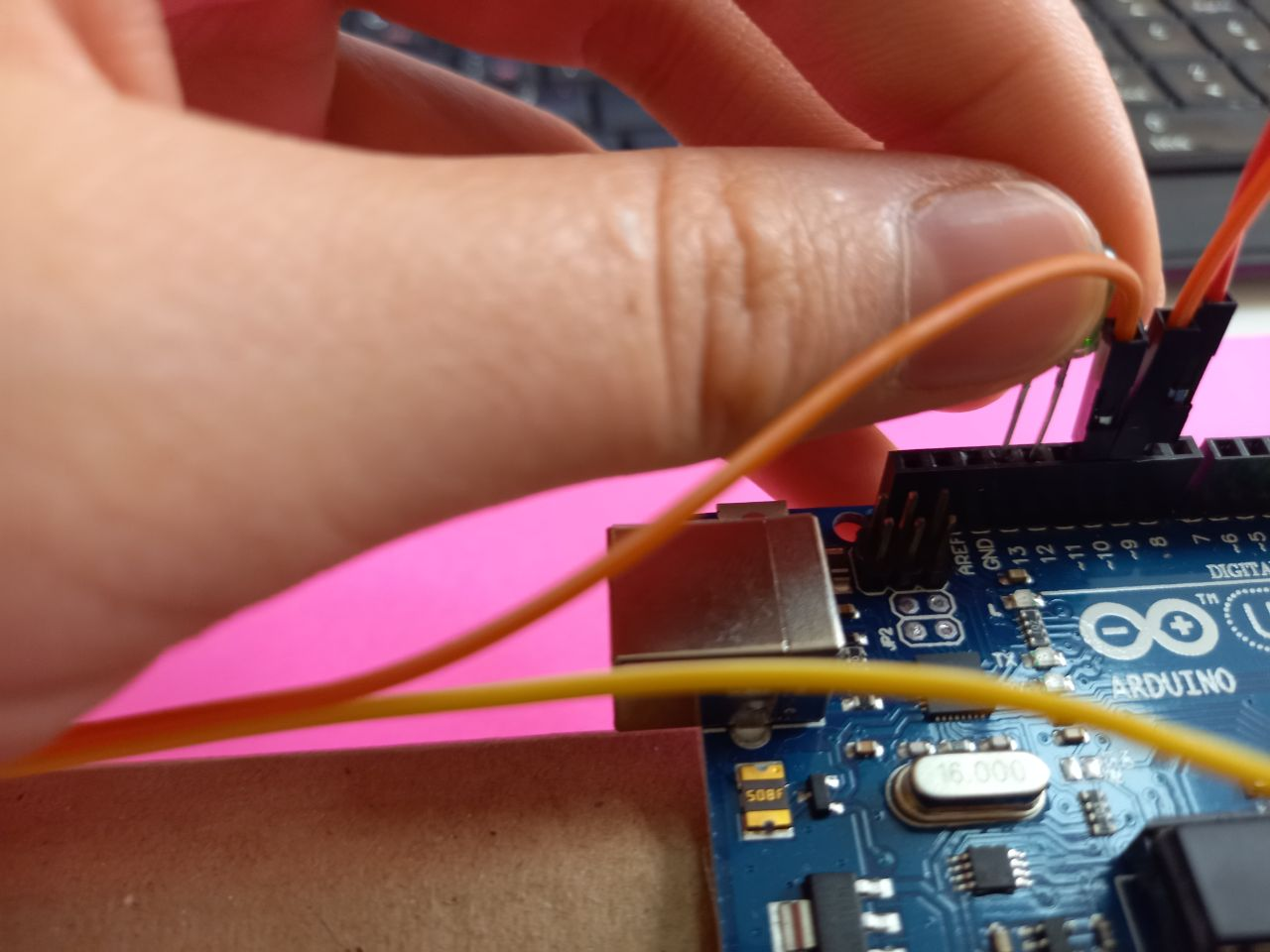
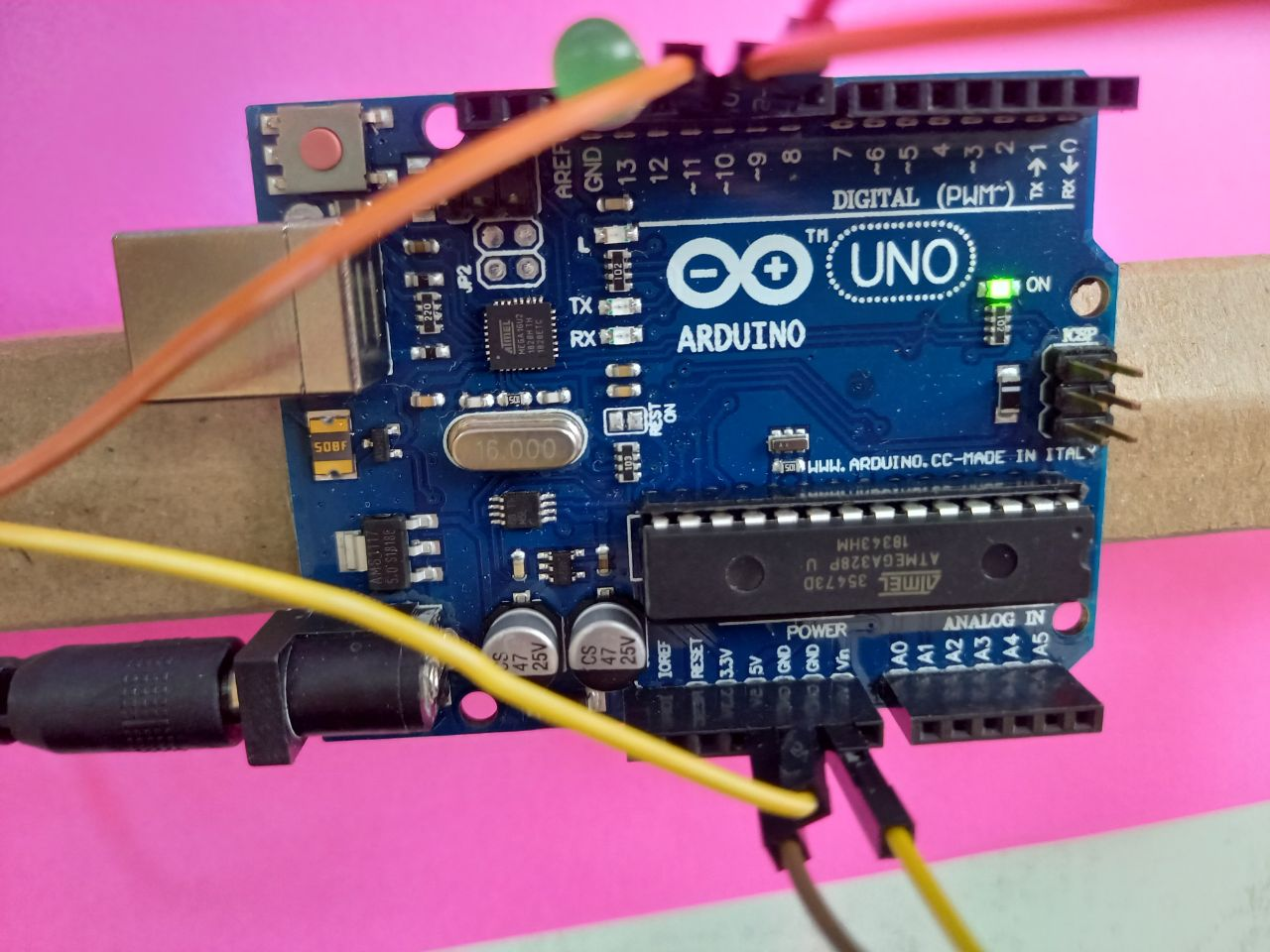
Step 2. Now we write the code. To do this, we connect the USB cable to the arduino and to the PC
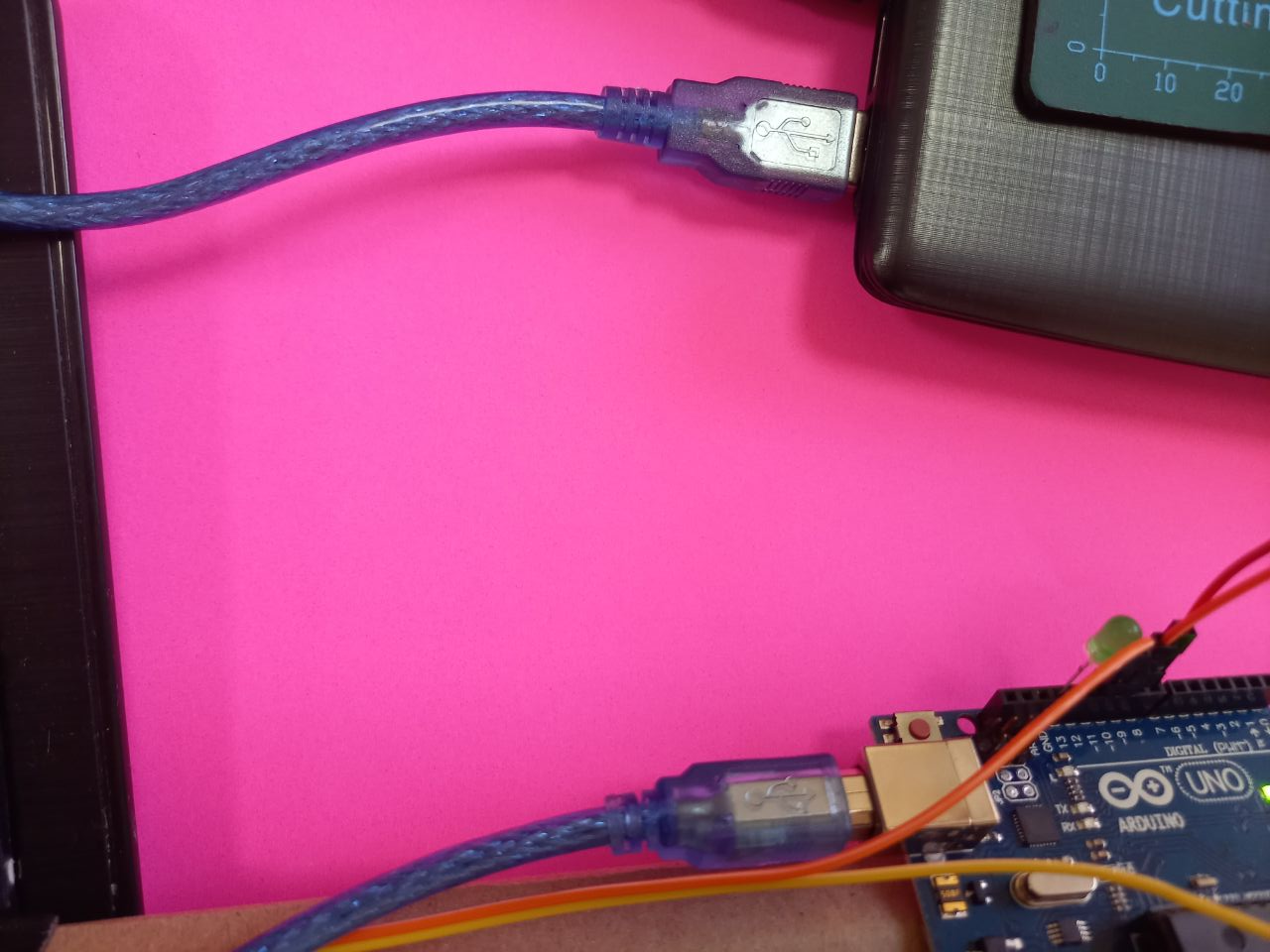
Step 3. Download the Arduino program
On the websit: https://www.arduino.cc/en/software
Download it for your PC and install
Open and write the code
const int ledPin = 13;

// defines variables
long duration;
int distance;
int safetyDistance;


void setup() {
pinMode(trigPin, OUTPUT); // Sets the trigPin as an Output
pinMode(echoPin, INPUT); // Sets the echoPin as an Input
pinMode(buzzer, OUTPUT);
pinMode(ledPin, OUTPUT);
Serial.begin(9600); // Starts the serial communication
}


void loop() {
// Clears the trigPin
digitalWrite(trigPin, LOW);
delayMicroseconds(2);

// Sets the trigPin on HIGH state for 10 micro seconds
digitalWrite(trigPin, HIGH);
delayMicroseconds(10);
digitalWrite(trigPin, LOW);

// Reads the echoPin, returns the sound wave travel time in microseconds
duration = pulseIn(echoPin, HIGH);

// Calculating the distance
distance= duration*40/2;

safetyDistance = distance;
if (safetyDistance <= 5){
  digitalWrite(buzzer, HIGH);
  digitalWrite(ledPin, HIGH);
}
else{
  digitalWrite(buzzer, LOW);
  digitalWrite(ledPin, LOW);
}

// Prints the distance on the Serial Monitor
Serial.print("Distance: ");
Serial.println(distance);
}
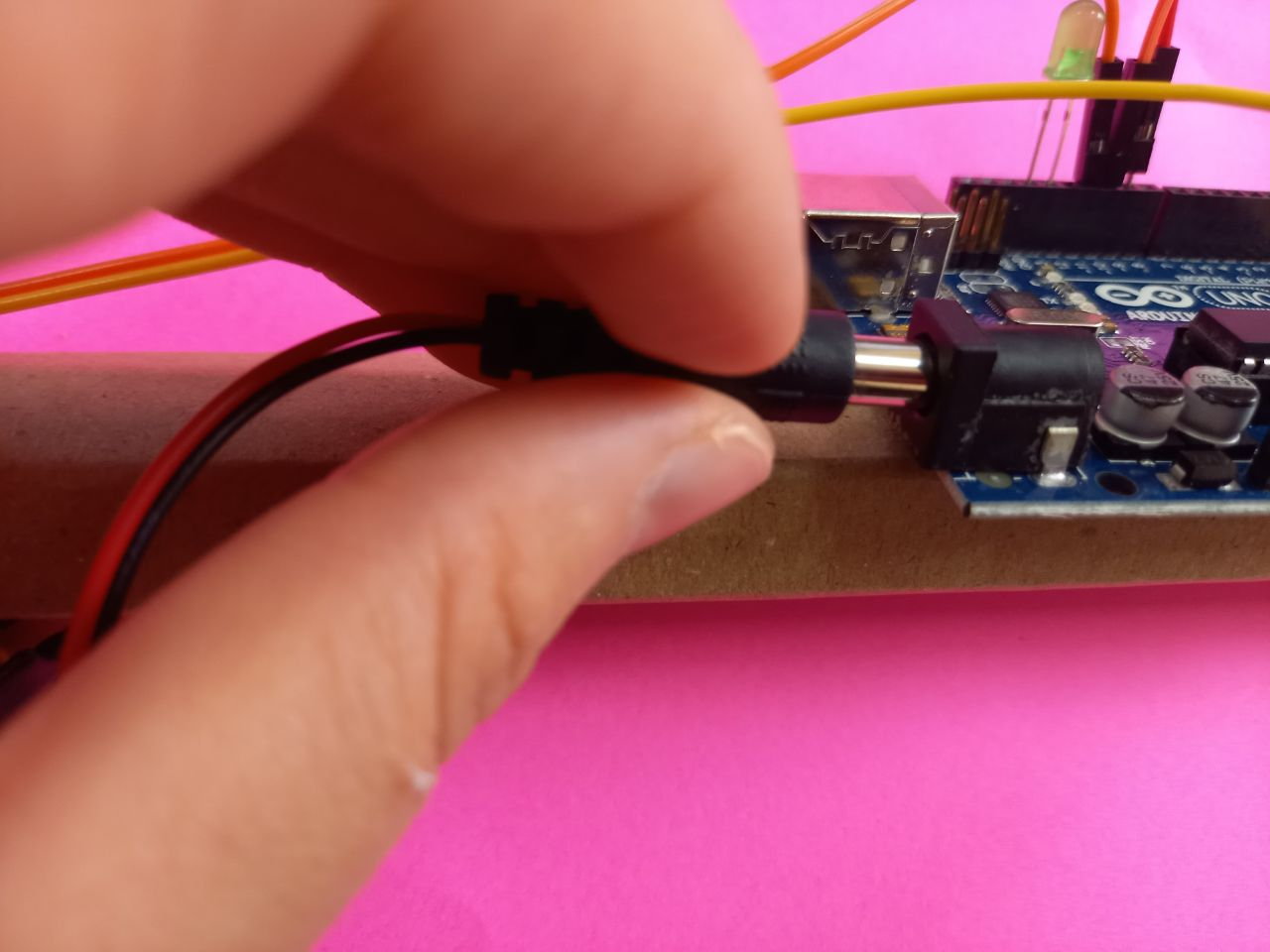
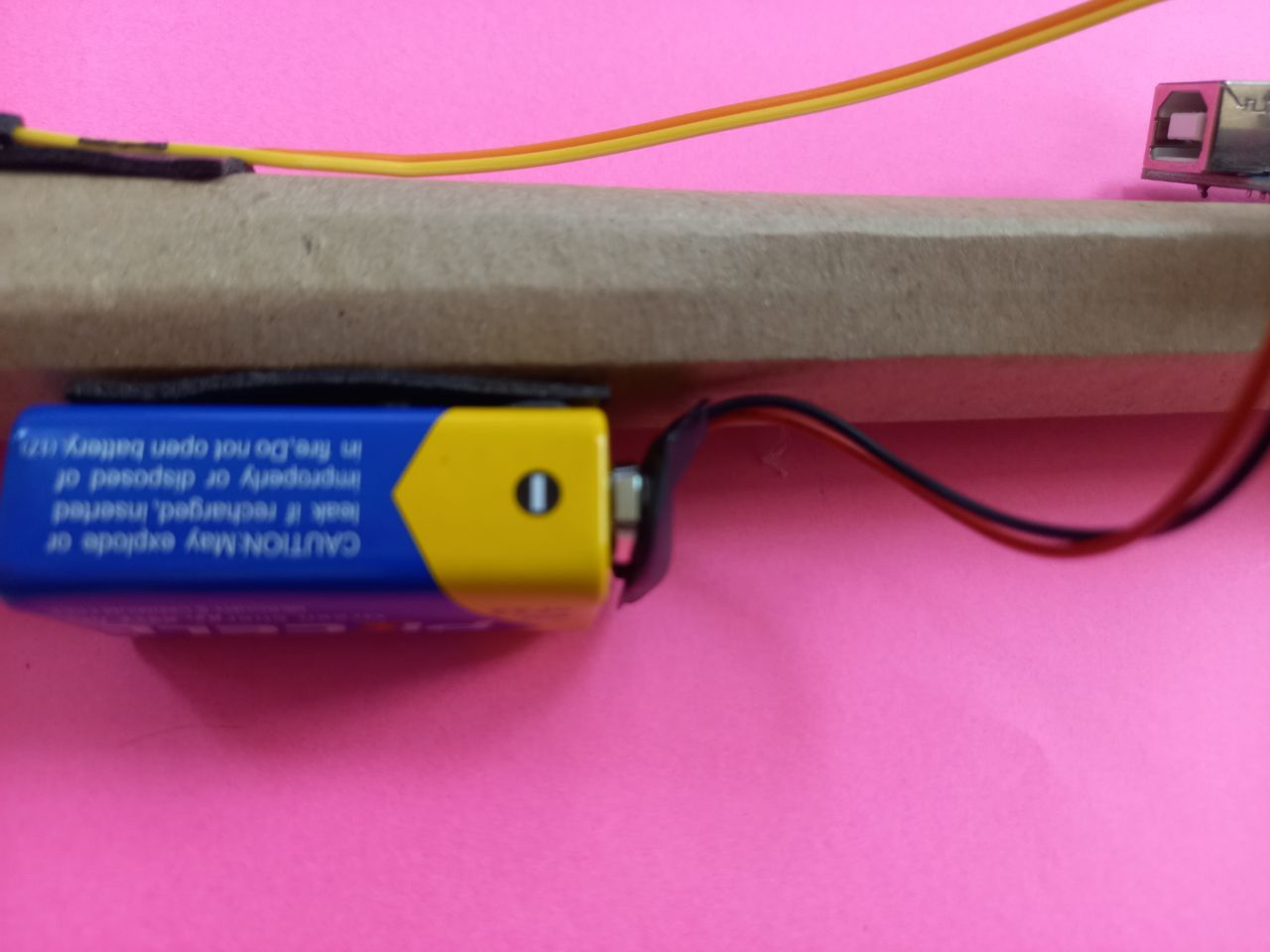
Step 4. After writing the code, go to the Tools, then find and click the word Port and select your arduino model. After we have sent the code to the arduino, we remove the cable from the arduino and connect the battery with a power source to the arduino. We attach the battery itself to a cardboard cane.